How to change the colors of a pattern overlay in Photoshop
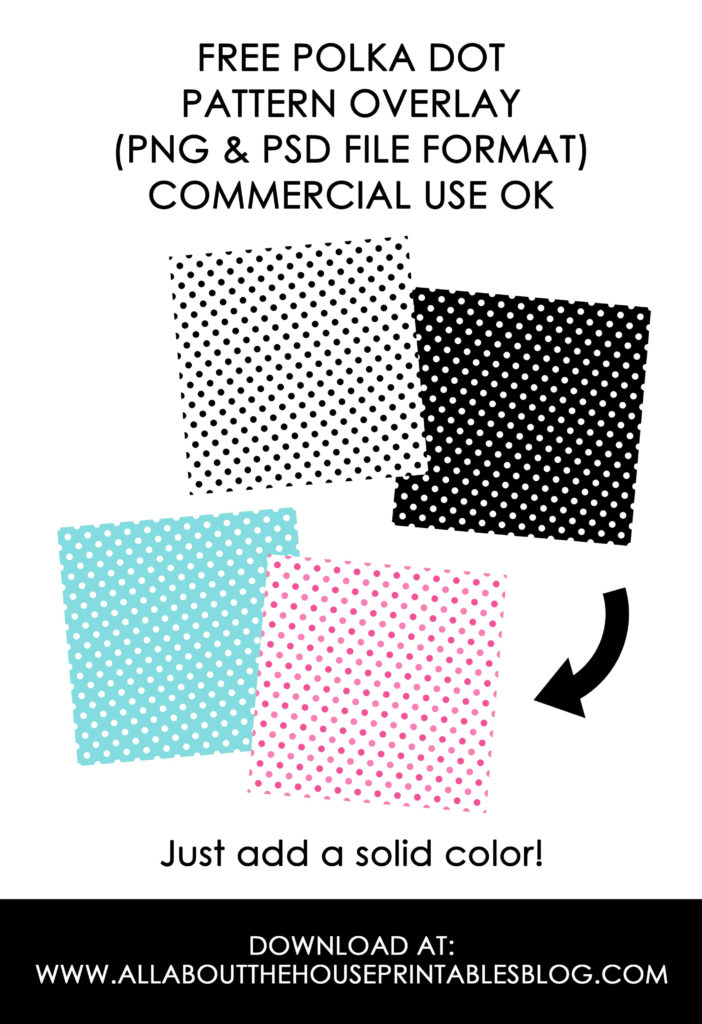
In today’s tutorial I’m showing you how to change the colors of a pattern overlay to make a pattern white, create custom color-ways, or so you can use the pattern to make your own products (e.g. using Zazzle).
Pattern overlays give you the flexibility to create:
- Custom color-ways
- 1, 2, 3, 4, etc. color patterns
- Choose colors that complement other products you already have in your shop
- Use your brands colors
- Create products in custom colors for your customers
- Etc.