

Thinkers Notebook Review (Discbound notebook and app + my first time using it)
I’m always looking for new discbound planners to try so when the creator of the Thinker’s Notebook contacted me about doing a review I said YES.
Disclaimer: I received a copy of this notebook for free in exchange for this review. As always, all opinions are my own.
Quick Facts
- Black poly material for the front and back covers
- 6” wide x 9” high
- Silver disc binding (0.6″ / 1.5cm diameter rings)
- Bright white paper
- 100 double sided pages – 50 dot grid pages (0.25″ / approx 6mm spacing) and 50 lined pages (just over 0.25″ / around 7mm spacing)
- 100 GSM paper
Price: $24.95 USD + shipping ($20 USD on sale at the time of writing this).
100 Page Refill packs (50 dot grid + 50 lined) are available for $9.95 USD
5 pack notebook bundle on sale for $74.95 USD
Let’s take a closer look!
To enlarge the screen of the video, click the square icon in the bottom right hand corner of the video (it will say ‘full screen’ when you hover your mouse over the icon).
Subscribe to my YouTube channel for more planner videos!
The Cover
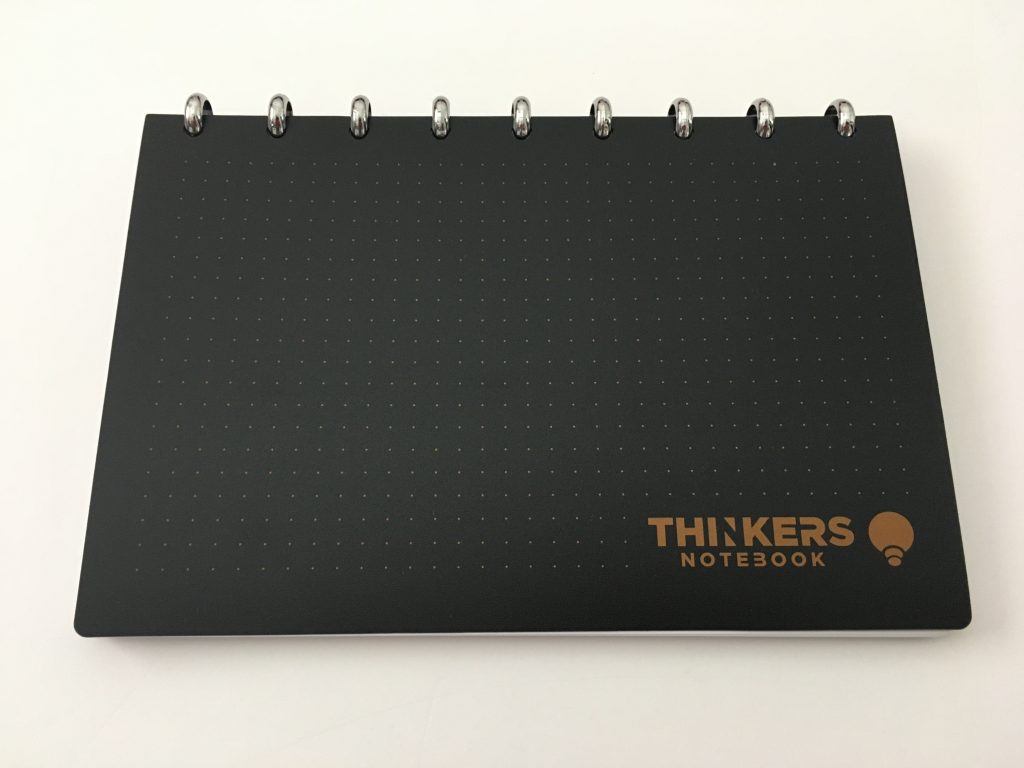
The cover is that typical poly bendy but sturdy material that I’ve seen on a few other discbound notebooks (e.g. the TUL, ARC)
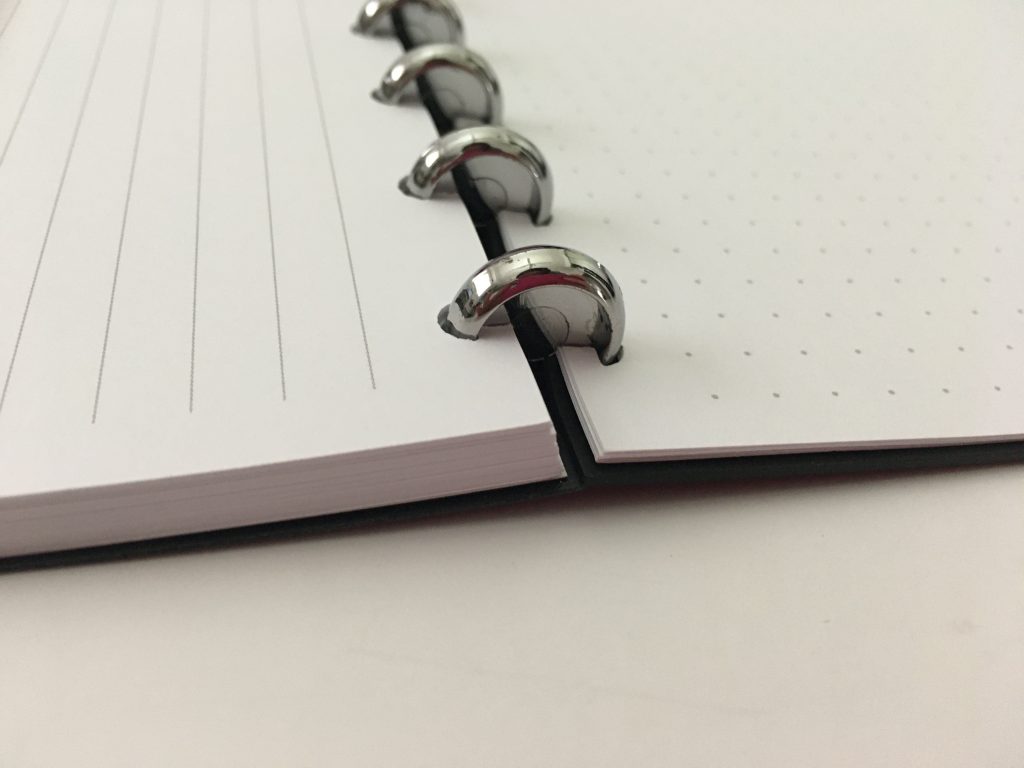
The discs are 0.6″ / 1.5cm diameter
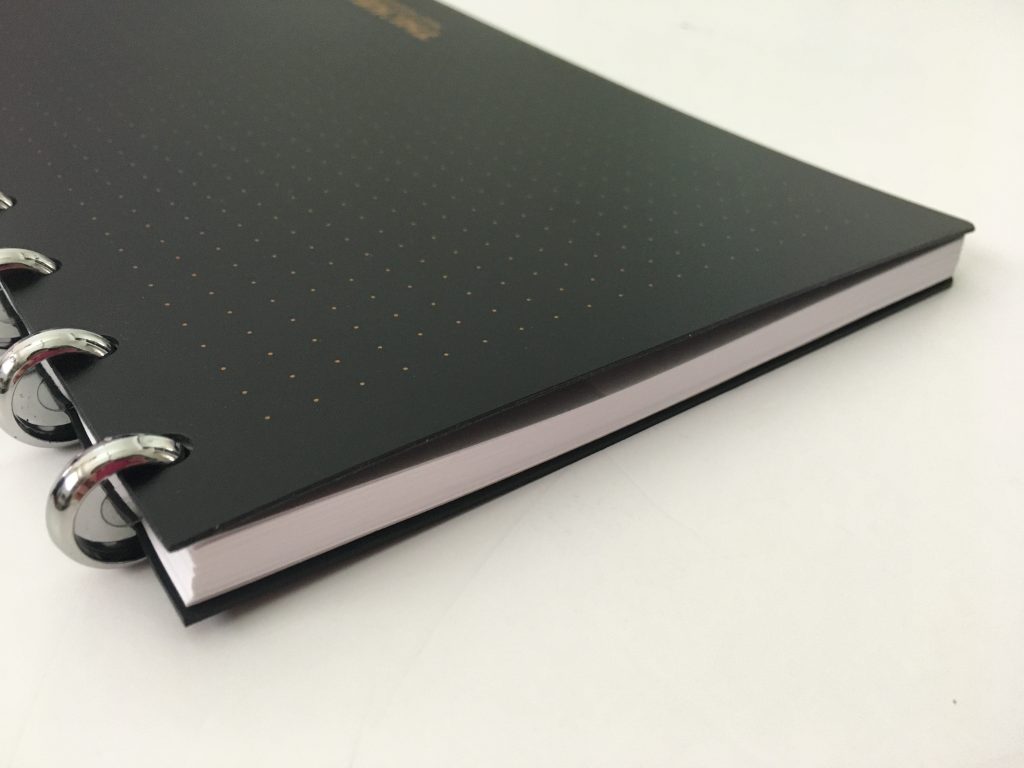
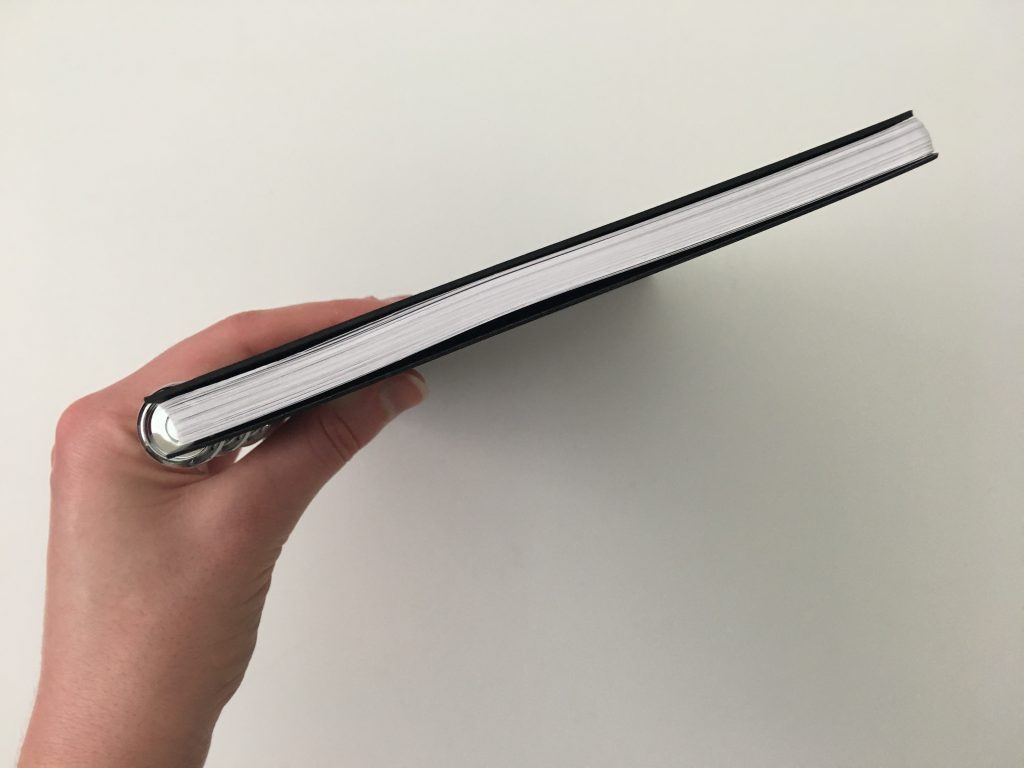
Approx 0.35″ / 9mm thick
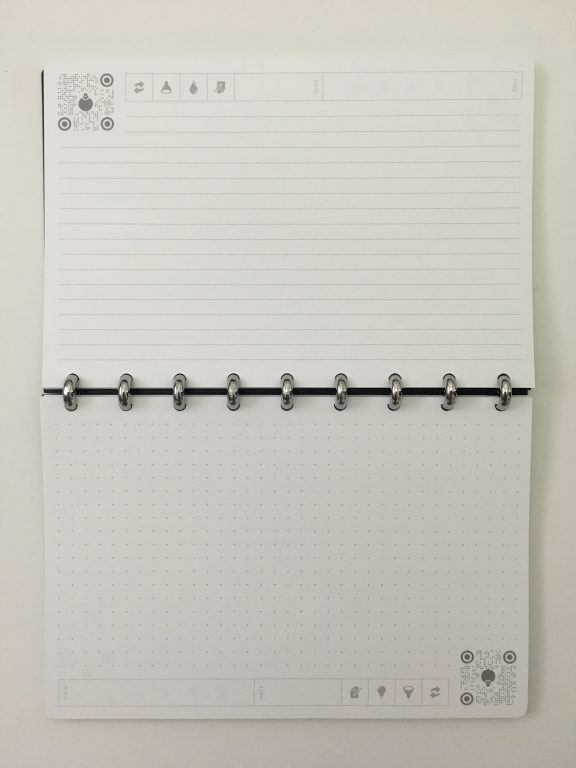
There is both lined and dot grid pages. The dot grid pages have the lined printed on the back x 100 pages (so in total there are 50 dot grid and 50 lined). I do wish the pages were clustered together (so dot grid printed on both sides, lined printed on both sides).
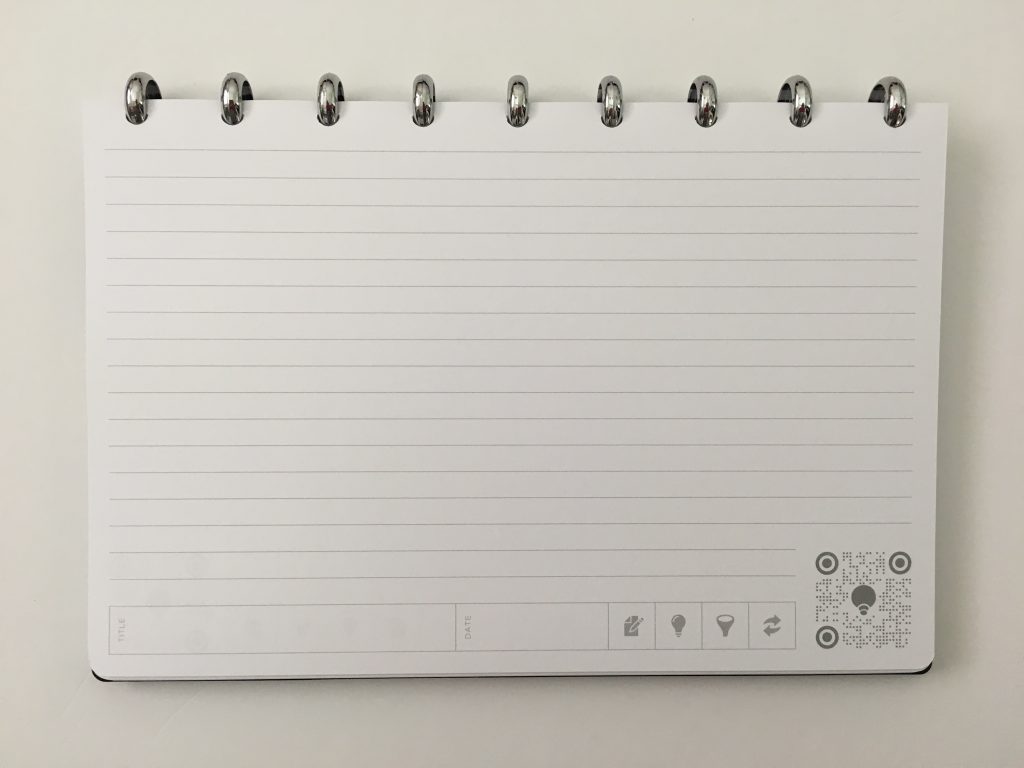
The line spacing is just over 0.25″ / around 7mm spacing
The dot grids have 0.25″ / approx 6mm spacing)
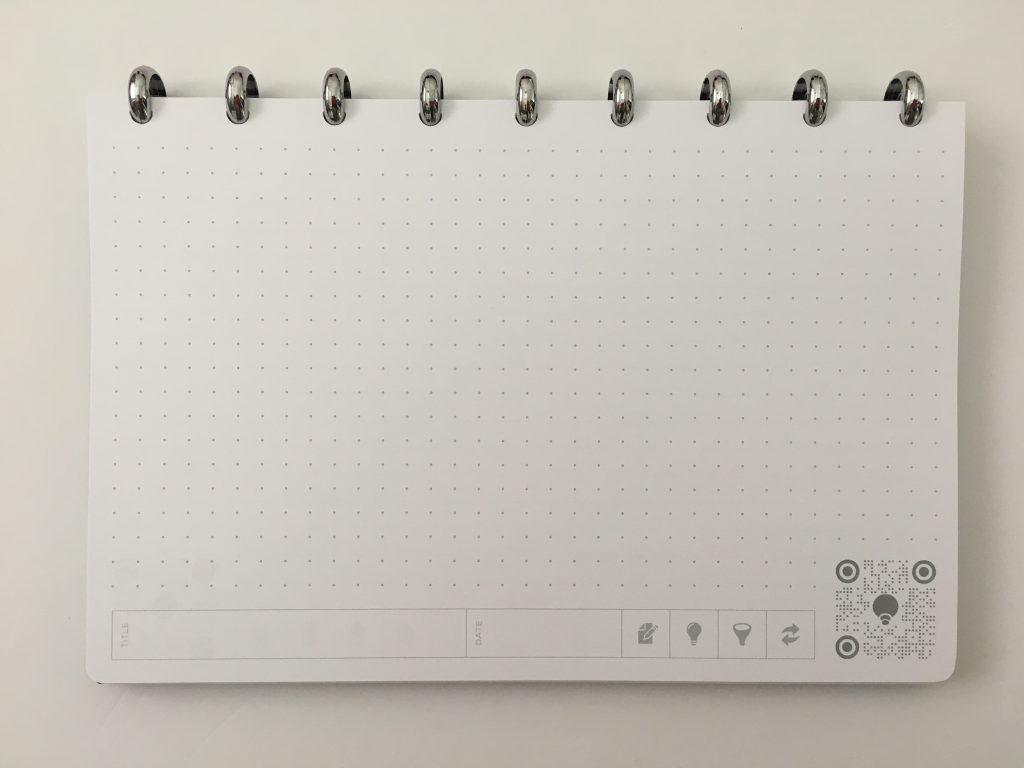
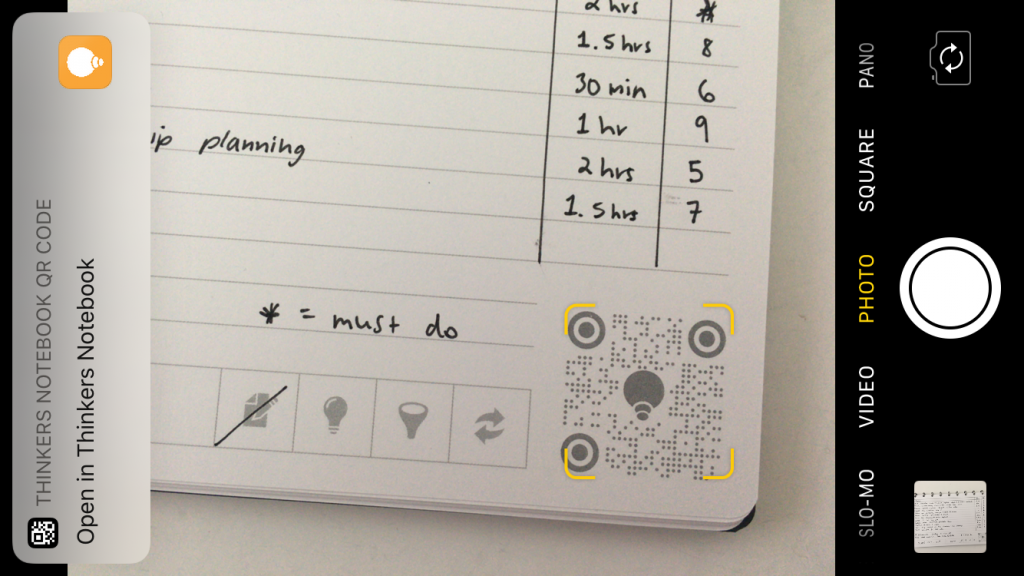
The main thing that’s different about this notebook is that it also has a free app. The bottom corner of each page has a QR code. If you hover your iPhone over the page it’ll recognise the QR code and you can take a screenshot of the page and store it in the app.
I’ll show you how I used the app with my weekly spread later in this post.
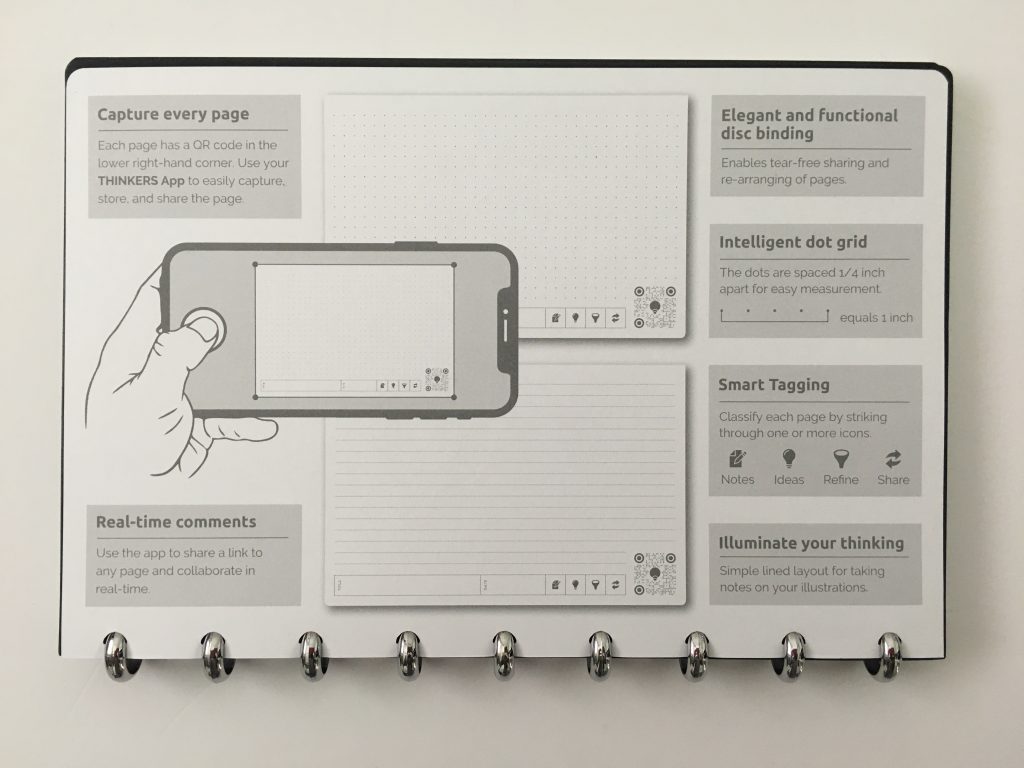
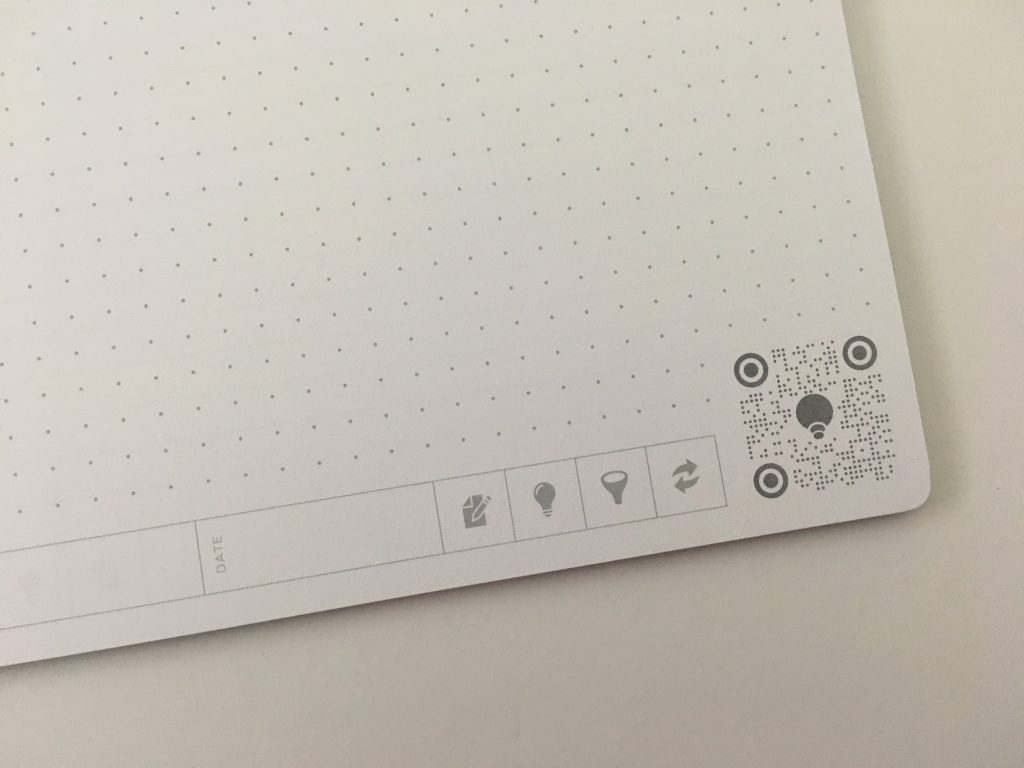
I don’t like how the QR code scanner square cuts into the pages so the last 2 rows of dots and lines are shorter than the rest of the page.
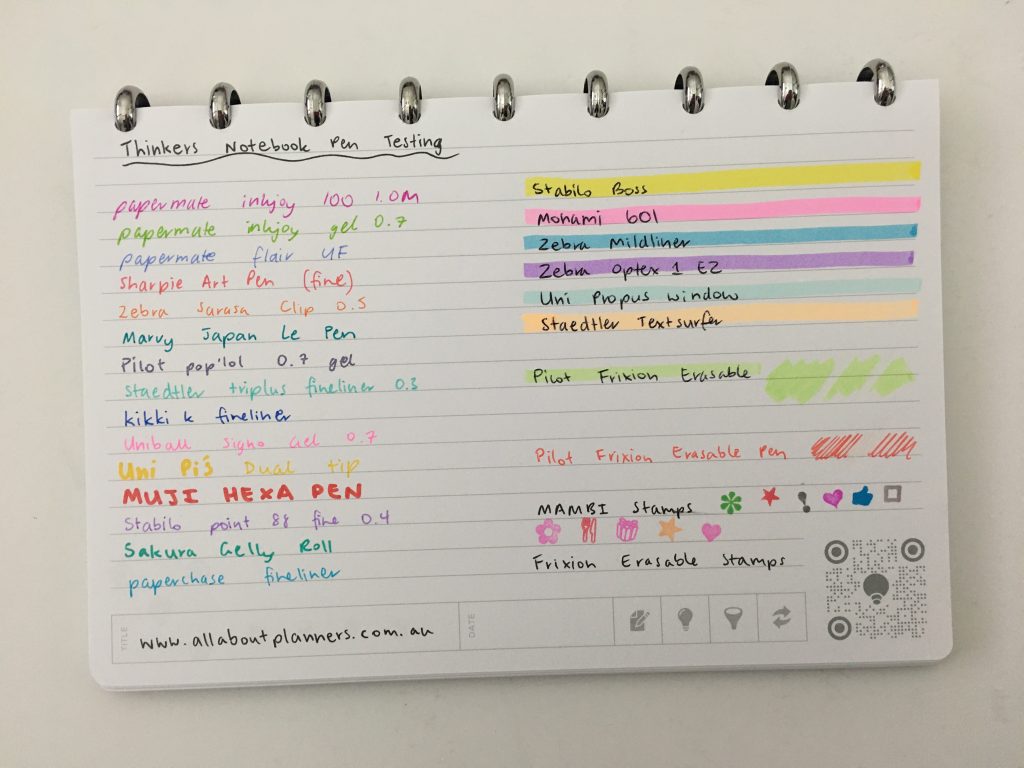
Pen Test
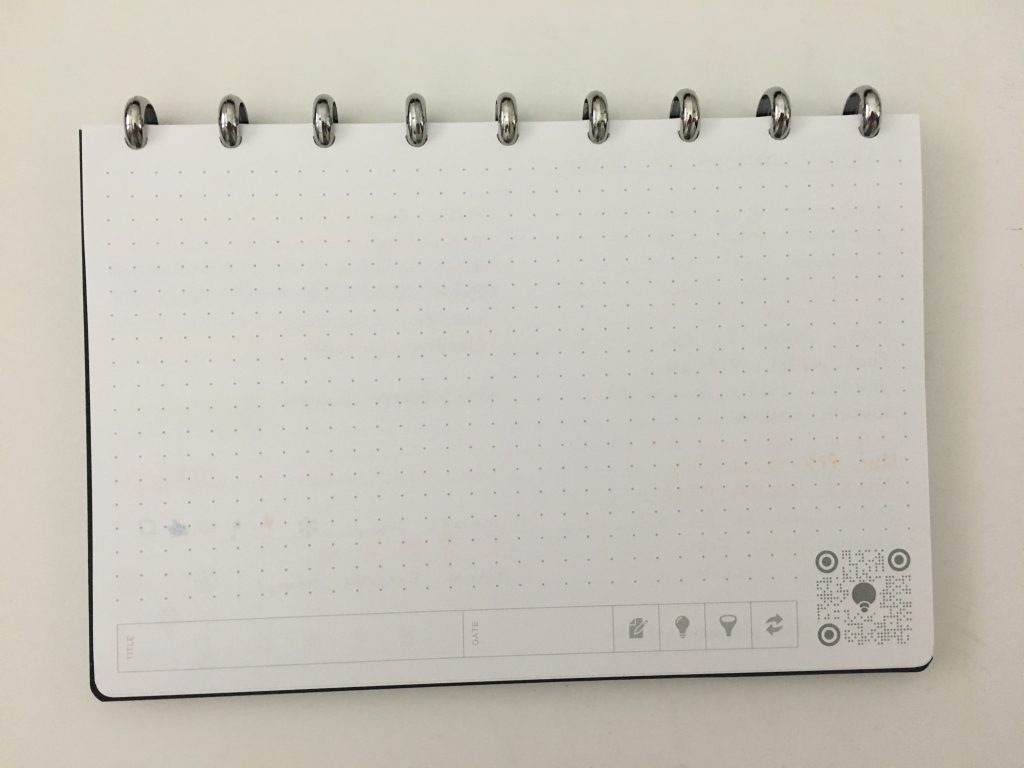
There was a bit of ghosting for the thicker pens and highlighters but otherwise the paper was pretty good.
Let’s try it out
Starting out with just black pen but of course with me that never lasts long…
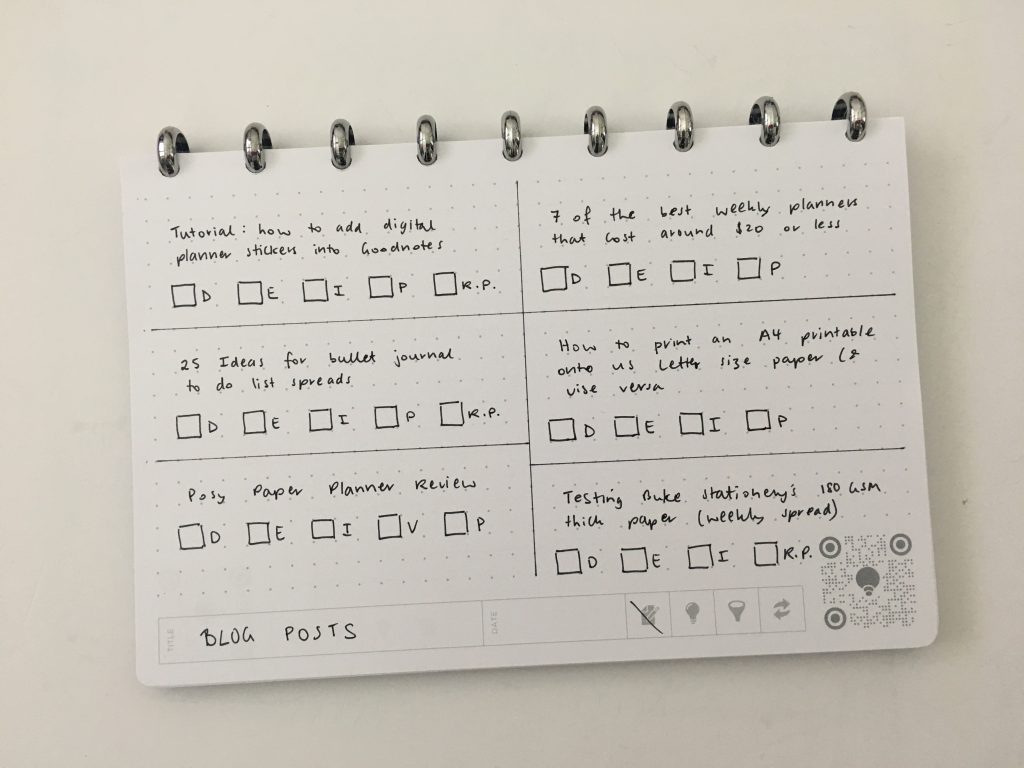
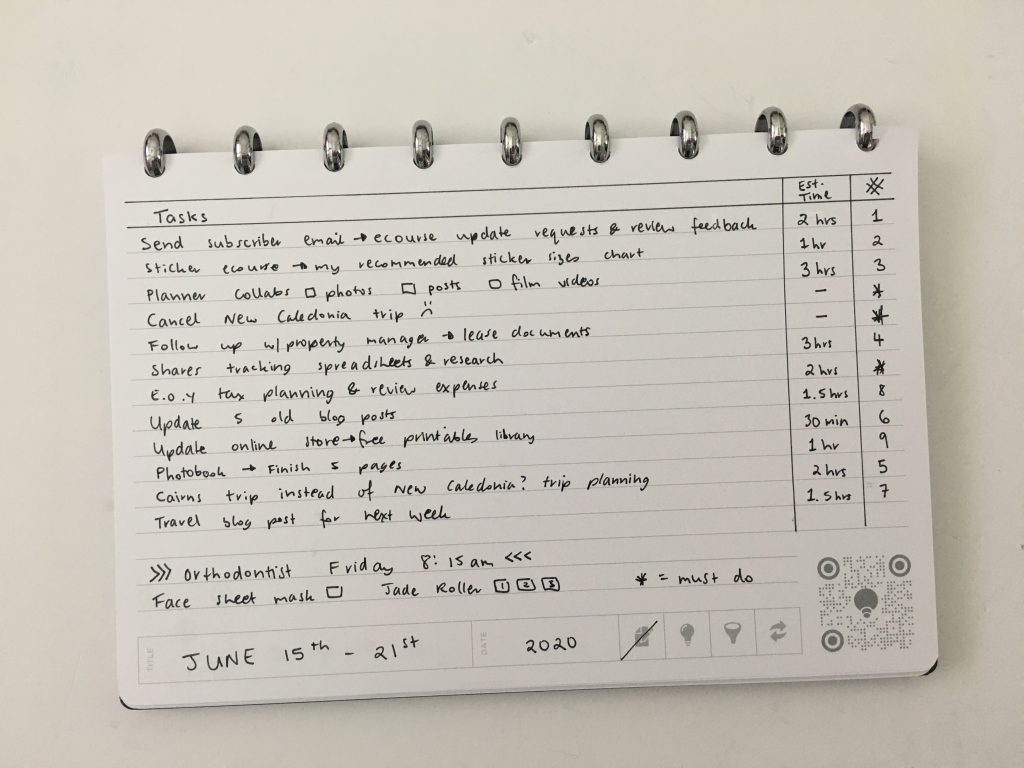
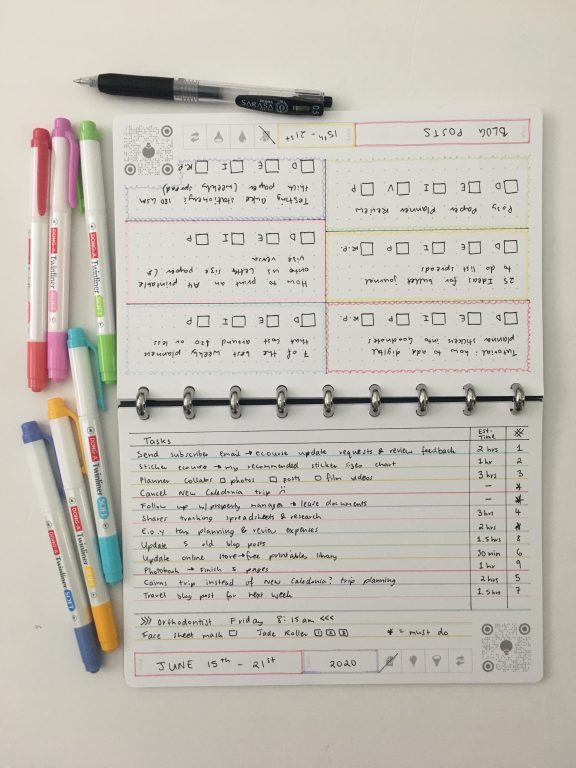
I wanted to see if it mattered what type of planning tools you use and if it interfered with the scan in function / app integration so I tried highlighters and striking the category to the left and right. I was going to use highlighter pencils too but thought it might be a bit overdone so went with what I’m calling ‘minimalist highlighting’ instead.
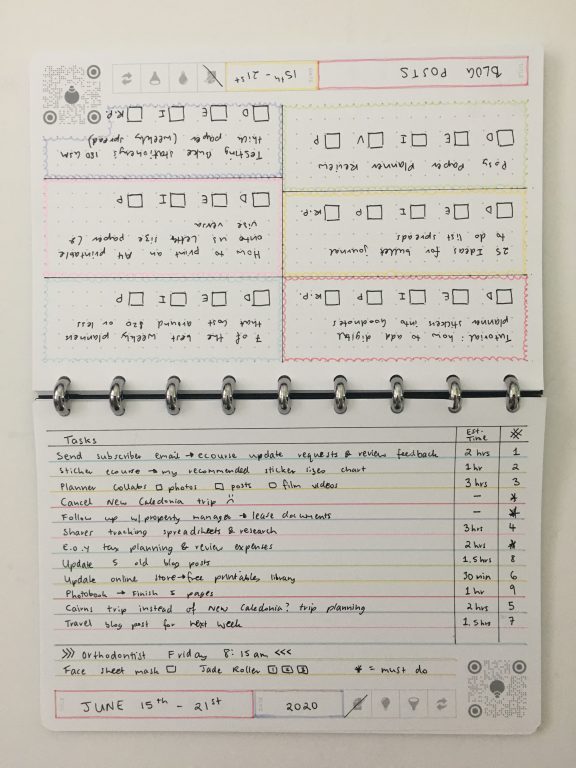
I wanted to add some color to this page but didn’t want to use highlighters over the tasks as I don’t know of any that are fat enough without leaving some white space at the top (between the lines). So instead I opted to underline. It looks good but make sure you don’t highlight too close to the lines. The highlighters I used started to pick up the black ink and changed the color to brown / grey (scribbling on some scrap paper gets the original color back).
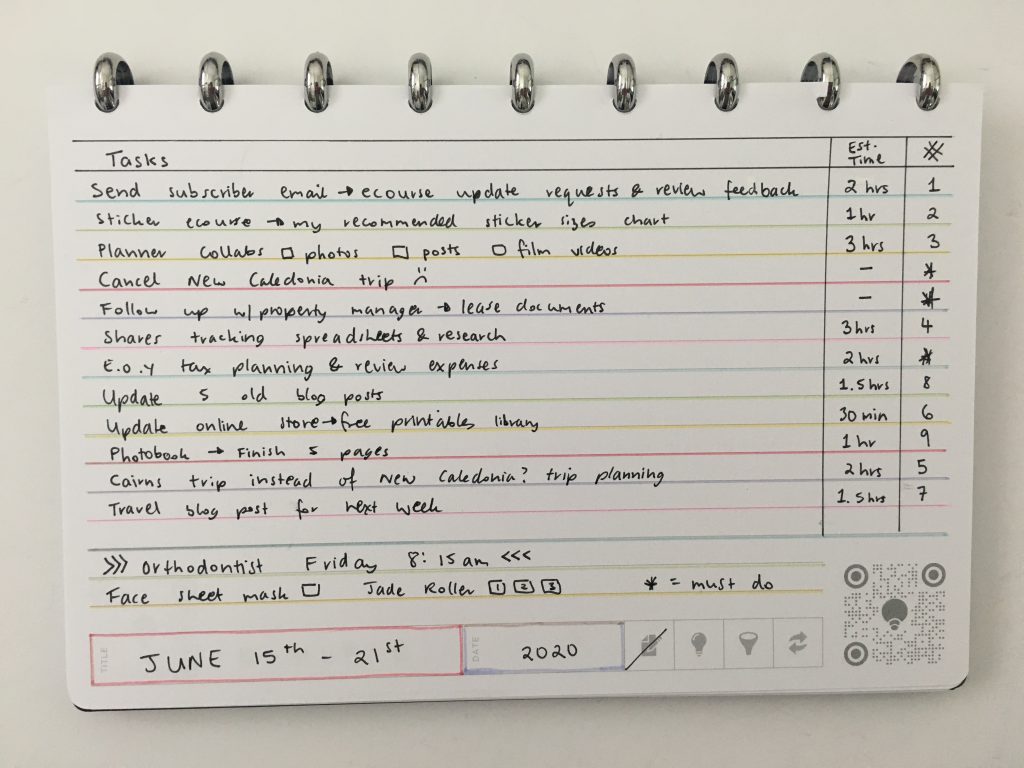
Supplies Used
- Zebra Sarasa black pen (ink never skips and the black is nice and bold)
- DONG-A Twinliner soft dual tip highlighters (like a cheaper alternative to the Zebra mildliners – more details in this post).
- Poppin ruler (heavy so stays in place when ruling lines)
Trying out the app
I used to take a photo of my spreads to take with me but since I really only need to plan what I’m doing when I’m at home I don’t need to take my planner or refer to it when I’m at my day job.
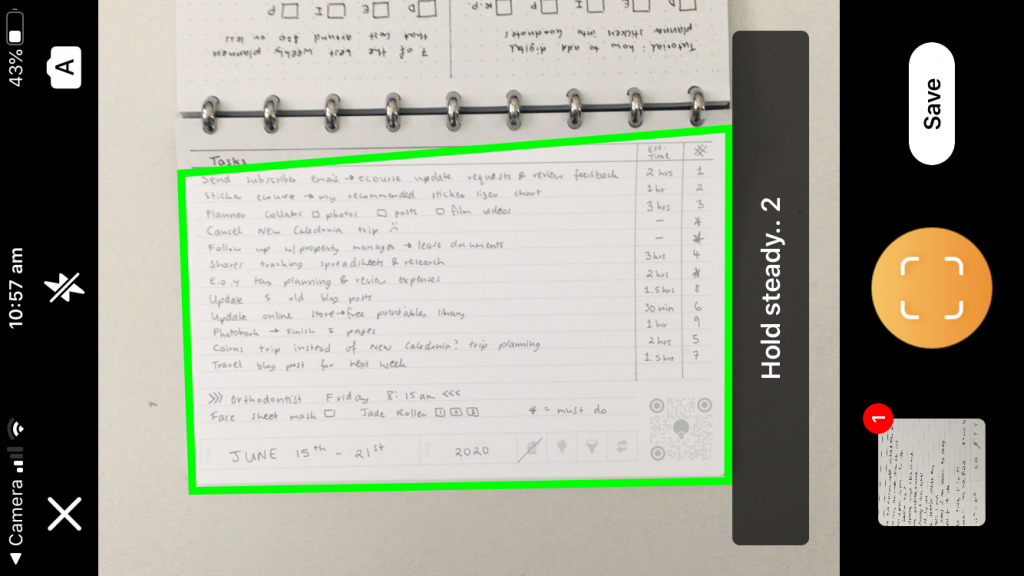
The accuracy of the app is spot on, it completely crops out any background. But other than that… I don’t see a really difference between just taking a photo and adding it to an album or texting / Facebooking it to whoever you need to. I think this app / function would’ve been very cool a few years ago but I don’t think there’s much need for it nowadays except in a corporate setting to share meeting notes or signed pages of a Contract (especially with clients) while on the go instead of waiting to scan the page when you’re back in the office.
- Download the app from the app store
- Place the notebook on a black background
- Wait for the green border around the page and then it automatically took a screenshot of the page
- Click the save in the bottom right corner which will bring up the preview screen
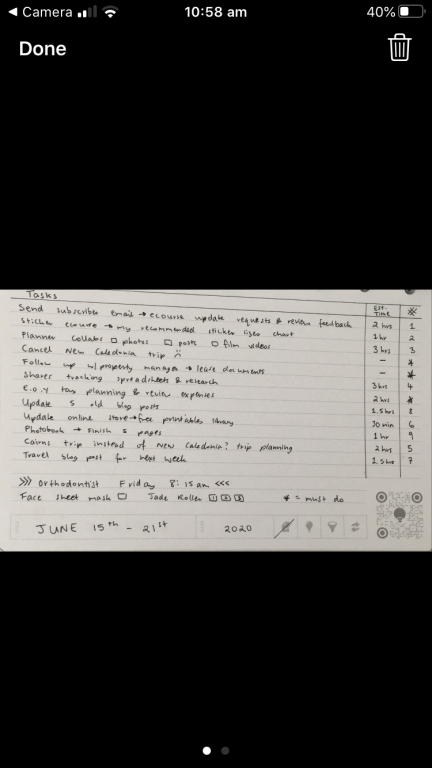
Even if the page is straight and you’re holding the phone straight, I found it has a tendency to capture the page crooked:
 .
.
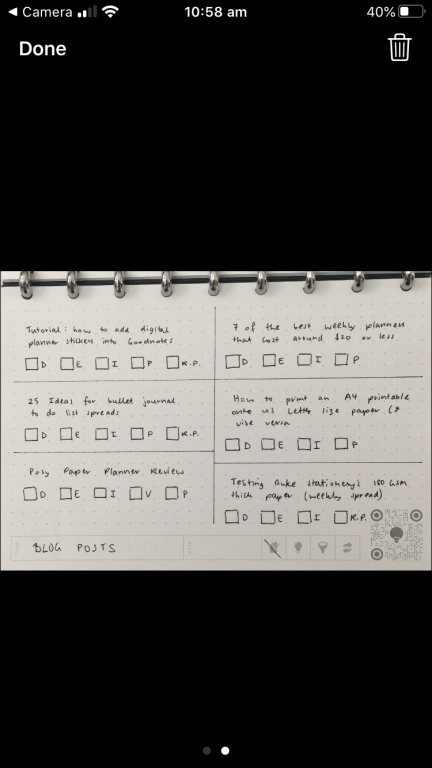
Once you’ve scanned the page you can choose if you want to save it as the original, in color (which just made it bright white), black and white (which makes it look like a scanned page) or greyscale (which I wouldn’t recommend as it makes what you’ve written harder to read.
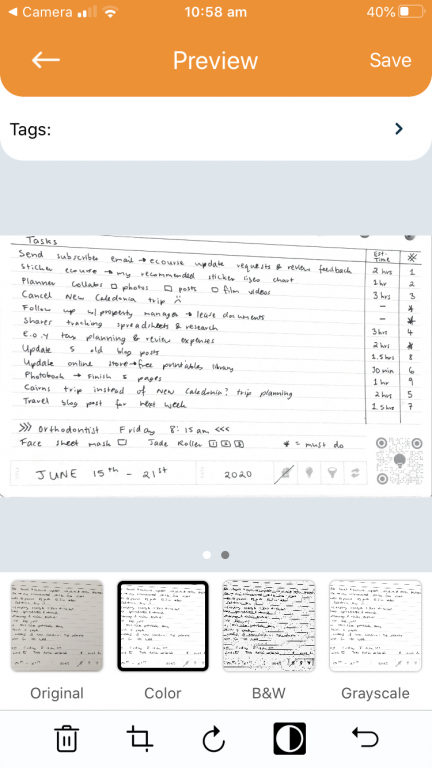
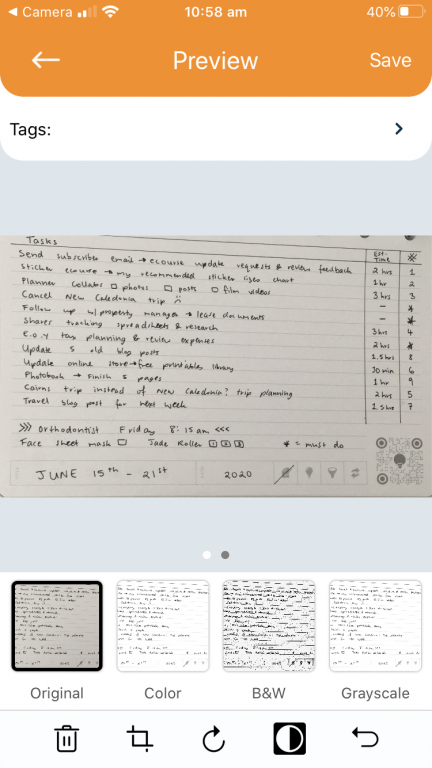
Doesn’t matter what page orientation I placed the page, it seems to want to rotate it so that it’s landscape page orientation but stored portrait ways (i.e. small)
I think the app is more complicated than it needs to be – it takes too long / too much effort. If I need to file notes or share them with someone I’d just take a photo on my phone and send it to them, or store it in an album on my phone.
Shipping Cost
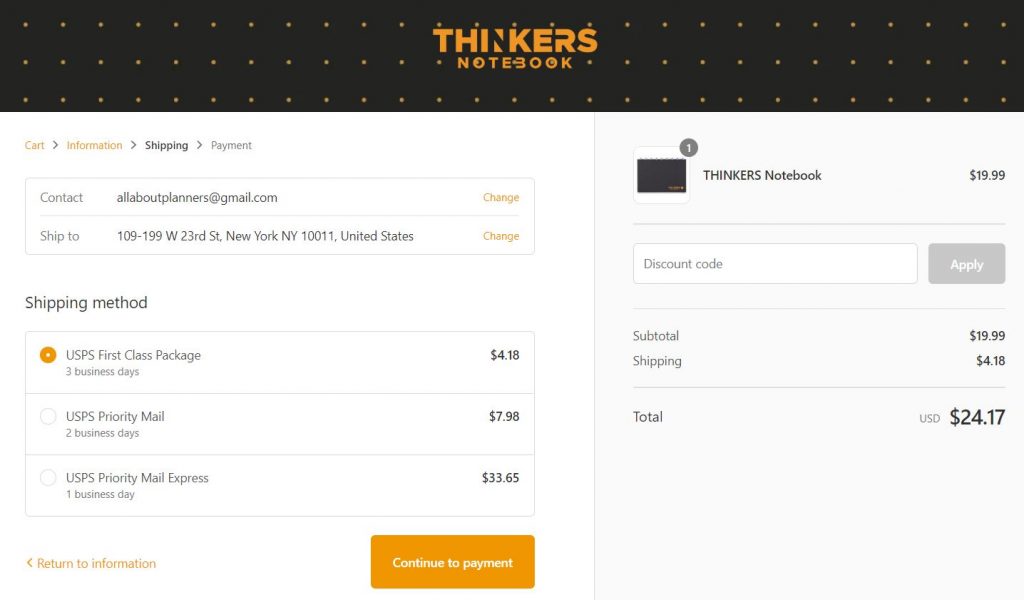
I’m in Australia, I’ve come to expect expensive international shipping when buying anything from the USA but the shipping rate for 1 small notebook… crazy expensive ($47.65 USD all up for shipping and the notebook is about $70 AUD!!)
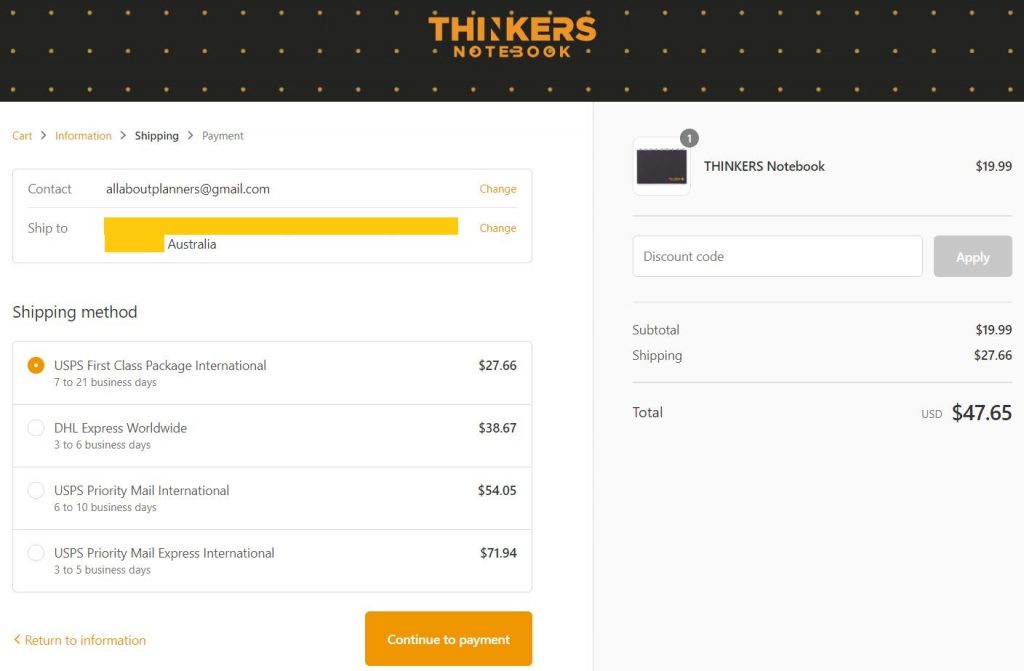
They only seem to ship to Australia, UK, United States and Canada.
I randomly clicked on a New York street on Google Maps and entered the address to see how much shipping costs within the United States – much more reasonable shipping rates!
Pros of the Thinkers Notebook
- Bright white paper that’s really smooth to write on
- Mix of lined and dot grid pages
- Lightweight
- Aluminium (sturdy) discs
Cons of the Thinkers Notebook
- Not many pages in the notebook (only 50 double sided pages)
- The QR code scanner square cuts into the pages so the last 2 rows of dots and lines are shorter than the rest of the page
- Cannot buy larger size discs
- Plain black cover
- Expensive for a small notebook
- Extremely expensive shipping if you live outside the USA
- Only ship to 4 countries
Would I use this notebook
I like the size of the notebook, the fact that it’s discbound and the mix of lined and dot grid paper. I think the dots are sightly too far apart. Most notebooks are 5mm dot grid spacing. This notebook is 0.25″ (or around 6mm spacing).
I think this notebook is best for people working on project teams in industries where you don’t want to use a stylus pen on your laptop / surface pro / iPad / other device. When you want to use paper for sketching and brainstorming ideas to share with a client or project team. Could be handy if your computer is heavy / bulky and has a short battery life.
The app is there (and it’s free), but it seems like an unnecessary extra when you can just take a photo of the page with your phone.
I like this notebook and will be using it, but I think it’d be even better if there were larger discs available, more cover colors to choose from and if there was a portrait page orientation version.
Planning tips
- Ultimate Discbound planners & notebooks comparison (plus my favorites)
- Color coding your planner: how to choose which colors to use
- Favorite Twin Tip Markers for Planning (Roundup)
Found this post helpful? Pin it!



Appreciate your review thank you.. How about giving instructions on what one could use a planner for, when living alone (in Independent Living). I don’t seem to be able to find a use for one!!
Hi Ruth,
These posts may be of use to you:
30 purposes for your planner: https://allaboutplanners.com.au/30-purposes-for-your-planner/
50 reminders to put in your planner or bullet journal: https://allaboutplanners.com.au/50-reminders-to-put-in-your-planner-or-bullet-journal/
Hi,
I have never heard of this company before. Interesting.
What is the size of the paper? Since it has 9 discs I’m wondering if it is the same as a Classic Happy Planner.
Thanks,
Kim
Hi Kim,
The dimensions are at the top of the post in the ‘quick facts’ section.
I’ve just tested one of the pages in the classic Happy Planner. The disc spacing is the same but the stems are longer on the happy planner. The Thinkers notebook paper is slightly shorter (by about 5mm on the top and 5mm on the bottom) and narrower (by about 2.5cm).
You could use the thinkers notebook paper in the classic Happy Planner but the page sizes are different. Plus, because of the difference in stem length the pages are probably going to come away from the discs so I wouldn’t recommend it.
Thank you, Rachael, for this incredibly thorough review of our THINKERS Notebook! We really appreciate it and love the images you’ve shared.
We have beta testing available for our THINKERS app now if anyone’s interested: https://zfrmz.com/Yl5UAvY4YpjZWt7rdHWK The new version is scheduled for release next month, August 2020.
Best regards, Mica