Converting a monthly calendar into a weekly spread using the TUL planner
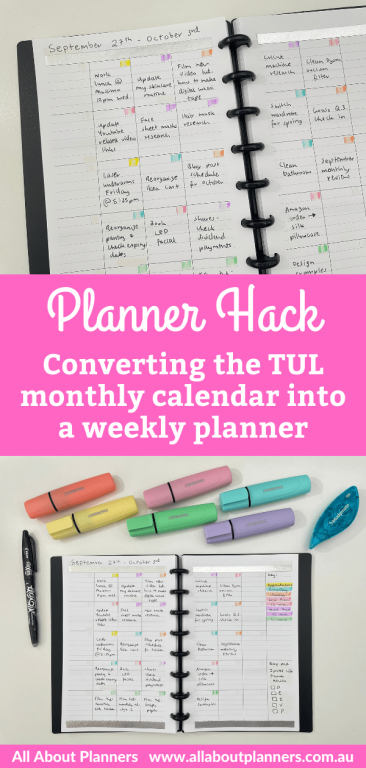
I’ve previously converted a monthly calendar into a weekly spread (see here) but decided to take a different approach this time.
This post contains affiliate links. If you make a purchase after clicking one of these links I’ll receive a small commission in exchange for referring you (at no extra cost to you).
Before the Pen
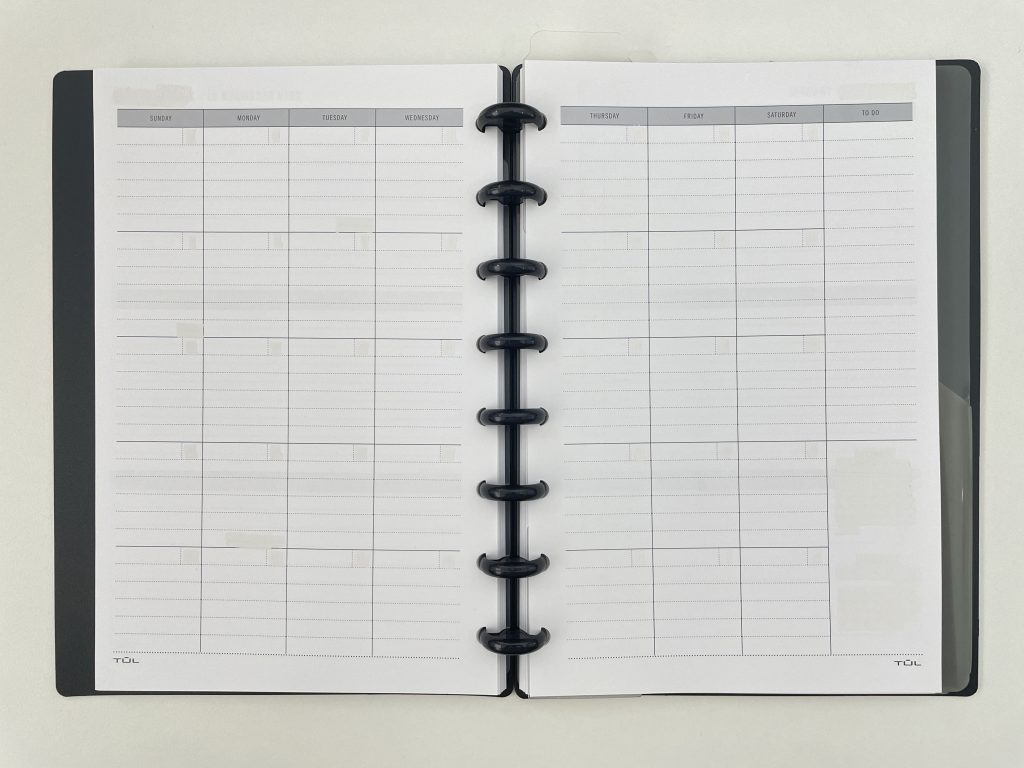
I chose the TUL because it’s discbound and the monthly calendar has lines. If you want lines and a bigger page size, try the BlueSky or Day Designer for BlueSky Planner.
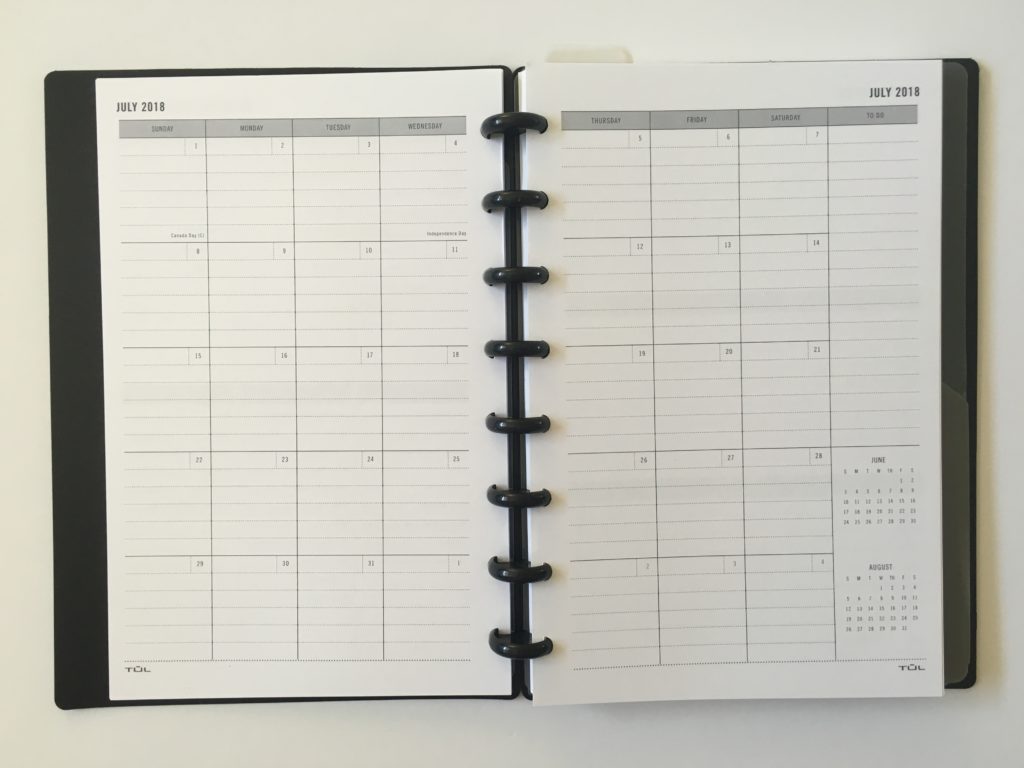
TUL Student Planner Discbound Notebook Review
First I used whiteout tape over all of the pre-printed events like new years day, the dates in the boxes for each day and the mini monthly calendars in the sidebar. Then I was ready to start planning.
After the Pen
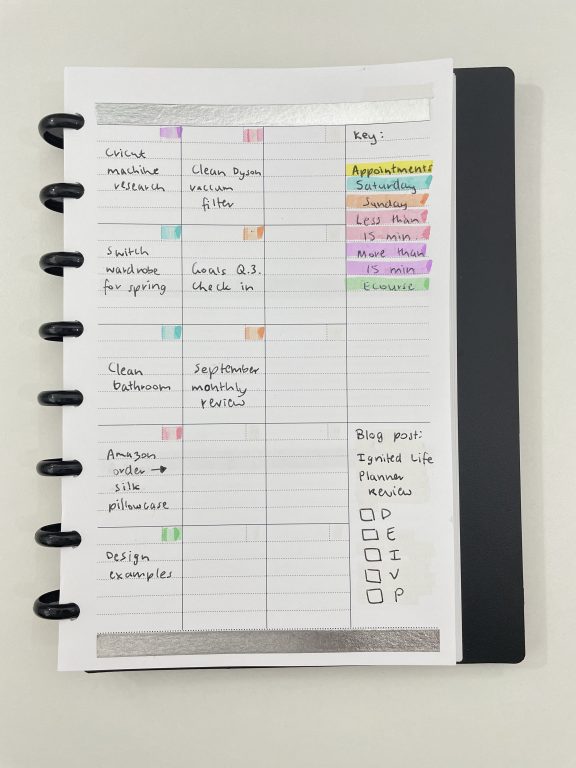
I used one box per task. The idea this week was that once the boxes were full, I couldn’t add anymore things to my to do list. A better work life balance has been one of my goals for this year, but I will admit I added just a small sicky note with a few extra things during the week. At least the intention was there!
I used the boxes for each day that were originally for the dates, as a checkbox to cross off once a task was finished.
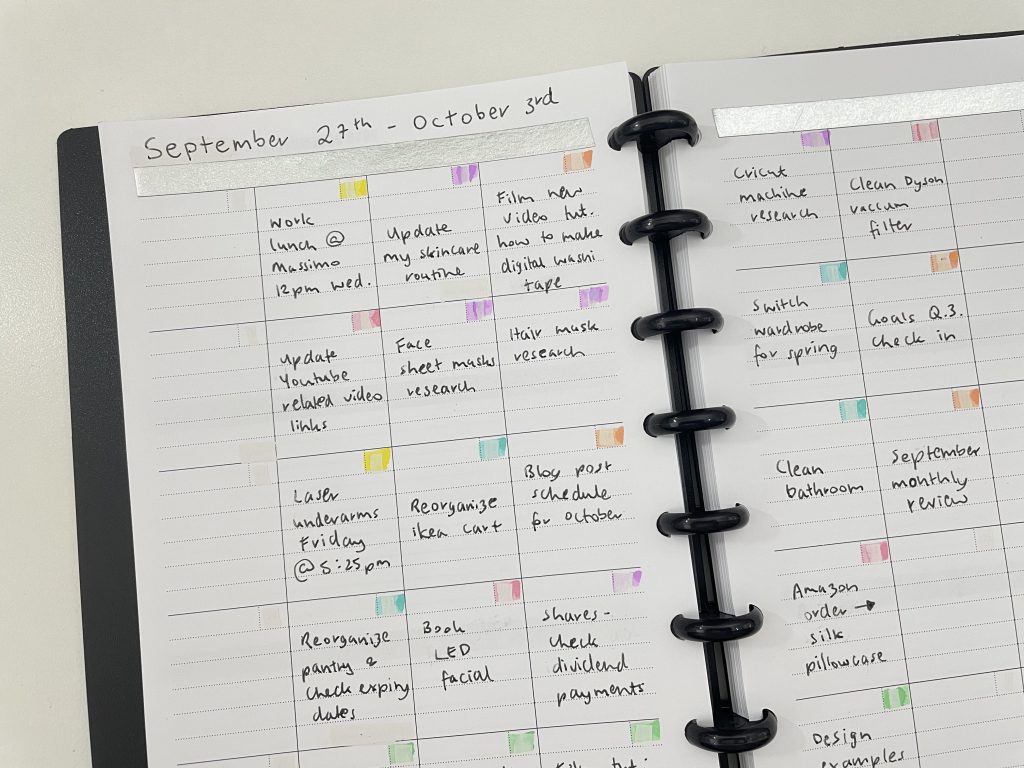
I used my favorite Frixion pen and left the ink to dry but it still smudged when I used the J Burrows highlighter over the top. So I erased the Frixion and used a J Burrows ballpoint pen for the rest. The ink of the J Burrows pen is too dull (see photo below) and I wouldn’t purchase again.
Related post: Pens & Highlighters Smear Testing: Which ones don’t smear
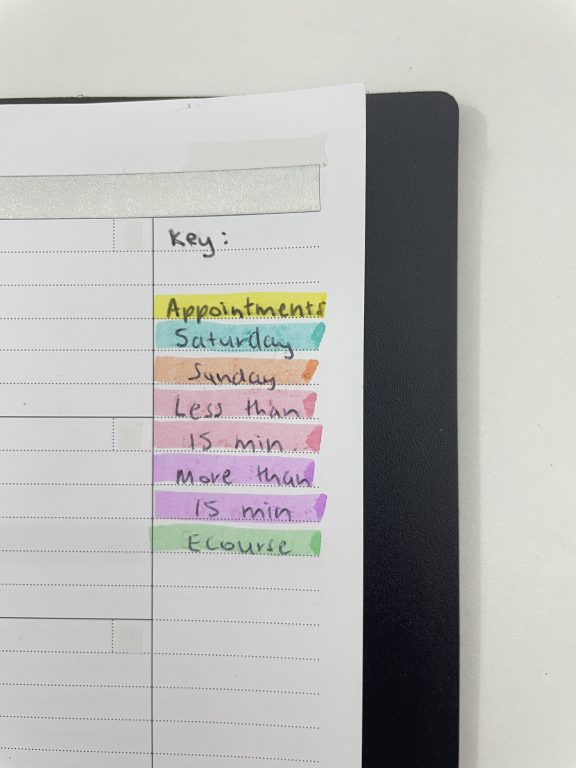
My key for this week was:
- Appointments – things with a set time I can’t change
- Saturday to do
- Sunday to do
- Less than 15 minute tasks
- More than 15 minute tasks
- Tasks for my how to make printables in Affinity Publisher ecourse
I did separate colors for Saturday and Sunday as I’m at my day job during the week so get most things done on a weekend.
By using a separate box for each task there was more white space than if I were to use a vertical checklist – I like how clear and organized the boxes kept everything.
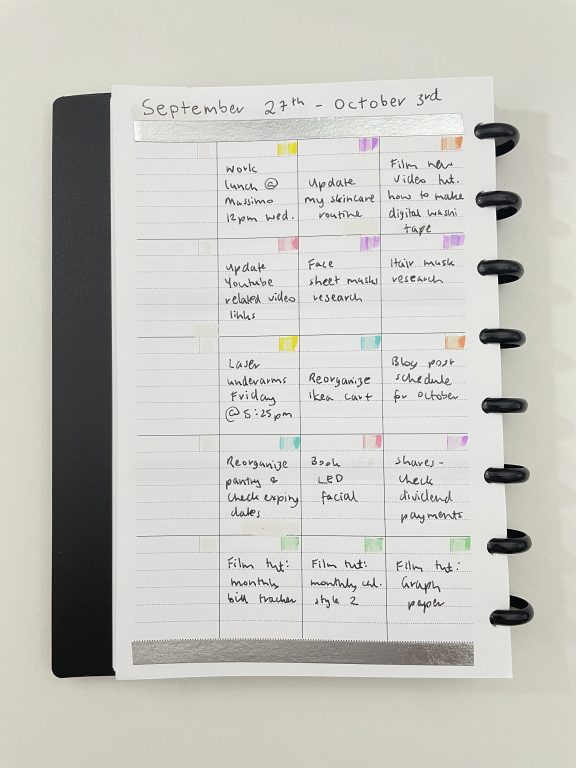
It would’ve looked nicer if I had used a blank / undated monthly calendar then you wouldn’t see the whiteout underneath the highlighters.
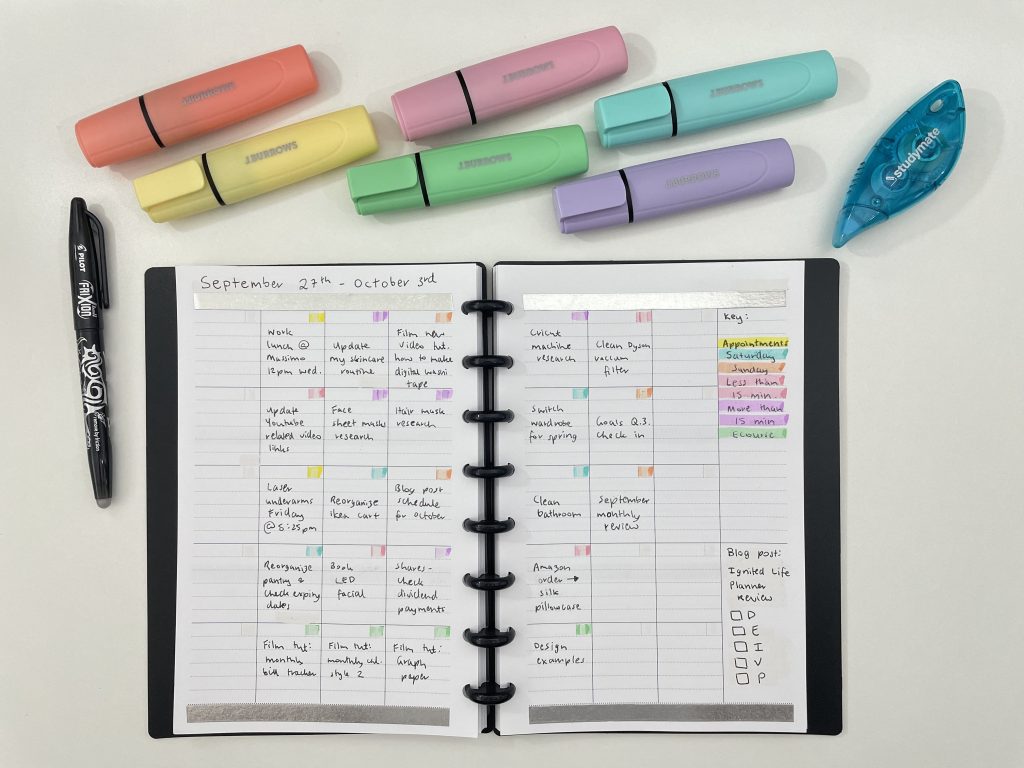
Supplies Used
- Studymate without tape from Officeworks
- J Burrows pastel highlighters from Officeworks (cheaper dupe of the Stabilo Boss or Staedtler highlighters)
- J Burrows black ballpoint pen
- Frixion black erasable pen
Would I use this spread again?
Yes, I like having separate boxes for each day and this was a change from my usual list style format. This planner is half US letter size so the columns were a bit narrow for my liking, if I try this again I’d use a 7 x 9″ or similar size planner.
While it’s not a very decorative spread, it was very quick to set up and the colors in the checkboxes were enough for me, although you could do a highlighter border around the boxes if you want the colors to stand out more. Similar to what I did in this past spread:
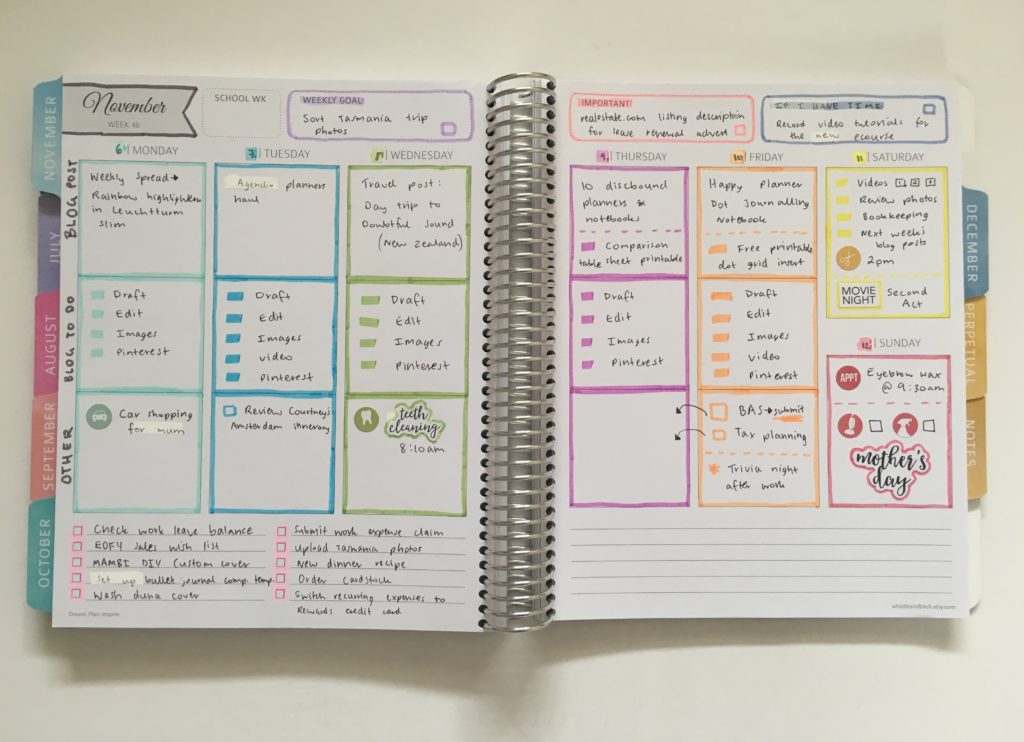
Whistle and Birch Rainbow Weekly Spread using the Zebra Mildliners
Past weekly spreads
- Rainbow Color Coded Weekly Spread Using the Passion Planner
- Trying out my custom A5 Agendio dashboard planner
- Weekly spread with DIY stickers using the Poooliprint inkless pocket printer
Planning tips & ideas
- 6 Useful ways to efficiently plan your week using highlighters
- Where to find discs to make a discbound planner or notebook (downloadable comparison)
- 7 Useful Bullet Journal Tips
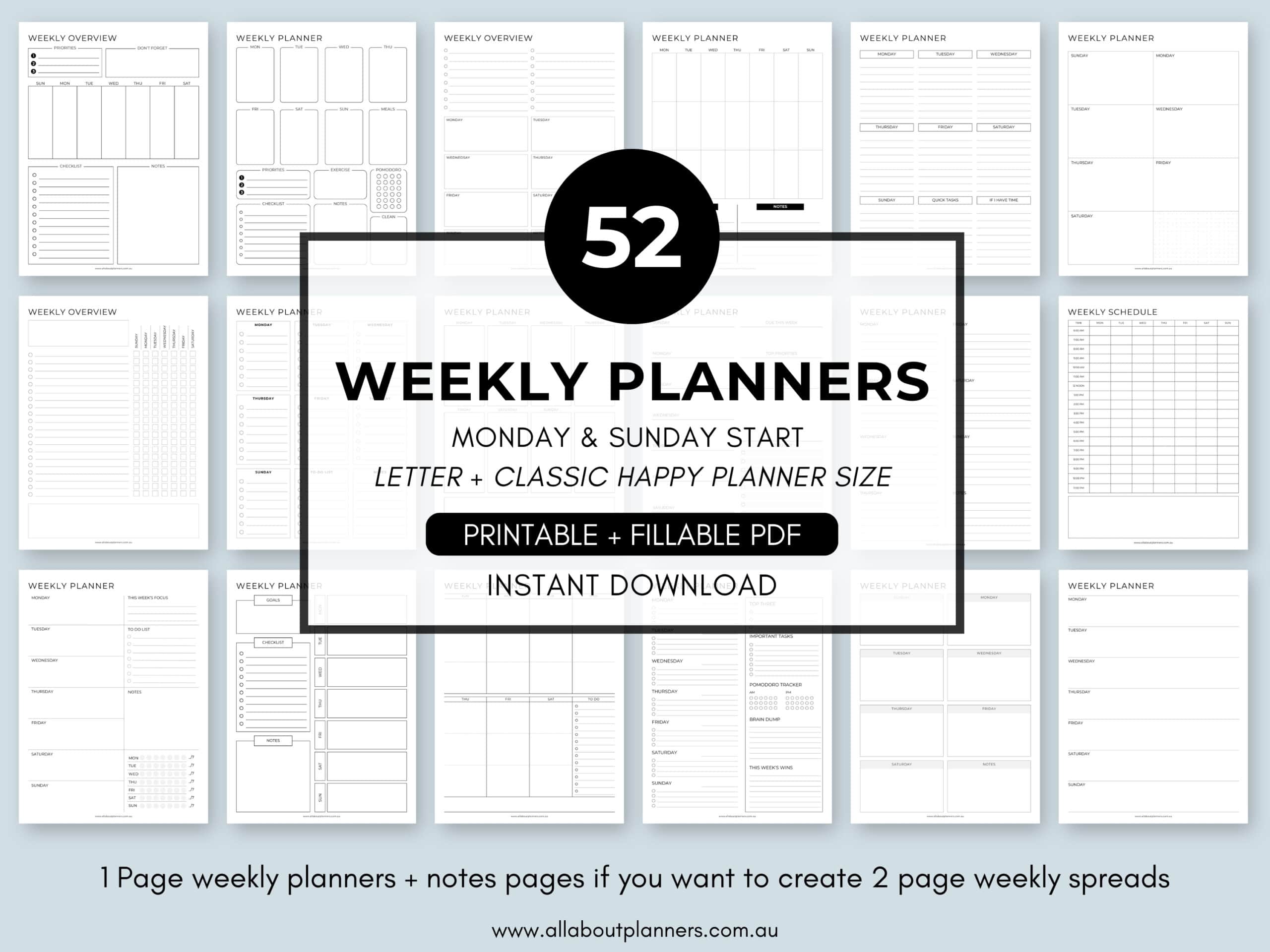
Tired of drawing up weekly spreads? This printable bundle of 52 different 1 page weekly planners (you can mix and match to create 2 page spreads if you prefer), is available in my Etsy shop and online store. It comes in US letter size and Happy Planner classic page size.
Liked this post? Pin it!
j