How to use a digital notebook (5 functional uses)
What can you use a digital notebook for? The same way you’d use a paper notebook!
If you like the idea of a discbound planner where you can add, remove and rearrange pages but you don’t like the rings then a digital notebook is very similar. In a digital notebook you can add, remove and rearrange pages as often as you like! You can also duplicate pages if you want to re-use your weekly spreads and pre-filled checklists (like cleaning lists).
Things I prefer to plan digitally
- If you’re having trouble remembering passwords you could record these in Goodnotes. I know some people are iffy about recording passwords so if you don’t want to do this on paper with a printable at least you can lock your iPad with a passcode.
- At the moment I’m switching between paper planning about 80% of the time and digital planning about 20% of the time. It depends what I’m working on that week and how much time I have to setup my weekly spread. If I’m doing a lot of repetitive tasks, then I can just copy and paste those tasks between spreads in a digital planner
Read more: The 3 things I plan digitally instead of using pen and paper
For ideas for things to track in a digital notebooks, see these posts:
- 100 things to put in your habit tracker of your planner or bullet journal (plus free printable habit tracker)
- 130+ functional ideas to use blank notes pages of your planner or an empty notebook
- 100 things to put in your habit tracker of your planner or bullet journal (plus free printable habit tracker)
- 50 cleaning task reminders to add to your planner
- 30 Purposes for Your Planner
- 50 Reminders to Put in Your Planner or Bullet Journal
Not sure what to pick?
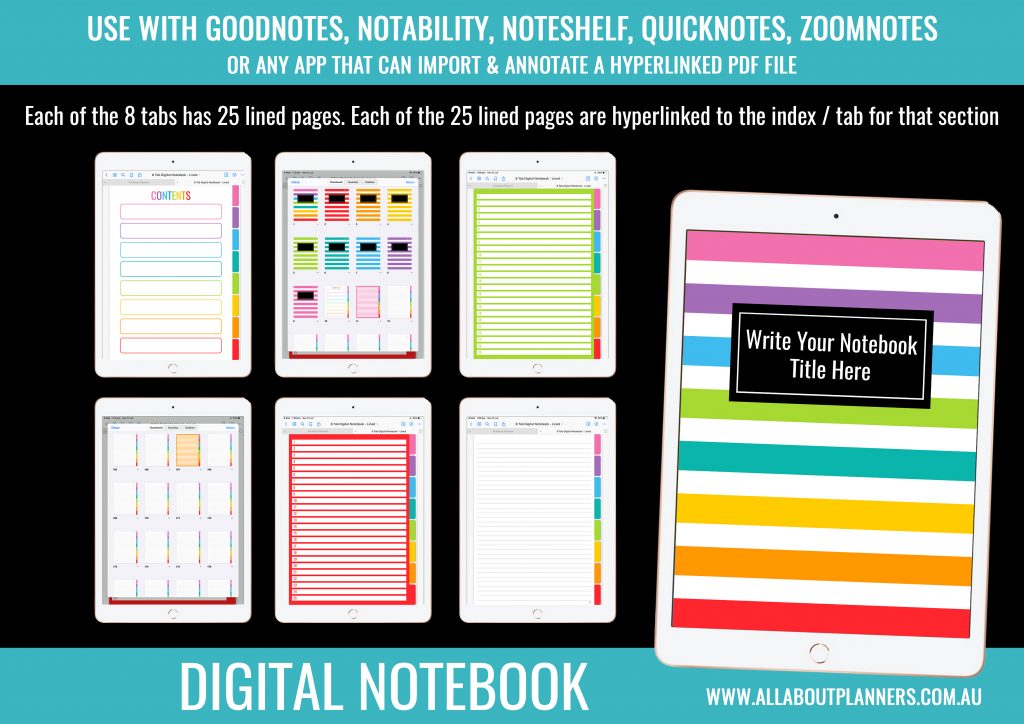
If you want to try digital planning but aren’t sure where to start, I’d go with a simple 8 or more subject digital notebook. It’s better to have more tabs than less! I prefer different colors for each tab so I don’t need to bother with labelling the tabs, I can relate a color to the subject of that tab.
Organizing your digital notebooks
The great thing about planning digitally is that you can hide how many notebooks you’re hoarding. You can save notebooks to your device or the cloud.
Most digital notebooks come with multiple sections / tabs (similar to those notebooks you probably used at school)
Some themes for notebooks:
- Fitness (tabs for daily, weekly, calories tracker etc.)
- Recipe book (tabs by type of meat, time based e.g. 30 minute meals, favorite meals, cupcakes etc.)
- Homekeeping notebook (tabs for cleaning, warranties and manuals etc.)
- Home renovation
- Family notebooks (tabs for insurance, home, school, important info where you could store copies of e.g. your drivers licence)
I prefer to use Goodnotes but you can use other apps like Zoomnotes, Xodo, Noteability etc. Goodnotes is only $8 USD from the app store (I am not affiliated, I just like this app).
Some of the ways you can use a digital notebook
1. Day to day planning
I do think there are some things that are better suited to planning digitally than on paper (and vise versa). These days I use a combination of digital planning tools and paper.
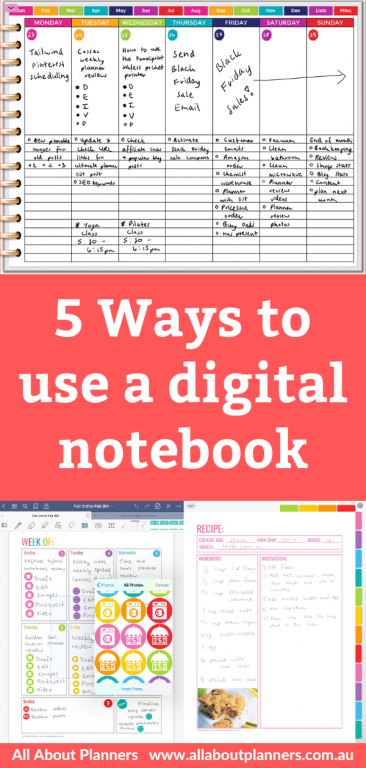
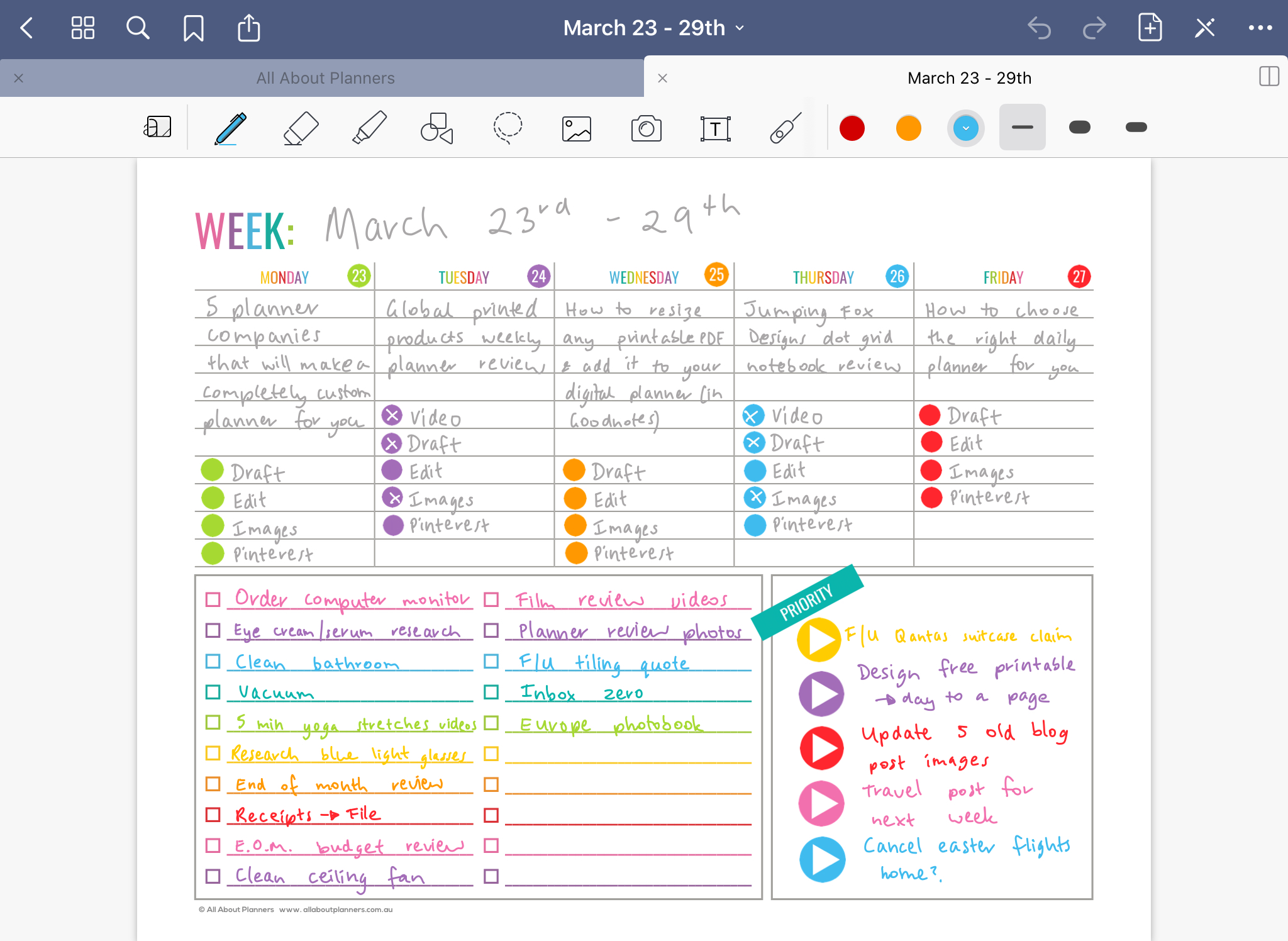
For my day to day planning e.g. weekly spreads I use a mix of paper and digital planning. See all of my past weekly spreads here.
You could draw up your own bullet journal spreads
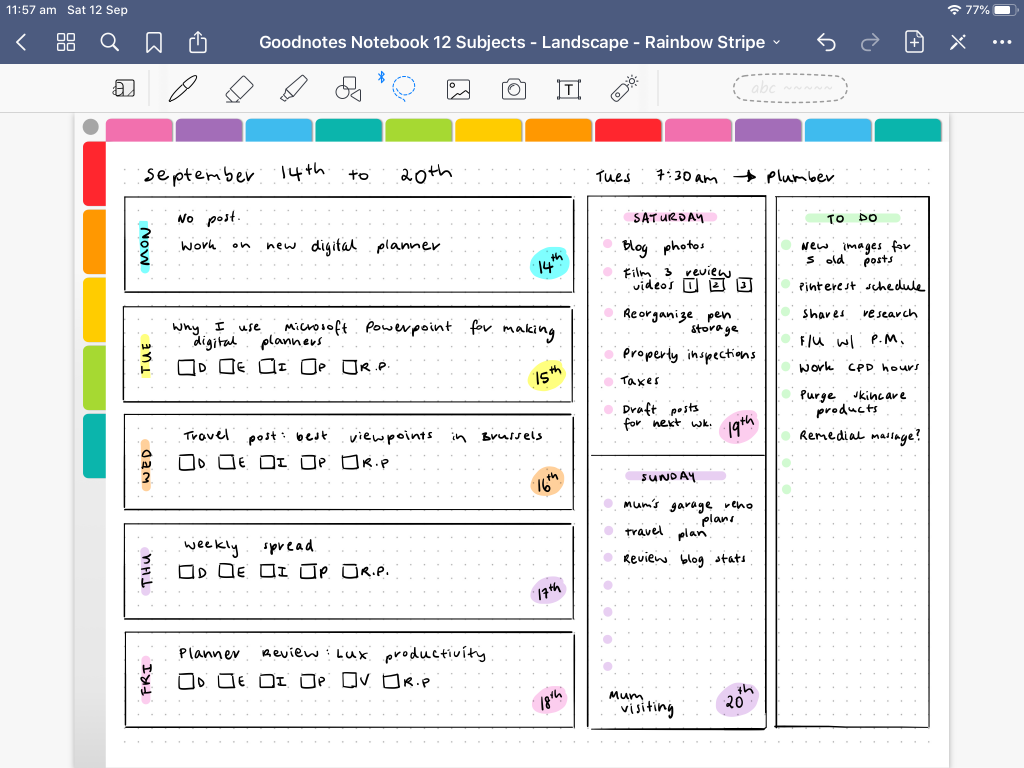
Use a printable
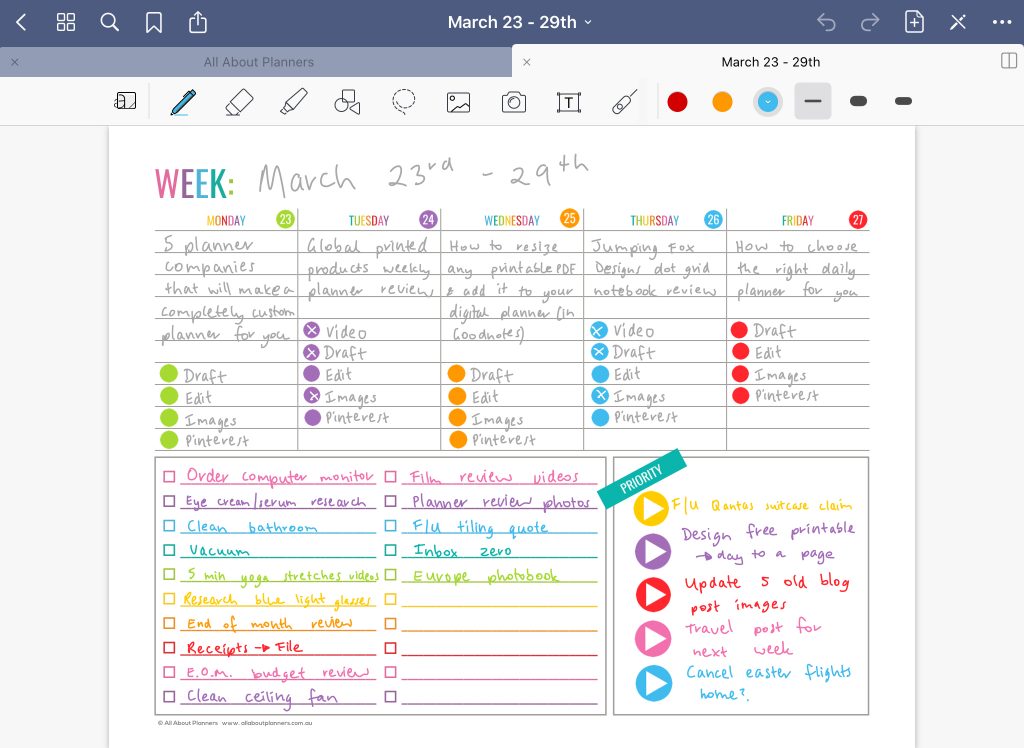
Related post: How to add any printable to your Goodnotes digital planner
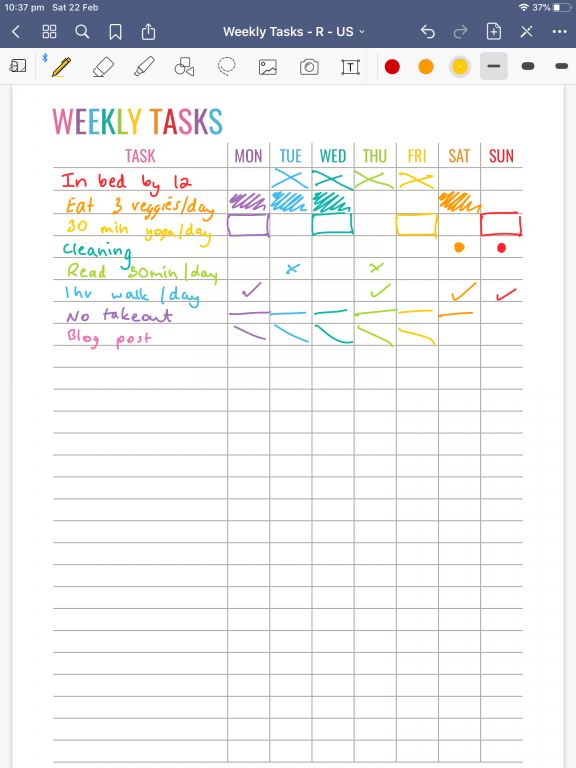
Or just work off a checklist
Or use a hyperlinked dated (or non-dated) digital planner
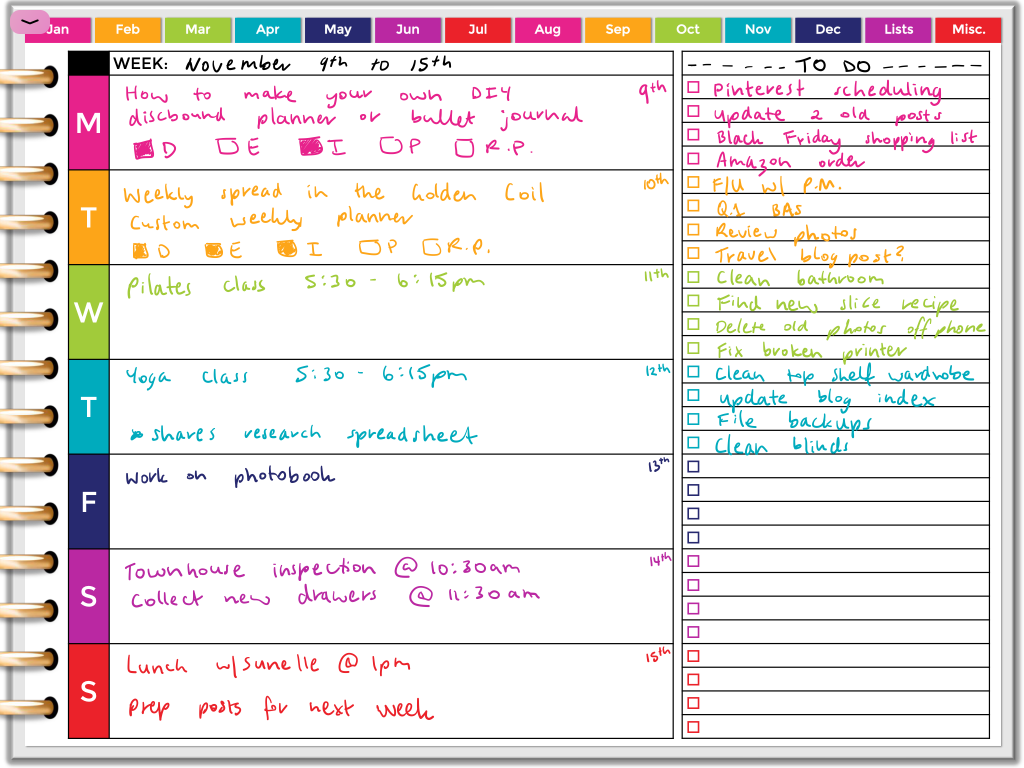
Read more: Thoughts after trying digital planning for a month (am I making the switch from paper?)
2. Travel planning
I’m currently focusing on planning future trips to Europe so found a map on the internet, copied and pasted it into my digital notebook and cropped it to fit. I color coded the countries using the highlighter tool in Goodnotes. I wanted to do this digitally as you can change things as often as you like.
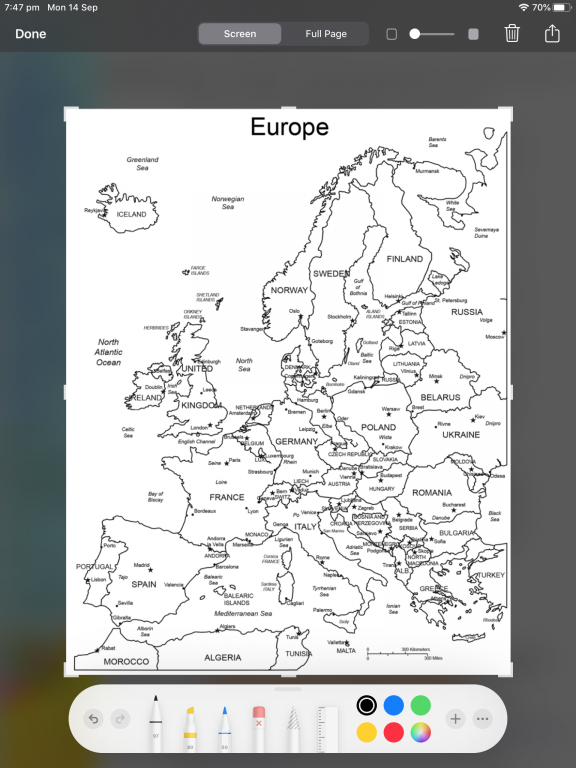
I created an ‘overview’ map that includes all the European countries I want to visit…
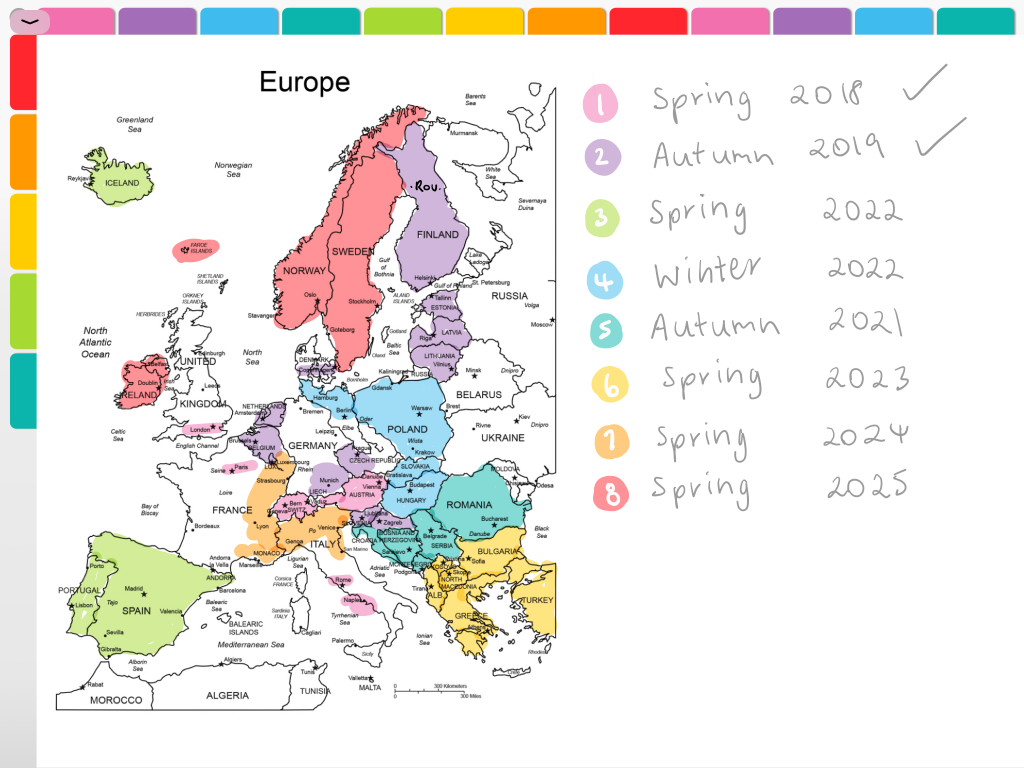
I then duplicated that page in Goodnotes to do a summary plan of each trip with how long I think I’ll need and how many weeks.
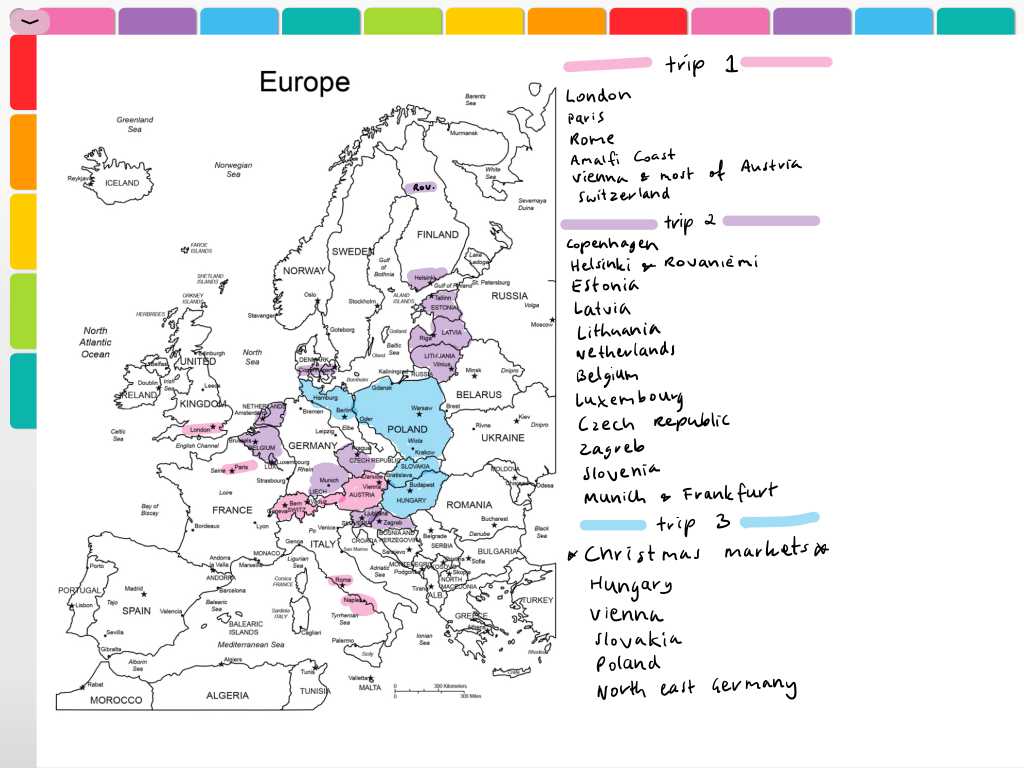
By planning digitally I can quickly change what year I intend to do those trips which has come in handy thanks to COVID 🙁
There’s obviously way more involved in trip planning but this is a good guide so I can focus on a specific area of Europe and without getting overwhelmed by all of the other places I want to see.
I also do my detailed travel planning digitally, but using Microsoft Word and Microsoft Excel:
- How I use Excel to organize all my travel plans (research, itinerary, hotel, tours, bookings, packing list etc.)
- How I use Microsoft Word to plan my travel itinerary (my template & planning process)
- Visit a City versus Google My Maps: which is better for visually planning your travel itinerary
3. Recipes
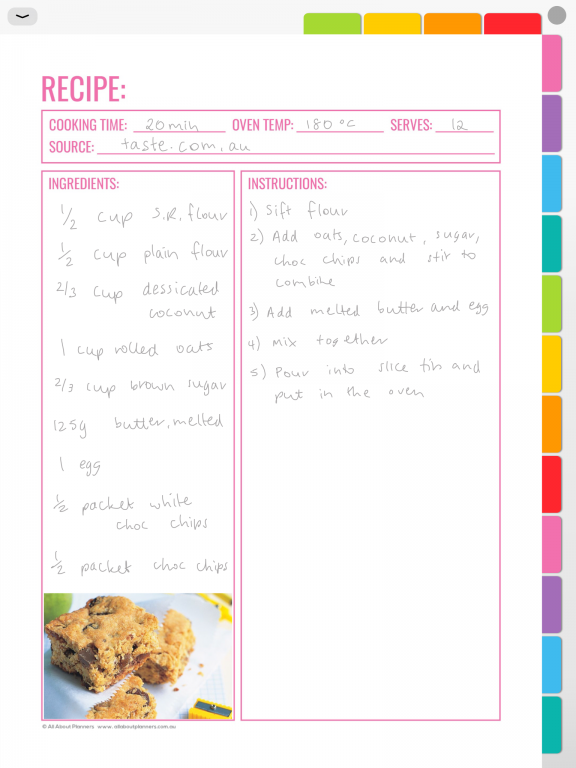
While I prefer to print out my recipes and store them in binders, if you don’t have the space or prefer to cook using your iPad, you can store hundreds (thousands if organized correctly into hyperlinked notebooks) of recipes digitally.
I would use either a notebook where the pages are individually linked to the contents (so they’re easier to find), or a separate digital notebook for e.g. type of recipe e.g. cookies in one notebook, cakes in another etc.
4. Habit Tracking
Perfect for those that want to use a lot of color or patterns when marking things off. It’s easy to accidentally cross off the wrong box / day. In a digital planner you can just use the lasso tool to move it to the correct day, or erase and start again. I can keep all of my recurring tasks and habits and just duplicate the spread so there’s no time setting up each month.
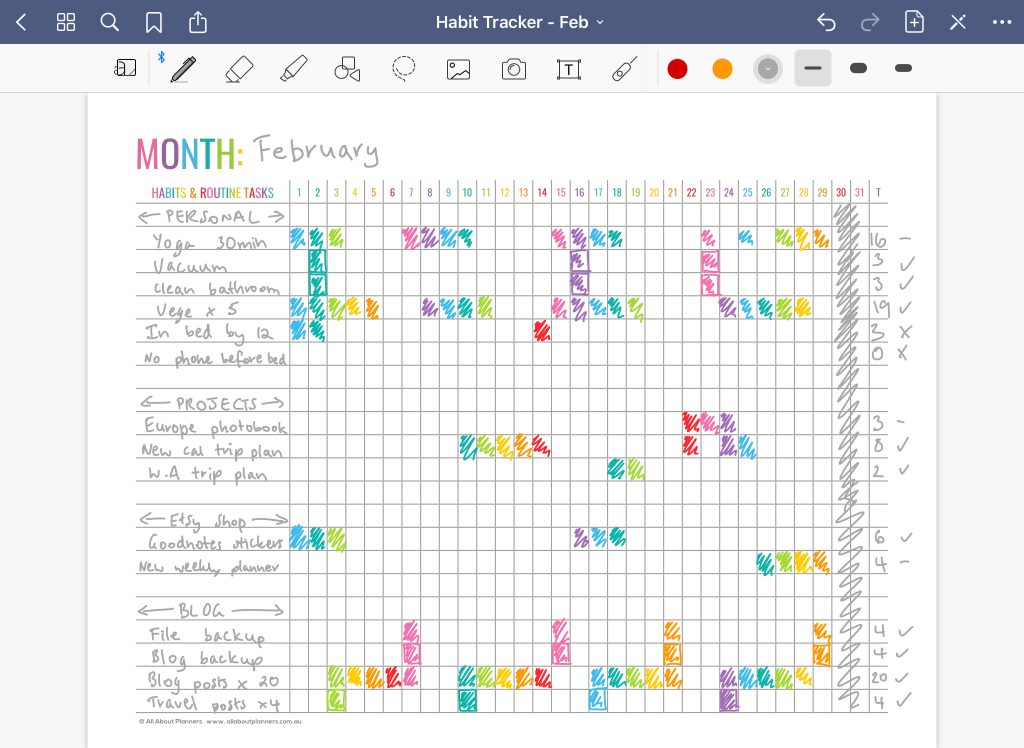
You’ll never run out of paper and if there are recurring tasks you can just duplicate last week’s spread, erase out the checkmarks and start again – no need to re-write anything.
5. Renovation Planning (Mood Boards)
Instead of printing, cutting and pasting photos (I don’t have time for that…) I made a digital mood board for my Mum’s work in progress dream craft room. By doing this digitally I can copy and paste images from the internet, add in any text I like, move things around as we think of more items to include.
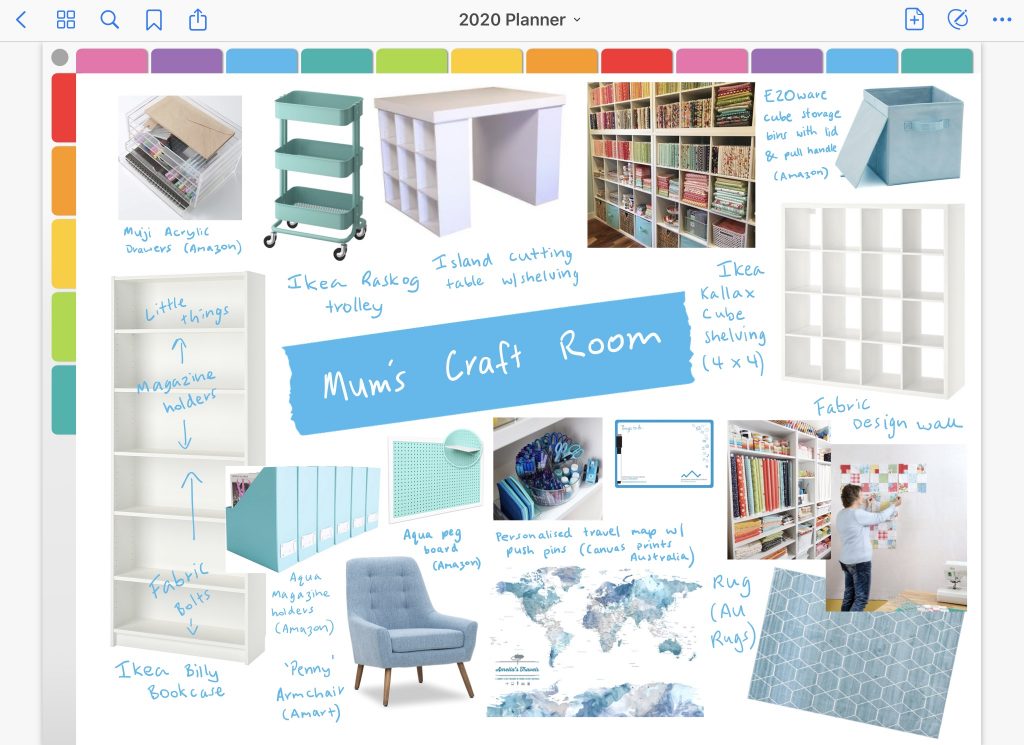
I added another page where I pasted in the URL links for each product and their price as well.
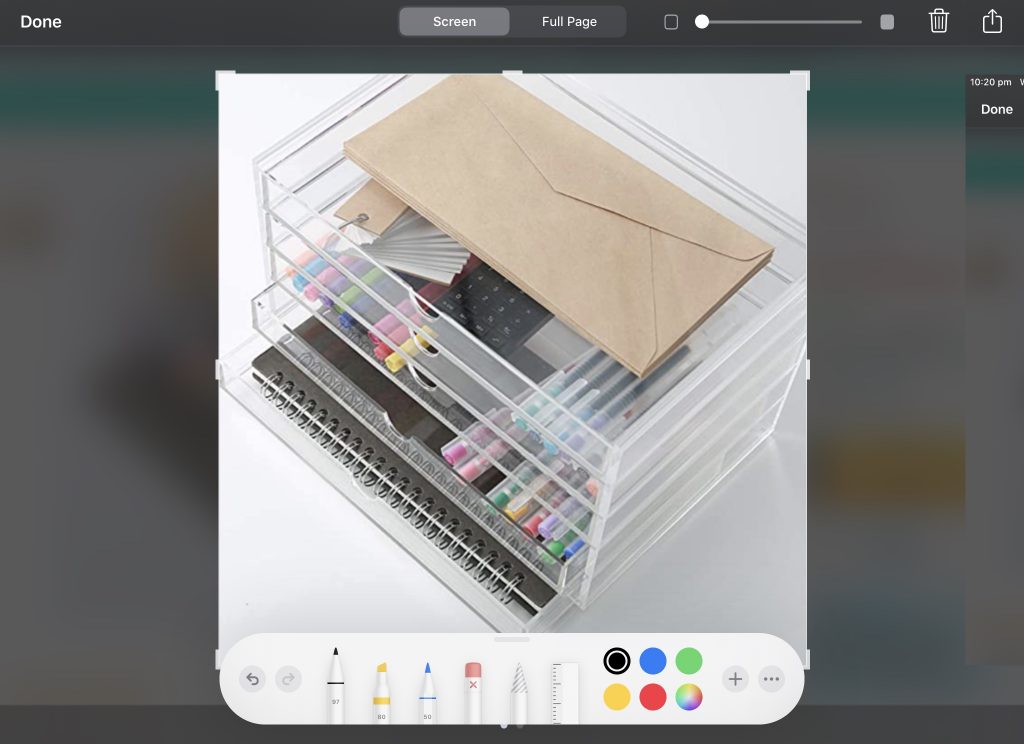
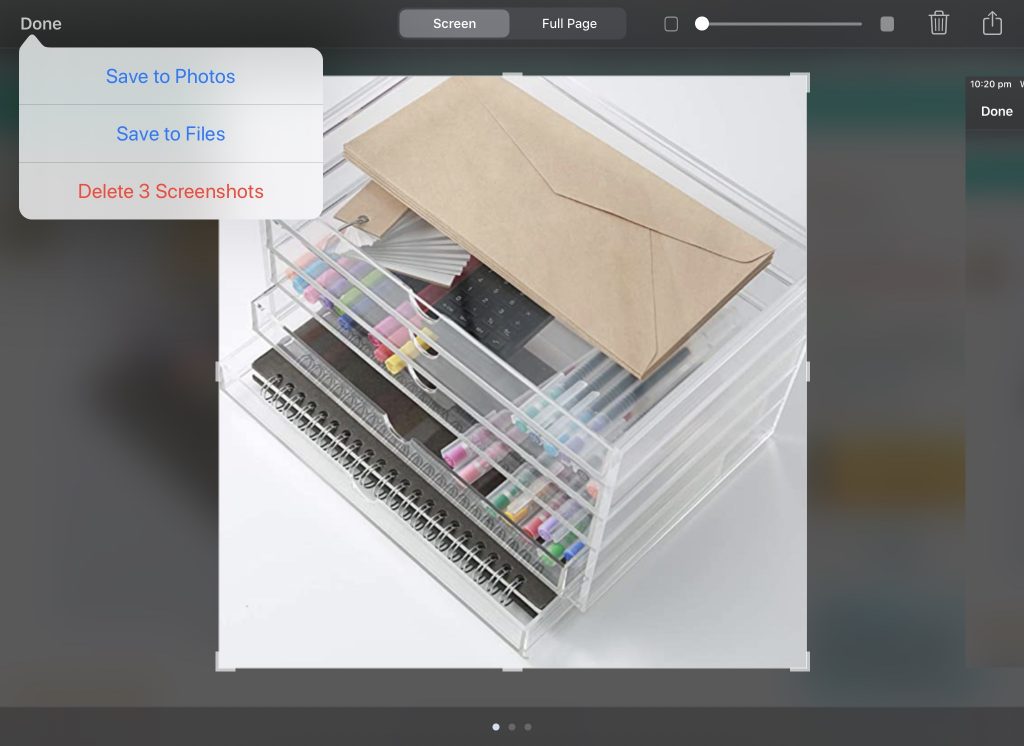
If you want to make your own mood board, search for an item on the internet, press and hold over the image with your finger until a pop-up menu appears. Choose copy.
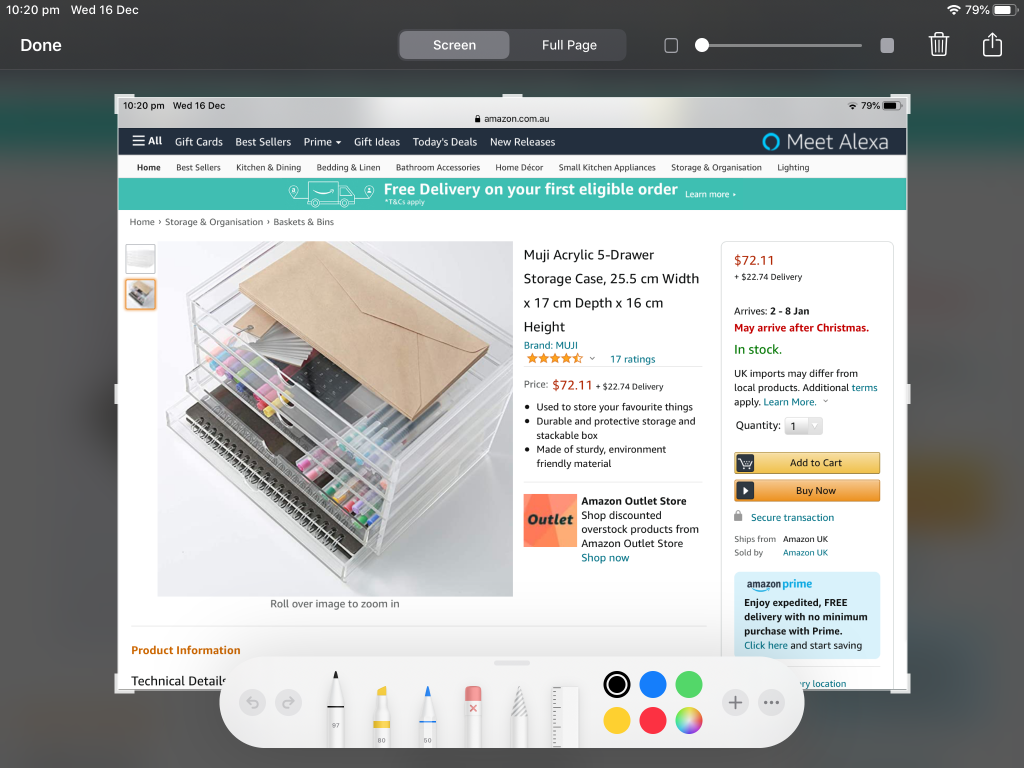
Then go to your digital notebook, hold your finger down on the page and select paste in the pop-up menu that will appear.
You can crop the image, resize it and move it around as many times as you like.
 .
.
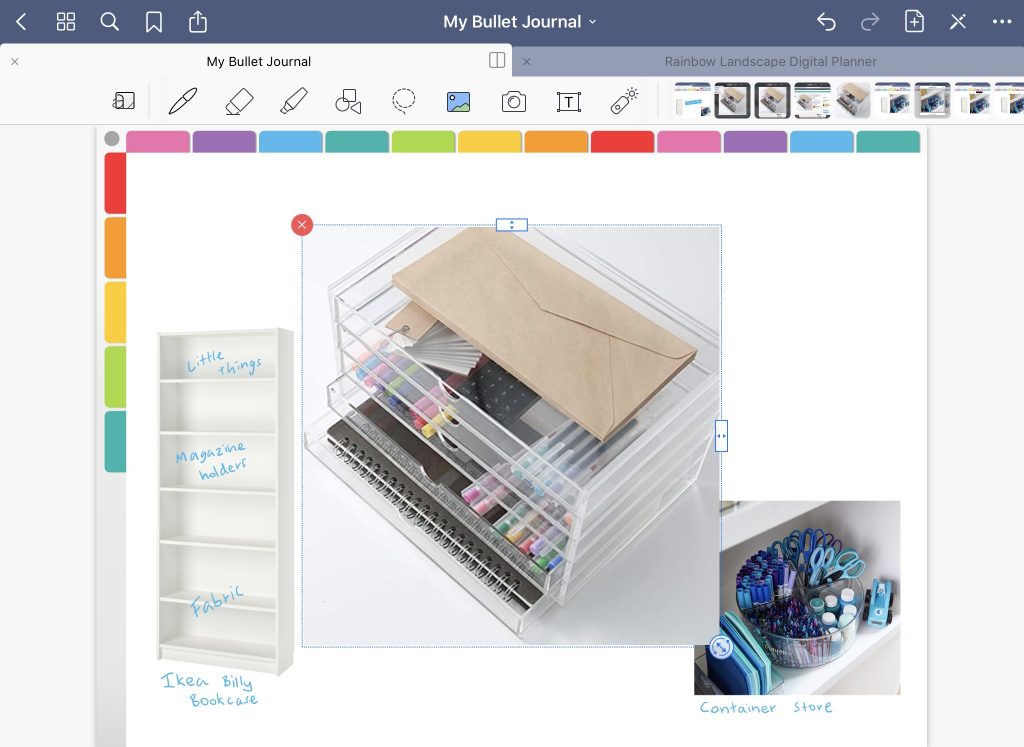
Try and choose images with a white background.
Related post: 10 Useful Tips for Digital Planning using Goodnotes
Related posts
- How to add any printable to your Goodnotes digital planner
- Drawing bullet journal spreads on paper versus digitally on an iPad: which is faster?
- Why I use Microsoft PowerPoint for making digital planners and notebooks
Learn how to make your own digital planner!
Found this post helpful? Pin it!