

The 3 things I plan digitally instead of using pen and paper
Over the years I’ve switched from pen and paper to digital for planning some things:
- Budgeting
- Annual overview (especially for blog & shop stuff)
- Reminders
The common theme – I prefer to use digital planning if it saves time, is easy to use and for planning things that are subject to change often.
If there’s something I need to refer to often e.g. weekly planner, password log etc. I want that in front of me, within reach on paper, on my desk. I don’t want another tab / app on my computer.
1. Budgeting
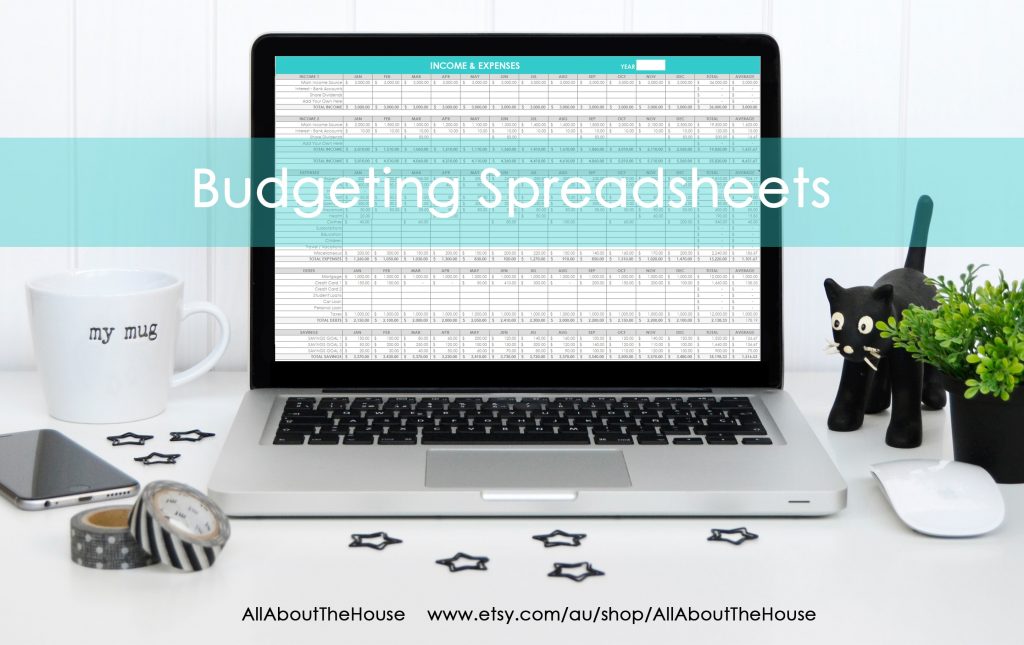
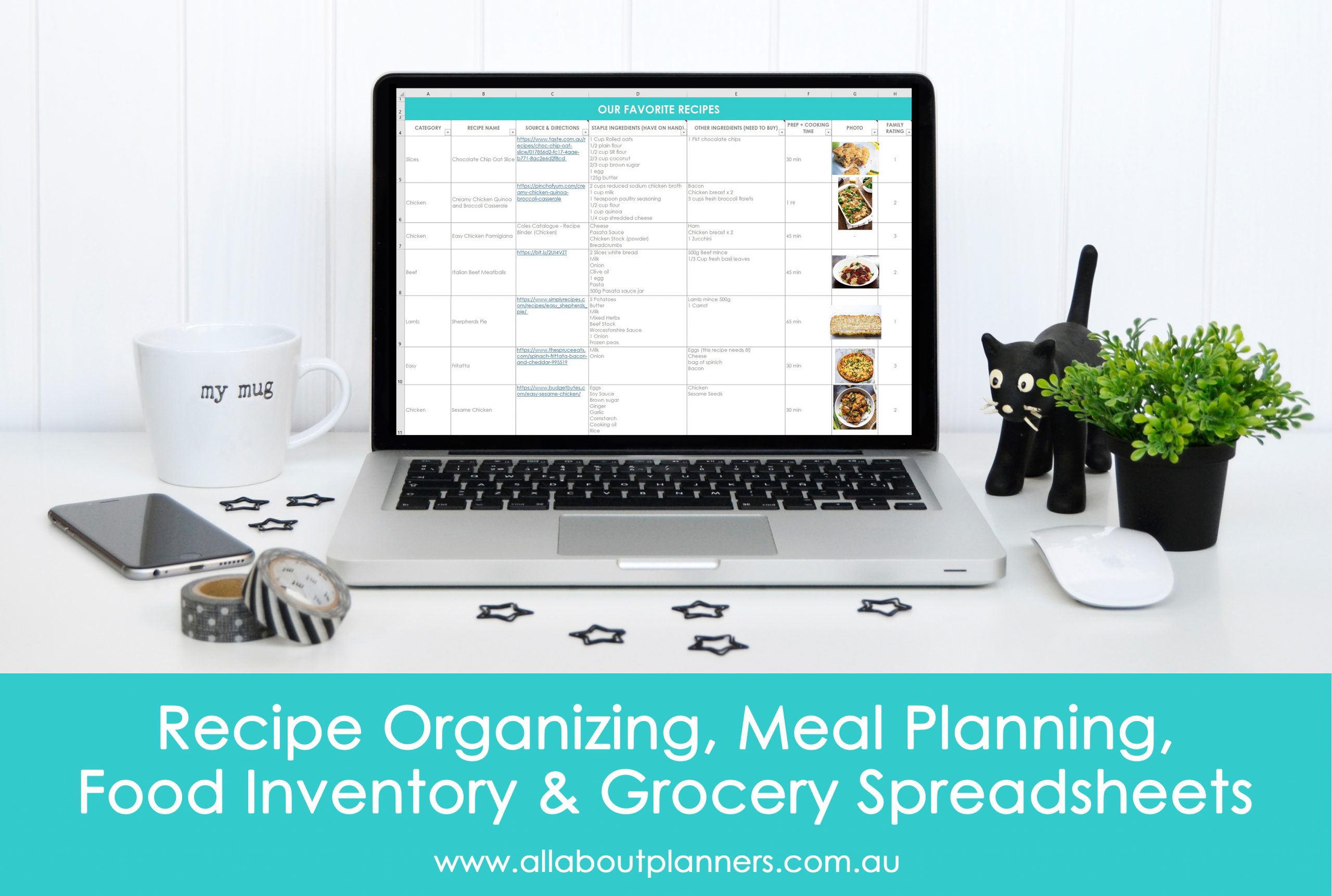
Just a few of the reasons I switched from pen and paper to Microsoft Excel (digital):
- Formulas automatically calculate – much quicker than manually adding things up with a calculator
- I can track ALL of my finances in the one place (income, expenses, debt, savings, investments), rather than scattered across multiple pages (previously I was using a monthly calendar, bill tracker, savings tracker etc.)
- Don’t need to re-write the same things each month
I did an entire post on my budgeting spreadsheets (and more reasons why it’s way better than paper) in this post.
2. Annual overview
I also use Excel for this. I originally used a printable in a similar format to a habit tracker, but I constantly update it throughout the year so it was just easier to use Excel.
If I’ve changed my mind and no longer want to proceed with a goal, need to add a new one, or change the timeline of an existing goal, I can quickly cut and paste, insert new things, delete old ones – much quicker than erasing and re-writing.
One of the perks of Excel is that you can change the colors quickly and use any color you want (not limited to pen and highlighters colors).
I do the annual overview in Excel nowadays, and then break the tasks down into more detail on paper.
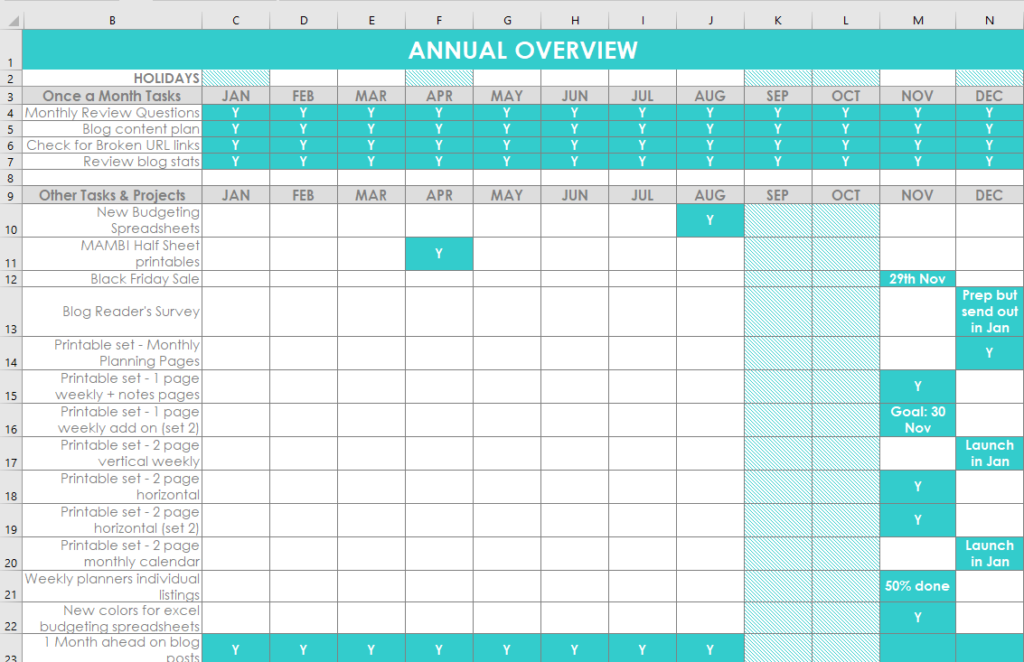
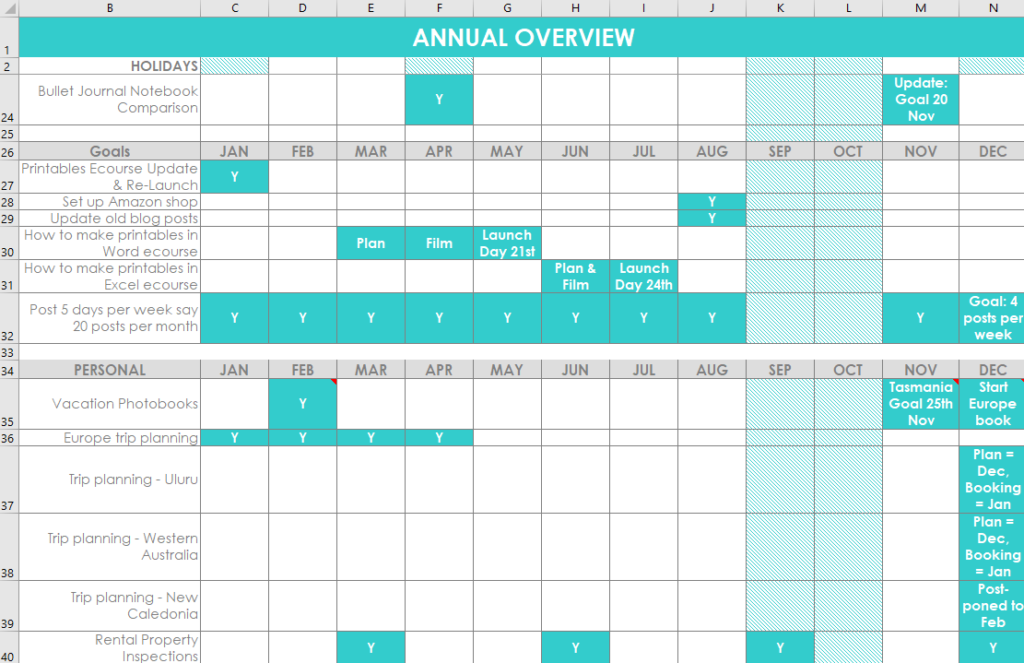
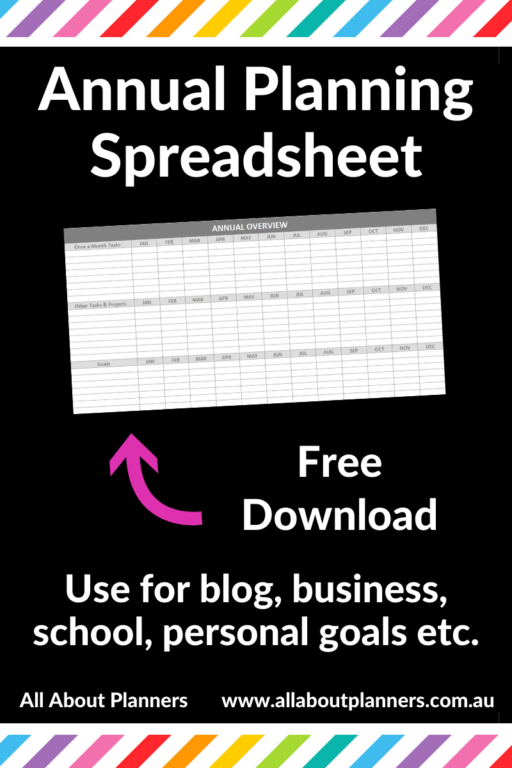
You can download my template for free here. Existing subscribers can login and download the template here. The template matches the master task list from this post.
3. One off reminders
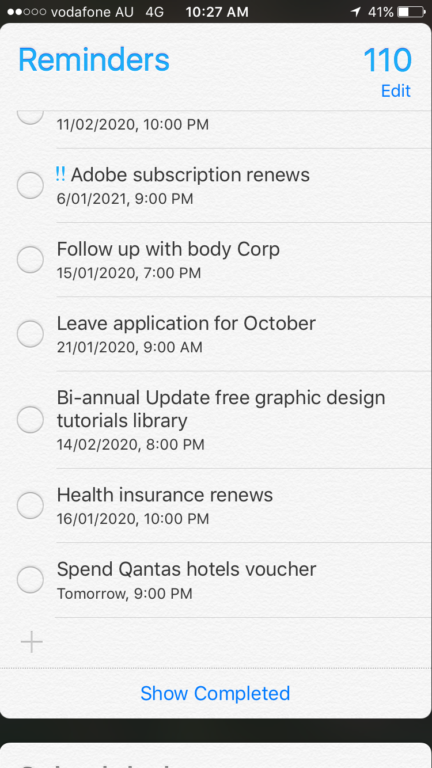
I use a list format on paper for monthly planning but if it’s something particularly important, or it’s happening far in the future, I’ll use the reminders app on my phone.
I know there are tons of apps that you can use to keep track of everything – lists, weekly planning etc. but I don’t like small phone screens so have opted to just keep it simple using the default reminders app that comes with your iPhone.
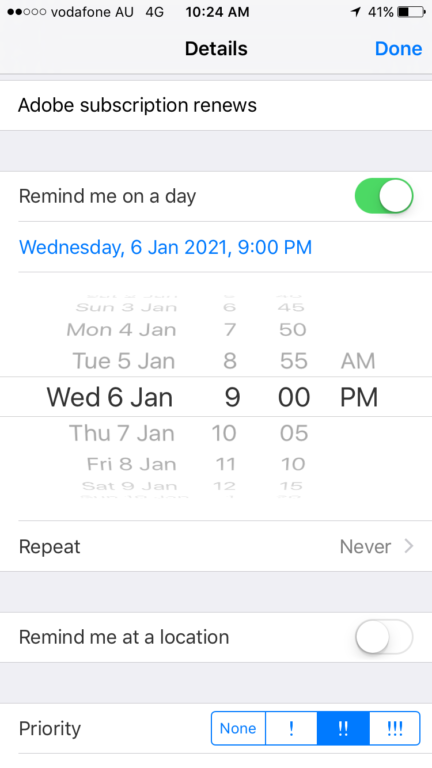
I can set a time reminder (like a text message) and set reminders for weeks (even years) into the future. Since I don’t use just 1 planner and switch between so many, text reminders help. I also like to use this app for things like following up with people, when gift certificates expire and other random little things I don’t want clogging up my planner (e.g. not really a task just a quick thing that’ll only take a minute or 2).
More planning tips
- 10 Things people often forget to check before buying a planner
- What is the best day of the week to plan?
- 50 Category Ideas for Color Coding Your Planner
Found this post helpful? Pin it!

Great stuff, as always! Thank you.