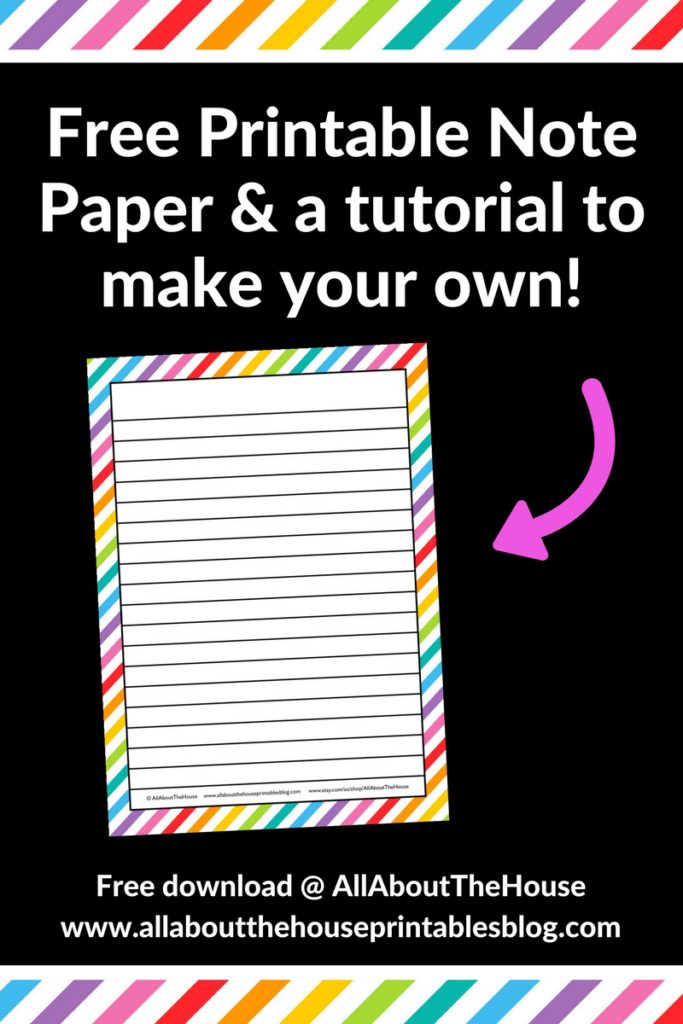
How to make lined note paper DIY planner insert refills in Photoshop (quick and easy step by step tutorial)
Lined note paper is a must have staple for any planner addict! There are so many ways to use lined note paper:
- List making
- Meal planning
- Cleaning routines
- Grocery List
- Pen testing (my fave!)
- Etc.!
Related: 130+ functional ideas to use blank notes pages of your planner or an empty notebook
This post contains affiliate links. If you make a purchase after clicking one of these links I’ll receive a small commission (at no extra cost to you) in exchange for referring you.
How to make lined note paper
If you don’t have Photoshop, you can purchase and download it here (my affiliate link).
To enlarge the screen of the video, click the square icon in the bottom right hand corner of the video (it will say ‘full screen’ when you hover your mouse over the icon).

Subscribe to my YouTube channel for more planner related videos!
Links mentioned in the video:
When you’ve finished making your template save it as a PSD file (Photoshop file format) so you can come back to it later – you may want to do a couple of test prints to check the spacing is right for your handwriting size!
Then when you’re happy with the Photoshop file, save it again as a PSD file to be sure, then save it as a PDF file ready for printing. Once you save a file in PDF file format the file compresses and loses some of it’s image quality – you never want to make edits to the PDF file and keep re-saving as a PDF file – you always want to use the PSD file format as your working document!
How to print & resize Printables
If you want to make lined paper at a size other than A4 or letter size i.e. standard page size, then you have 2 options
Option 1: Make the Photoshop file in the end size
I don’t recommend doing this as you need to pre-cut the paper, plus not all printers can print odd sized pages. If you start by making a printable at full page size, you can easily reduce the size later on in Photoshop if you change your mind.
Option 2: Use your Printer menu
Resizing user the settings in your printer menu is the easiest and quickest option. Create the page at standard page size (8.5 x 11″ letter size if you live in the USA and A4 if you live in Australia like I do), then chnag the change the page size in your printer menu. With a click of a few buttons your printer will do all the resizing automatically for you!
Printing Tutorial
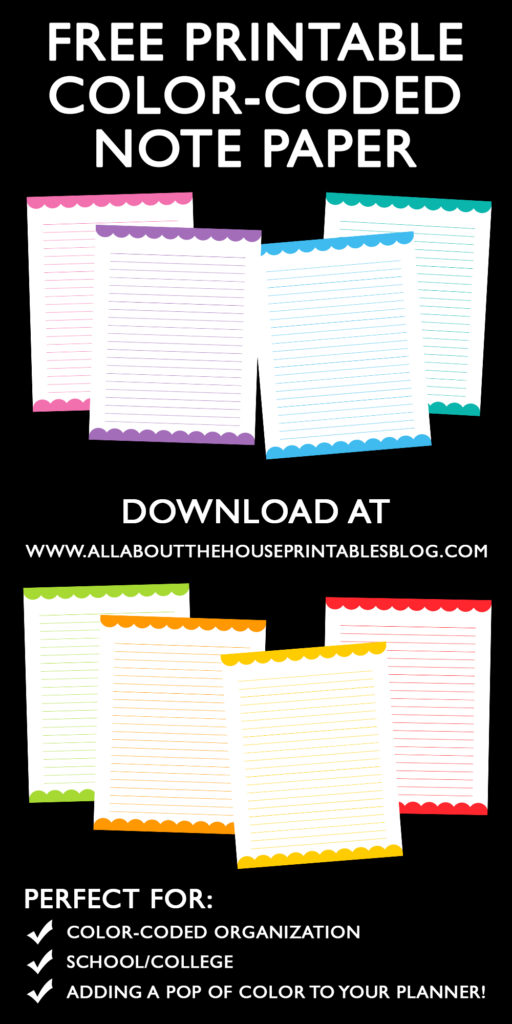
Lined paper can also be made in all different colors – I love using different colored lines for color coding and making to do lists!
Once you have your template created you can start adding other design elements such as a scallop border, clipart or a pattern background.
Related:
- How to Make Printable in Photoshop ecourse
- How to make a scallop border in Photoshop (step by step tutorial) plus free printable color coded note paper
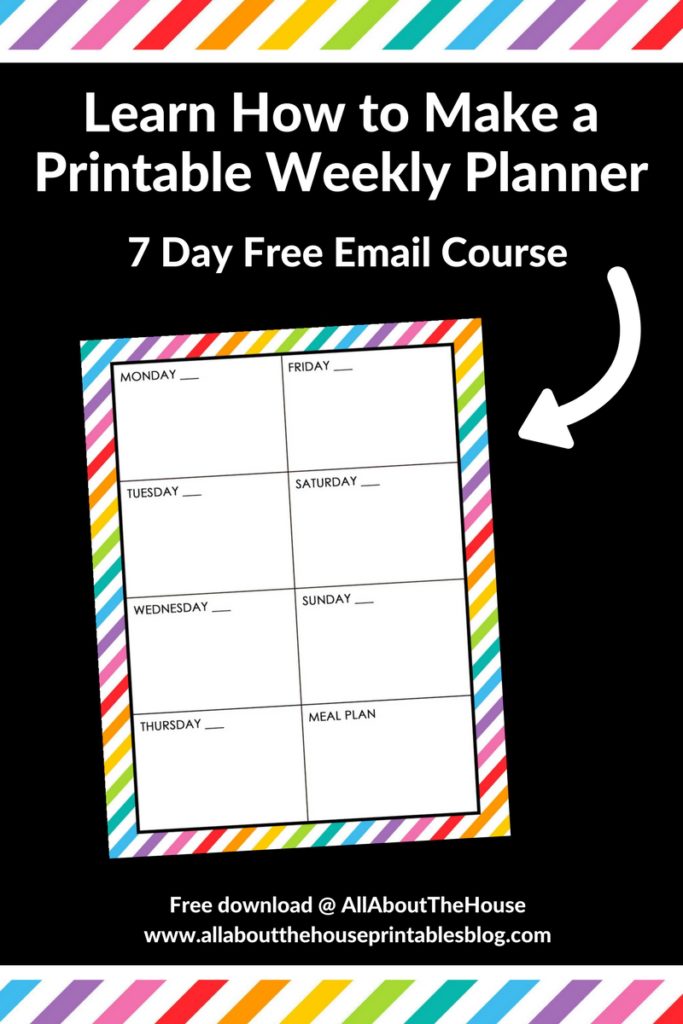
Want more printables tutorials? Get started making a weekly planner in Photoshop
Found this post helpful? Pin it to refer back to later!