7 Bullet Journal Daily Spread Ideas for Maximum Productivity
I don’t use a daily planner often, but when I do, it’s when I have a lot of stuff to get done. In this post I’m sharing 7 different ways you could set up your daily spread to have the most productive day.
Things you may want to include in your daily planner
- Pomodoro tracker
- Water intake tracker to avoid headaches and sluggish
- Schedule (can break this down into 15 or 30 minute increments for extra accountability)
- Exercise / stretch break tracker
- Reflection
- Meals (plan in advance so you don’t waste time figuring out what to cook)
- Focus and Distraction Control Box
- Energy and Habit Tracker – Water intake, Movement / exercise, Screen time limit, Mood or energy level (1–10 scale)
- End-of-Day Reflection – What did I complete today?, What slowed me down?, What will I improve tomorrow?, One win from today
- Optional Add-Ons (For High Performers) – “Brain Dump” section for intrusive thoughts, Gratitude list (3 items), Tomorrow preview (top 3 priorities for the next day), Habit streak tracker
Related post: 150 Dinner Ideas Printable Quick Reference List
Tips for time blocking your day
If you’re not sure how to split the day, here’s an example that works for me
- 6 – 8:30am – morning routine, commute, exercise*
- 8:30am – 9am – emails + things I didn’t have time to close out the day before
- 9am – 12pm – Deep work (no distractions). If someone wants a meeting I try and schedule it at 9am
- 12pm – 12:30pm – emails and quick tasks
- 12:30 – 1:30pm – lunch break (if I work from home I do cleaning or some yoga stretches)
- 1:30pm – 4:30pm – Deep work (no distractions)
- 4:30 – 5pm – emails, final proof read and issue reports
* I’m not a morning person so for me the exercise part is this is just walking from home to the the train or bus stop and then walking from there to the office
How to divide your tasks
Instead of dumping everything you need to do, divide tasks into:
- Must Do
- Should Do If Time Allows
- Quick Wins (5–15 min tasks)
7 Bullet Journal Daily Spreads for an Insanely Productive Day
1. 20 Minute Time Increments
You might not want to use this layout every day as you could end up a bit exhausted. But when you need to be laser focused this layout will keep you accountable.
Here’s the method:
- There are 3 x 20 minute increments per hour
- Let’s say you have 8 useable hours per day
- 8 x 3 = 24 of the 20 minute time blocks
- But you need to factor in breaks. Let’s say you have 4 x 20 minute breaks
- So there are 20 of the 20 minute time blocks in the day
Now brain dump what you need to get done. You could then color code the tasks using highlighters for priority, or add numbers or just put a quick asterisk against the most important tasks.
Now think about how long each task will take, and start allocating the 20 minute time blocks to a task. You could simply draw circles (faster to draw than a checkbox), use stamps, highlighter swatches or whatever other symbols you like. I generally prefer to use the circles because then I can shade them in (more visually appealing).
When it gets to the end of the day, see how many circles you managed to fill. For me this is a more meaningful way to be held accountable. Seeing a bunch of empty dots forces you to think about what you did / didn’t do that led to you not filling in each of the dots.
You could also add a reflection section to note down any distractions or what did and didn’t work well that day.
If you like habit trackers, you’ll love this layout.
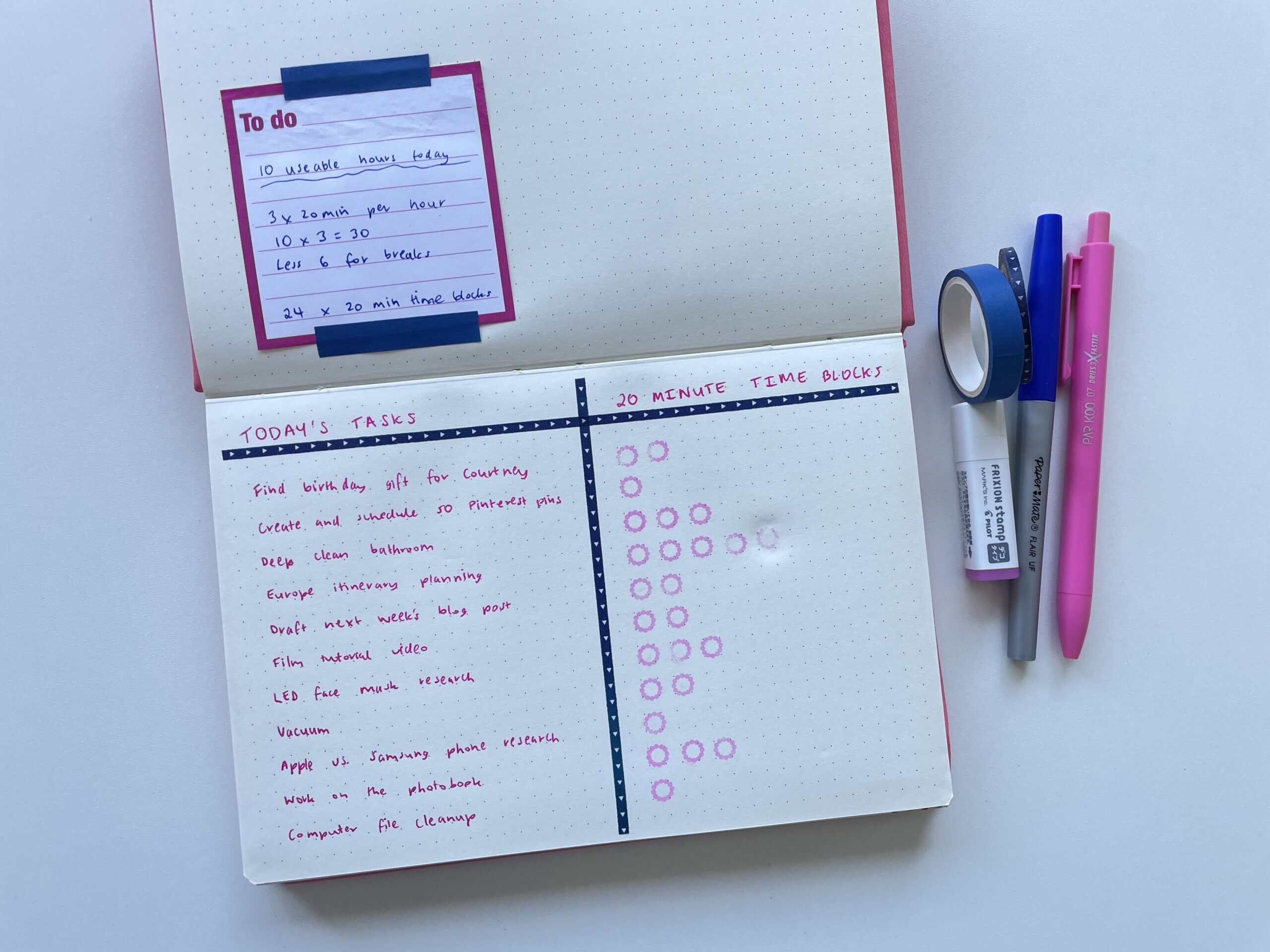
When I was setting up this spread I accidentally scheduled 1 too many tasks. This is the Flying Tiger Copenhagen dot grid notebook. The paper is smooth to write on but as you can see, the Frixion stamps don’t erase very cleanly.
2. Top 3 and a checklist
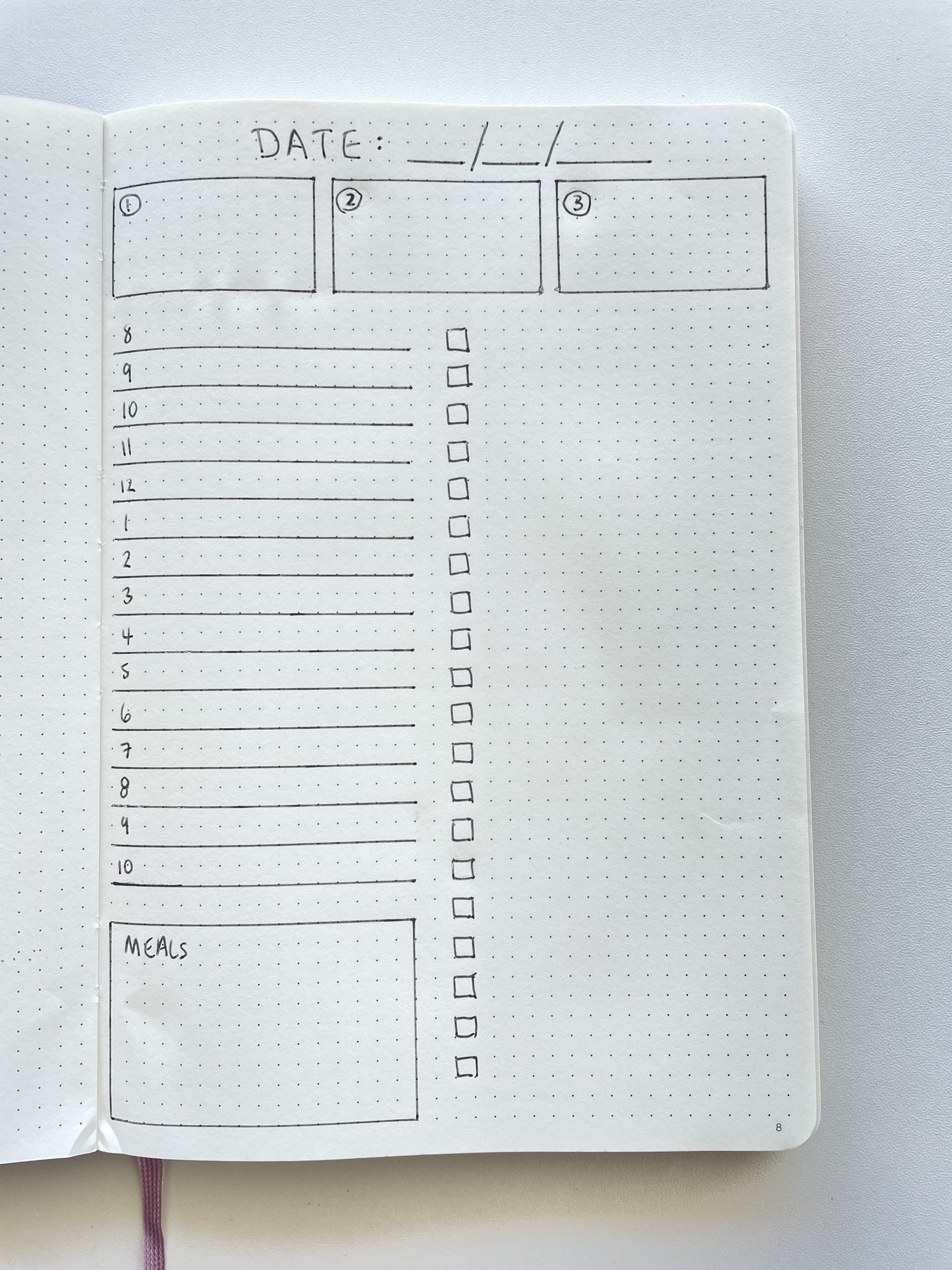
I often do a top 3 otherwise a brain dump to do list has me wondering where I should start. After the top 3 you can list out the other things you need to get done that aren’t as important.
Use different color highlighters for your medium and low priority tasks if you want to get even more focused.
Underneath you can add sections for appointments, meals, exercise, pomodoro tracker etc.
You could do an entire hourly / half hour or even 15 minute time based schedule if you prefer. I’ve found I prefer not to waste time planning my day down to that level of detail because if something doesn’t go exactly as planned, or a task runs overtime, I just get annoyed with myself.
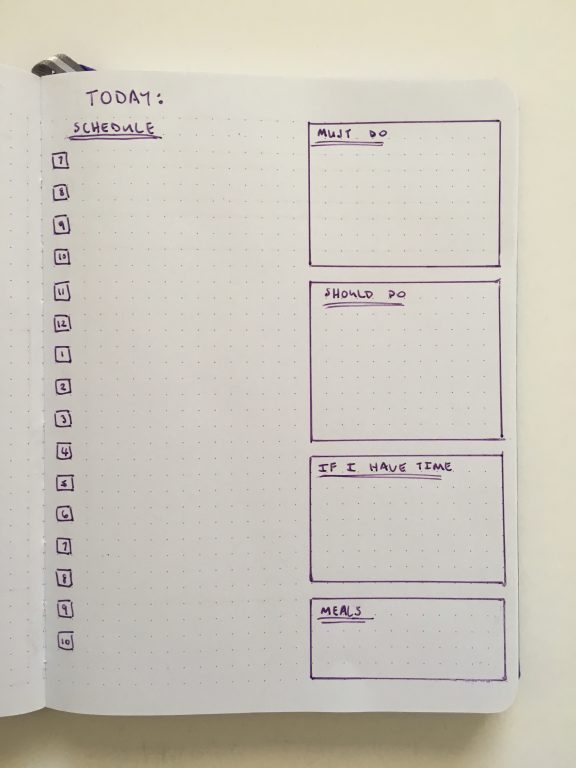
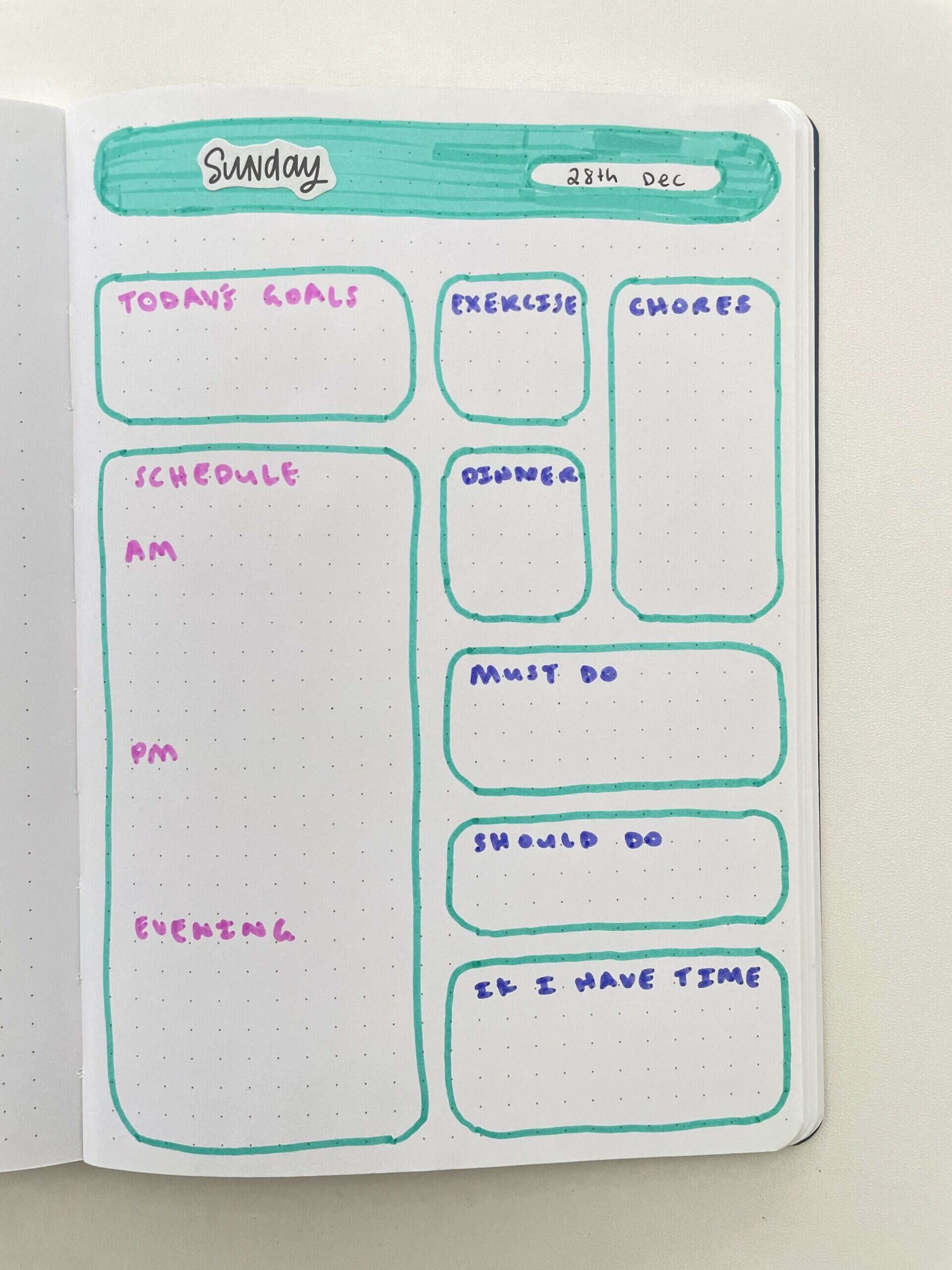
3. Must do, should do, if I have time checklists
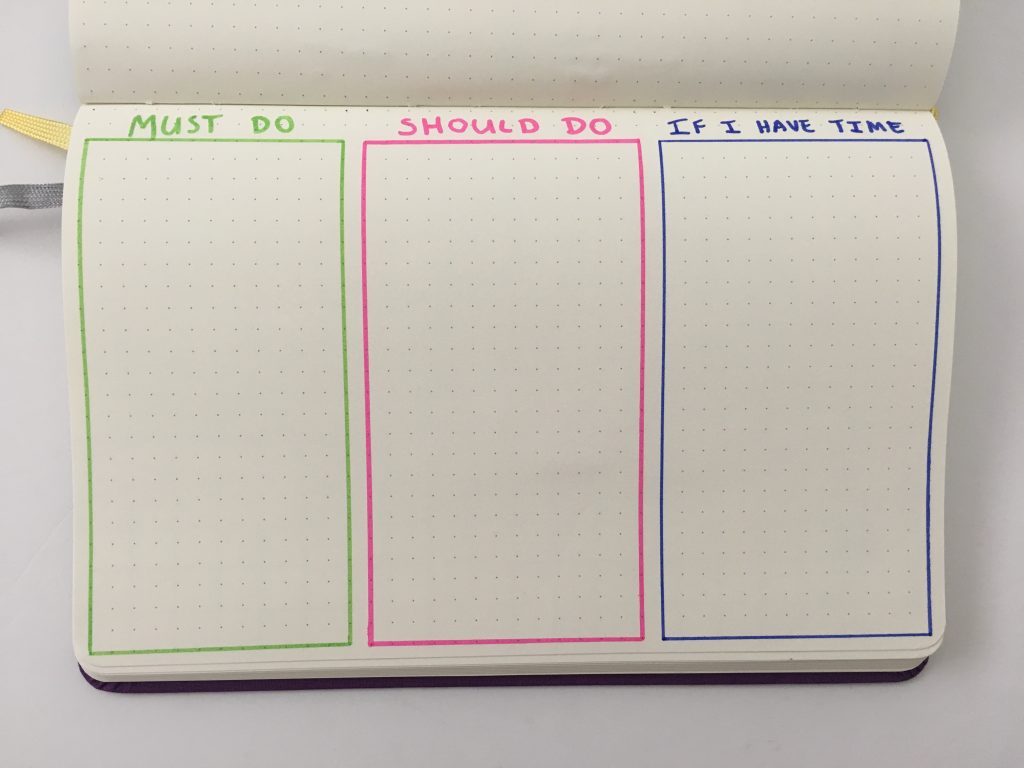
If you just want a productive day without a lot of time required to setup in your planner, this is the layout I recommend.
Simple but effective!
4. Priority and time based
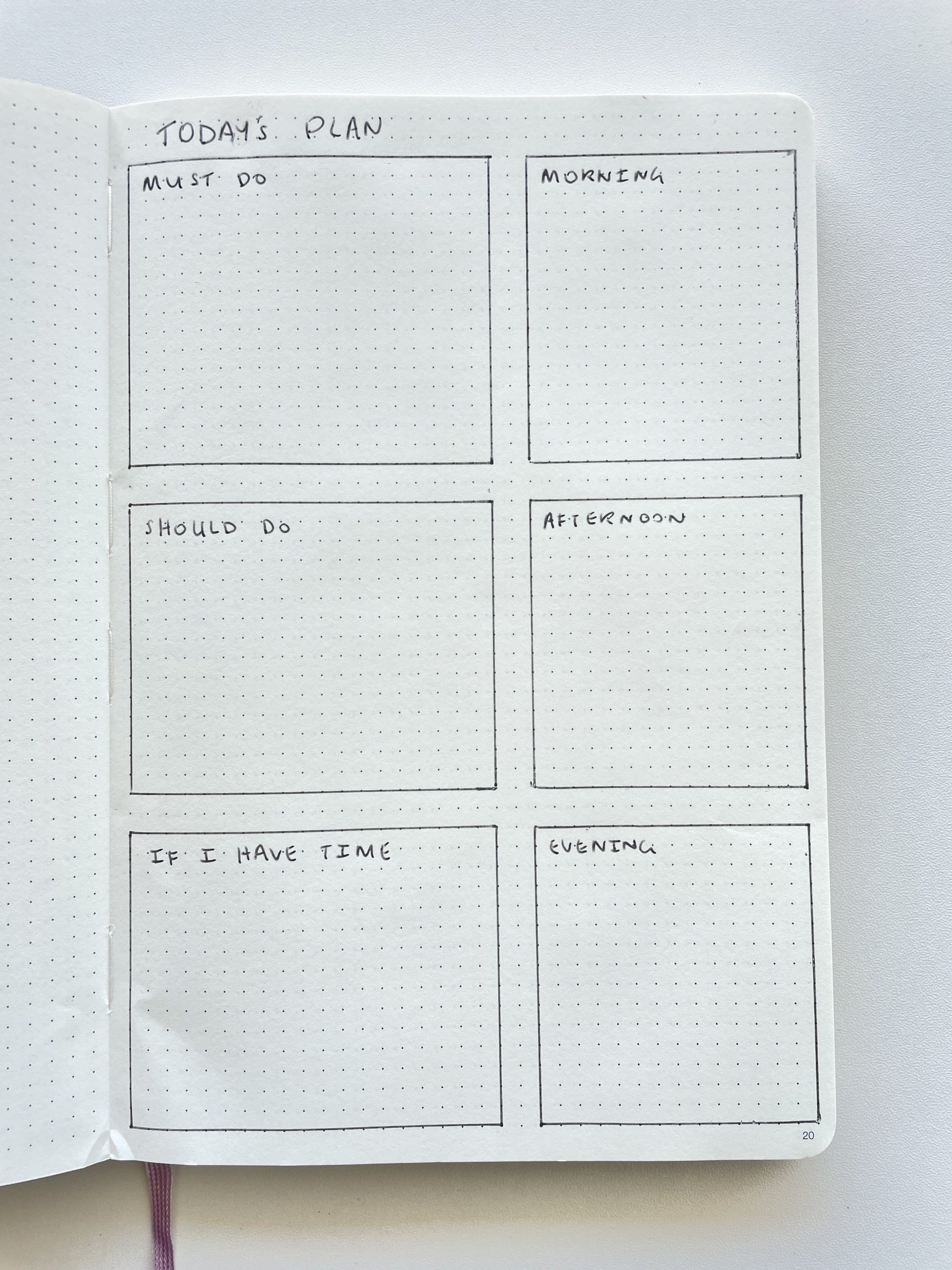
This one expands on the must do, should do and if I have time approach.
Add a second column for the estimated time the task will take.
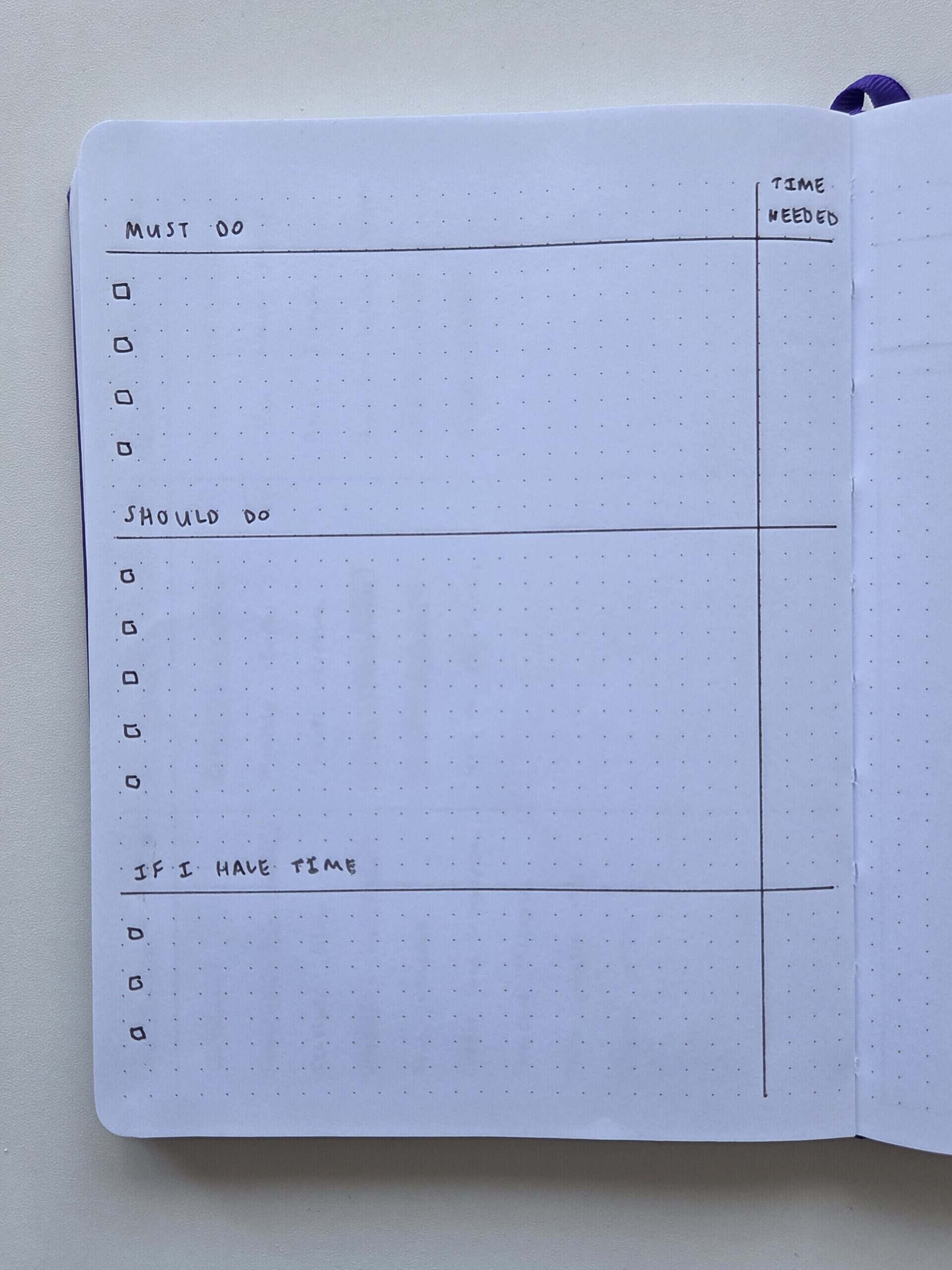
I like to approach the day like this
- Must do + high time intensive task
- Must do + low time intensive task
- Should do + high time intensive task
- Must do + low time intensive task
Etc.
Basically the idea is just to break up the day so that you get some easy wins in amongst the stuff you actually have to do. Then it keeps the momentum going.
5. Energy level
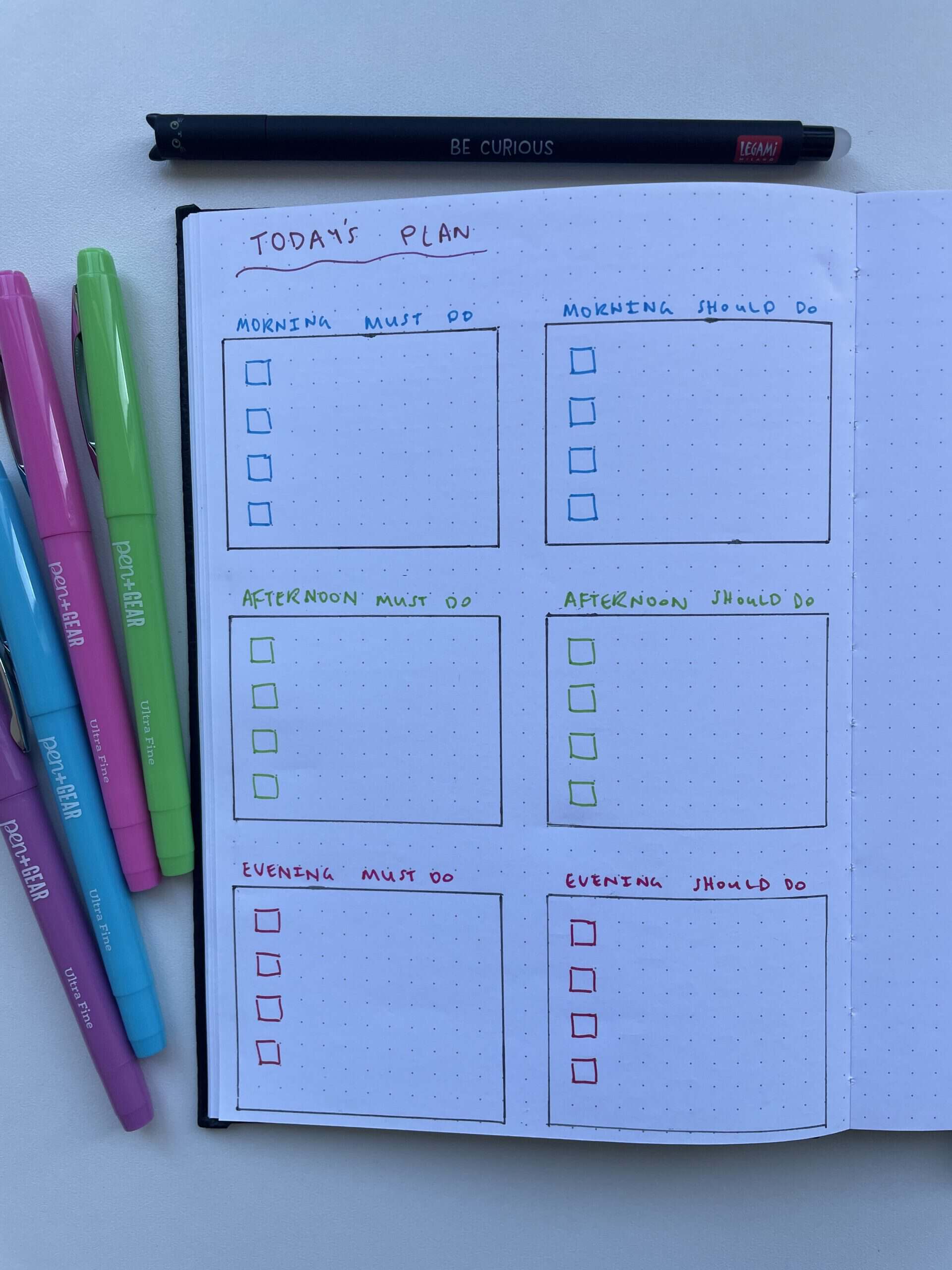
I started trying this after I started approaching cleaning (one of my most hated life admin tasks) into low, medium and high energy level.
Related post: Printable Cleaning Planner You Can Edit in Canva (and a free Weekly Cleaning Checklist)
You could combine this with the method above and use highlighters to color code most important tasks on each of the energy level lists.
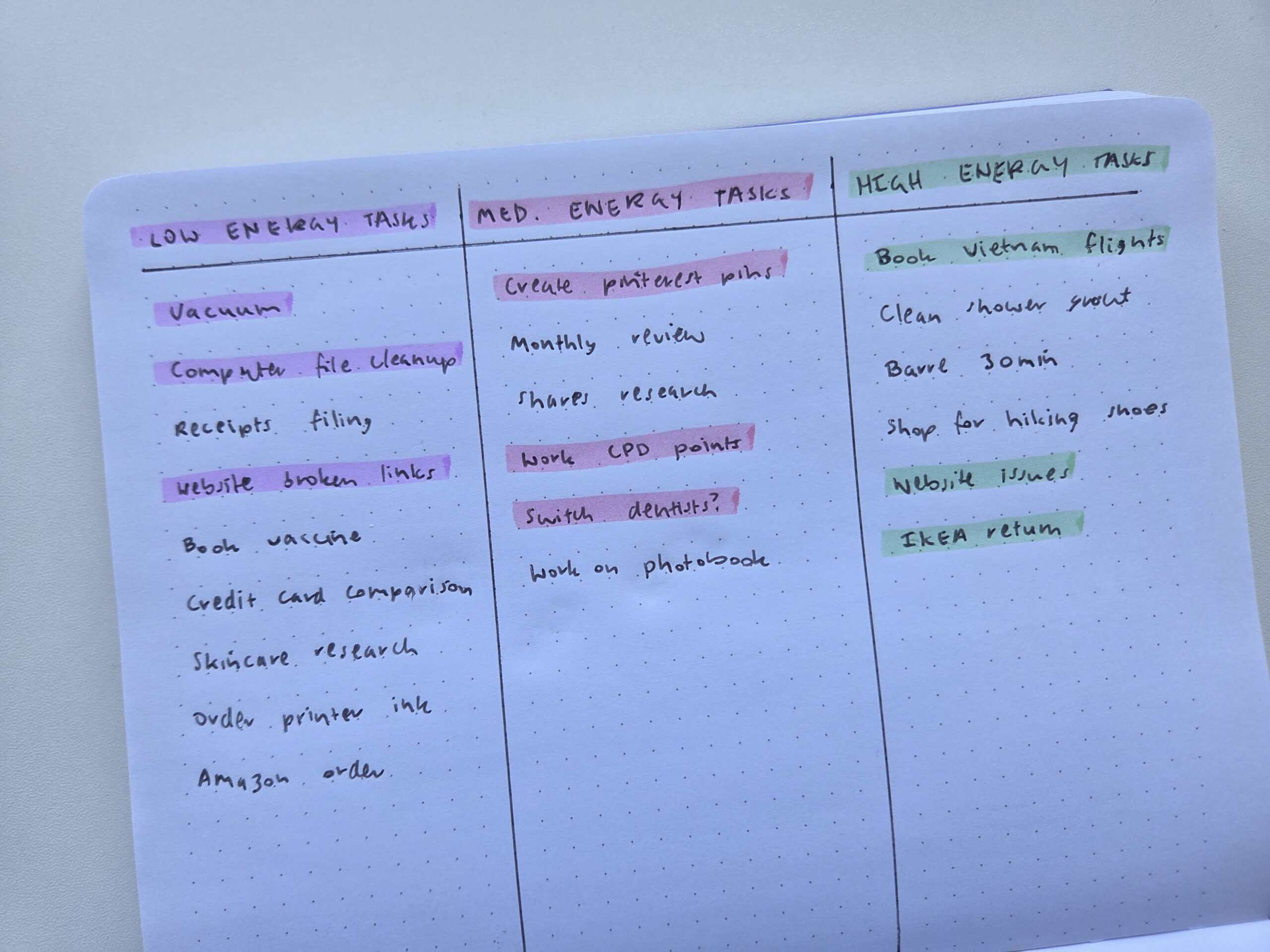
If your energy levels are different in the morning versus the afternoon, you could try splitting the page up further into sections for morning, afternoon and evening.
6. Categorised lists
The week that I used the anything checklists when I did the 52 planners in 52 weeks challenge is one of the most popular spreads of that entire challenge. Quite surprising as it’s so simple and easy to setup, and isn’t a traditional weekly planner with days of the week.
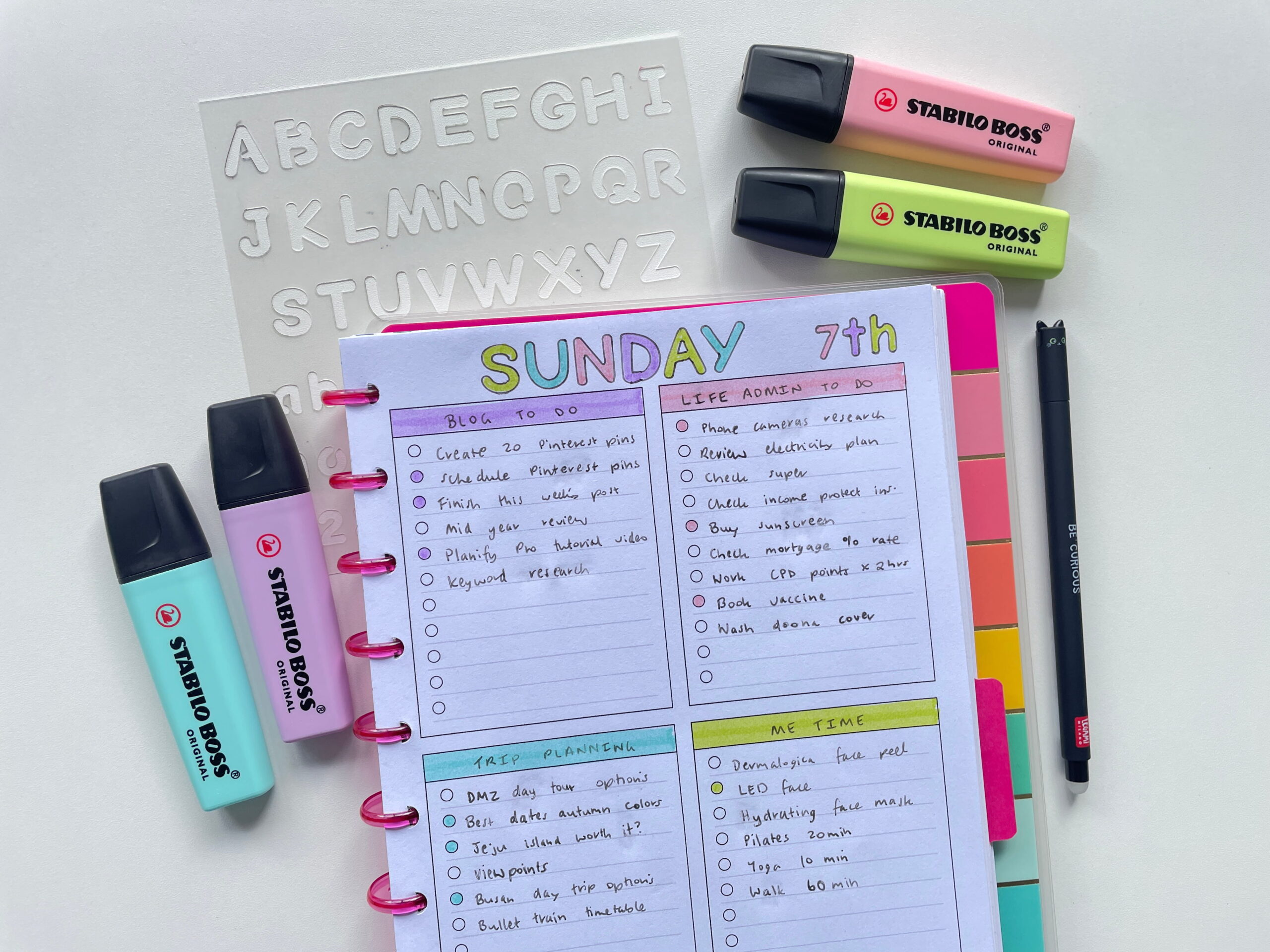
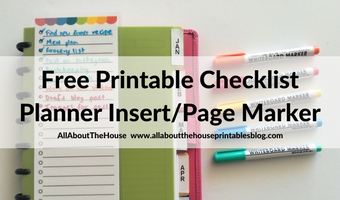
This printable is from the checklists kit
The concept of planning by category rather than time helps keep the day balanced. Some of your category checklists could be:
- High priority
- Family
- Work
- Personal
- Health / fitness / me time
- Life admin
- Projects
- Quick tasks
If you want to try it out for yourself, you can find the anything checklist in the free printables library.
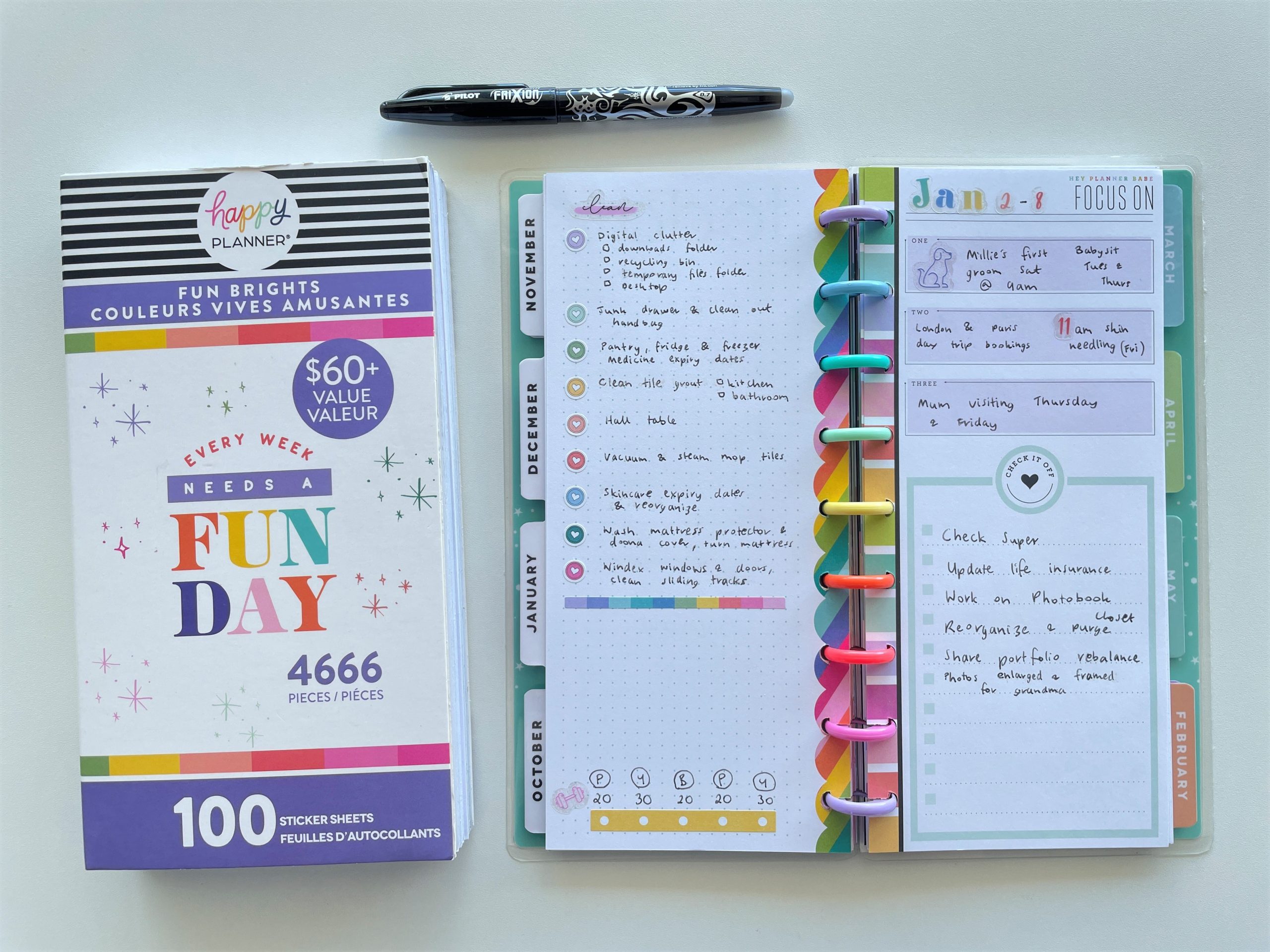
Sidenote: I’ve been trying out the Legami erasable pens lately and used them for the spread above, but I’m not that impressed with them. No matter what paper I try them on, they’re a bit viscous when they erase and leave more of an indent than other erasable pens.
The ink doesn’t skip but it does fade in and out, I have to apply more force than other erasable pens to get consistent ink flow. The Pilot Frixion is still my favorite.
The checklist printable I used for the above spread is from the checklists kit available in my shop here.
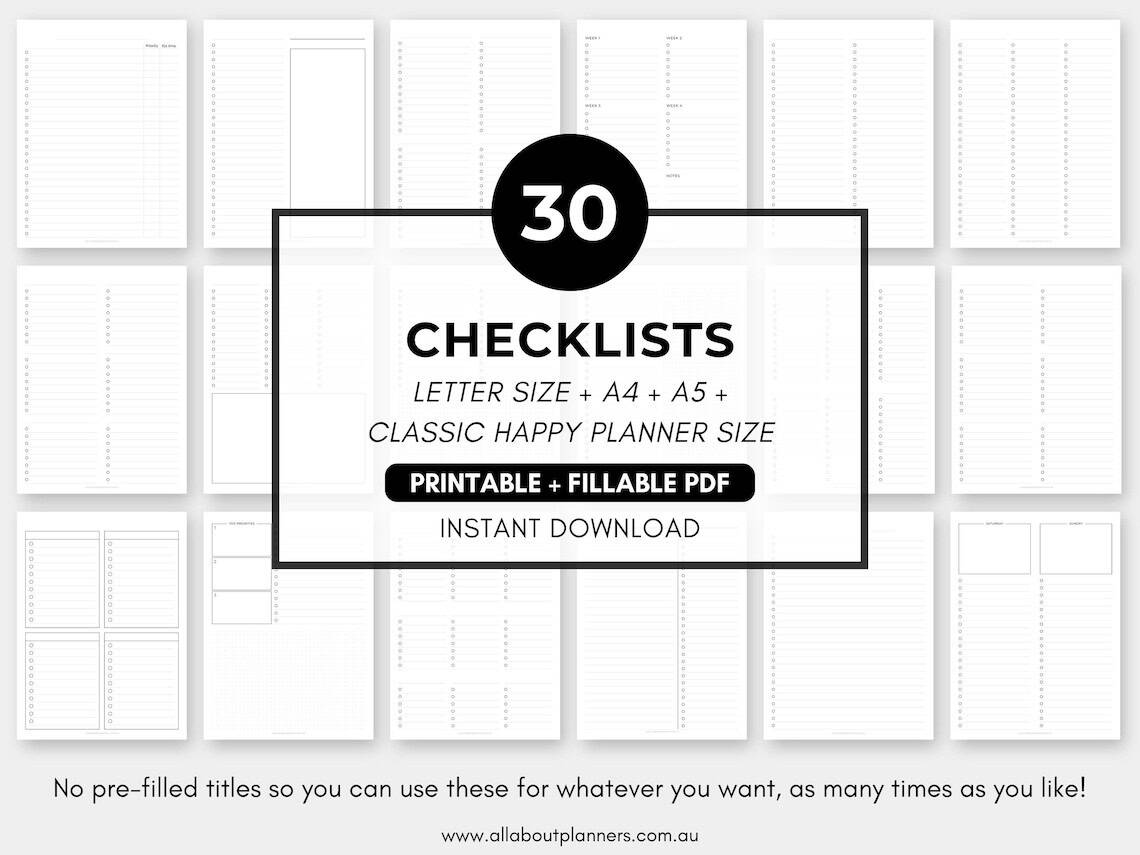
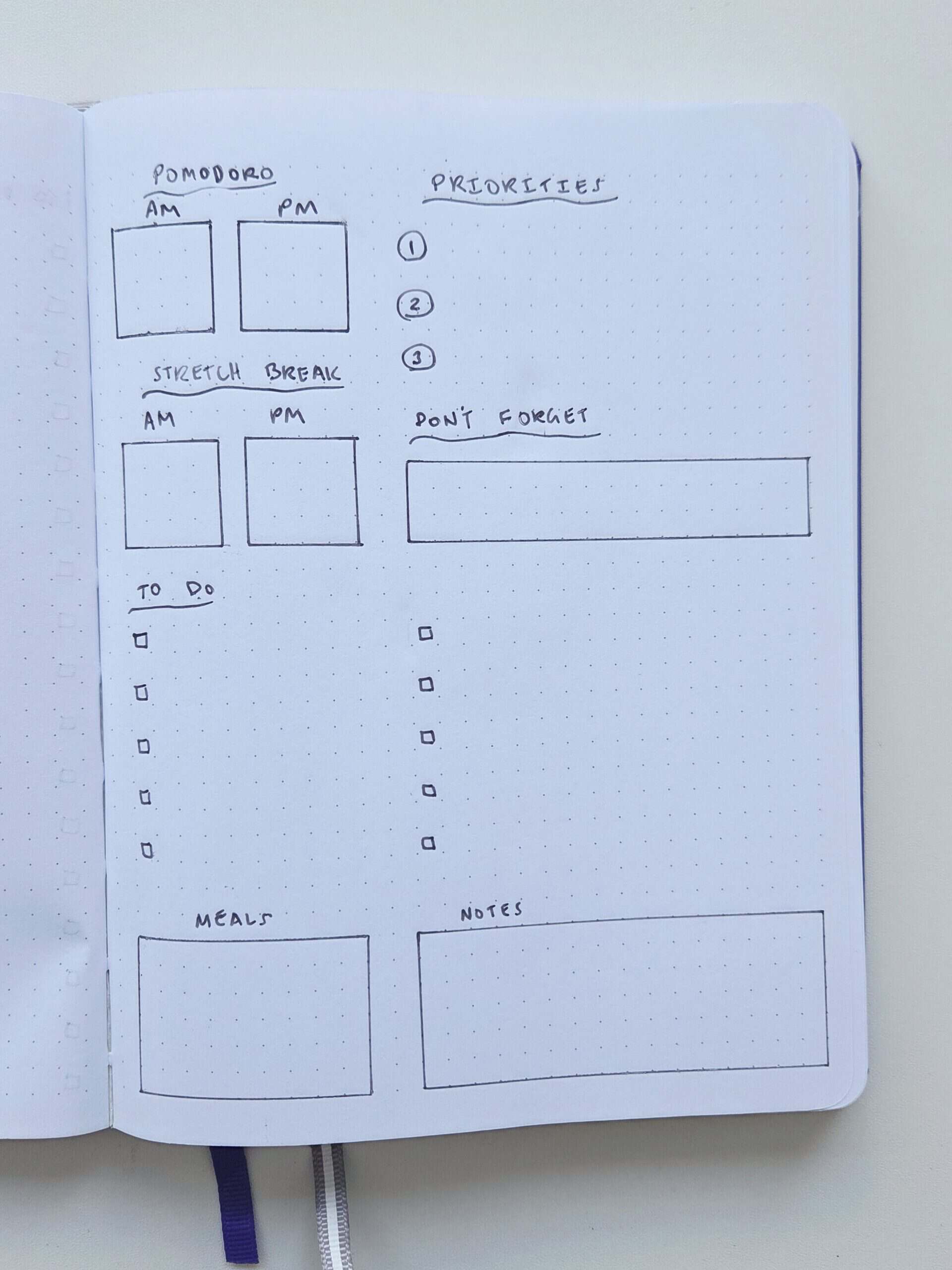
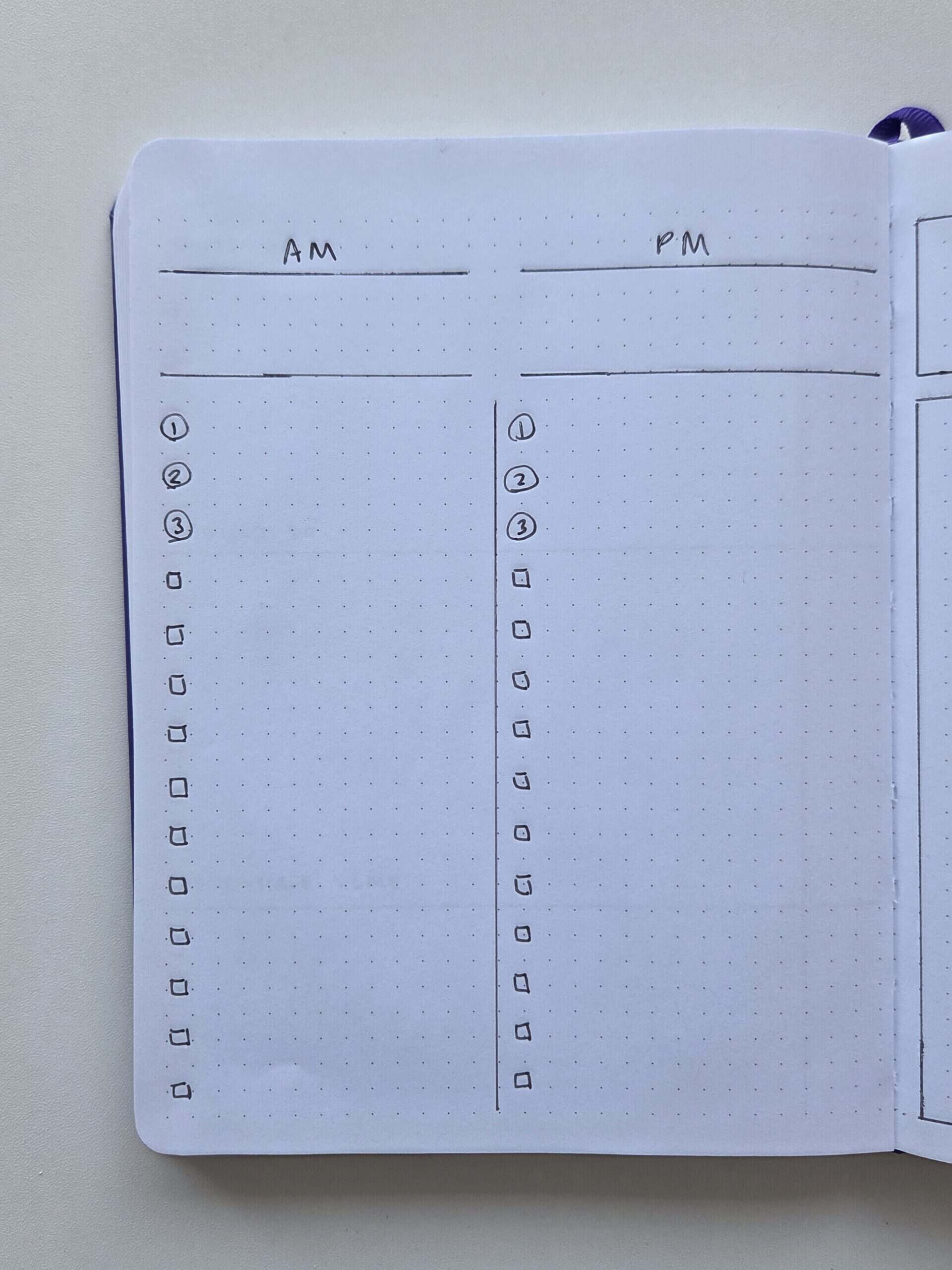
7. AM + PM Pomodoro tracker
Break up the day into morning and afternoon with a 2 column checklist, and a section to record your pomodoro and stretch breaks. Or you could put appointments in the top section instead.
Related post: Minimalist Planner Decorating: Title Ideas for your Bullet Journal
Bonus idea: Planned versus actual
This one is good for self awareness. When you list everything you plan on doing then list what you actually did it’s a good way to see what actually did or did not get done. Extra accountability if you use a schedule format instead of just a checklist.
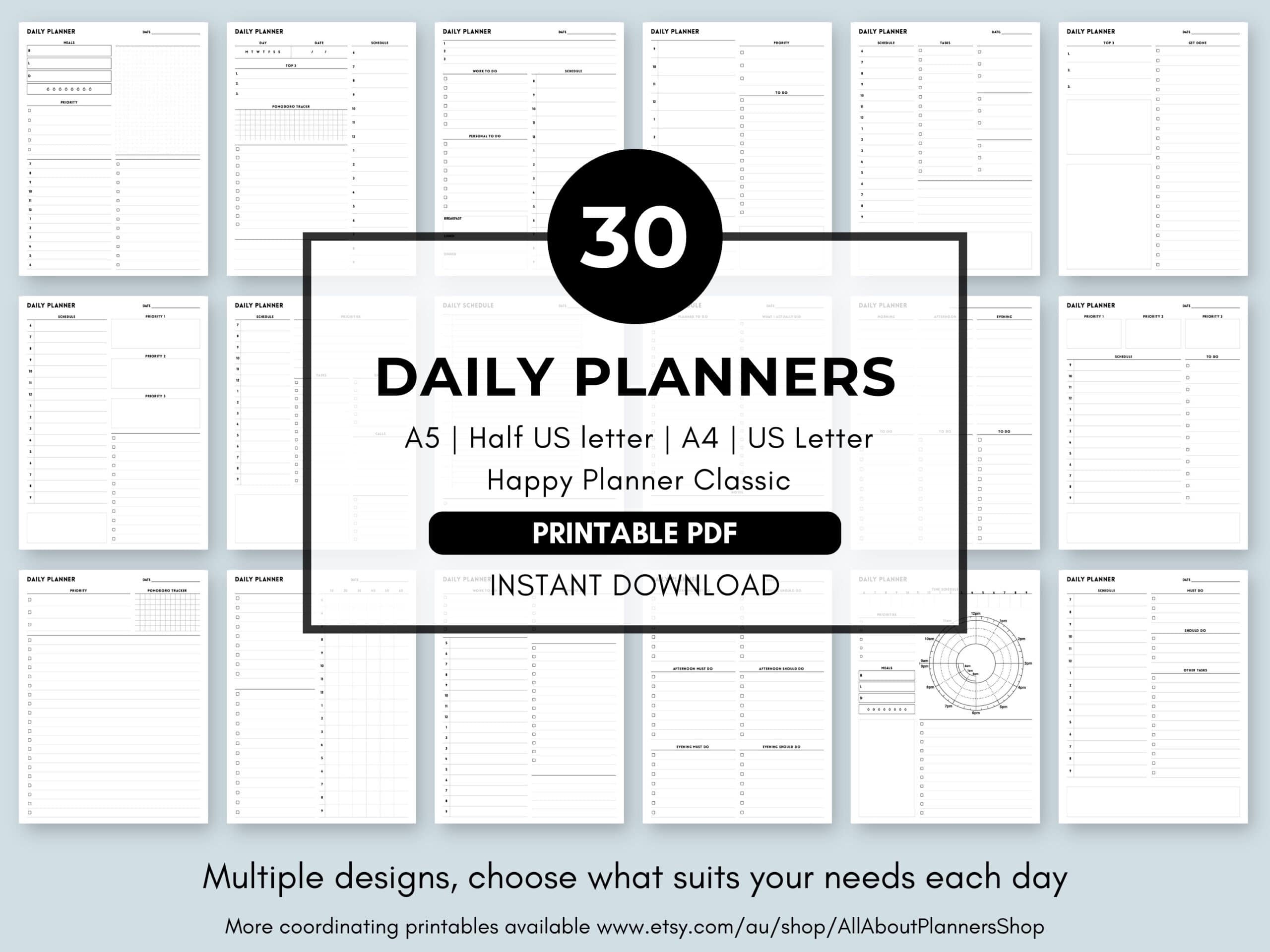
Want to save time not having to draw up your daily spreads? Get the daily planners bundle from my Etsy shop here. Also available in my online store.
More planner spread ideas
- 3 Simple checklists to use when you don’t have time for a weekly planner
- 7 daily spreads that don’t include a timed schedule section
- Productivity weekly spread with giant to do list and detailed fitness tracker
Planning tips
- 7 Ways to quickly and easily cover up mistakes in your planner or bullet journal
- 5 Ways to get ideas for your planner spreads
- Using blank pages: 50 useful lists to add to your planner
Liked this post? Pin it!