Easy Canva Tutorial: Make Rainbow Text That Pops (plus the best bold sans serif fonts)
Anyone else try and pick a font when designing something, and at least an hour goes by just trying to find the best one? The right font can be just the thing a design needs to take it from good to great! I previously shared a list of my favorite cursive fonts in Canva.
In this post I’m sharing my favorite sans serif / bold fonts. You can use these fonts for creating printables, Pinterest pins, social media posts, branding materials or other digital products.
I’ll also show you how to apply different text effects in Canva to make the fonts look more unique.
Bold fonts are perfect for
- Headlines
- Pinterest pin titles
- Planner cover pages
- Quote graphics
- Product thumbnails
- Call-to-action text
- Social media posts
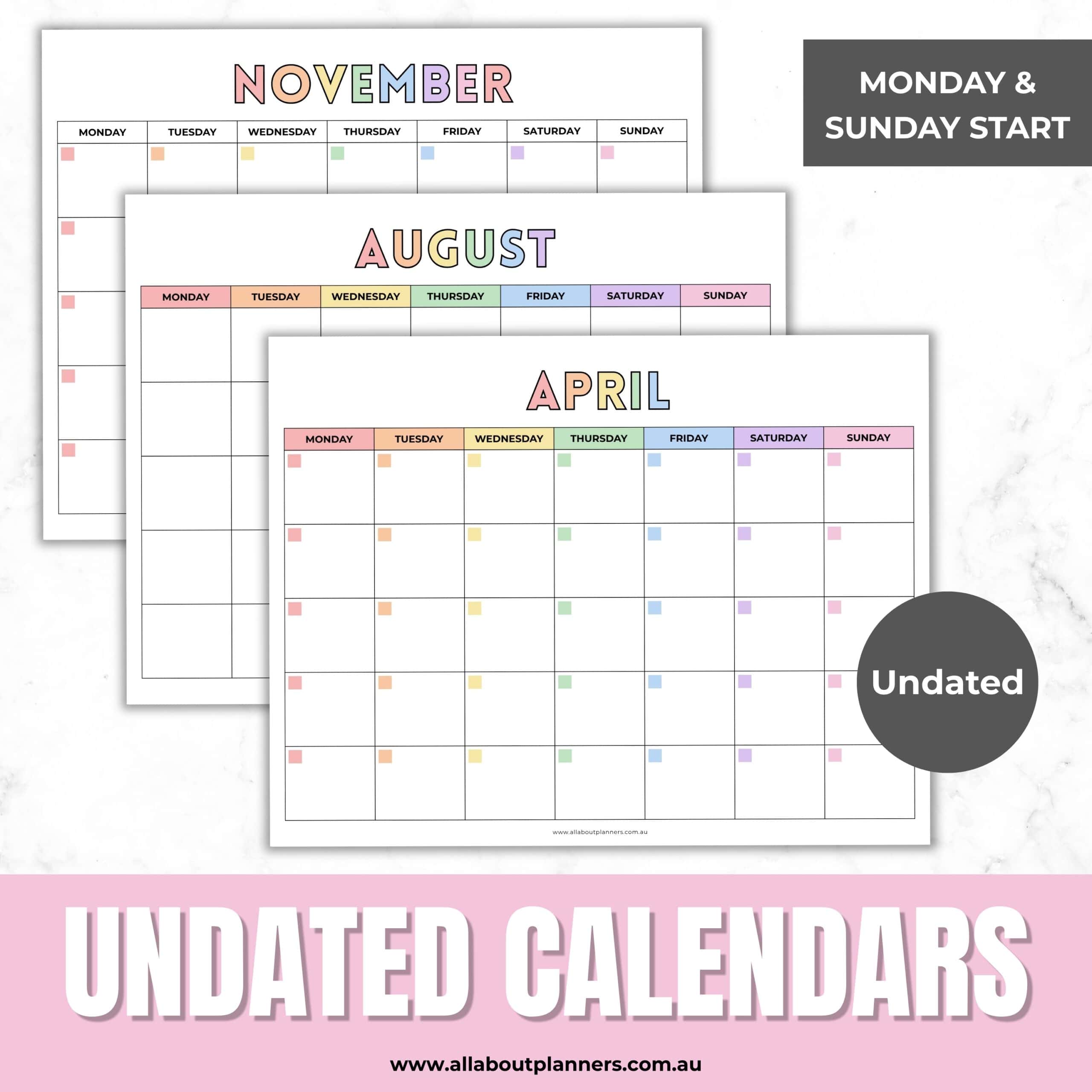
I used the Anton font for the ‘undated calendars’ title for the listing photos for this calendar
The best bold fonts
Most of the fonts on the list below already have thick letters, but you can also turn some fonts you wouldn’t expect into nice bold fonts by using the text effects menu in Canva. I show you some options in the video later in this post.
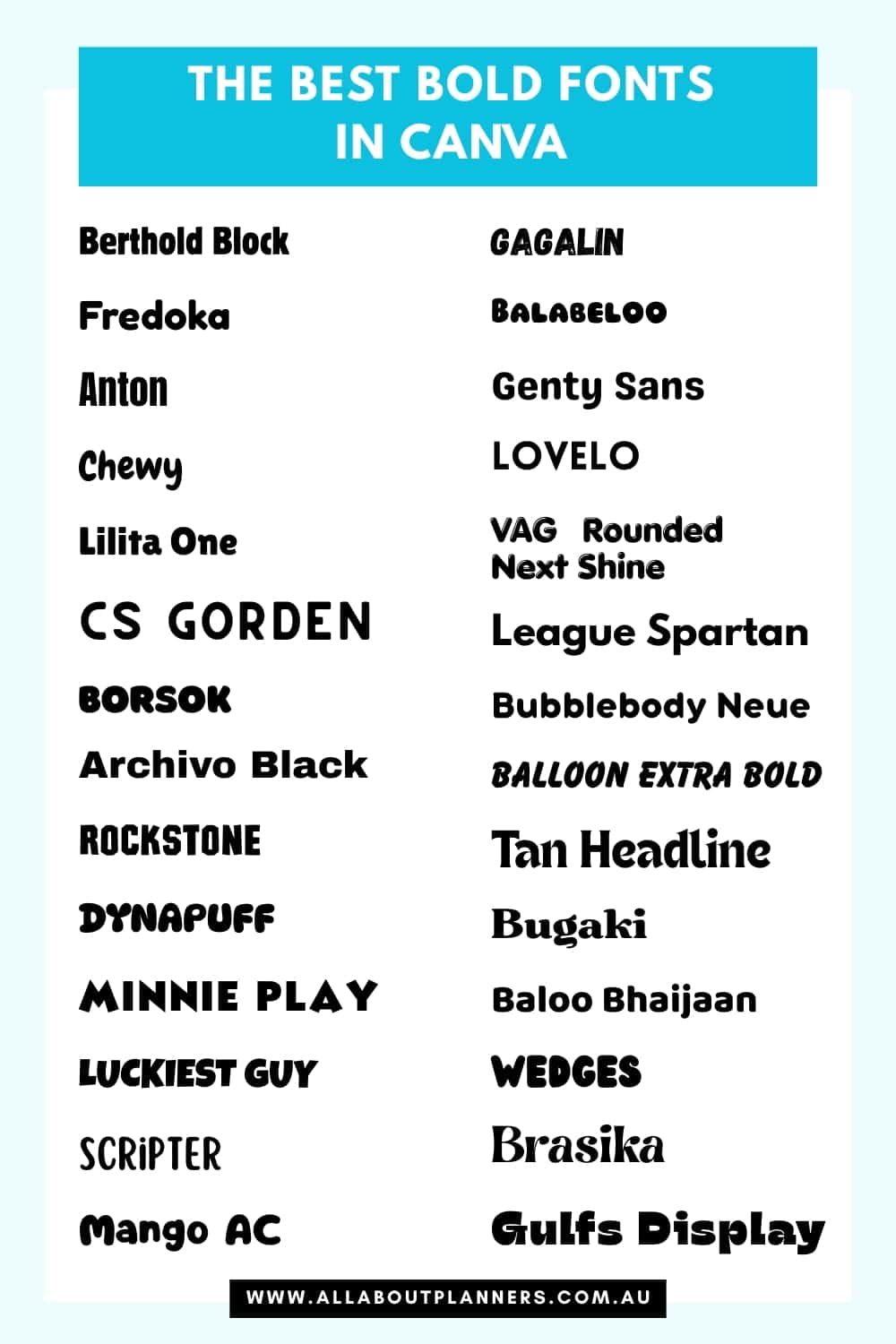
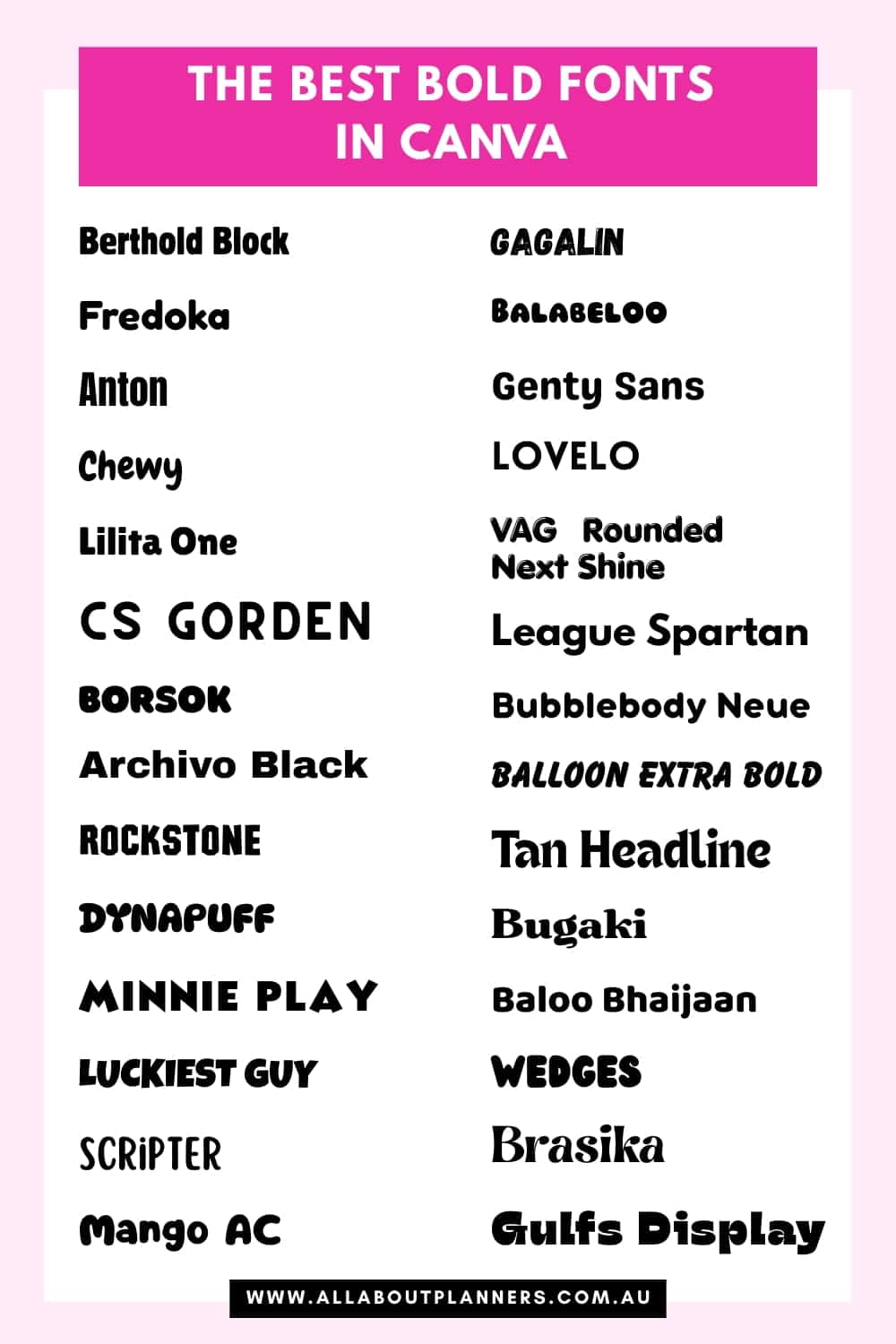
If you’re having trouble finding bold fonts or just want some fresh fonts for your designs, here are some I recommend:
- Berthold Block
- Fredoka
- Anton
- Chewy
- Lilita One
- CS Gorden
- BORSOK
- Archivo Black
- Rockstone
- Dynapuff
- Minnie Play
- LUCKIEST GUY
- scripter
- Mango AC
- Gagalin
- Balabeloo
- Genty Sans
- Lovelo
- VAG Rounded Next Shine
- League Spartan
- Bubblebody Neue
- Balloon extra bold
- Tan Headline
- Bugaki
- Baloo Bhaijaan
- Wedges
- Brasika
- Gulfs Display
Tips for using bold fonts
- Turning a font into all uppercase letters can completely change how it looks
- Pair bold fonts with lighter, simple fonts to create balance in your design
- Try and use only 2 – 3 fonts per design
- Some of these bold fonts look better with increased letter spacing
- If the bold font looks a bit plain, try adding a drop shadow or outline in the text effects menu in Canva
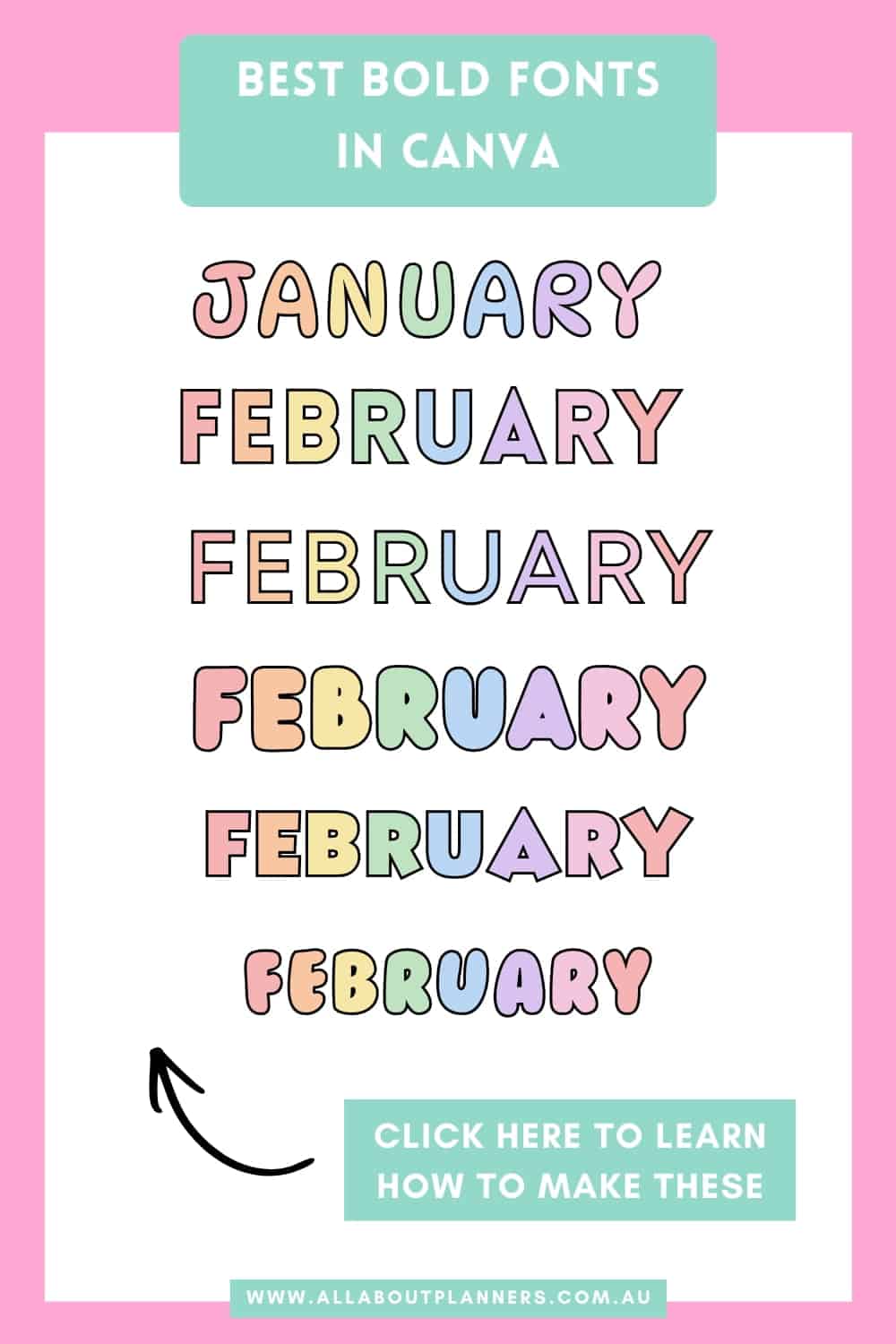
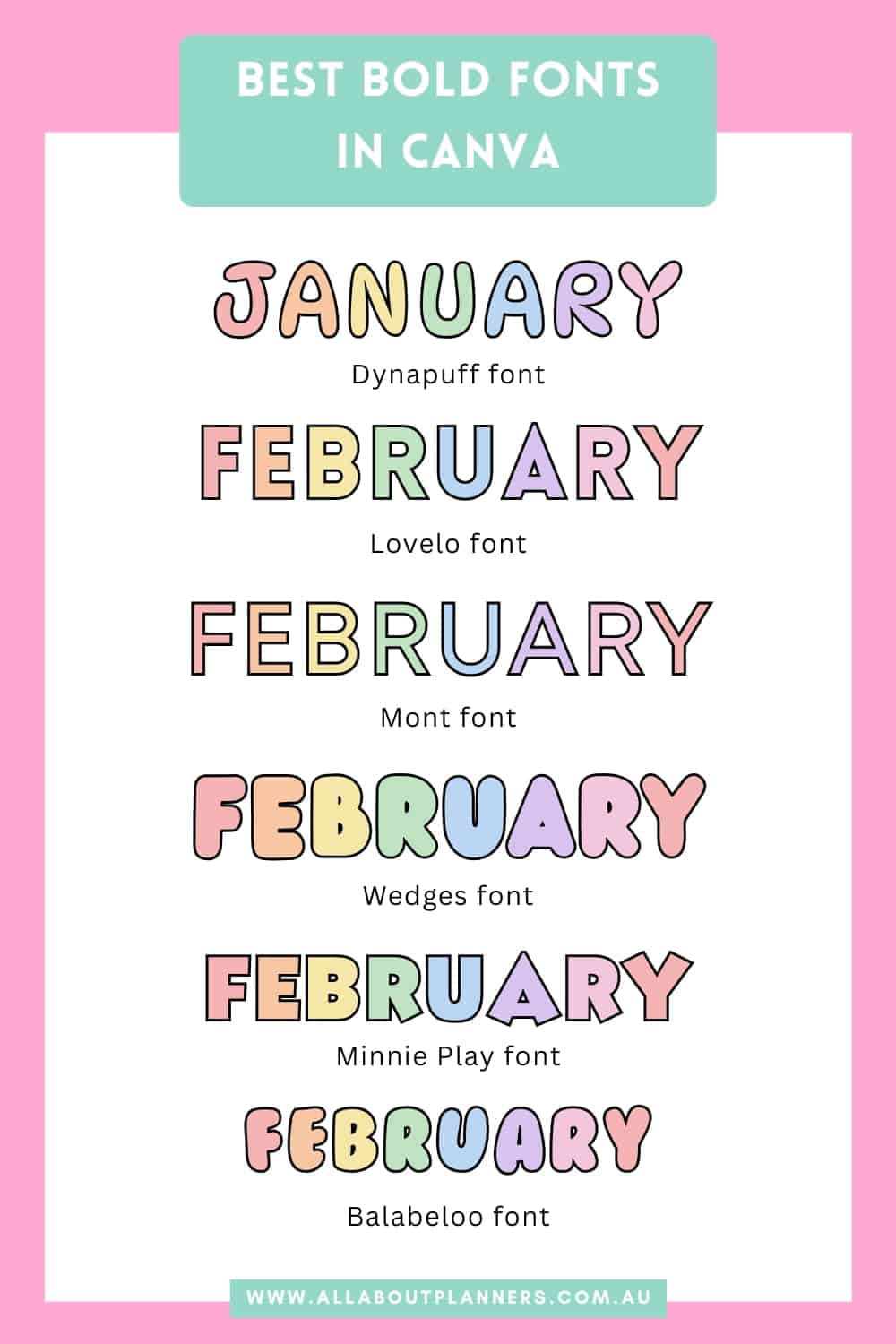
The other thing you can do, is add some COLOR to the letters, I show you how to do this in the video below.
How to use text effects in Canva (and make multicolored text)
To enlarge the screen of the video, click the square icon in the bottom right hand corner of the video (it will say ‘full screen’ when you hover your mouse over the icon).

Subscribe to my YouTube channel for more printing tutorials and stationery review videos
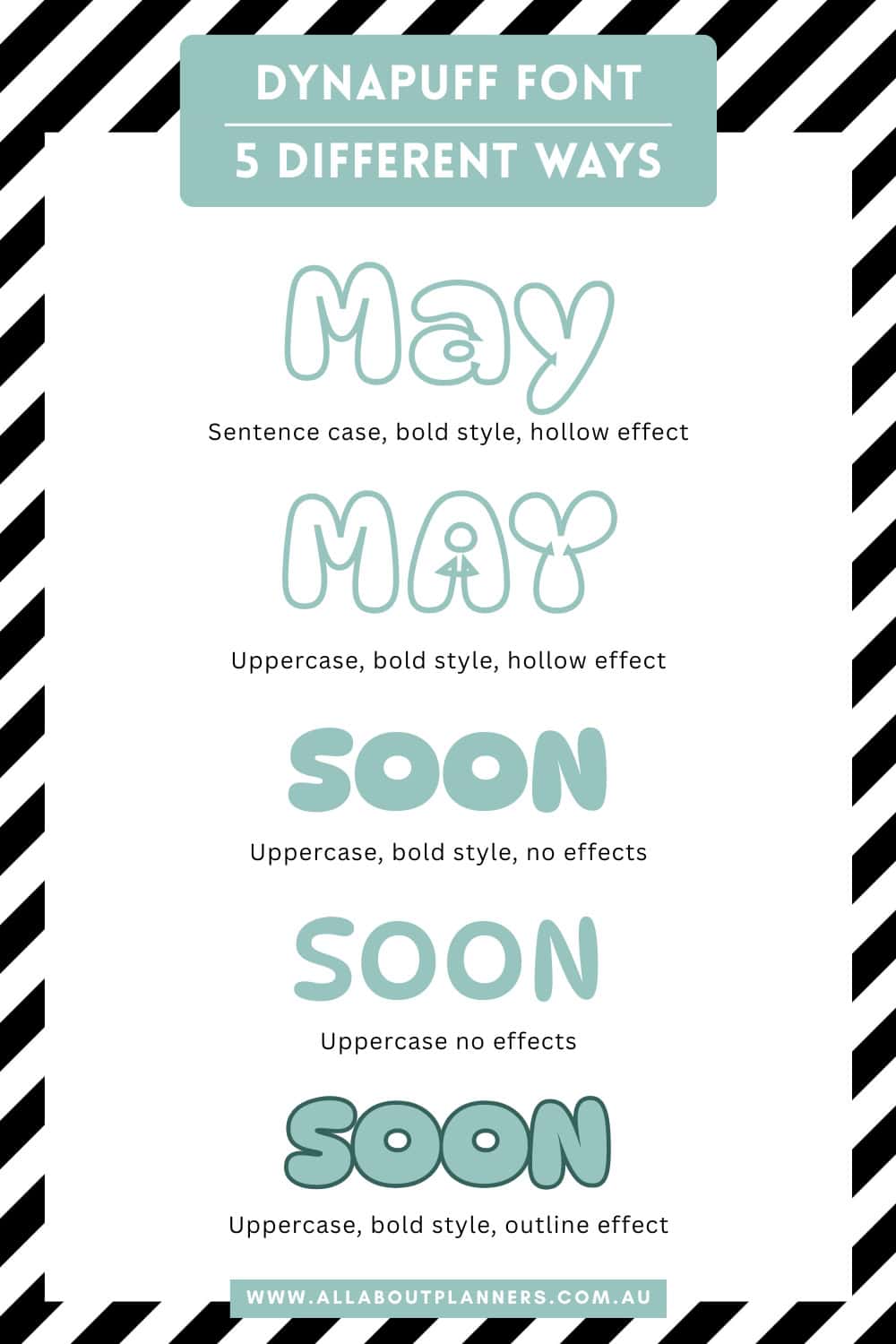
Here are some variations of the Dynapuff font I was talking about in the video
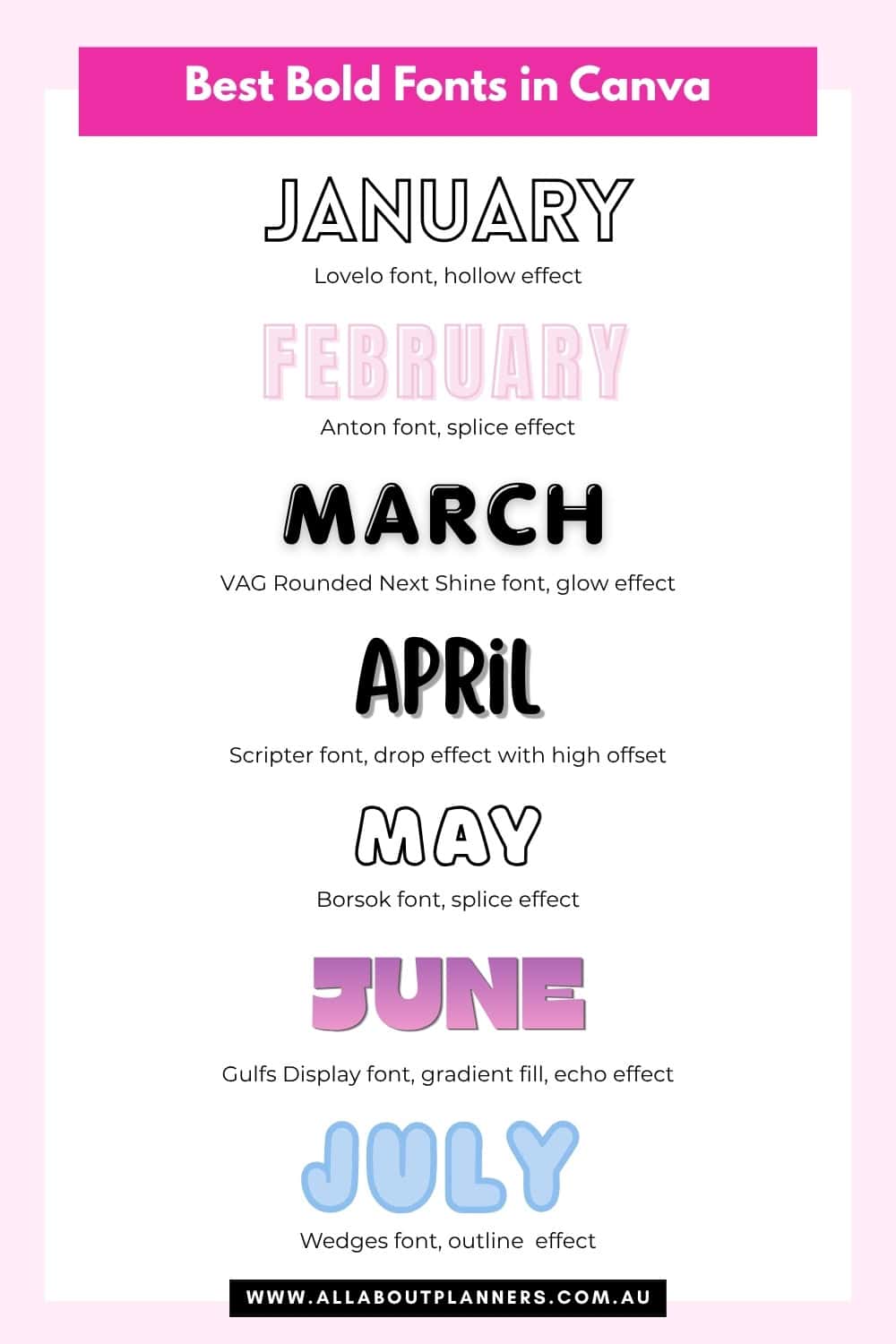
Some examples of the bold fonts I listed earlier in this post, with some text effects added:
More graphic design tutorials
- A behind the scenes look at my design process for making planner printables
- Best Cursive Fonts in Canva: 50+ Free and Pro Script Fonts for Designers
- How to add a drop shadow in Canva (create product mockups for your Etsy shop)
Found this post helpful? Pin it!