3 Simple checklists to use when you don’t have time for a weekly planner
A reader recently asked me why I hadn’t posted any weekly spreads in a few months. My personal life in the second half of 2024 was very chaotic between being made redundant from a job of 10+ years, finding and starting a new job, house hunting, finding a townhouse then cancelling the Contract due to building defects, looking for a new rental instead, preparing to move, various family / life events, two overseas trips (one of them planned the week before) etc. I didn’t actually use a weekly planner… at all. Instead, I went back to basics and just used checklists.
I’ve posted about weekly planning using only checklists a few times in the past:
- Week 5: Planning by category and task, rather than by day
- Planning by category rather than by day (weekly spread with icon planner stickers)
- How to ‘lazy plan’ your week (in 4 simple steps)
- Weekly Planning using priority lists
- Week 45: Using the priority quadrant for weekly planning
See more of my past weekly spreads here (I don’t post every single week anymore, but there are still 200+ past weekly spread ideas in the blog archives if you need some inspiration).
Since I had no idea how much time I’d have to do things outside of work and after dealing with all of the other things going on, I mainly used a 2 page layout in one of my Happy Planner Notebooks which I divided up into vertical columns. The categories sometimes stayed the same, and sometimes I varied them. The main 3 methods I used were:
Method 1: Task Priority Based
- Must do (30 minute tasks)
- Must do (15 minute tasks)
- Should do
- If I have time
Method 2: Separate time based lists for work and personal
- 15 minute tasks (blog)
- 30 minute tasks (blog
- 15 minute tasks (personal)
- 30 minute tasks (personal)
If a task took longer than 30 minutes, I split it into multiple task lines that would take approx. 30 minutes each. So a 1 hour task would be spread over 2 rows to make it more manageable to find time to actually work on it.
Method 3: Priority Based & Life Admin
- Urgent tasks
- Not urgent tasks
- Home to do
- Appointments & misc.
I used various styles, color themes etc. for the above, but I’ve picked out my top 3 which I’ll share here:
Method 1: Task Priority based
For this spread I used my favorite Stabilo Boss highlighters, Muji Gel Pen 0.7, Pilot Frixion erasable 0.7, Happy Planner Classic size Happy Notes with Happy Planner dot grid refill pages. I think the exact refills I used are no longer sold but Happy Planner have plenty of other dot grid refills.
I focused on time based and task / priority based planning, rather than planning by day.

Since a layout like this is so simple you can just measure out the placement once then use that page as a template for the next one. If you don’t want to invest in a row and column stencil, using this ‘template’ method in a discbound or ring bound notebook with removable pages will save you tons of time. Just mark a dot where the lines need to go and rule up the page.


I didn’t have time to think too much about decorating so just use highlighters to add some color – fast and easy. I did up some color combination swatches and drew inspiration from those.

Some weeks I didn’t have much time to cross things off the lists so I ended up using the same spread for 2 or even 3 weeks at a time, hence why a dated weekly spread would’ve been a bit pointless.
Some weeks I used highlighters to shade in the boxes of my top 3 for each list, some weeks I did underlining of priority tasks instead.

Method 2: Separate time based lists for work and personal
To avoid things getting jumbled, sometimes I would do organized lists with separate pages for the blog and personal tasks.
If you don’t have a blog, you could do this with ‘work’ as the category instead
To avoid further overwhelm, I did separate time based lists for each.

Since I didn’t have any weekdays, if there was anything time sensitive (like an appointment) I could add this via a sticky note. Sometimes I would use the same spread for 2 weeks in a row until I filled the page. I used the bottom section for my skincare reminders (I’ve had horrible acne during this stressful period). The LED therapy and clean brushes stickers are from KHD stickers.
I used the oops a daisy ‘love bujo’ alphabet stencil for the titles.

I do want to mention that I use a separate monthly habit tracker which helps keep a lot of those little day to day, routine tasks out of the spread so I can focus on the ‘bigger picture’ items and things that are specific to the current week. I have a printable habit tracker in my printables library (download the printable and get access to the library for free here).
Method 3: Priority Based & Life Admin
If something is going well is one area, something is probably being neglected somewhere else. I needed some reminders not to abandon keeping on top of things around the apartment, and had a bunch of random stuff I just wasn’t getting around to doing. So for this one I kept the priority based approach to tasks via the urgent and not urgent columns, but added a ‘home to do’ plus ‘appointments & miscellaneous’ column.


I could then number the boxes I created for my top 3 in priority order.

I used the anko dot markers from Kmart. They’re dual tip (which is how I drew the boxes) and the colors are comparable to the tombow dot markers but with a smaller dot. You can get an entire pack of dot markers for the price of a few of the tombow dot markers.
Method 4:
If I wanted to break the categories down farther, then some weeks I just used the anything list printables from my shop.
Surprisingly (to me), the spreads I’ve done in the past using the anything list printables (such as this one: Week 5: Planning by category and task, rather than by day.), remain some of the most popular spreads from the 52 planners in 52 weeks challenge.
I shared a tutorial for resizing printables to any page size (including Happy Planner classic size which is what I’ve been using) in this post.
Would I use these layouts again?
Yes. I’ve used checklists before and in a busy season of life, I do find myself gravitating towards to do lists. Would I use this type of layout every week? No. When I have more time I enjoy thinking of ways to hack planners, different ways of coordinating supplies from different planner brands, incorporating stickers and washi tape etc. But for now, the checklists are working.
You could use checklists like these as a master task list (if you prefer a digital version, I keep mine in this template in Excel). Or have it as an add on to your monthly spread, annual goal planning etc.
So why not just use the Excel template instead of the paper checklists? It’s a bit overwhelming looking at entire brain dump all at once and thinking ‘where do I start?’. I like to have my tasks on paper in front of me while I’m at my desk, I have too many things open on my computer without adding another thing. If I pick out a few things from the master list, then I can focus on only the tasks I’ve put in my planner – but the rest are out of my head and stored somewhere so I don’t forget about them.
Planning tips
- 50 Reminders to Put in Your Planner or Bullet Journal
- What is the best day of the week to plan?
- How to organize and color code your notes for school, college or university
Time management tips
- 50 Tips for writing a better to do list that will make you more productive
- 20 Productivity & Time Management ‘Rules’ I Live By
- 15 Productive Things You Can Do In 15 Minutes or Less
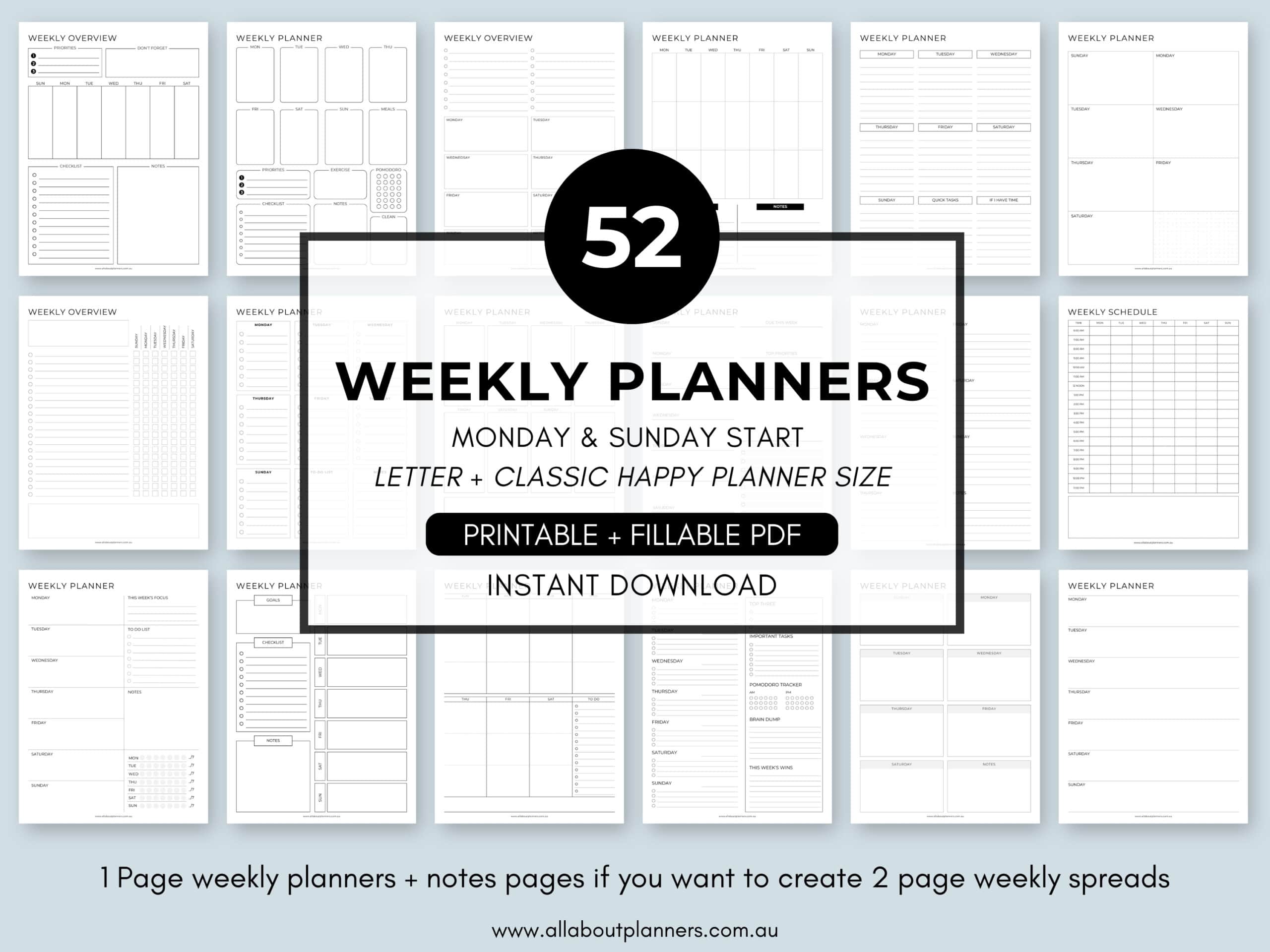
Tired of drawing up weekly spreads? This printable bundle of 52 different 1 page weekly planners (you can mix and match to create 2 page spreads if you prefer), is available in my Etsy shop and online store. It comes in US letter size and Happy Planner classic page size.

Found this post helpful? Pin it!