How to make a scallop border in Photoshop (step by step tutorial) plus free printable color coded note paper
Following on from yesterday’s post with the free printable checklist planner insert, in this post I’m sharing how I made the scallop border for that insert.

How to make a scallop border in Photoshop
If you don’t have Photoshop, you can purchase and download it here (my affiliate link).
To enlarge the screen of the video, click the square icon in the bottom right hand corner of the video (it will say ‘full screen’ when you hover your mouse over the icon).

Subscribe to my YouTube channel for more planner related videos & graphic design tutorials!
Links mentioned in the video
- How to download Adobe Photoshop (the software I use to make all my printables!)
- Free graphic design video tutorials library
Beginner Photoshop Tutorials
- How to use clipping masks in Photoshop
- How to use shapes in Photoshop
- How to make printable labels in Photoshop
- Raster, vector, png, .TIFF, CMYK – what does it all mean?! (Graphic design terminology explained)
- How to create a new file in Photoshop and how to resize (without distorting!)
- How to use the color tools in Photoshop
- How to change the colors of a pattern overlay in Photoshop
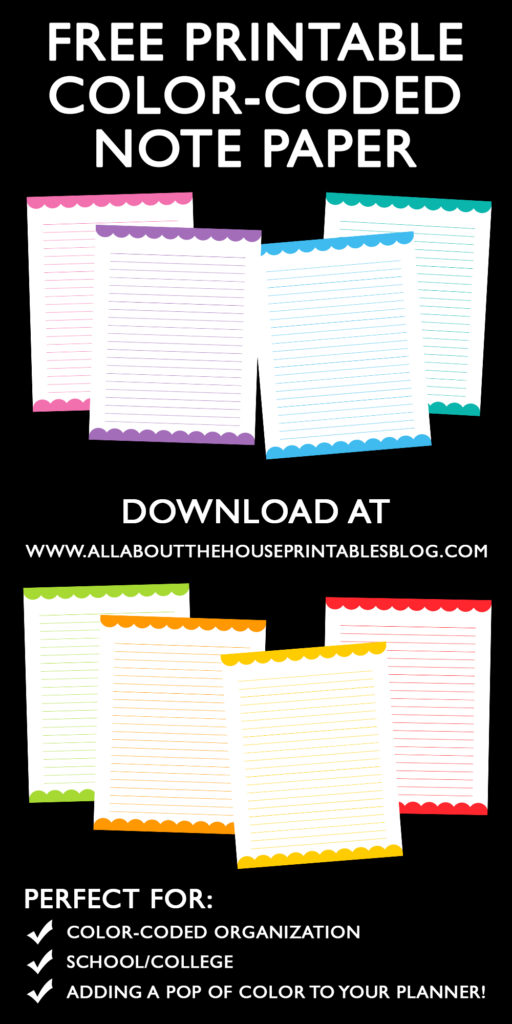
There are so many ways you can use a scallop border when designing printables such as for labels. I also made some colored lined note paper which can be downloaded from the free printables library. If you’re an existing subscriber, you can download the free printable here (the password to login was sent in the initial confirmation email when you subscribed)
Want to learn how to make your own printables such as this one?
I have an ecourse packed with tutorials on how I make my printables (and how you can make them too!)

Find out more about the ecourse here
Found this post helpful? Pin it!