Using a weekly planner notepad to plan the week (52 planners in 52 weeks – week 26)
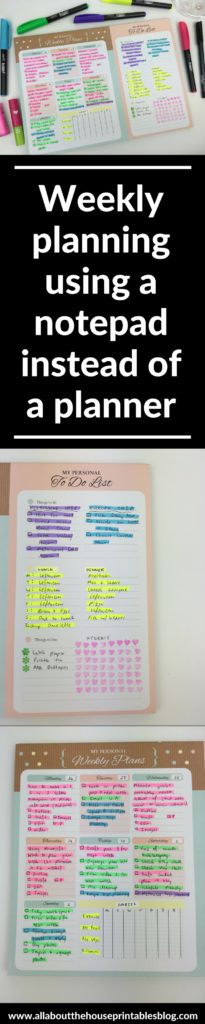
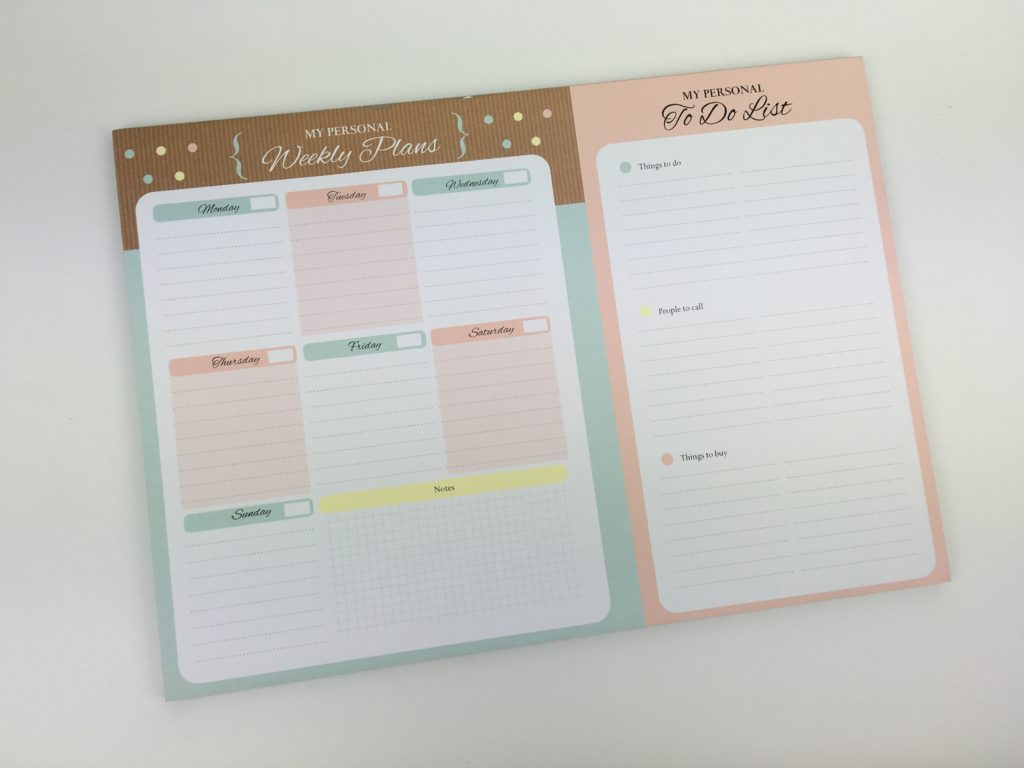
There are lots of cute notepads out there for weekly planning, but most of them are too simple for my liking, so when I stumbled across this one at Officeworks I couldn’t resist buying it! 🙂
I used it for week 26 of the 52 planners in 52 weeks challenge.
Using a weekly planner notepad
What I liked about this planning notepad was that is already had a good ‘base’ that with a few quick tweaks I could customise to suit my planning needs.
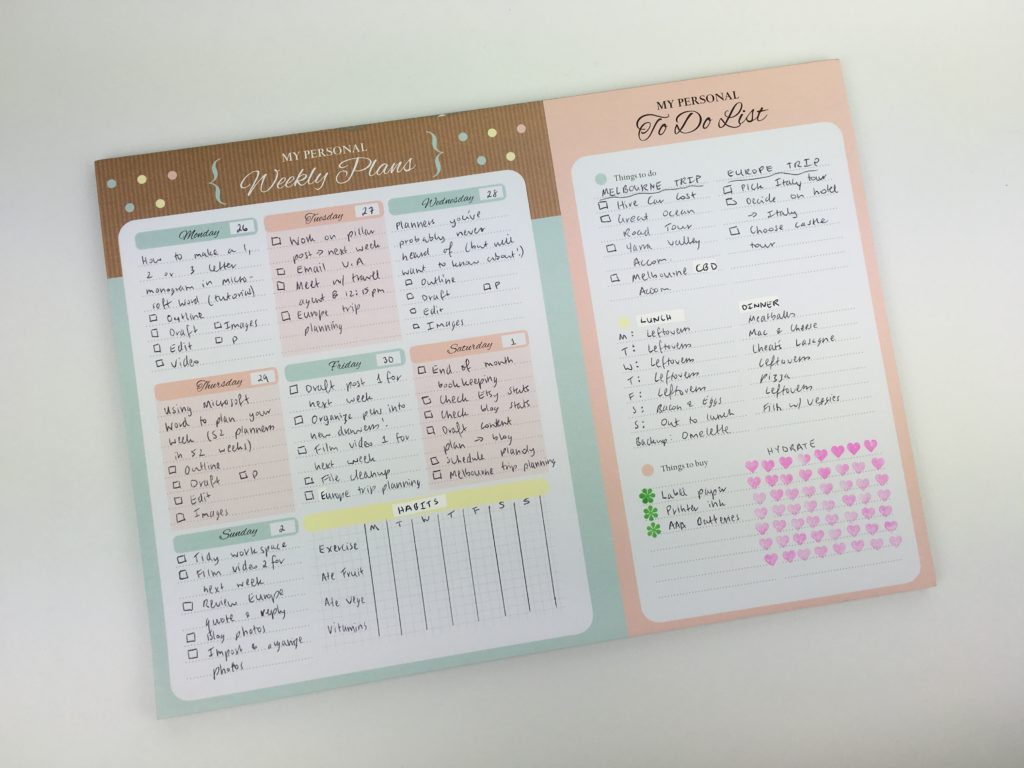
I used some correction tape to white out the headings I didn’t need and add my own.
Related: What type of pens write best on correction tape? (gel pens vs. ballpoint vs. marker pens)
Most notepads don’t have a grid section which I thought would be ideal for a habit tracker – the grids ended up being a bit too small (even for my small writing!)
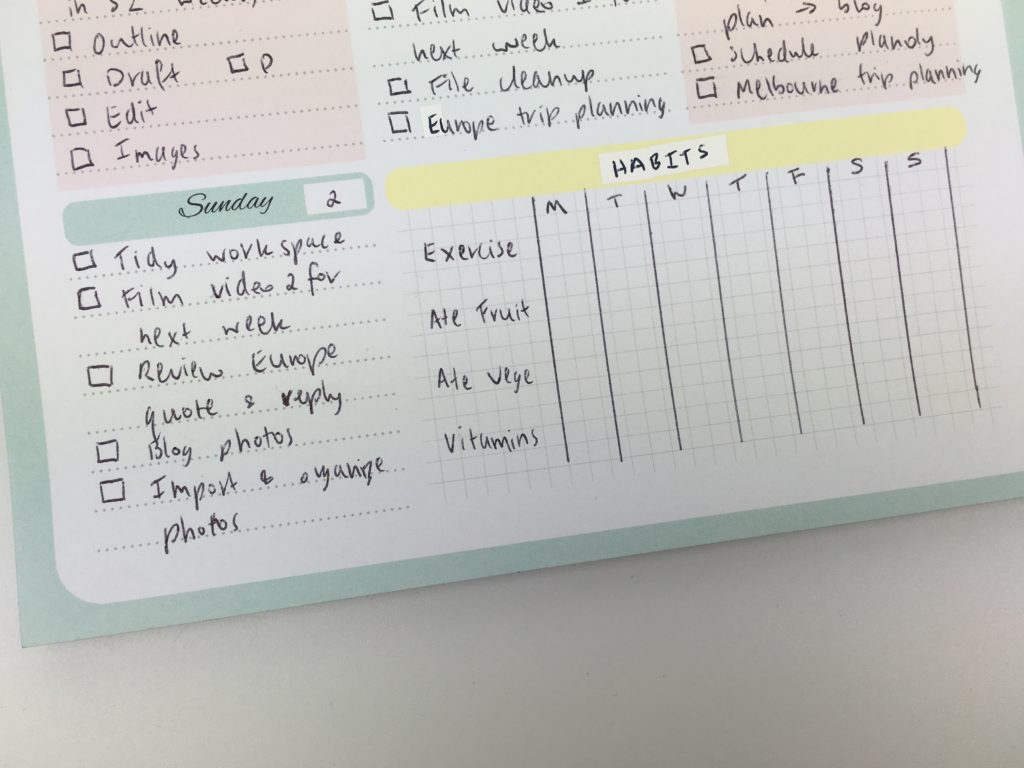
I only used a black pen as I thought the spread might look a bit too colorful if I color coded given the notepad already had a bit of color. But after I set up the spread I decided it was too plain…
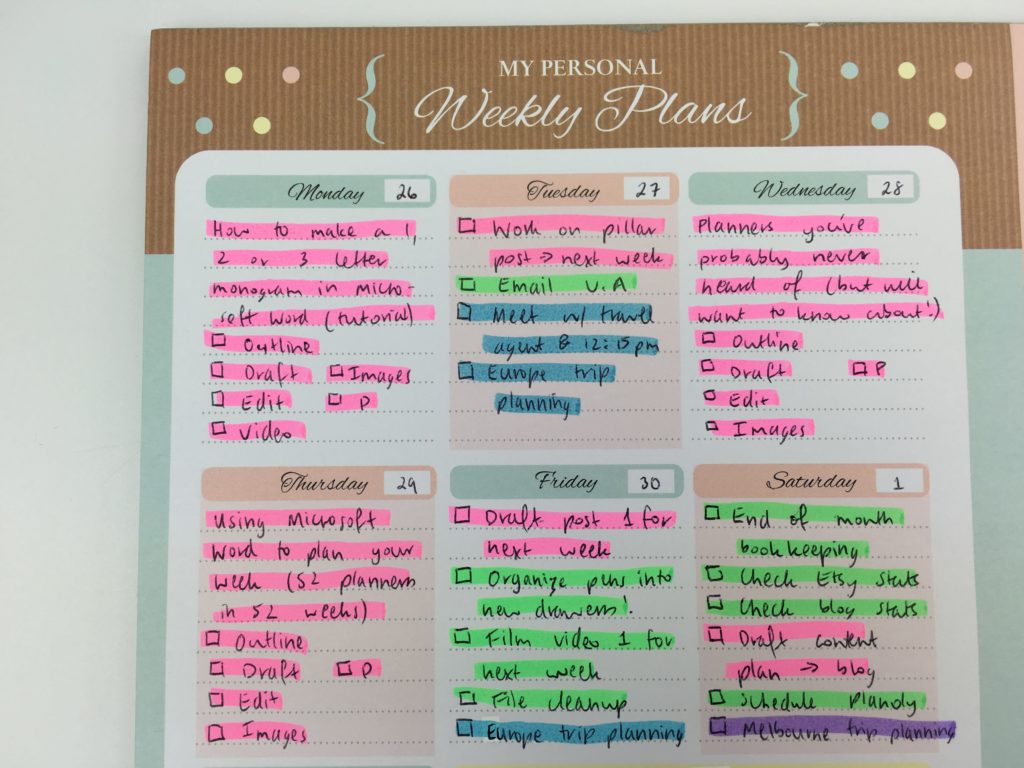
… So color coded with highlighters!
It made a big difference.
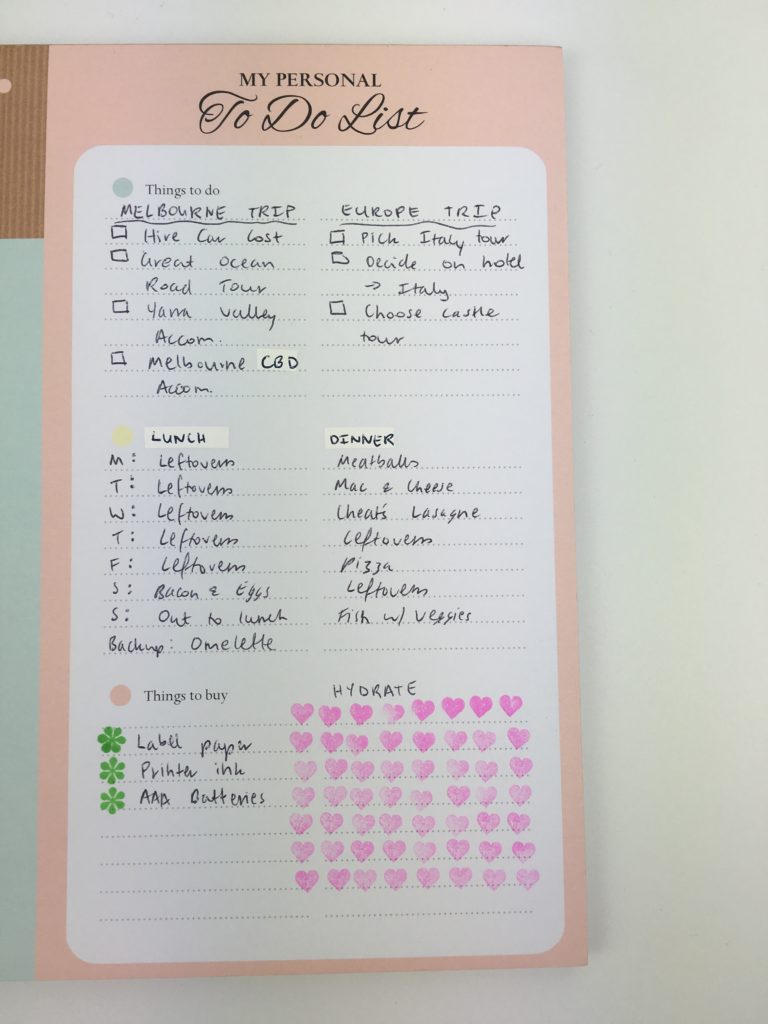
Before:
After:
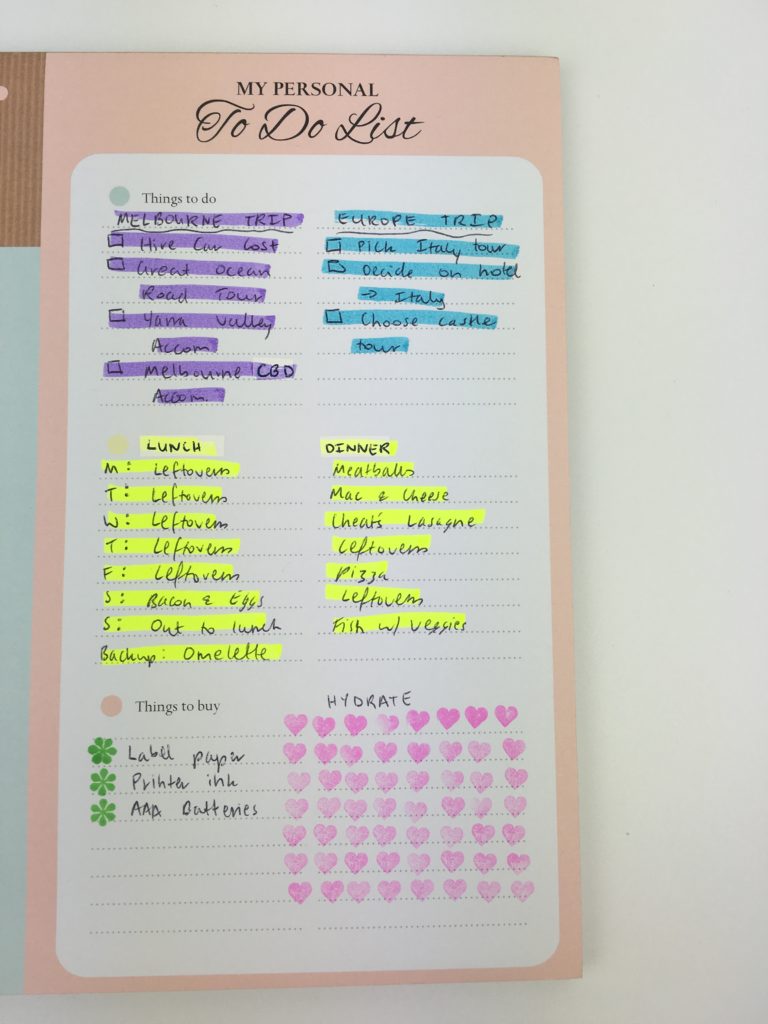
Definitely prefer color on the page instead of just a sea of black text!
One more before and after…
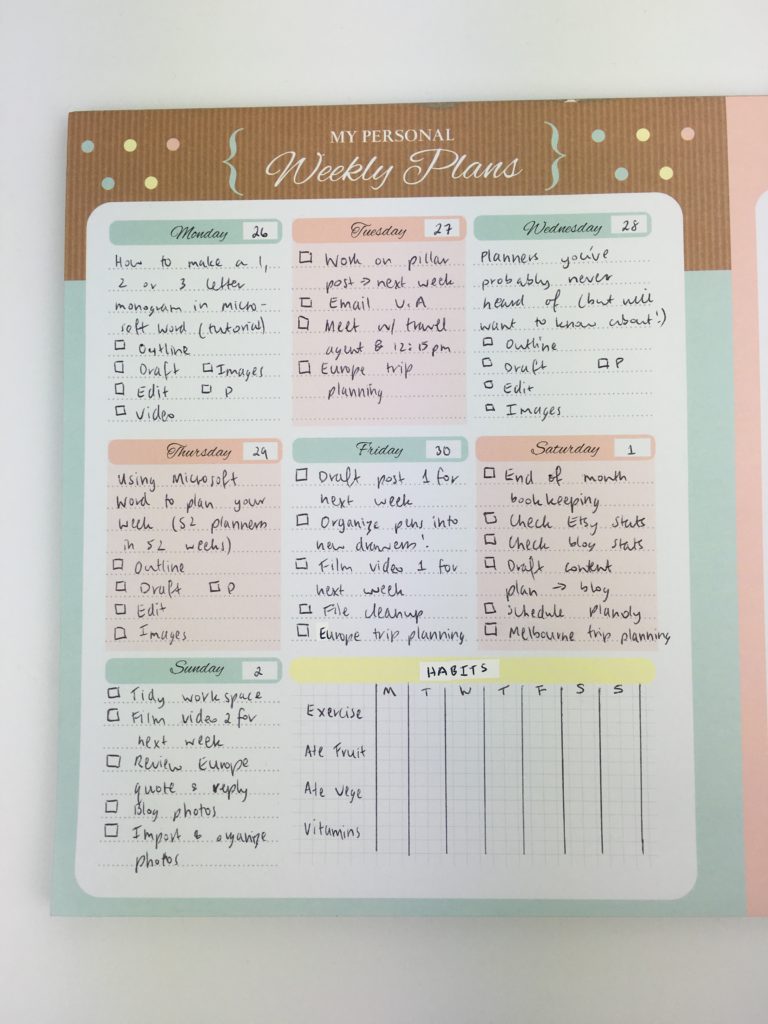
I didn’t think it would make such a big difference!
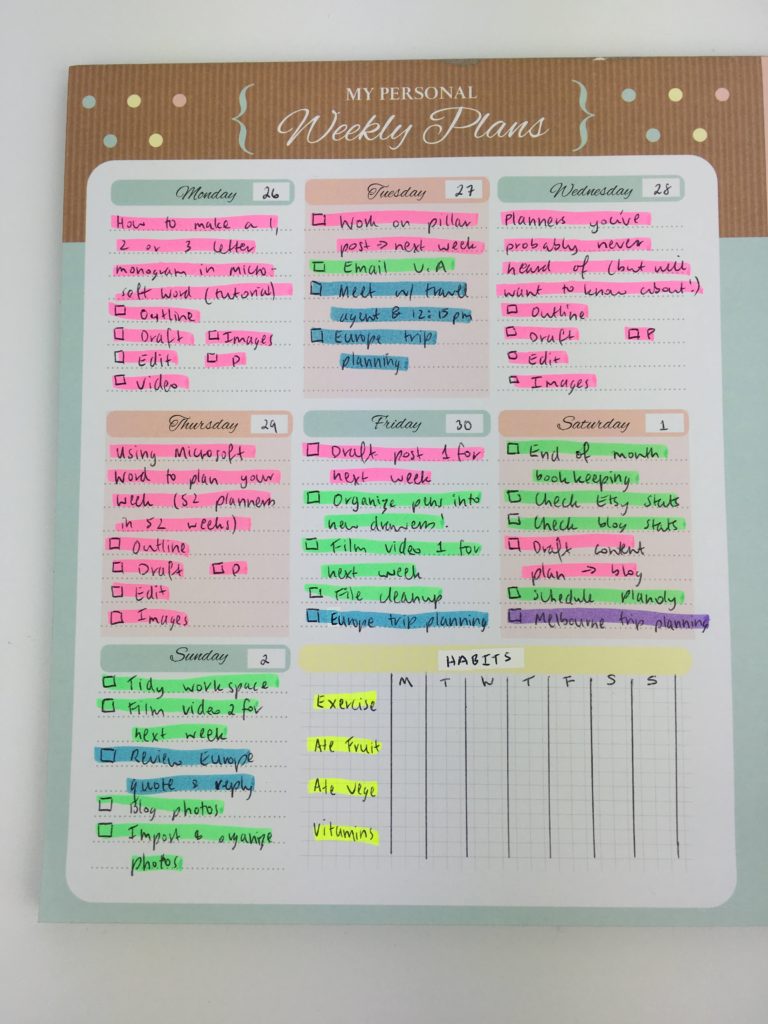
I used 5 colors to color code and adjusted my usual color code slightly:
- Pink = blogging
- Green = ‘behind the scenes’ blog & Etsy shop maintenance
- Yellow = food & health
- Blue = Europe trip planning
- Purple = Melbourne trip planning
Related: Color coding your planner: how to choose which colors to use
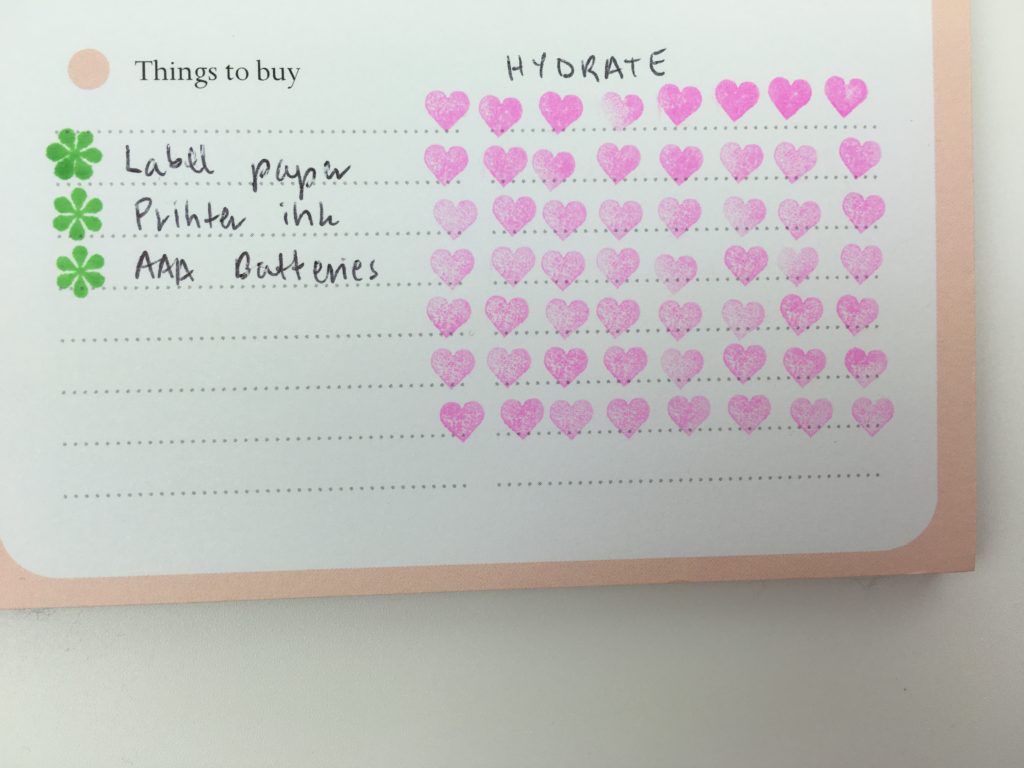
I used the Frixion erasable heart stamp to create a water intake tracker. It ended up taking up more space than I thought it would – I probably wouldn’t do this again and would use a weekly hydrate sticker instead as they look neater and don’t take up as much room.
Related: My all time favorite planner pens: Pilot Frixion Erasable Pens Review
Stationery Used
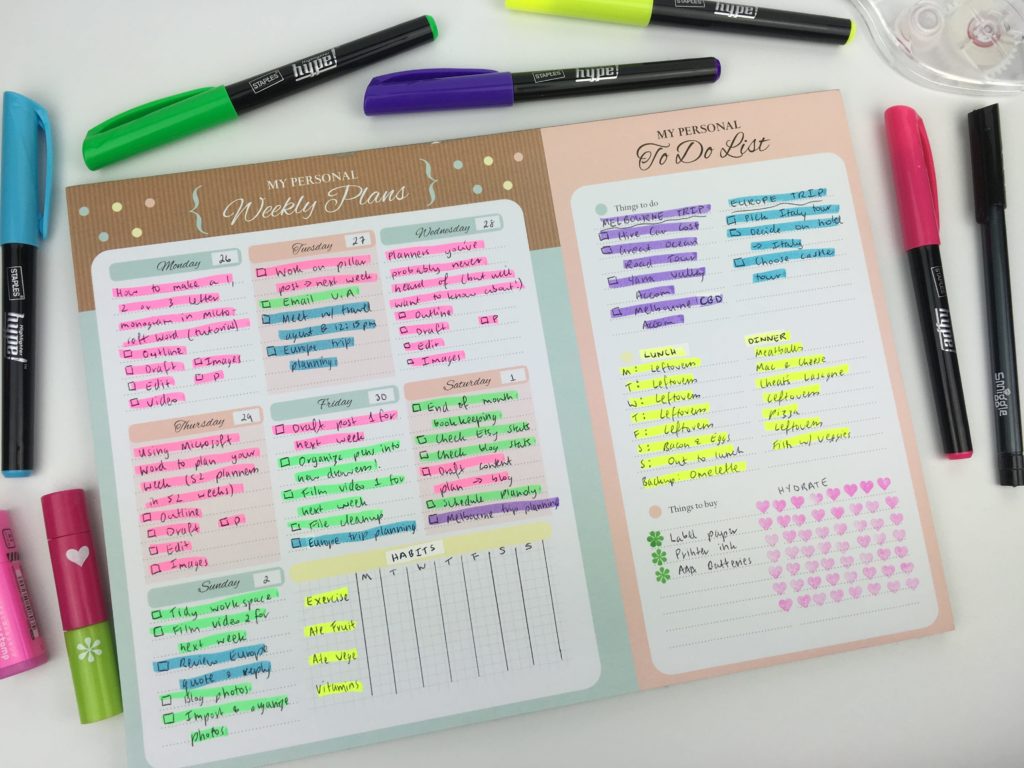
I used:
- Black Smiggle tri grip pen (comes in a pack of rainbow colors!)
- Staples Hype highlighters (they come in a pen style and are my current favorite highlighters – they come in 5 colors and were quite cheap too!)
- Frixion erasable heart stamp (number code is 51) for the hydrate hearts tracker
- MAMBI asterisk stamp for the ‘things to buy’ list
- Officeworks Keji brand correction tape (pack of 2 for just $1 and actually works really well!)
Pros of planning using a weekly notepad
- Not as bulky as a weekly planner as notepads tend to only have 52 sheets rather than 100 pages plus the weight of binding – it was much easier to just have this on my desk. If you’re someone that takes your planner with you everywhere (since I work a full time day job I keep mine on my desk and take a photo of it), but by using a notepad I could’ve just torn it off – very portable
- If you prefer to fold planners back on themselves, you have to flip back and forth as most planner’s have the weekly spread extending over 2 pages
- Most notepads are landscape page orientation which tends to mean more functional space i.e. the columns aren’t as narrow as a 1 page portrait orientation planner
- Most weekly planning notepads are undated so you can start using them anytime
- If you don’t use a planner very often, or only need one when you have a very busy week e.g. in the lead up to exam time, a weekly planner notepad is a much more affordable option
Cons of planning using a weekly notepad
- This notepad was A4 size – it is a large page size but it was just the right amount of space (a little bit more would’ve been great) – most notepads come in A5 size (half A4 letter size) as they’re cheaper to manufacture, but you’ll probably find yourself running out of space
- Most weekly notepads come in the same generic weekly layout (which was why I got so excited when I saw this one!)
- I didn’t post more than 3 times on the blog that week, if I’d posted more I wouldn’t have had enough planning space
Would I use this layout again?
I don’t tend to go for vertical planners as the columns are too narrow, however this week’s wasn’t too bad. A few more spaces for tasks for each day would’ve be ideal as I did run out of room.
I definitely liked color coding with highlighters this week. They stand out more than colored pens and I can use yellow and actually see the ink! I should definitely do more highlighting in future weekly spreads!
No stickers this week but I actually don’t mind not using stickers every week. I could’ve made some blogging workflow stickers to save room in the daily planning space and used icon stickers for recurring tasks such as file cleanings and book-keeping (that unfortunately I have to do more often than I would like!)
I liked have a wider sidebar in the weekly spread than normal, but the hydrate tracker could’ve taken up less room and I did have to re-write the things I needed to buy out again on a shopping list so that part of the page ended up being a bit of dead space. If I wasn’t currently planning a trip to Melbourne at the end of the year and Europe next year (will be my first time!!!) then I wouldn’t have filled up the notepad as much.
I’m really enjoying trying a different planner each week as I can choose a different layout to suit my needs rather than getting bored using the same weekly layout every week.
If I used this notepad again I’d change the way I used it. I’d put the meal planning in the days of the week section and instead of writing ‘leftovers’ I’d just write’L’ to save space. I’d also use a social media routine sidebar sticker and hydrate tracker sticker (some of my favorite functional stickers!) that way I’d have more room to put tasks in the sidebar.
Catch up on past week’s of the challenge:
- Week 23: Using Limelife Planners Weekly Layout C
- Week 21: Using Microsoft Word to plan your week
- Week 18: Making a DIY printable planner with a flexible layout
- Week 15: Trying a freehand weekly planner inspired by bullet journalling
Related Posts
- How to do color coded weekly meal planning in less than 5 minutes using sticky notes
- How to make printable graph paper in Photoshop (perfect for habit tracking and bullet journalling!)
- 6 Ways to color code your planner to increase productivity
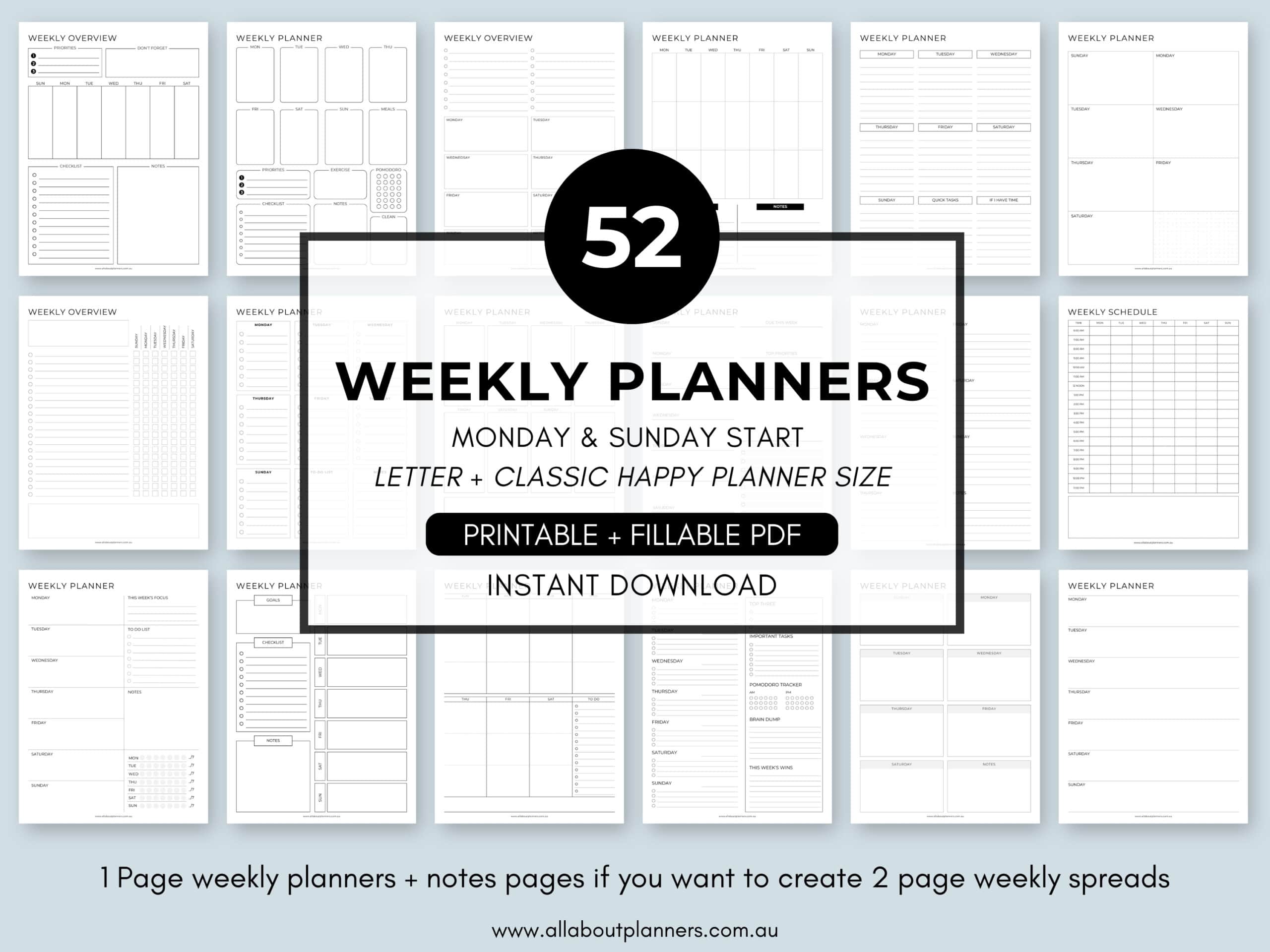
If you’re tired of drawing up weekly spreads, this printable bundle of 52 different 1 page weekly planners (you can mix and match to create 2 page spreads if you prefer), is available in my Etsy shop and online store.