10 Methods for planning & organizing your next vacation
I’ve always had a love of travel especially travel planning. I’ve experimented with a few different methods for trip planning depending on where I was going and for how long (as each method is goof for different things). If you’re overwhelmed with how much there is to plan, here are some methods to consider:
1. Printable planner
I created this for my first overseas trip (a month in the USA). It works well when you don’t plan each day in super detail. E.g. 1 day to visit Universal Studios. Another day Santa Monica in the morning and Hollywood in the afternoon etc. It’s also good for short trips.
I tried using it to plan my first trip to Europe but with so many things to see and a 5 weeks duration, a very thorough scheduled out itinerary for each day was required, which is where I came across Visit a City (more on that later in this post).
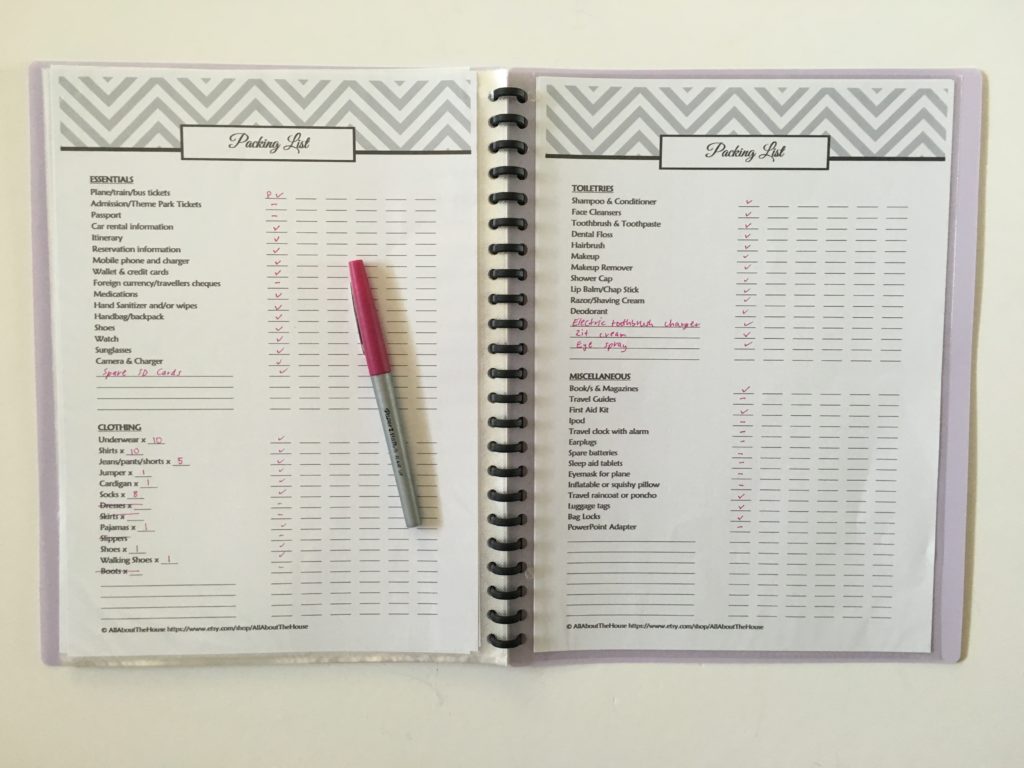
Related: Why I use a printable travel planner to plan a vacation
I still use the packing lists, to do lists, comparison pages and a few other printables from my travel planning kit, but for the itinerary, I now mainly use Microsoft Excel (more on that later in this post).
2. Visit a City
This is my favorite tool for trip planning! I’ve used it twice now for planning two more than a month-long trips to Europe. It’s fantastic for cities but if you’re going to lesser known places they usually aren’t on the Visit a City website.
See my video and more details on how I plan trips using this tool in this post.
This tool also has an app so you can download your itinerary and check it on the go, without needing to print out paper. Just make sure you take a portable charger for your phone – especially if you’re using it for directions and taking photos. I do still print a hardcopy of my itinerary just in case.
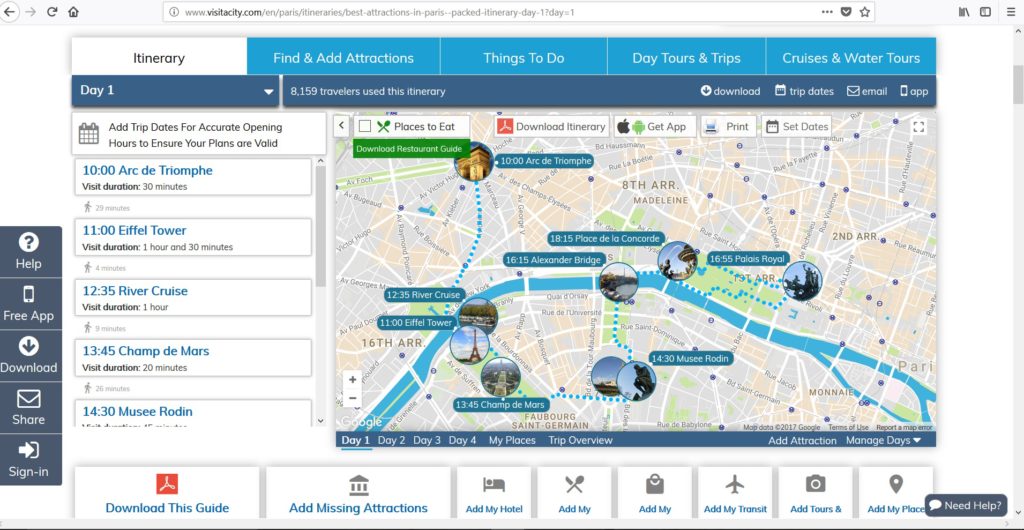
Related: My all time favorite trip planning tool: Visit a City
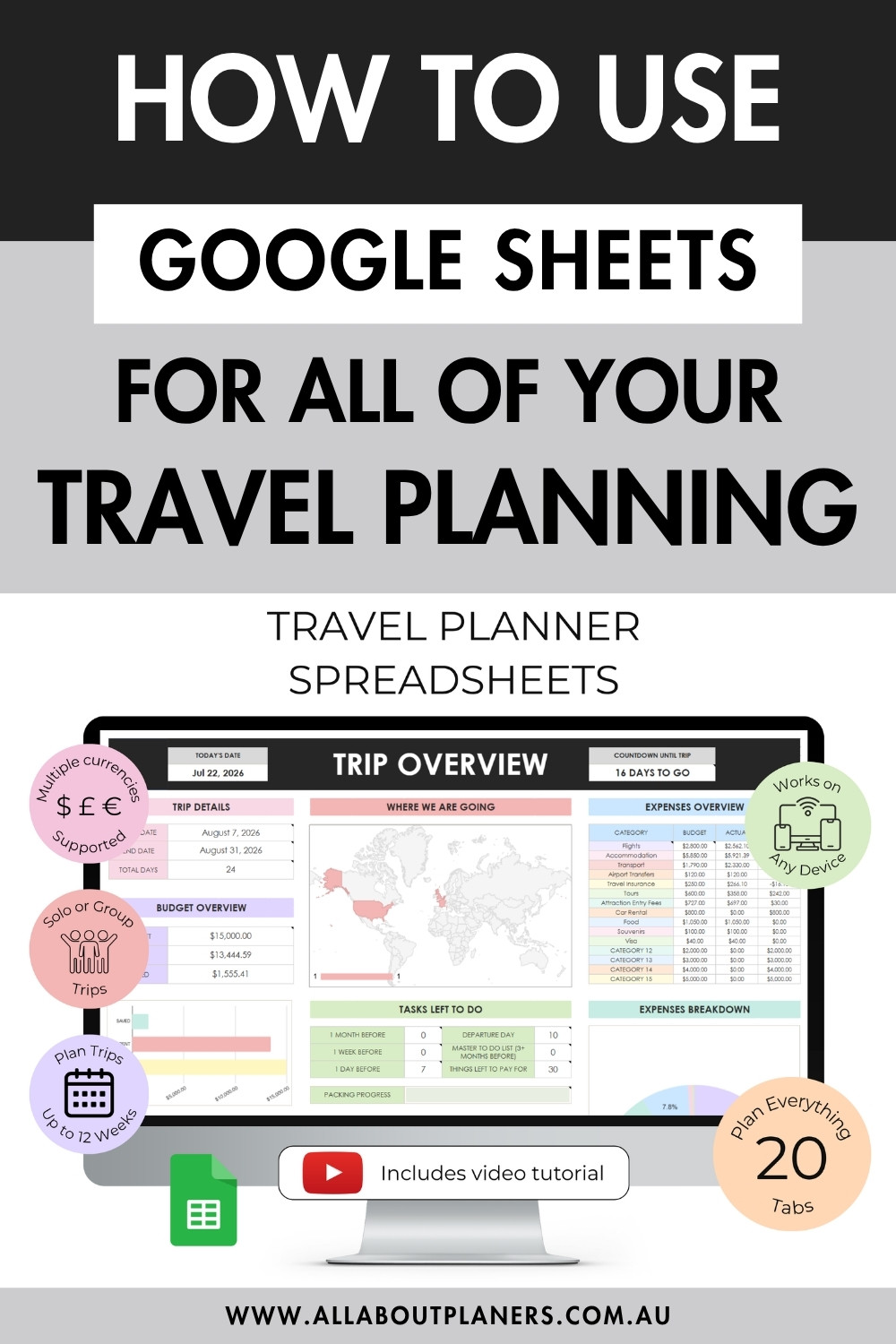
3. Microsoft Excel or Google Sheets
You could use Excel in a few ways
- Create a calendar (similar to Microsoft Word)
- Use 1 column for each day
- Separate tabs for each thing you’re planning (budget, itinerary, flight times, clothing, things to buy etc.)
Excel is my current preferred method for trip planning – especially big international holidays.
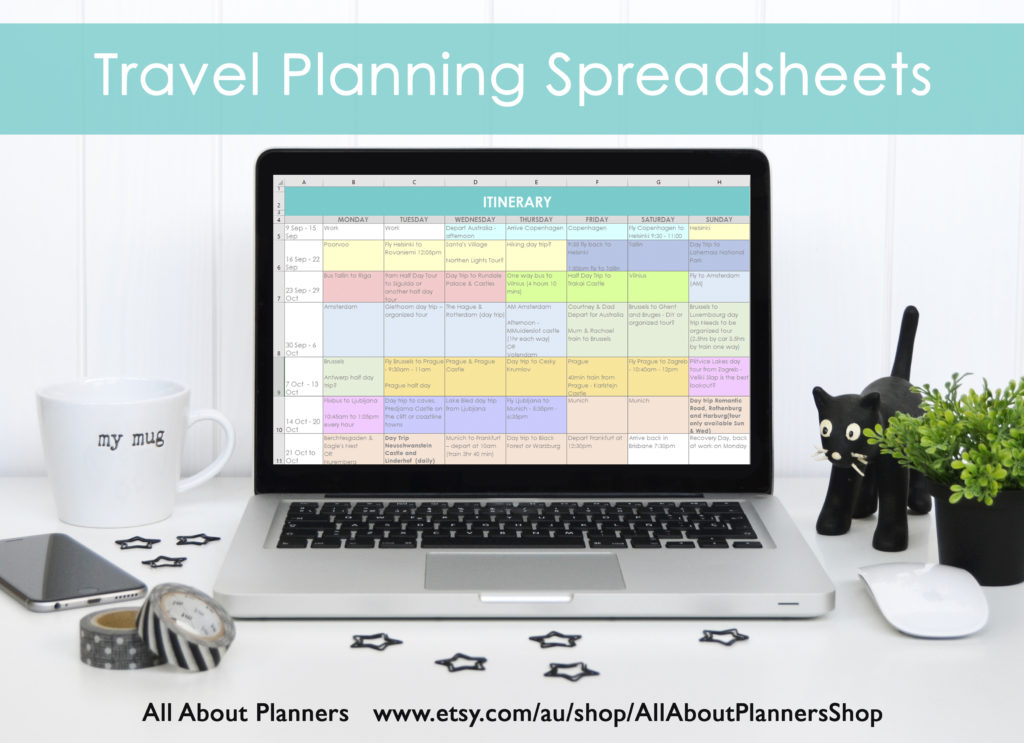
I ended up creating 16 spreadsheets that proved super helpful for planning a 6 week Europe trip.
1. Handy info reference page
2. To do list
3. Budget
4. Attractions (and their cost)
5. Itinerary by Month
6. Itinerary by Week
7. Flight Comparison
8. Accommodation Comparison
9. Car Rental Comparison
10. Transfer comparison
11. Tour comparisons
12. Travel insurance
13. Spending Tracker
14. Before We Leave Checklist
15. Packing List
16. Outfit Planner
If you want to learn how to make your own pretty spreadsheets (or printables) in Microsoft Word, I teach how in this ecourse.
4. Microsoft Word
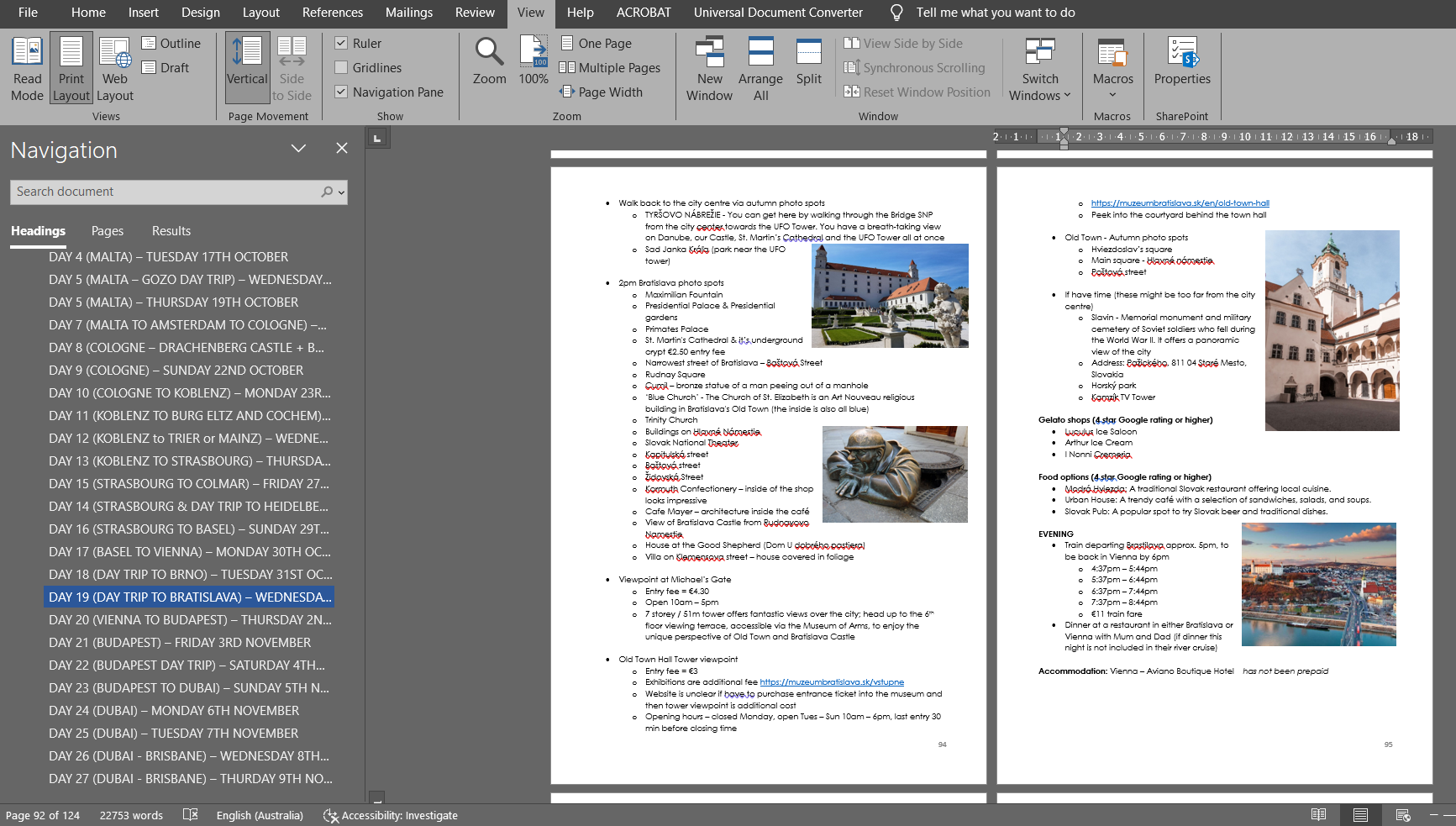
I’ve used Word a few times for small domestic holidays. I dot point what’s happening each day then print it out and take with me.
The heading styles in Word combined with the navigation menu (CTRL and F) lets you jump between things. I also like using it for jotting down preliminary research.
For travel planning I use a similar style to how I organise my blog posts using Microsoft Word. Only instead of blog category, it’s destination. And instead of blog post, it’s a day of the itinerary scheduled out. I’ll be blogging about my process for using Word in an upcoming post (make sure you subscribe)
5. Calendar in Word or Excel
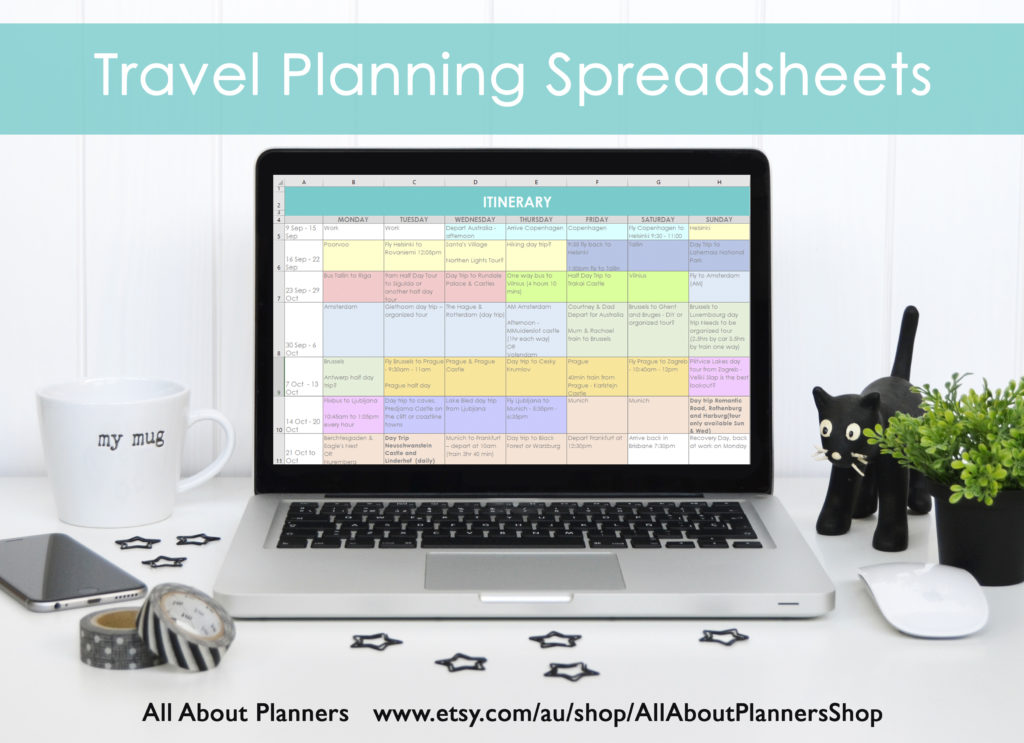
Make a simple calendar in Microsoft Word or Excel (tutorial in my ecoures).
What Word & Excel are good for:
- Can just drag and drop to shuffle things
- Color code the boxes for each country or city
- You can enter your own dates
- You choose if the week starts Monday or Sunday
- Doesn’t require an internet connection
- You probably already have Word and Excel installed on your computer
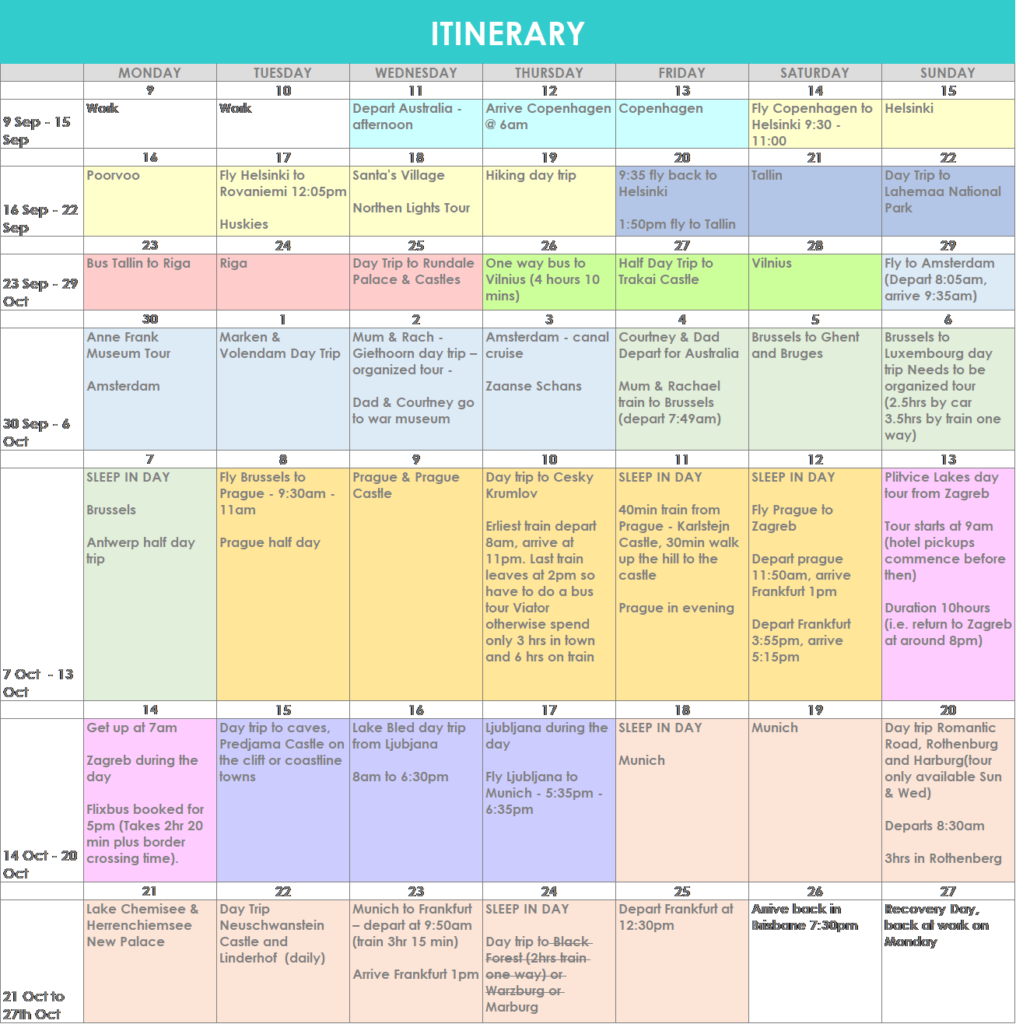
My travel itinerary template I made in Excel (get a copy here)
6. Bullet Journal
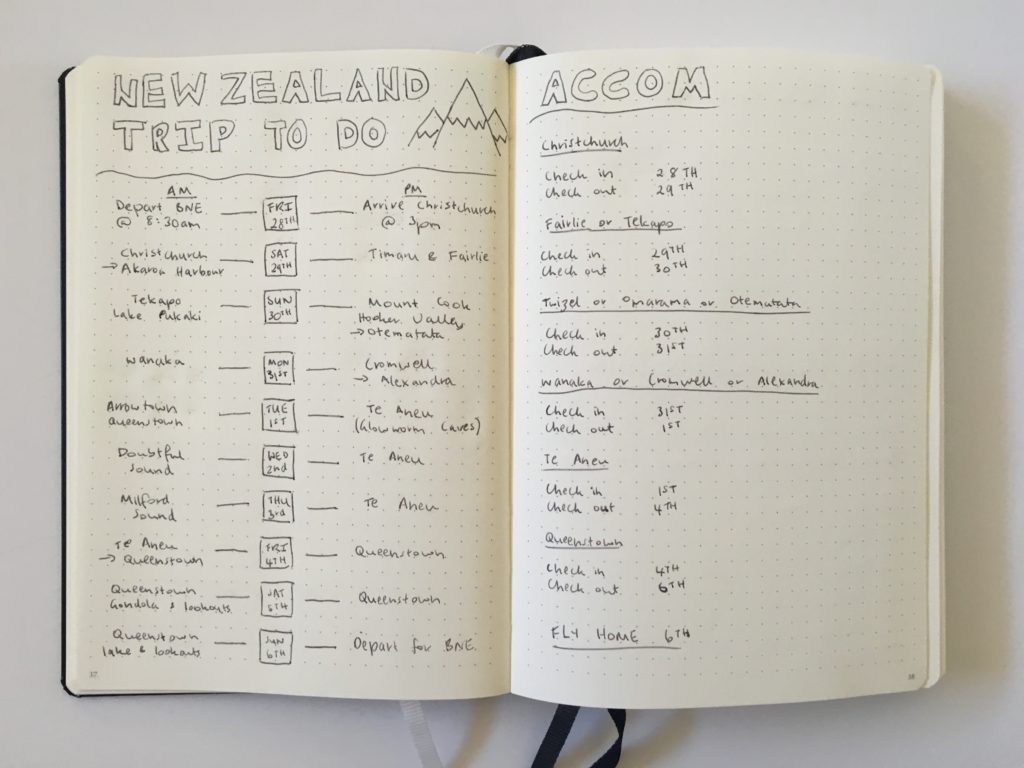
I tried this for a 10 day road trip around New Zealand. More details in this post: travel planning in a bullet journal
7. Paper Planner
I used a paper planner for a quick road trip from Perth down to Margaret River a few years ago. I can’t believe I’m saying this as I’m normally team horizontal, but I actually liked vertical better for travel planning on paper.
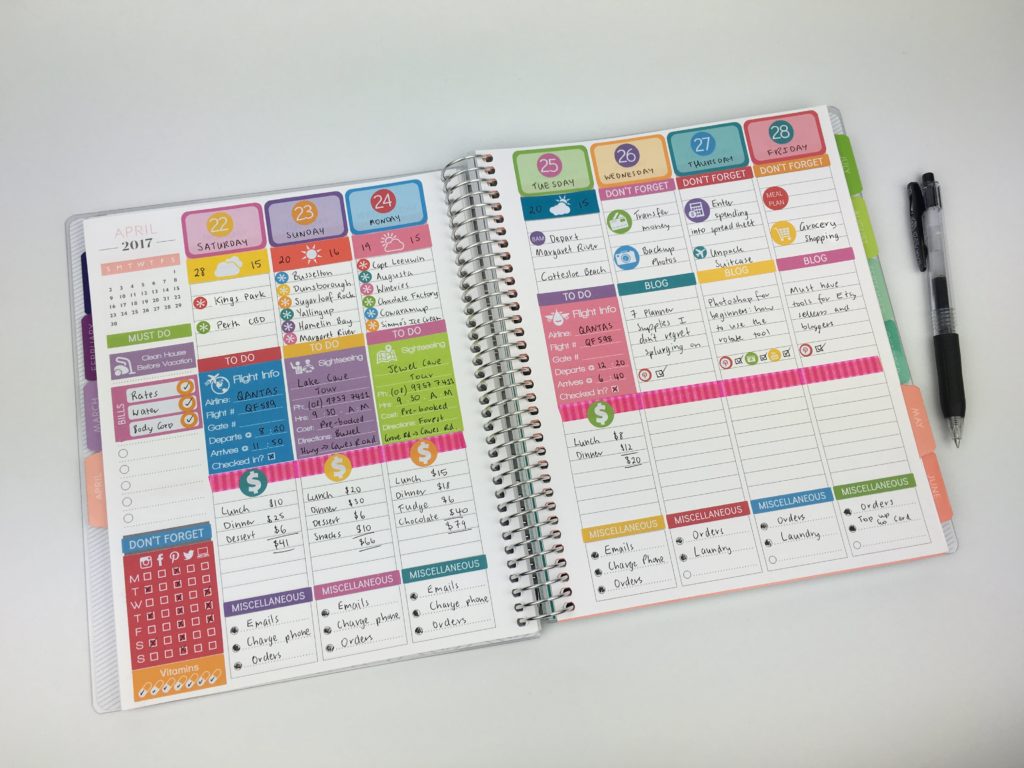
Related: Using the Plum Paper Vertical Weekly Planner
8. Trello
If you like digital tools, Trello might be a good fit for you. You could use it a few ways:
- Organized lists – to do, to buy, packing list
- Organized by country
- Separate boards for each country you’re going to
- Attachments function e.g. add your flight details
- Links with SkyScanner to help find the best flight deal for your trip
- Has an app
I tried Trello for weekly planning and it was ok… I just find it irritating not being able to see everything at once like you can with a calendar view. It’s designed to be an organize-your-life type tool moreso than a trip planning tool so doesn’t have opening times and suggested attractions, distances between each thing etc. like Visit a City.
Related: How to plan your week using Trello
9. Google Trips & Google My Maps
My sister used this for a Scotland / Northern England road trip. She said it worked well but it looked too detailed and time consuming to me!
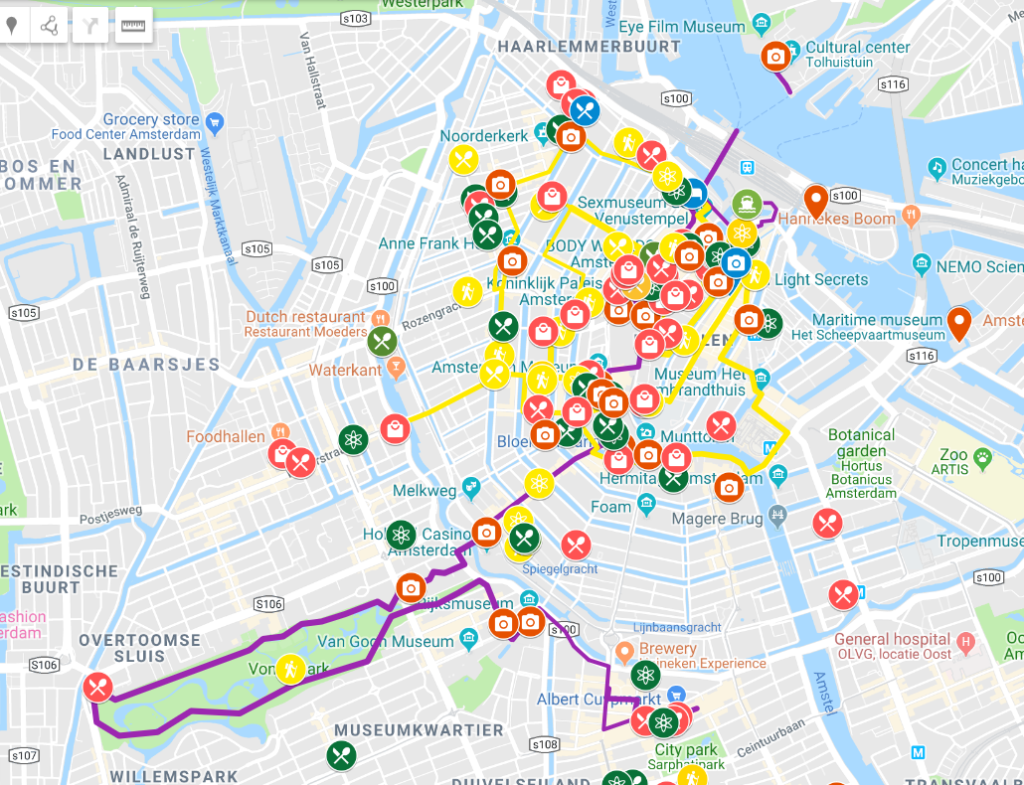
I sometimes use Google Maps for plotting photo stops but that’s the only Google tool I use (it’s a bit clunky and time consuming to use).
Read more: Visit a City versus Google My Maps: which is better for visually planning your travel itinerary
10. Apps
There are plenty of travel apps these days for planning anything and everything travel related. I’m not a fan of small phone screens and tiny on-screen keyboards. I much prefer to trip plan on my computer so avoid using apps. Plus using an app means you’ll be using your phone more often, and if you’re using it for photos and Google Maps too, the battery dies quickly.
11. Travefy
This has the potential to be a good trip planning tool however there’s too much manual entry and entering in details that feels like doubling up. I.e. you’ll have a print out of your flight details so you don’t need to add all those details to the itinerary. I found it took too long to add things and doesn’t have the capabilities that Visit a City has so have stuck with Visit a City.
There are many more digital travel planning apps out there but after having tried a few, they all seem to be quite similar – time consuming to use and sometimes overly complicated.
More travel planning
- My all time favorite trip planning tool: Visit a City
- Travel Planning: 50 Things to consider when planning an itinerary
- How I use Excel to organize all my travel plans (research, itinerary, hotel, tours, bookings, packing list etc.)
Found this post helpful? Pin it!