How to resize a printable to fit A5 or US half letter (5.5 x 8.5) page size
One of the questions I get asked all the time, is whether printables can be printed at A5 page size. The answer is… YES!
A5 shouldn’t be confused with half letter page size:
- A5 (Half A4 page size) is 148 x 210mm or 5.8 x 8.3″ (used in Australia & the UK)
- Half letter size is 5.5” wide x 8.5” high (used in the USA)
Related: Ultimate planner page size guide (with printable reference cheat sheet)
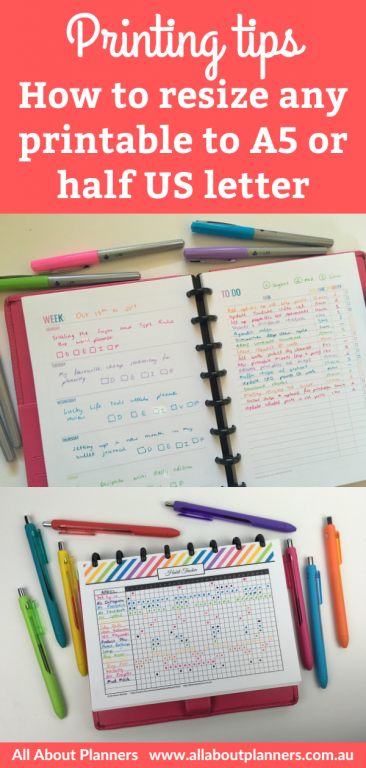
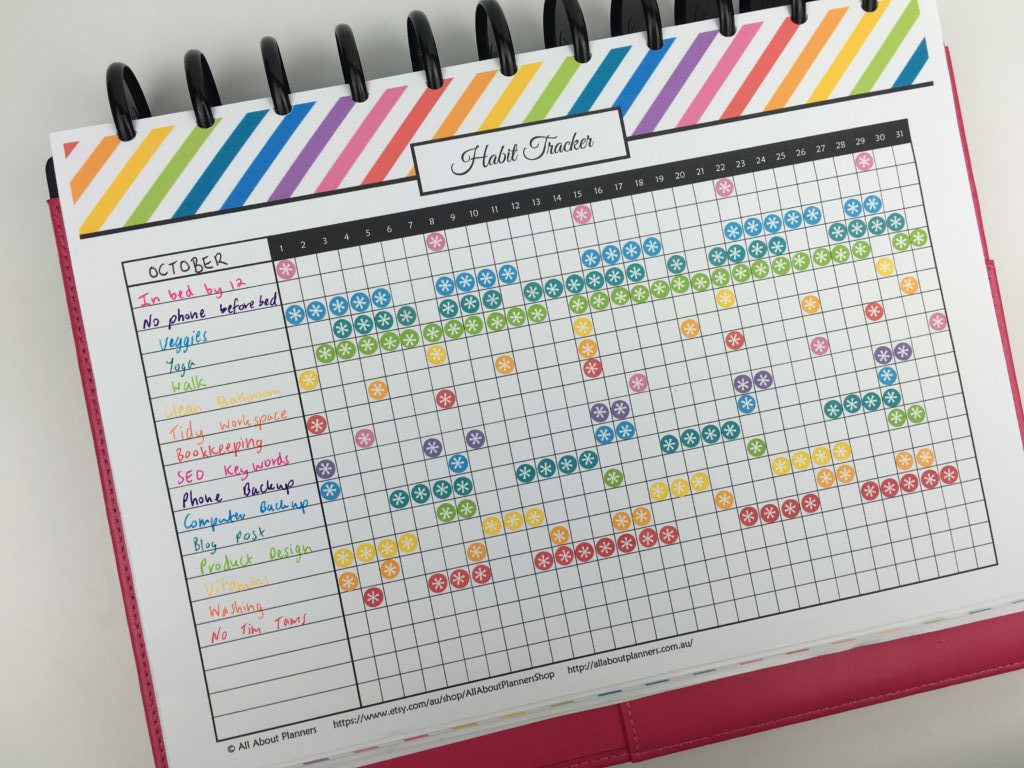
From full page …
Related: 12 Planner Layout Ideas for Monthly Habit Tracking in Your Bullet Journal
… to A5 size!
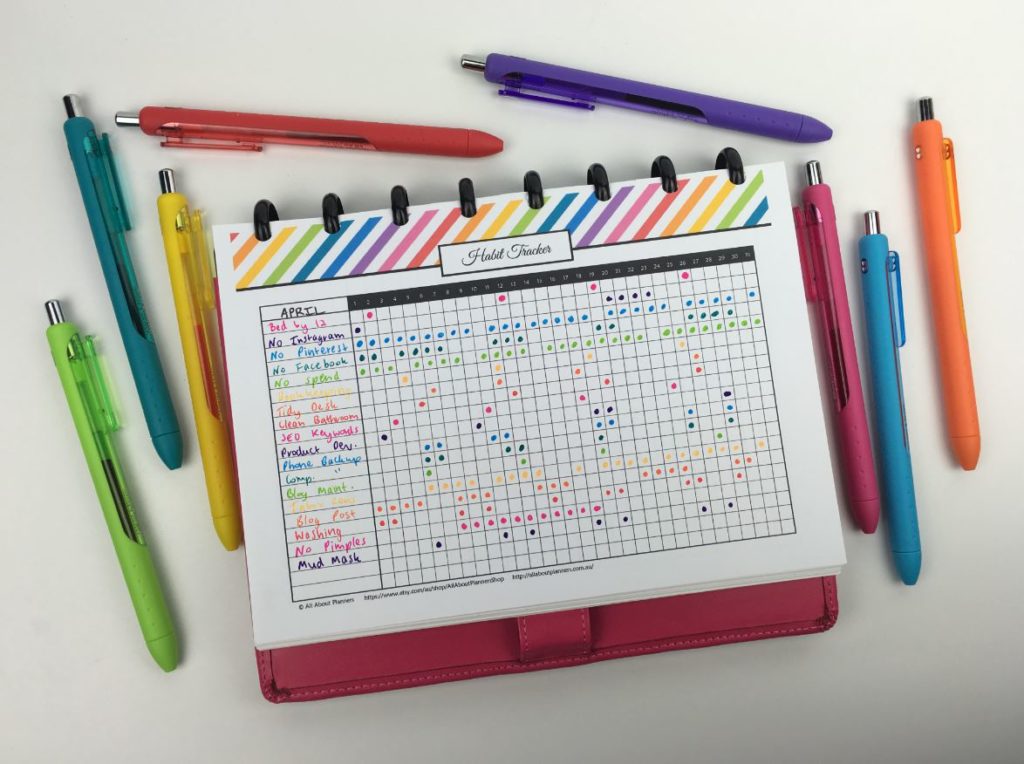
This rainbow habit tracker is from my printables shop!
How to print any printable at A5 page size
Need a printable to test this tutorial out? The free printables library has a printable habit tracker, bill pay checklist, to do list etc. Sign up here (existing subscribers log in here)
Written instructions are below the video (keep scrolling) if you prefer.
To enlarge the screen of the video, click the square icon in the bottom right hand corner of the video (it will say ‘full screen’ when you hover your mouse over the icon).
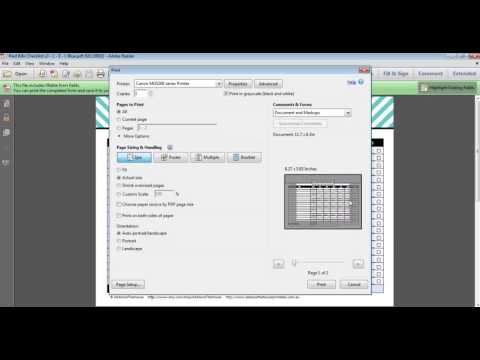
For more planner related videos and tutorials, subscribe to my YouTube channel
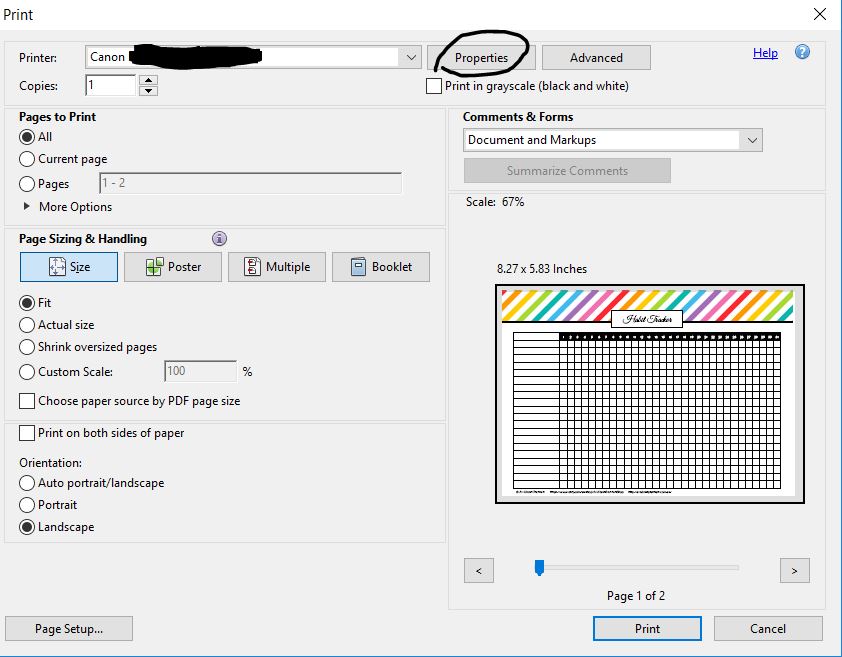
Step 1: Open the PDF file and go to file > print (or press CTRL + P on your keyboard)
Step 2: Choose advanced (your printer may say properties or custom)
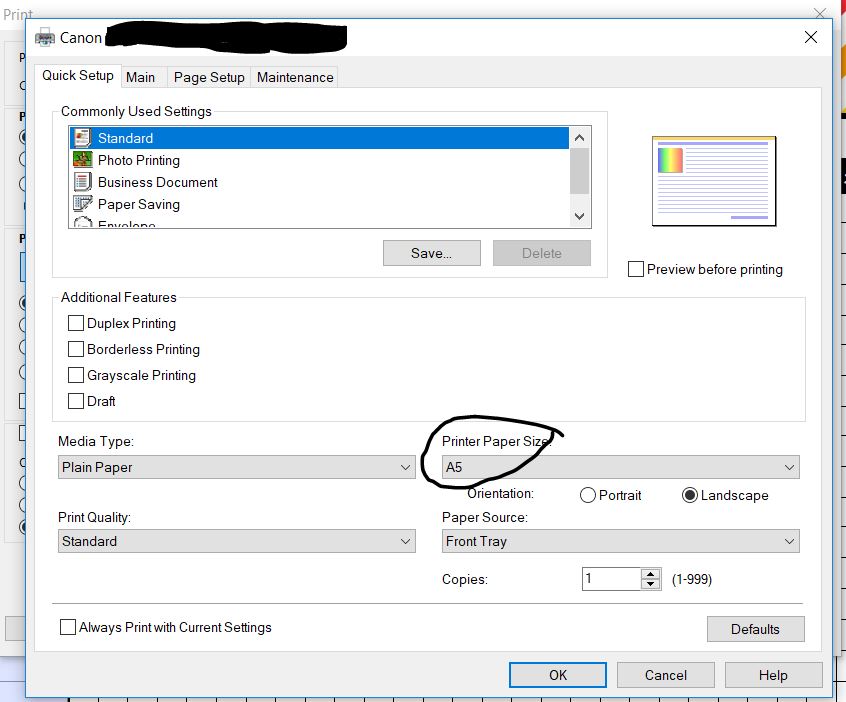
Step 3: Change the page size to A5. If you live in the USA and would prefer to use half page size, this is usually a prefilled option in the ‘printer paper size’ menu. If not, select custom from the ‘printer paper size’ menu and enter in the dimensions of US half letter page size (or any other page size you’d like to print the printable at).
Step 4: Change the print quality to high
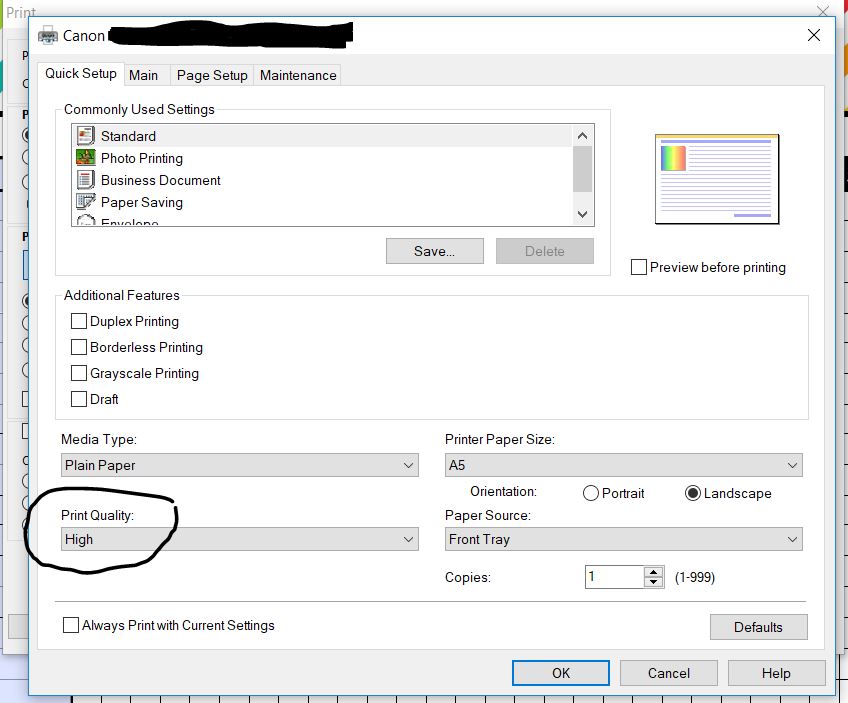
Step 5: Print onto A5 page size
Load your printer’s paper tray with A5 size paper then click ok to close out of the advanced menu and press print.
OR
Print onto full page size paper and trim. Just note: when you print A5 size onto a larger piece of paper, the printer (well mine doesn’t) add lines to indicate where to cut. So I print a batch that I want at A5 page size, rule up one page with pencil lines marking where to cut, then use my paper trimmer to cut them at the same time.
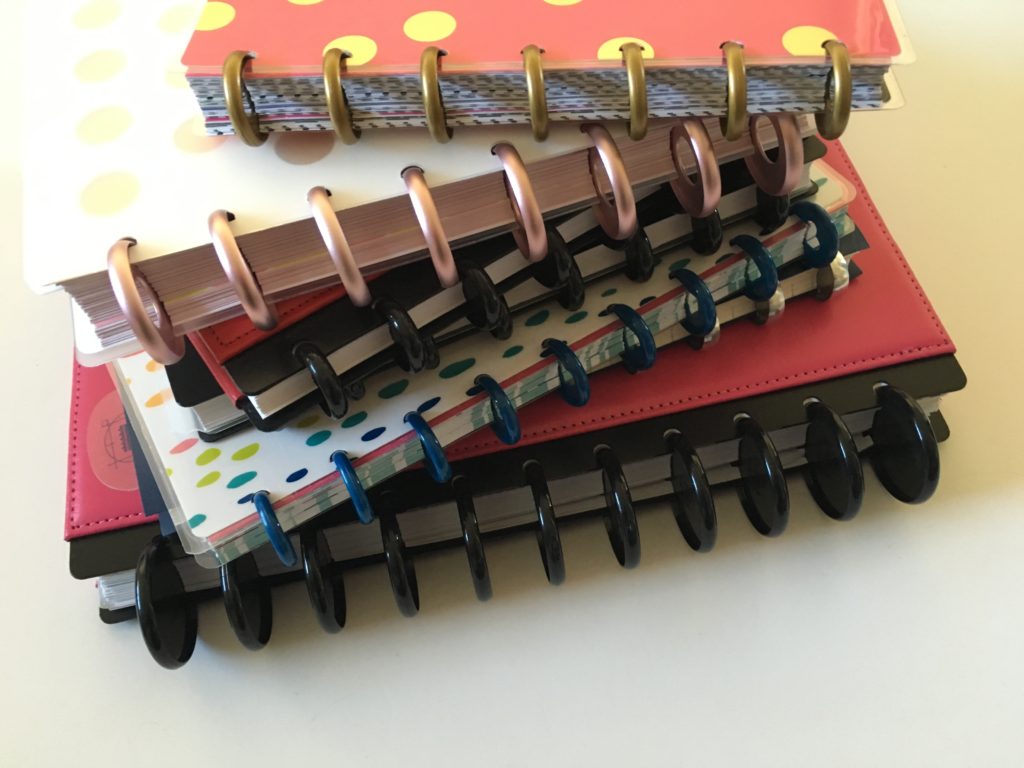
I don’t recommend using printables with binders, especially not A5 page size – the rings are too clunky and bulky. I prefer to use discbound systems such as the ARC notebook or the MAMBI Happy Planner discs.
More Printing Tips
- 7 Ways to make colors POP when printing using an Inkjet printer
- How to get rid of a white border when printing printable (borderless, no bleed, no scaling step by step video tutorial)
- How to Choose a Printer (Including the best printer for printing printables and planner stickers)
- Best Paper for Printing Printables
- How to clean your printer (prevent smudging, streaks and make the colors POP!)
- How to print any printable in black and white (greyscale) using your home printer
- How to easily print printables double sided (duplex printing tutorial)
If you’re interested in more tutorials about printables, I have an entire ecourse filled with tutorials on How to Make Printables in Photoshop.
Found this post helpful? Pin it!