14 Weekly spread ideas for using dot markers in your bullet journal
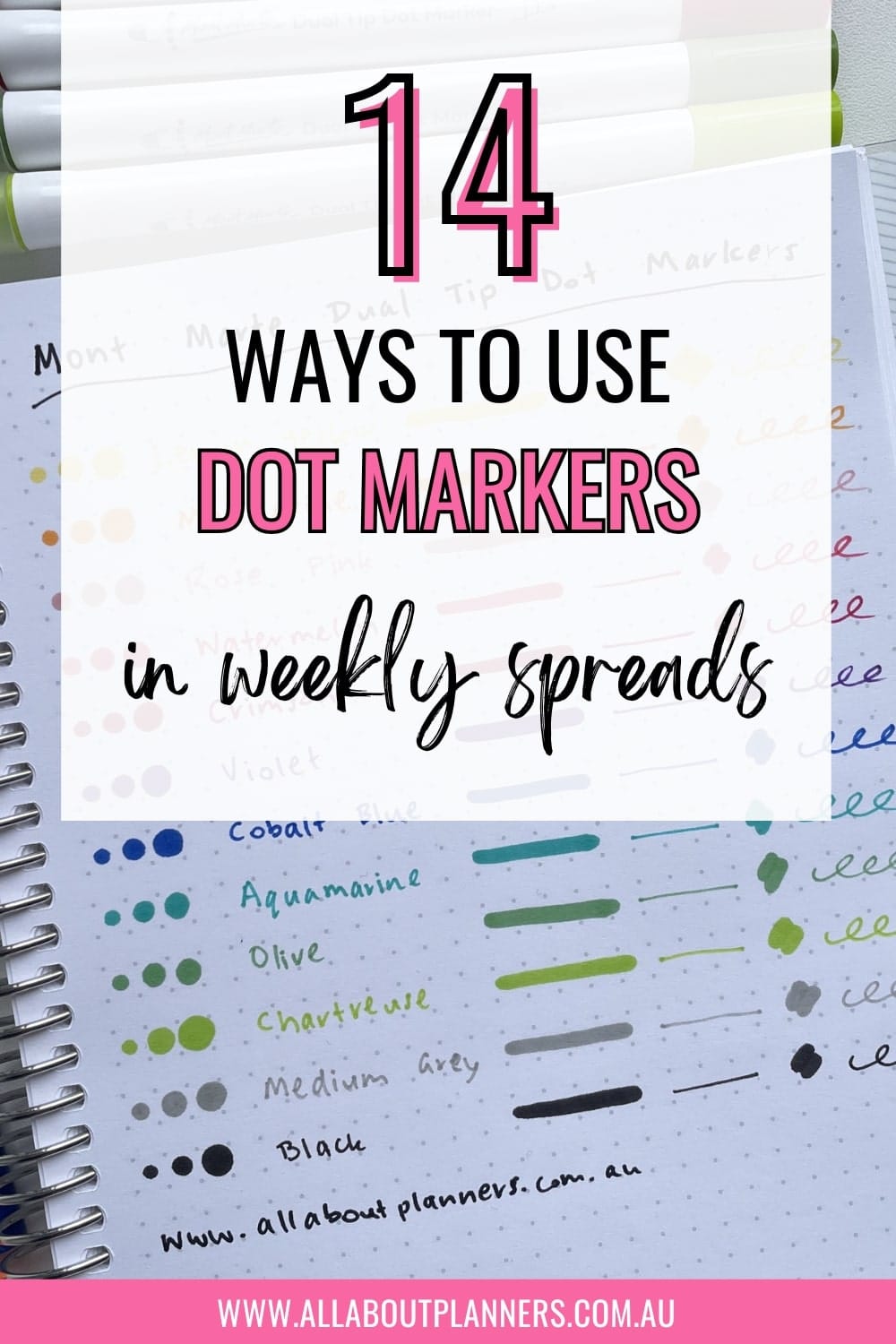
Dot markers are fast, no mess and come in a broad range of colors. They used to be really expensive when they first came out years ago, but now there’s plenty of affordable knock offs (like Kmart’s anko dot markers if you also live in Australia).
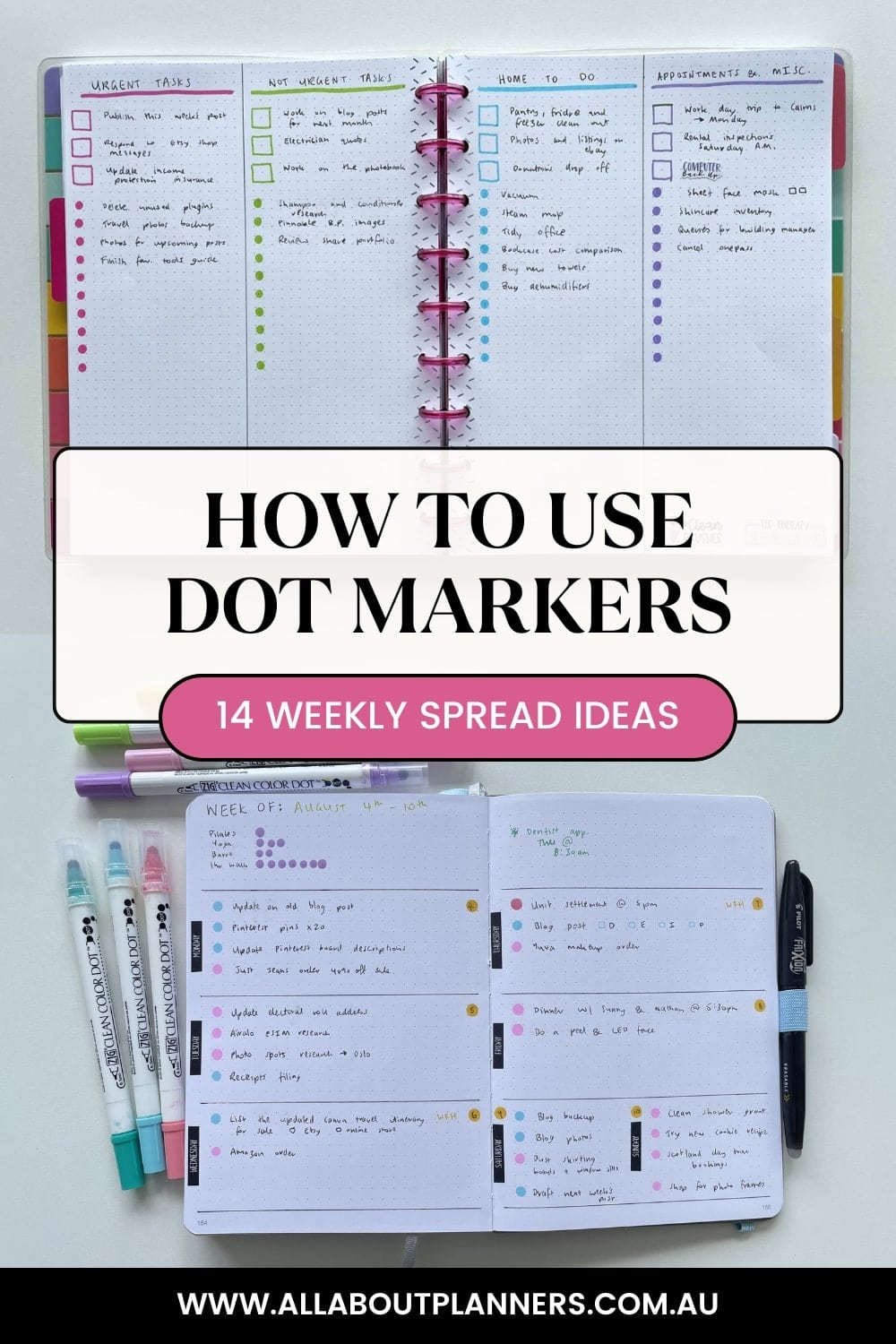
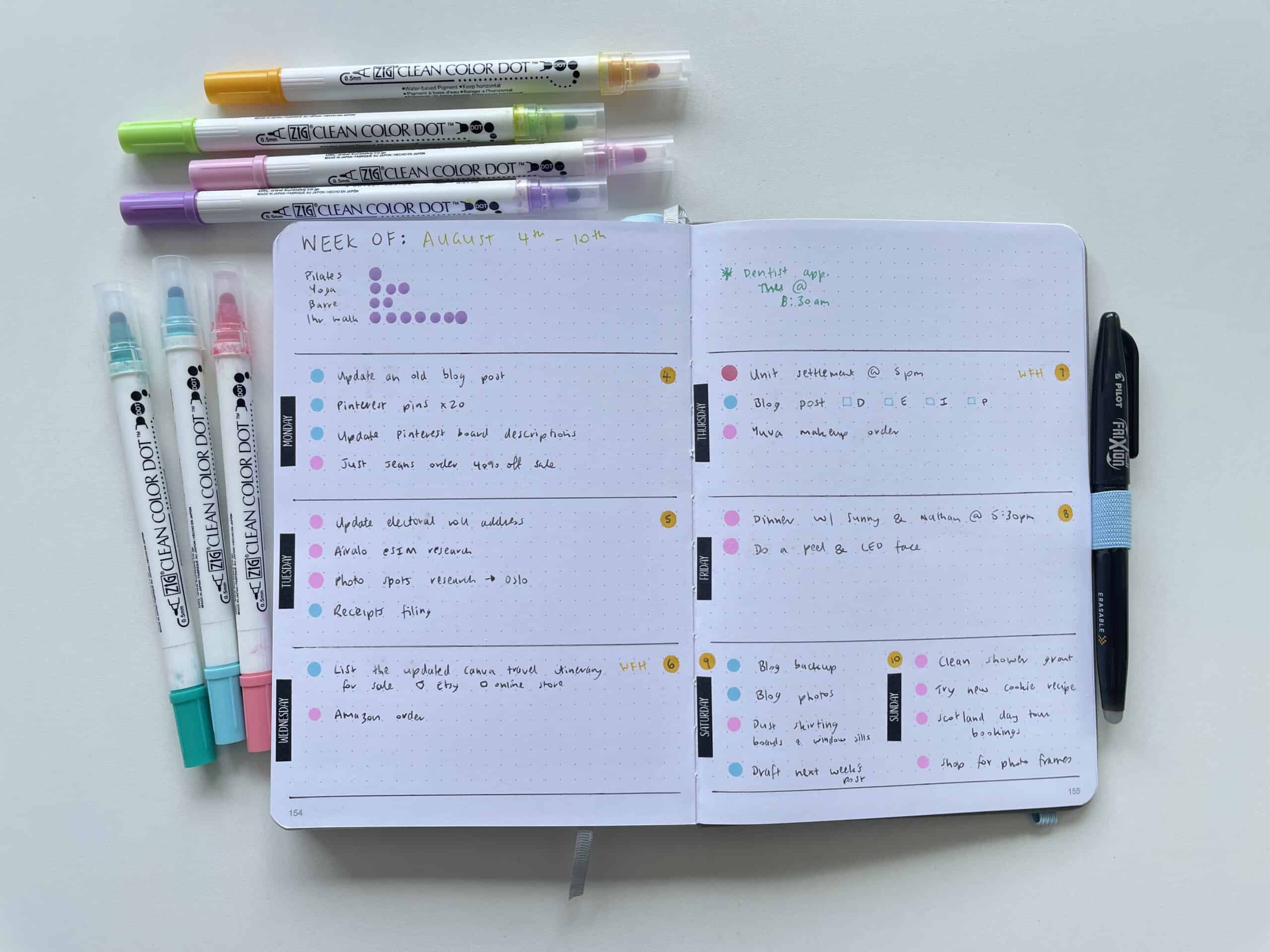
Since I’ve been experimenting with different dot marker brands the past few years, I’ve tried many different ways to use them. My favorite is for checklists but if you need some other ideas, here are 14 ideas for Weekly spreads using dot markers.
This post contains affiliate links. If you make a purchase using one of my affiliate links I’ll receive a small commission at no extra cost to you.
Recommended dot markers
Clicking the links to the below will take you to my review and ink tests:
- Review of the Mont Marte Dot Markers (Dual Ended Dot and Fineliner Pens)
- Dot Marker Comparison: Zig Kuretake Clean Color Dot versus the Tombow Play Color Dot
Most dot markers come in rainbow colors. If you prefer more subdued weekly spreads, the Zig Kuretake dot markers come in grey and pastel colors. If you like to only do black and white in your bullet journal, the Zig Kuretake are the only dot markers I’ve found that come in black and grey.
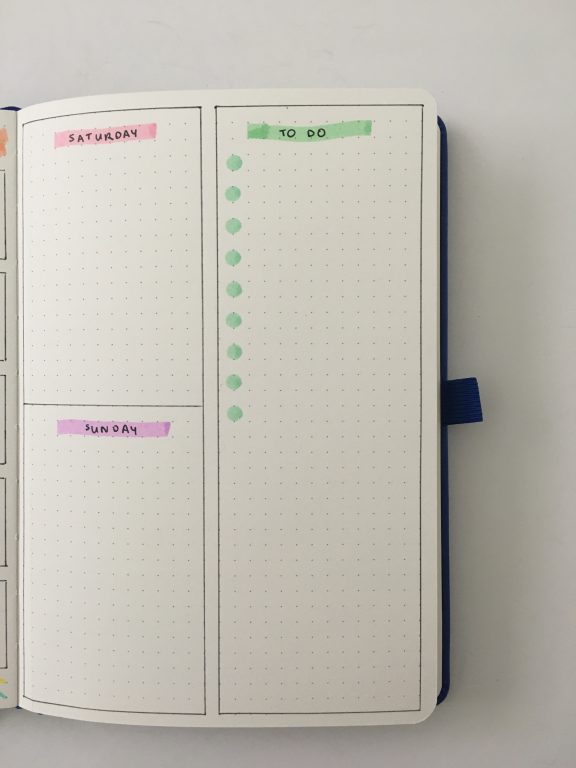
1. Checklist sidebar
Checklists are my favorite way to use dot markers and can easily add some color to what can otherwise be a boring sidebar of a monthly calendar or weekly spread.
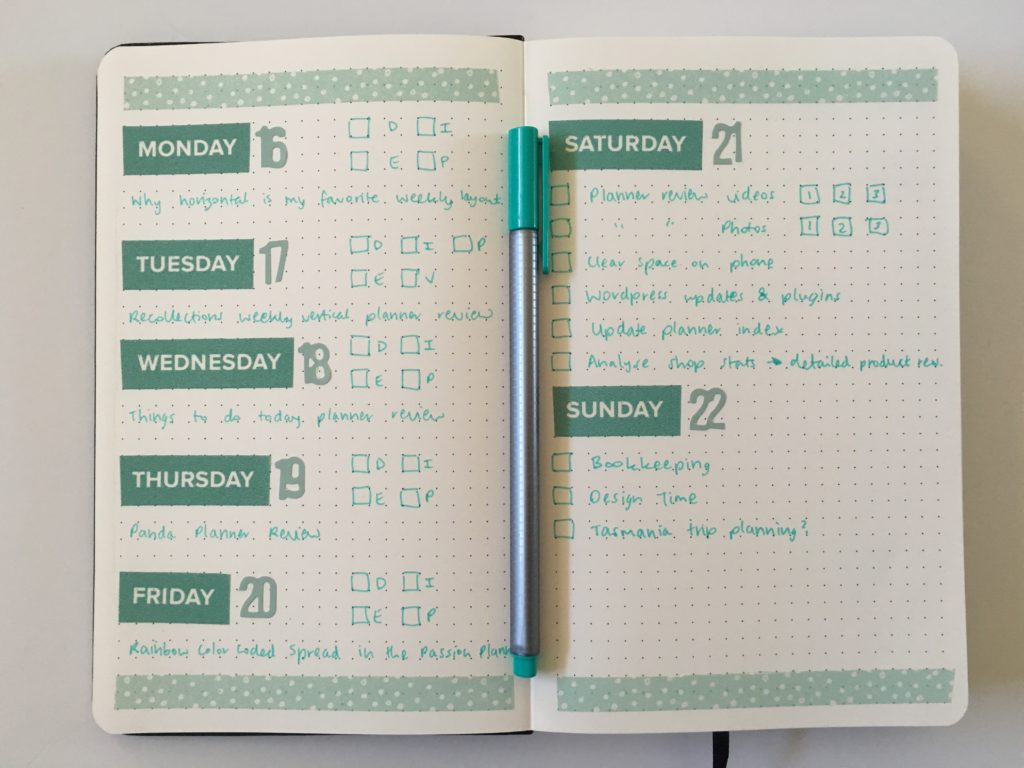
2. Sub-tasks within your weekly spread
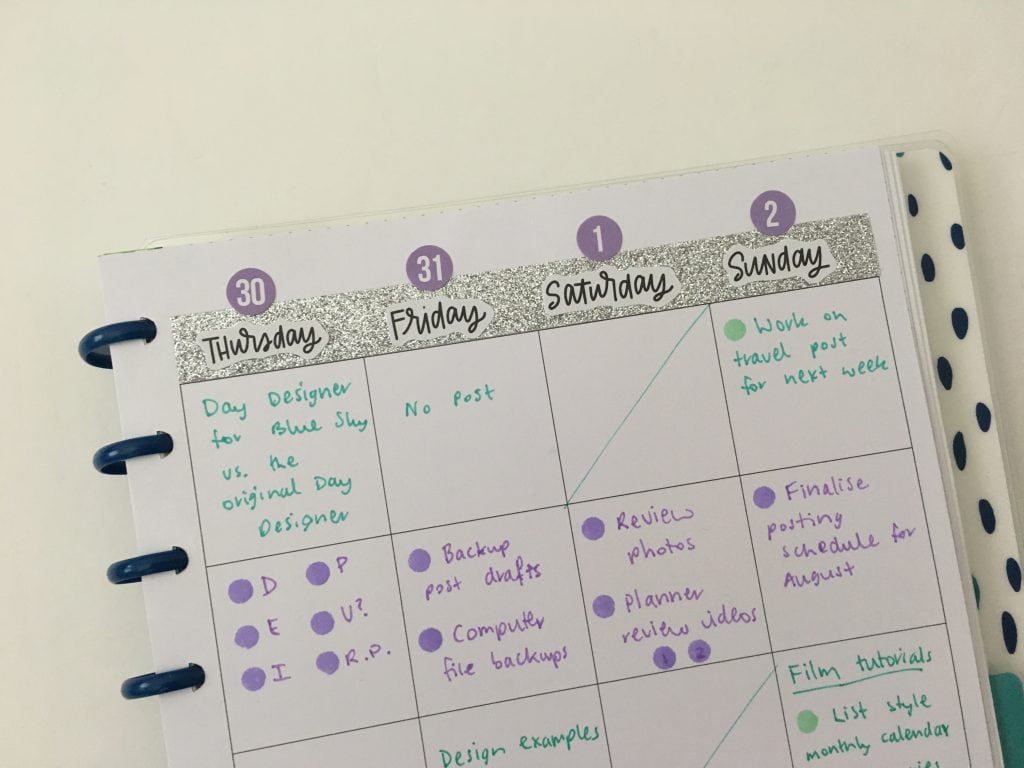
I tend to use them to break down the tasks for each blog post, or you could use them for any project.
- D = Draft
- E = Edited
- I = Images created or photos taken
- P = Pinned to Pinterest
- R.P = Repined to other Pinterest boards
3. Categorised checklists
I did different colors for work and personal but you could do AM and PM, by person etc.

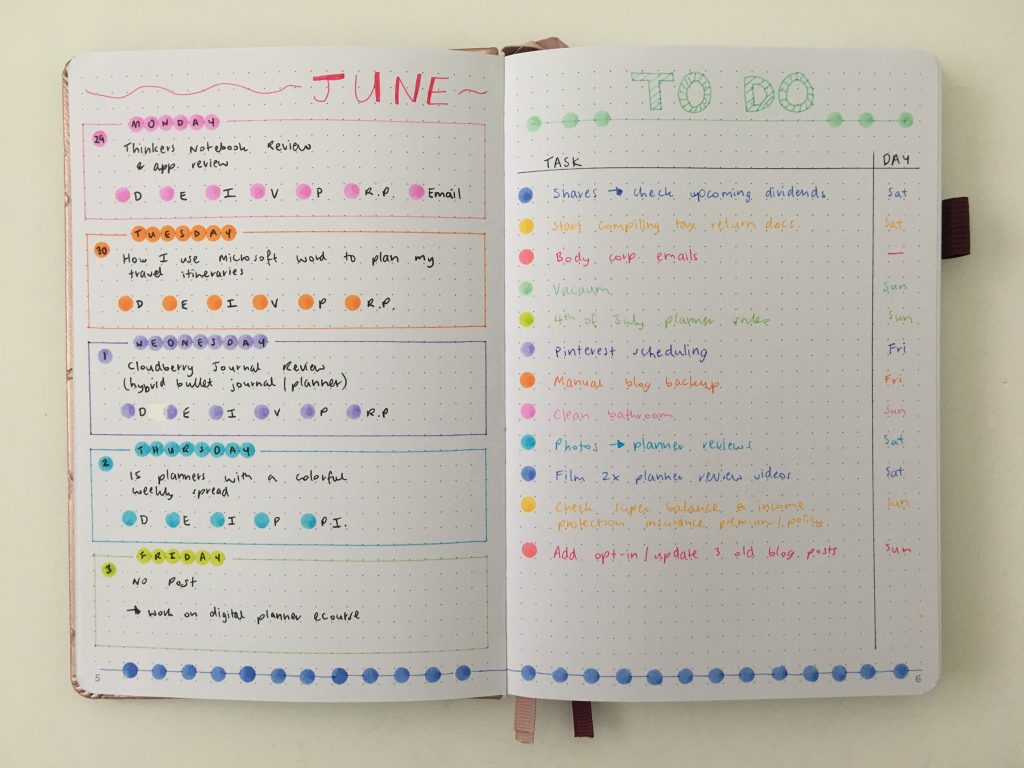
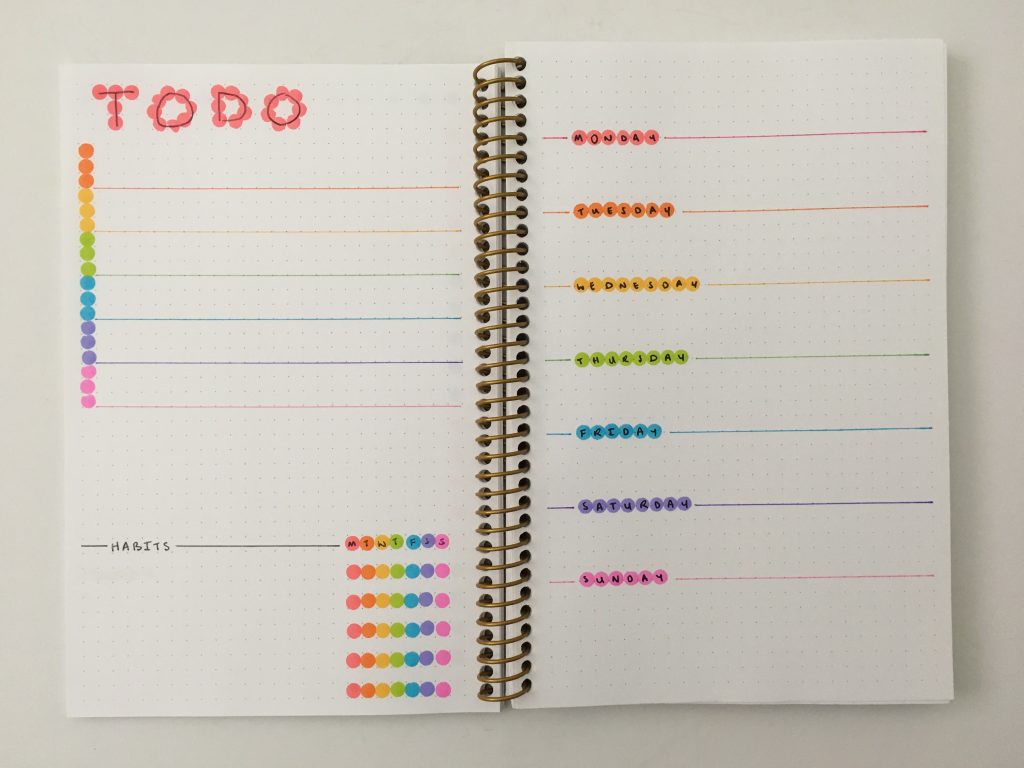
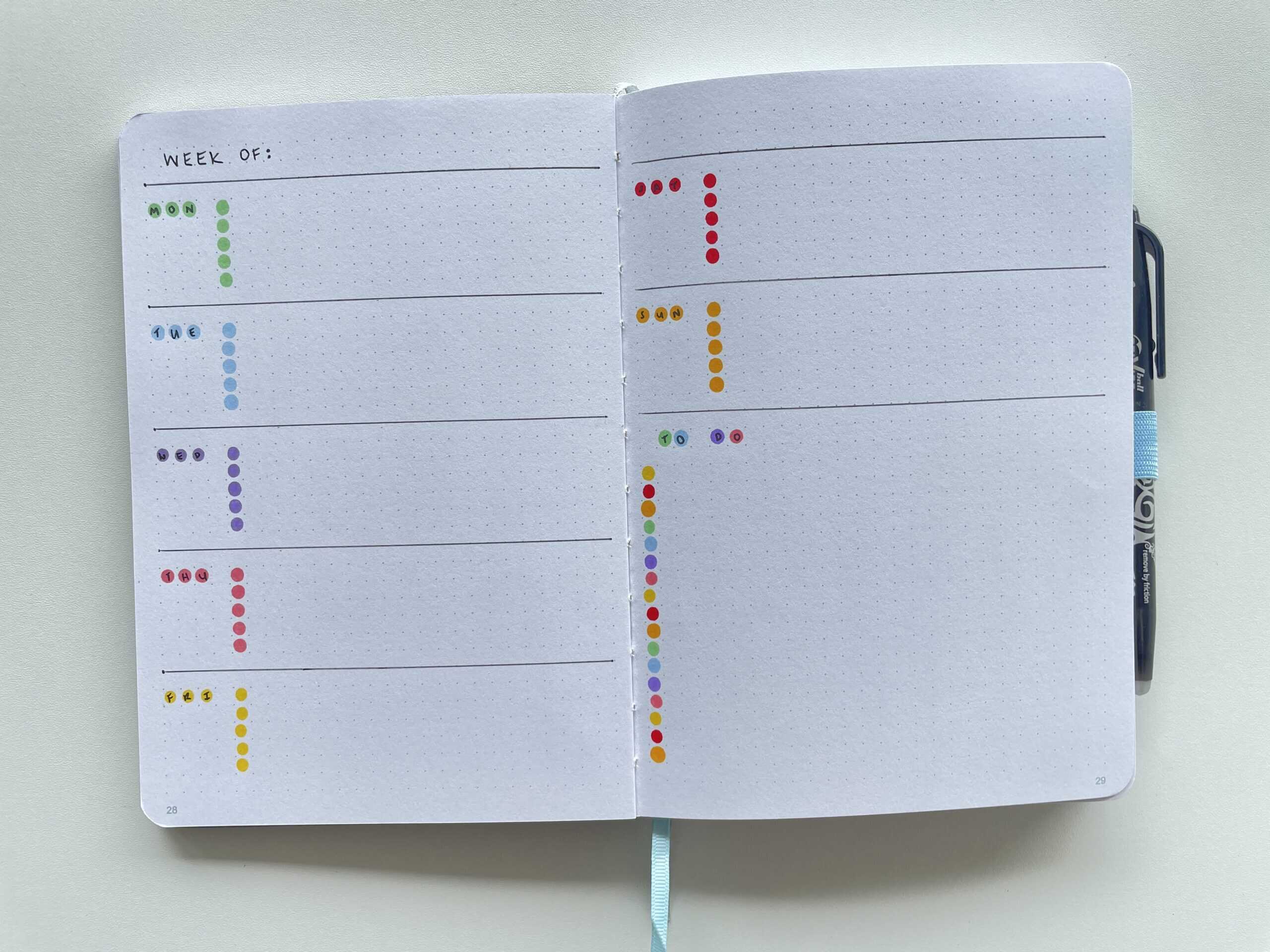
4. Rainbow dots
- Dividers under the to do heading
- Checklists
- Use dot markers Instead of a date dot sticker
- To add interest to the days of the week instead of just writing ‘Tuesday’
5. Date Dots
Because it can be hard to find date dot stickers in the exact shade you need.

DIY Bullet journal alphabet stencil that costs practically nothing
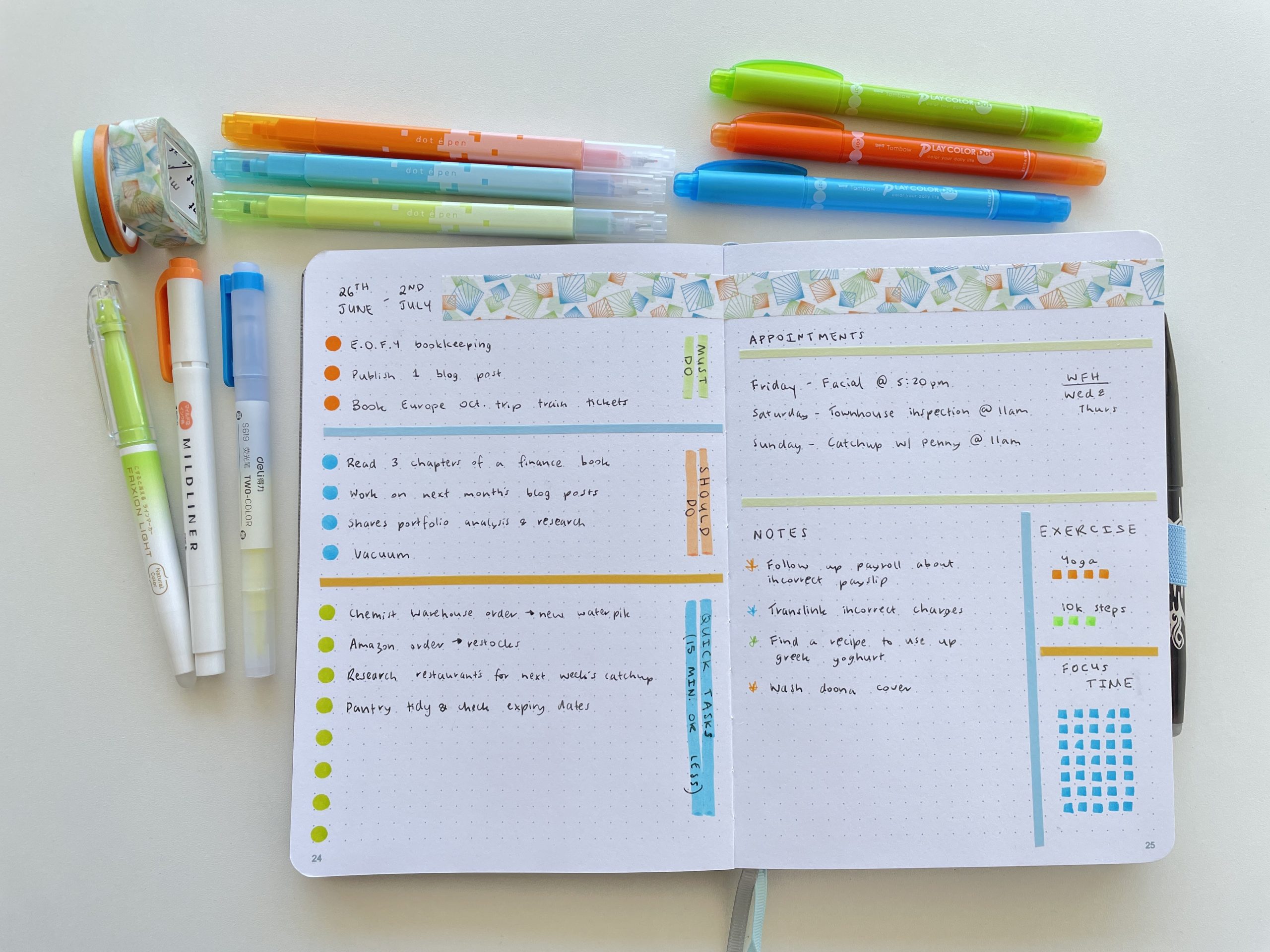
6. Color themed spread
I tend to color code by category but for the spread below I just wanted to use the 3 colors and mix it up.
Related post: 6 Ways to color code your planner to increase productivity
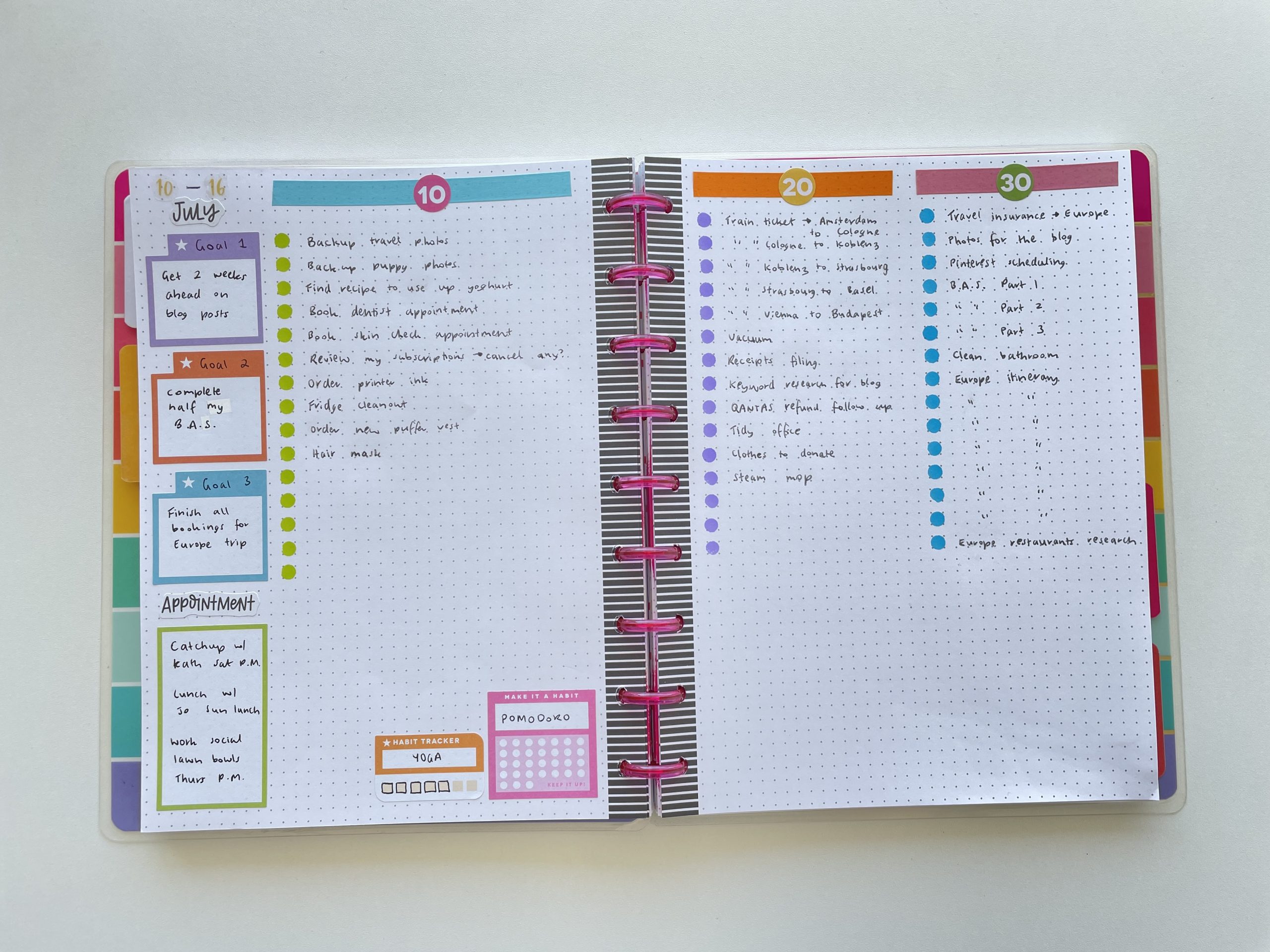
7. Time based checklists
The 10, 20 and 30 on the lists below represent time based checklists
10 = 10 minutes or less tasks
8. Morning & Afternoon
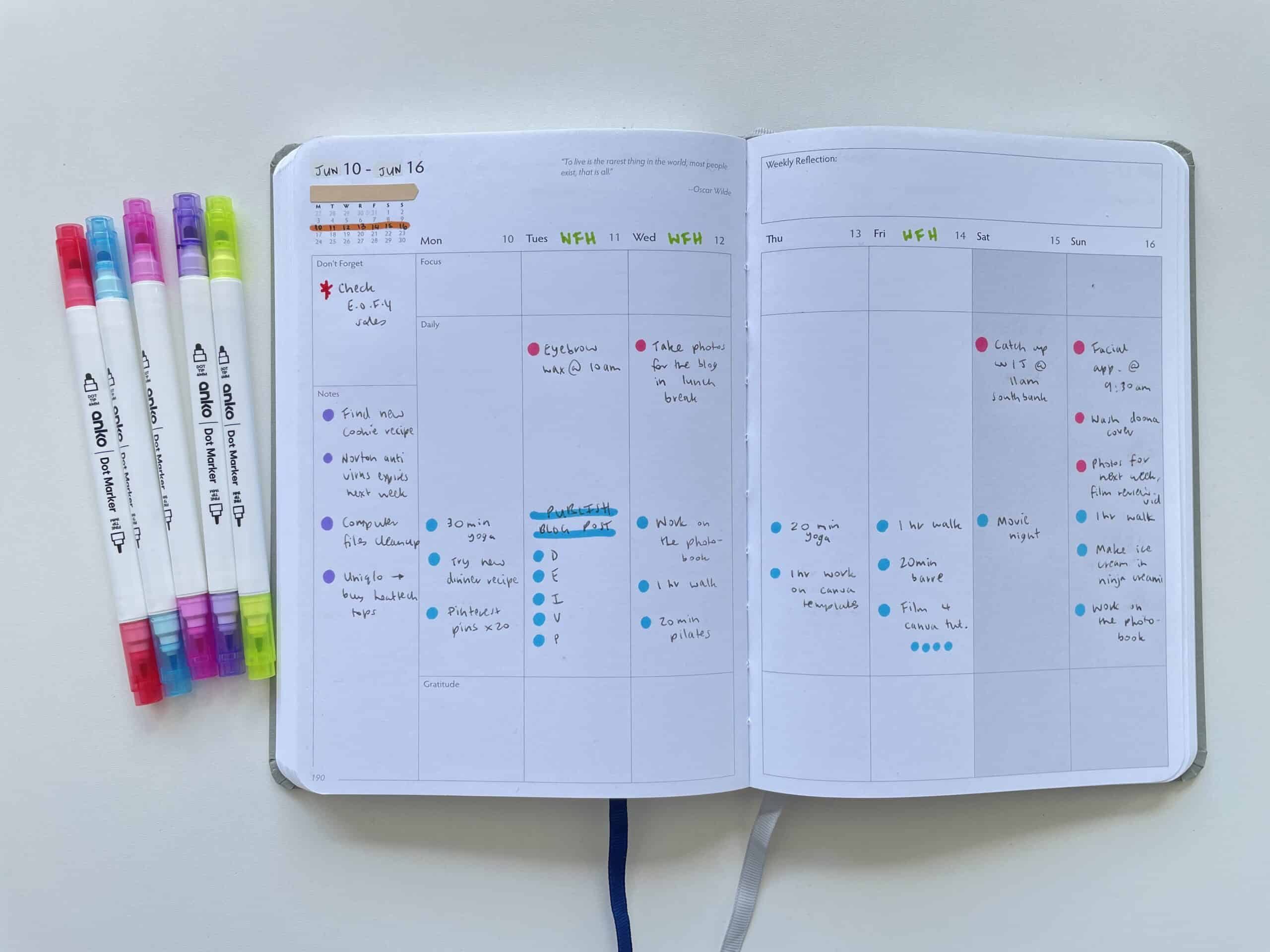
Use different colors for your morning, afternoon and evening tasks. Ideal if you have a planner that has just one big column per day.
When I tried using a vertical planner I always found the 3 boxes for morning, afternoon and evening too restrictive. I have more time in the evening to do things, but most planners made the evening box the smallest. So one way to get around that is to color code the time intervals. If you don’t want to use different colors for the time intervals and would prefer to write in black pen only, then dot markers help the different tasks stand out so it’s not just a blur of text.
Unbound Undated Weekly Planner Review
9. Lots of dots
Ok so this spread is a bit overdone with perhaps too many dots. The To Do title for example doesn’t really need the dots but if you look at each element on it’s own you could incorporate one or maximum 2 into your weekly spreads.
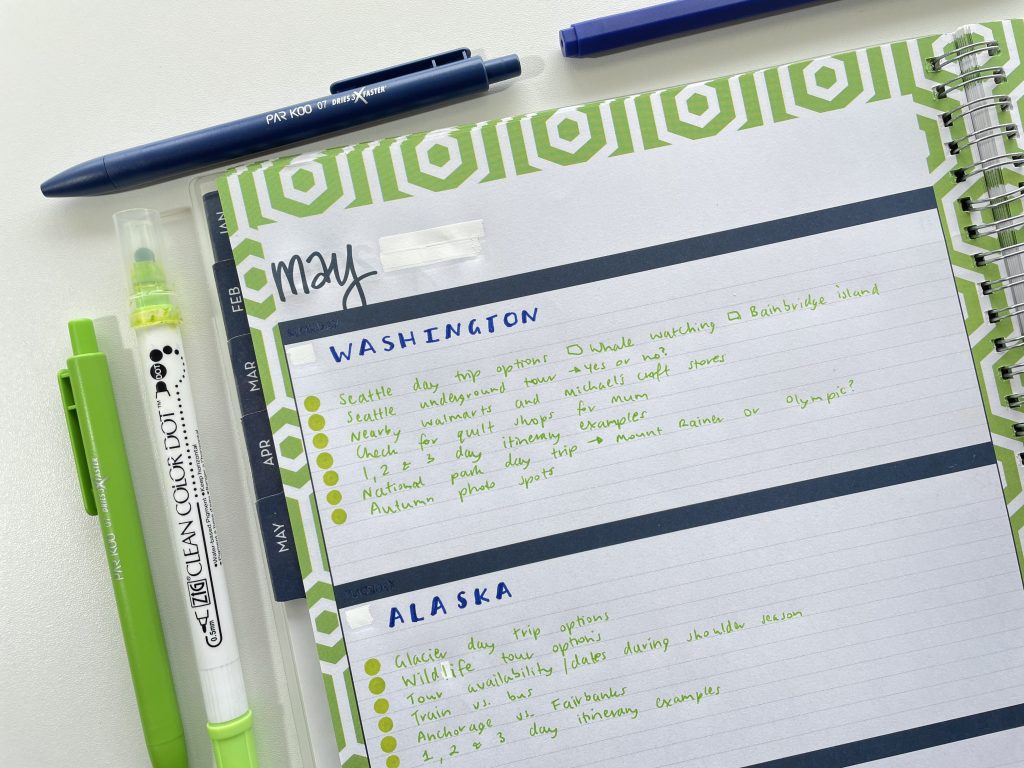
10. Checklists that color coodinate with the colors of the planner
11. Page borders
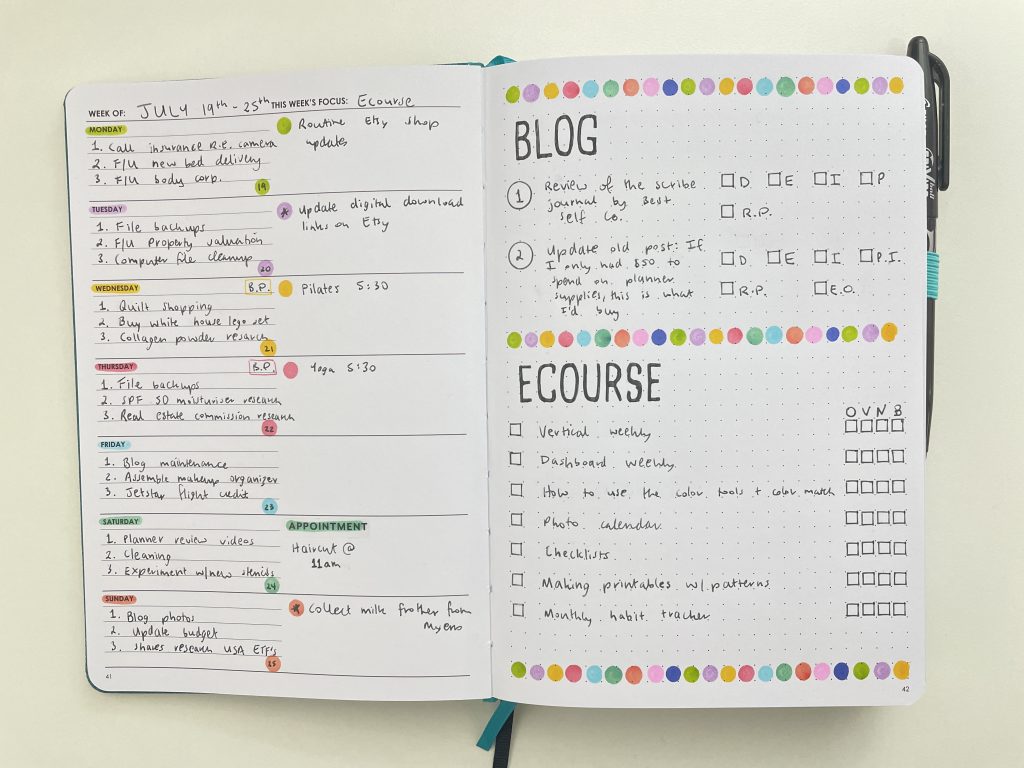
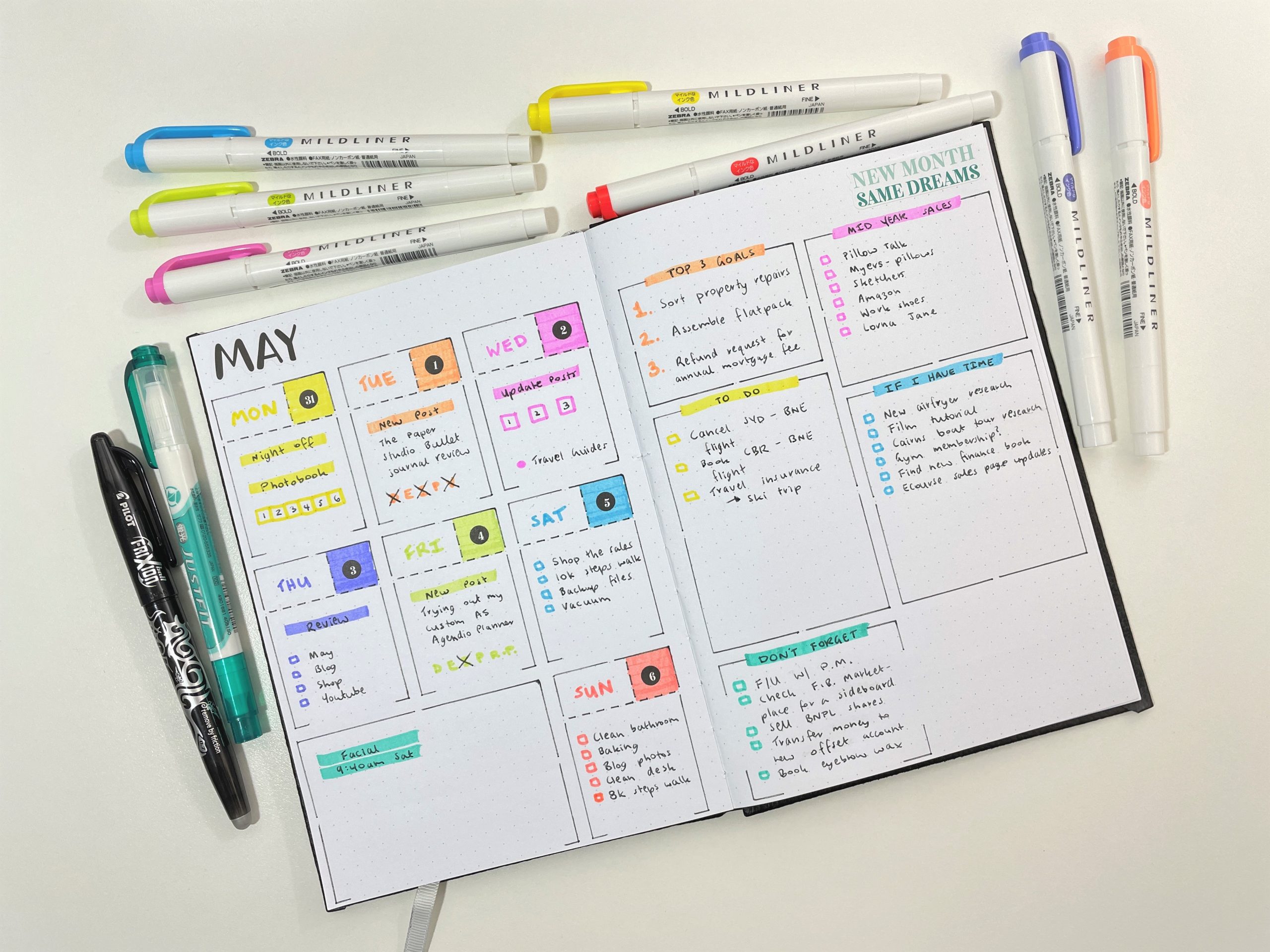
12. Use them as highlighters
If you have a minimalist spread with no space to add stickers or decorate, dot markers can be used like highlighters to add color for the days, and to flag important tasks.
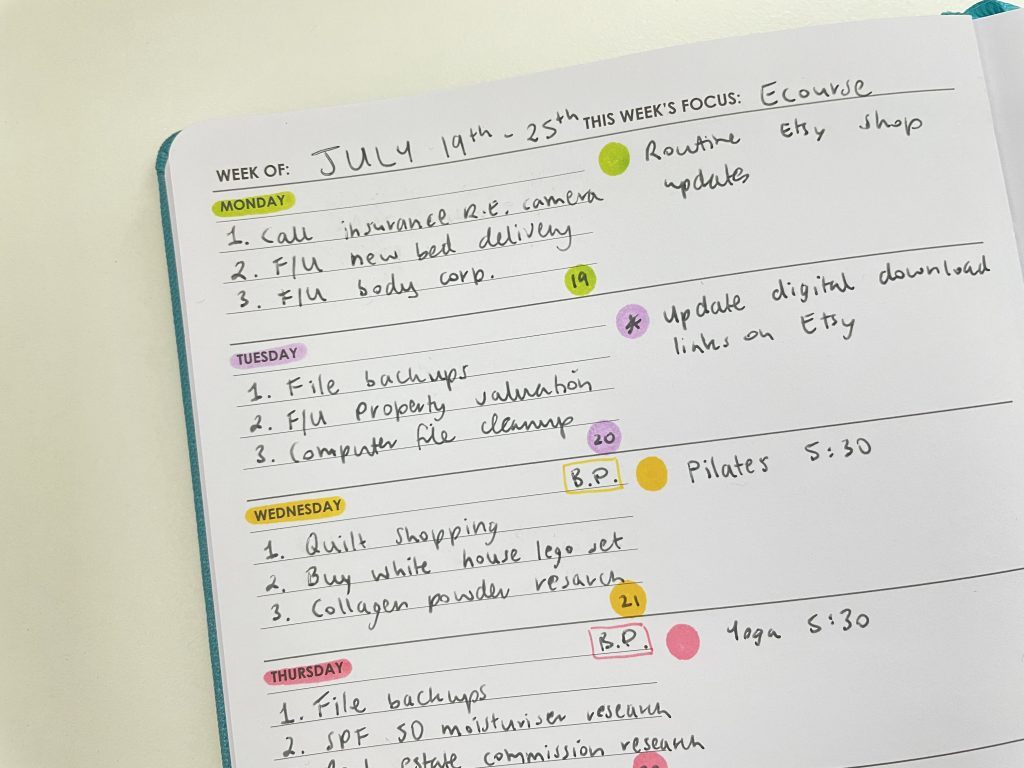

13. Color coded days
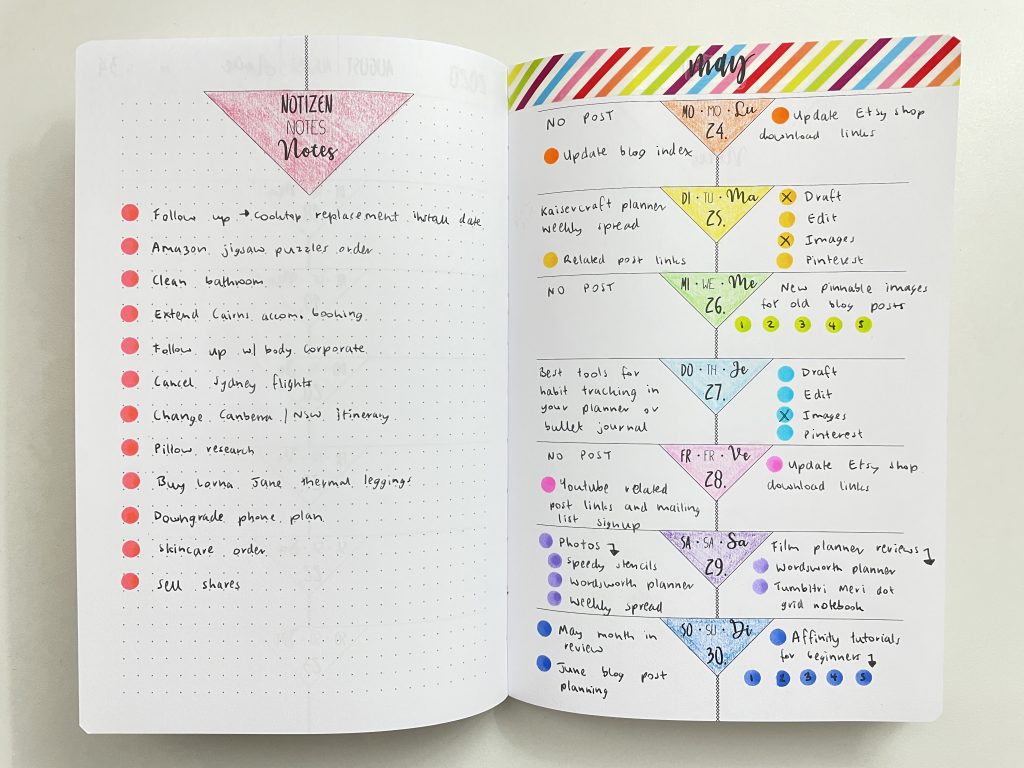
14. Color code by topic
Some category ideas in these posts:
- Planning by category rather than by day (weekly spread with icon planner stickers)
- 50 Category Ideas for Color Coding Your Planner
- Week 5: Planning by category and task, rather than by day
More weekly spread ideas
- Minimalist black and blue weekly spread using a DIY stencil
- Trying out my custom Agendio Planner (Would I Change Anything?)
- Converting a vertical hourly layout into a categories layout using the Lucky Life Tools Planner
See all 200+ of my past weekly spreads here.
More ways to use dot markers
- 7 Ways to use dot markers in your planner or bullet journal
- Weekly spread using Martha Stewart Discbound Inserts and Zig Dot markers as highlighters
- Rainbow Weekly spread using dot markers
Liked this post? Pin it!