How to make planner stickers – creating perfectly proportioned shapes in Silhouette Studio (video tutorial)
If you read my post the other day on week 22 where I used a DIY sticker kit to plan my week and you want to get started making your own planner stickers, then a handy shortcut / tool to know how to do is make perfectly proportioned shapes.
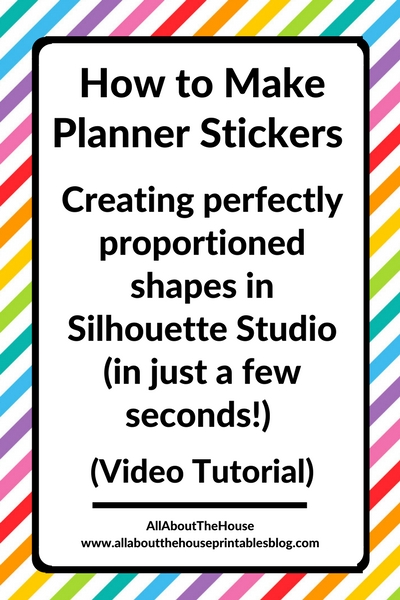
How to make perfectly proportioned shapes in Silhouette Studio
You can use the same method I show in the video to make perfectly proportioned / symmetrical squares, rectangles, circles etc.! It’s very quick and easy to do (the video is only 1:30)
If you haven’t already, you’ll need to download the silhouette studio software (it’s free!). Click here to download.
I use Silhouette Studio Version 3.8 – all tutorials I record use version 3.8. There is a version 4 of the software but it’s relatively new and has a few kinks to sort out. I personally prefer to use version 3.8 which can be downloaded here.
To enlarge the screen of the video, click the square icon in the bottom right hand corner of the video (it will say ‘full screen’ when you hover your mouse over the icon).

Subscribe to my YouTube channel for more planner related videos & graphic design tutorials!
Related posts:
- How to make header / title planner stickers (step by step video tutorial)
- How to Choose a Printer (Including the best printer for printing printables and planner stickers)
- 4 Tools for cutting printable planner stickers (and my favorite method)
- 7 Ways to make colors POP when printing using an Inkjet printer
- How to organize planner stickers using folders (plus free printable labels)
Want to learn how to make your own planner stickers? Click here for step by step tutorials!