Planning by category rather than by day using a Kikki K Notepad – ‘Work Smarter : Live Better’ (Week 47 of the 52 Planners in 52 Weeks Challenge)
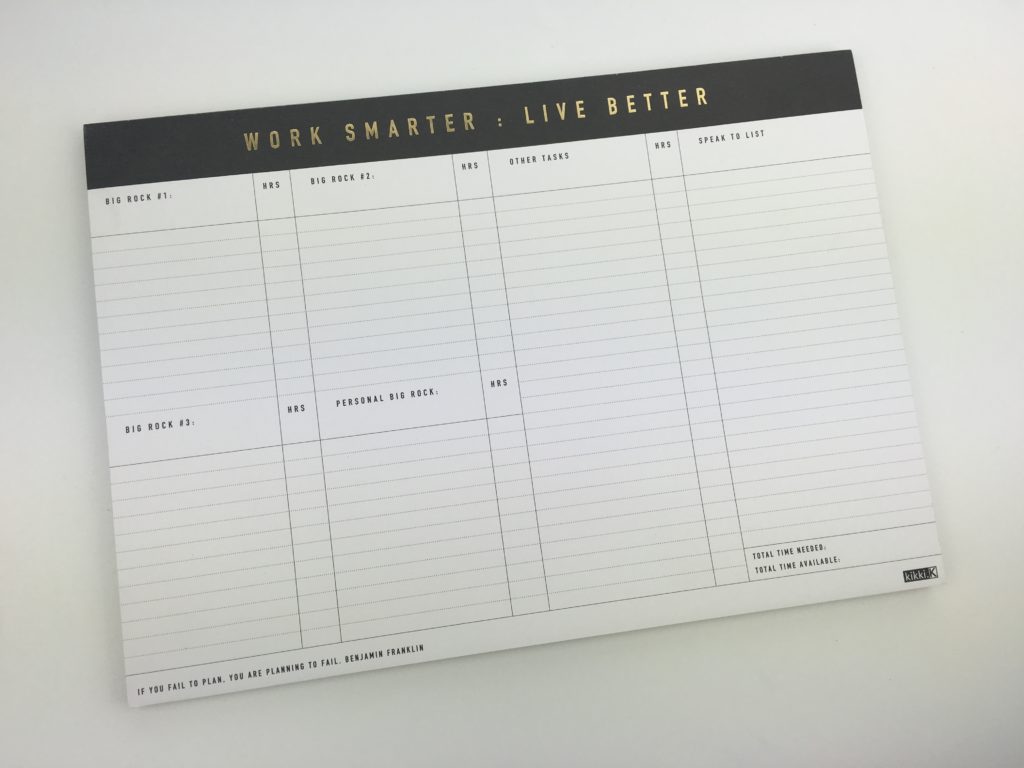
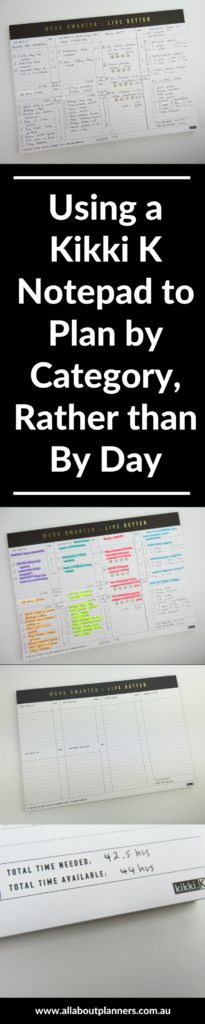
I was drawn to the ‘Work Smarter : Live Better‘ notepad from Kikki k where you can plan the week by category, rather than by day. I tried this method in week 5 of the 52 Planners in 52 Weeks challenge and it worked well, so I was keen to try it out using a different planner layout.
Related: Kikki K Weekly Planner Review
This is not a sponsored post. I purchased the planner myself – as always – all opinions are my own.
Setting up the week
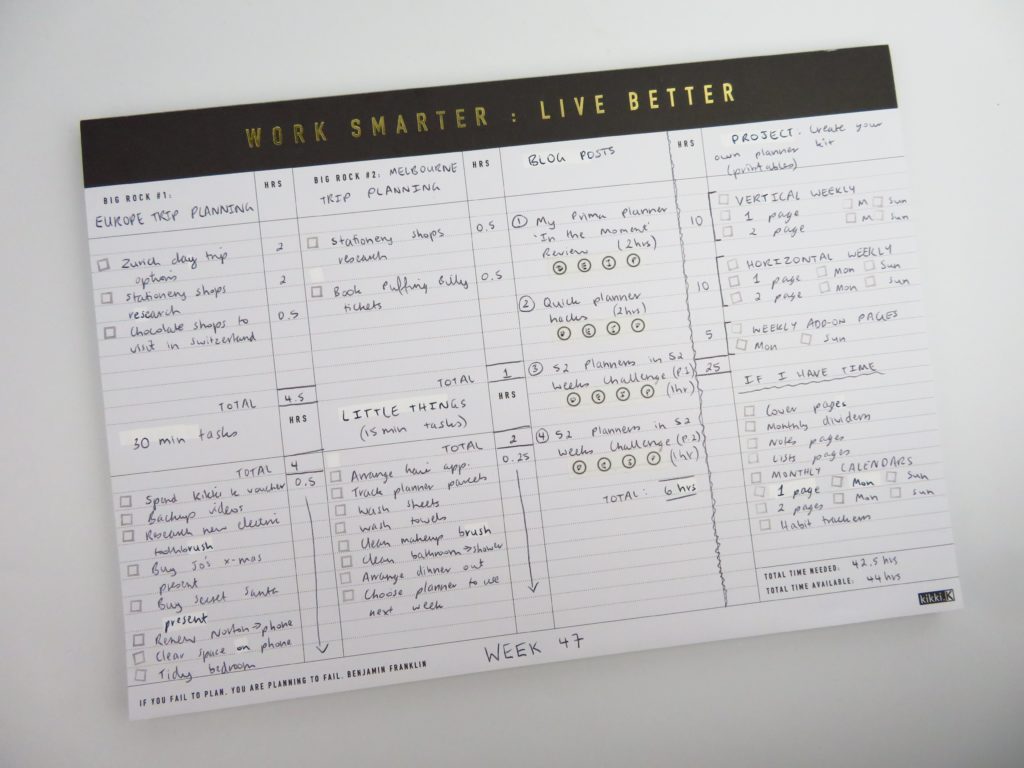
I initially set up the week in black pen but decided this was a bit boring so highlighted literally just for the purpose of adding color to the page.
Some of the columns are disproportionate in size for the headings. I don’t need an entire column for a ‘speak now list’ so I opted to cover up some of the headings with white out correction tape and add my own:
Related: Kikki K Weekly Planner Review
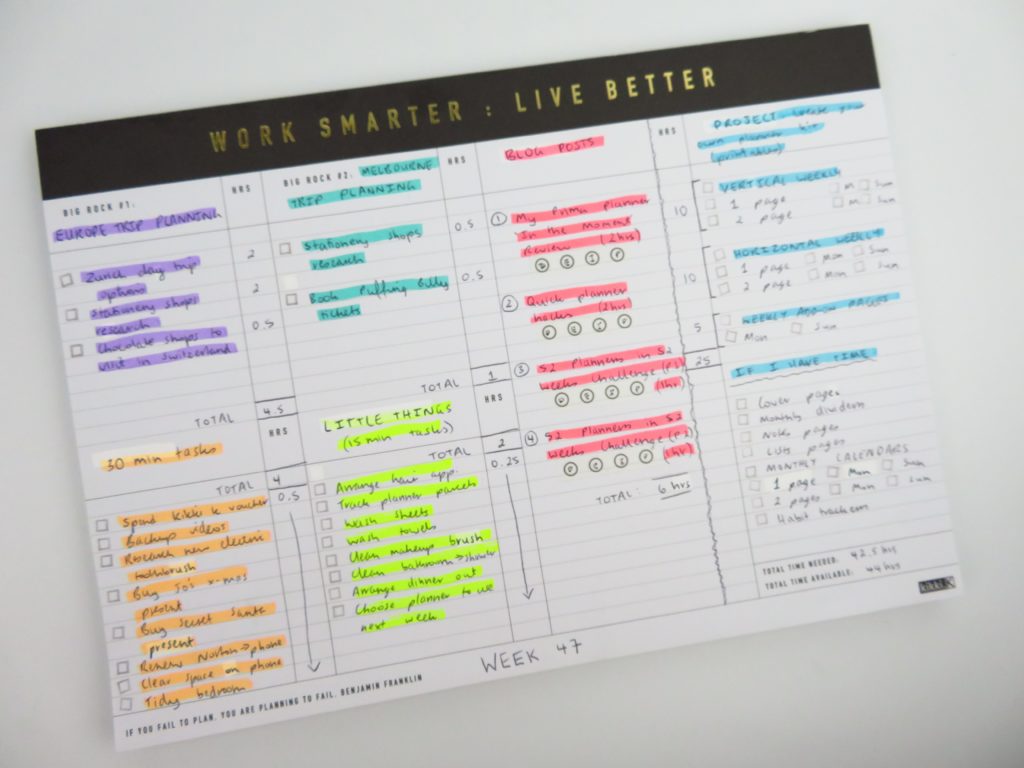
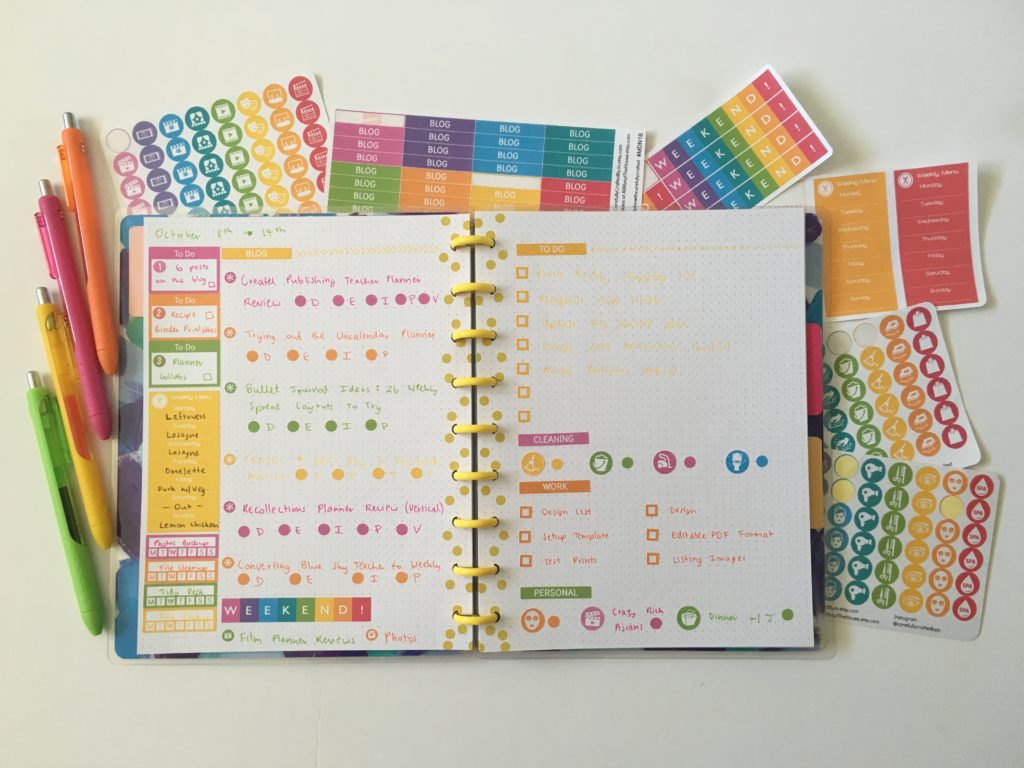
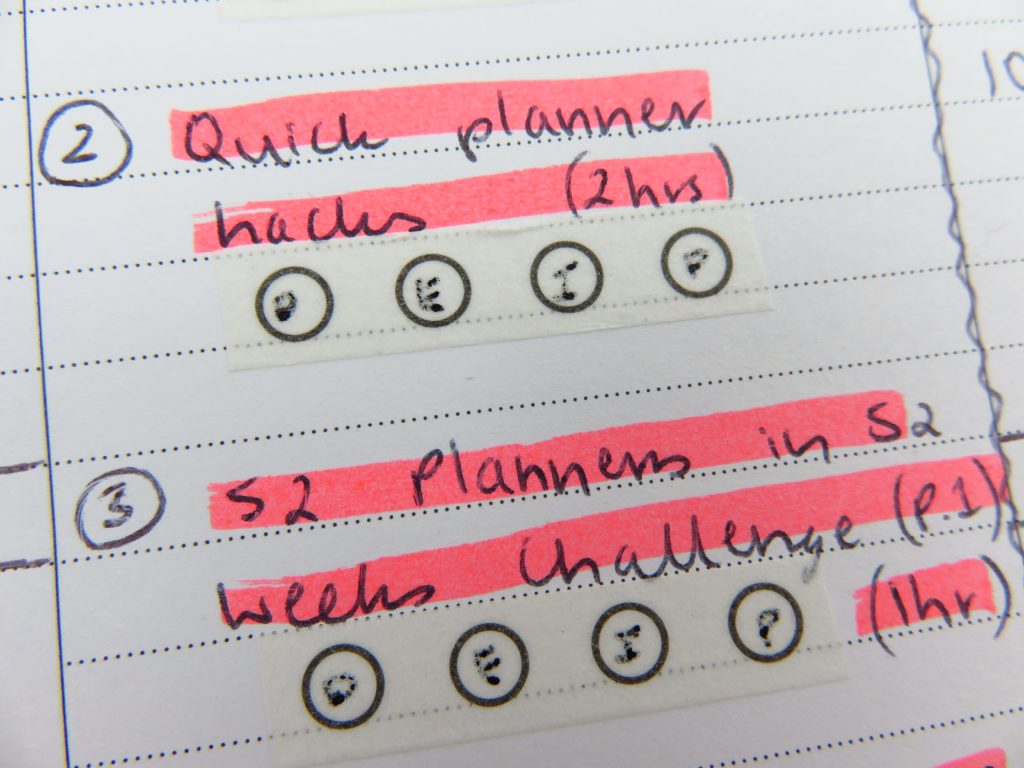
Rather than using stamps or drawing checkboxes to track blog post workflow, I opted to use something different – checklist washi tape.
I used a new (to me) gel pen – the Pilot Multiball LM-10M-B 100 – to write on and the ink didn’t work as well as ballpoint pens. I’ll definitely be sticking to using ballpoint pens when writing on washi tape.
Related: Best pens for writing on washi tape and What type of pens write best on correction tape? (gel pens vs. ballpoint vs. marker pens)
I used my usual code for blogging (if it ain’t broke, don’t ‘fix’ it’!)
- D = Draft
- E = Edited
- I = Images
- P = Pinned to Pinterest
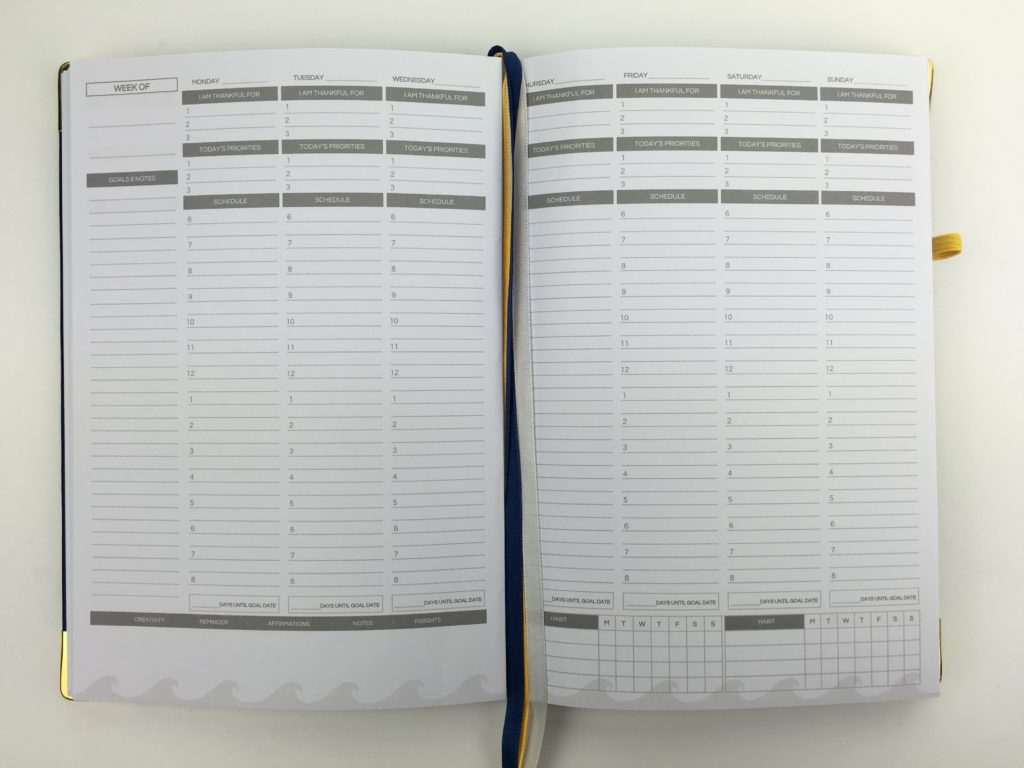
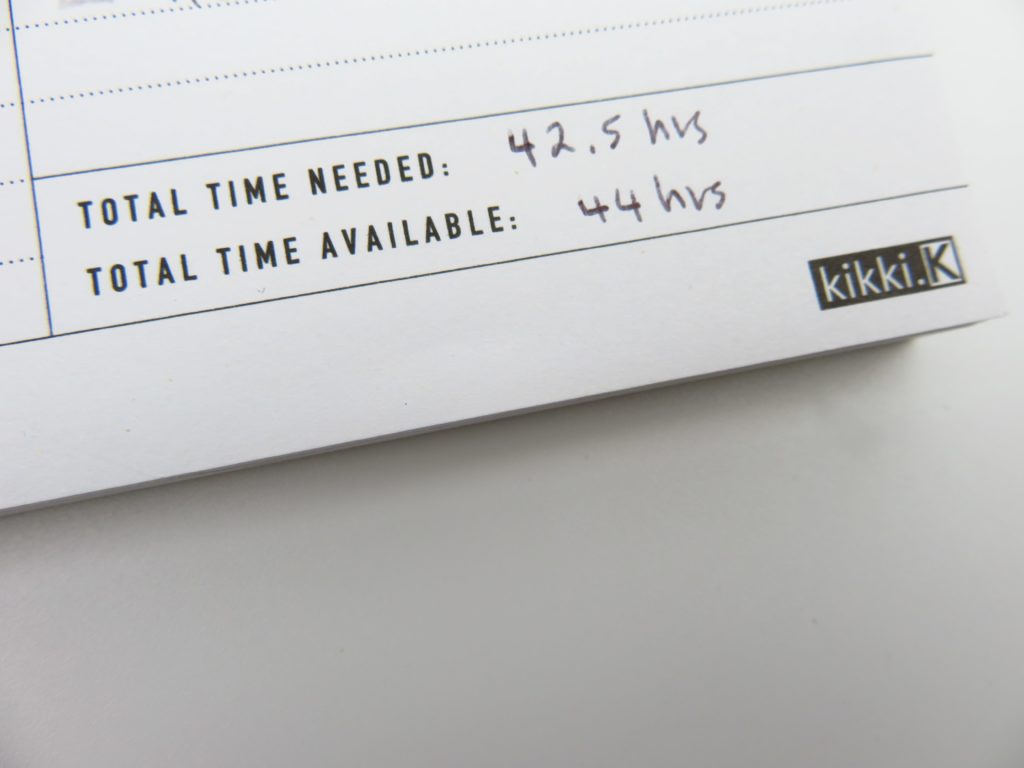
The notepad also has a section to note the time you need to complete the things you’ve scheduled and how much time you actually have so you stop adding tasks. I tend to just keep adding tasks to fill up the page so I think this little accountability section is a good idea!
Supplies Used
- Smiggle tri barrel ballpoint pen in black (cheap pens that write nicely)
- Pilot Multiball LM-10M-B 100
- Checklist washi tape from my sister’s planner supplies store, Carefully Crafted (also comes in hearts and square checkboxes) – similar washi tape by We R Memory Keepers
- Highlighters
- Zebra Optex (Purple)
- Artline (Dual Color) – blue and yellow
- Pilot Spotliter 2 Dual tip (Pink / coral color) –
- Zebra Just Fit Dual Tip (Teal)
- Kmart (Orange)
Related: 6 Useful ways to efficiently plan your week using highlighters
Pros of the Kikki K ‘Work Smarter: Live Better’ Notepad
- Reasonably priced – only $12.95 AUD
- Good line spacing – not too close together but not too far apart
- Just the right amount of space for each section
- Simple, minimalist layout and colors
- Undated, start using at any time. If you skip a week it’s ok, you can come back and pick up where you left off – you’re not ‘wasting’ any pages
Cons of the Kikki K Notepad
- The last column on the page doesn’t have space to put times against the tasks
- Some of the columns are disproportionate for the headings such as the ‘speak now list’. I opted to cover up the headings with white out correction tape
Would I use this planner again?
I quite liked this notepad mainly because it’s the only one I’ve found that doesn’t have days of the week printed on it (and the gold foil is pretty too!) I’d consider using this notepad again if I was planning a project and wanted to break down the tasks that needed to be done for each category into separate columns to keep it organized.
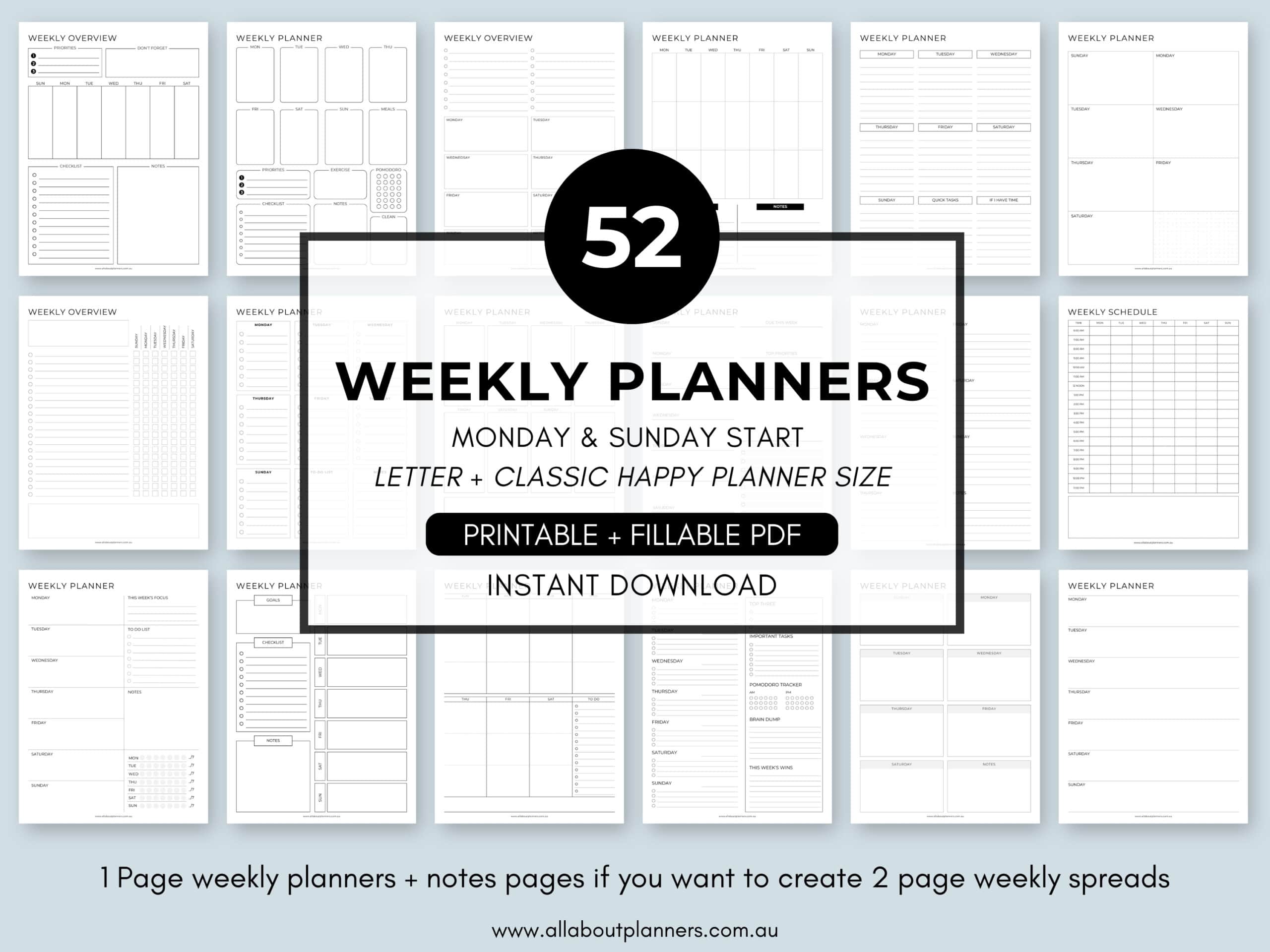
If you’re tired of drawing up weekly spreads, this printable bundle of 52 different 1 page weekly planners (you can mix and match to create 2 page spreads if you prefer), is available in my Etsy shop and online store.
Found this post helpful? Pin it to Pinterest!
Catch up on past week’s of the challenge:
- Week 5: Planning by category and task, rather than by day
- Week 20: Weekly planning using only a checklist and habit tracker – download a free printable
- Week 21: Using Microsoft Word to plan your week
- Week 22: Using Erin Condren size planner stickers in the Mini Happy Planner
- Week 23: Using Limelife Planners Weekly Layout C