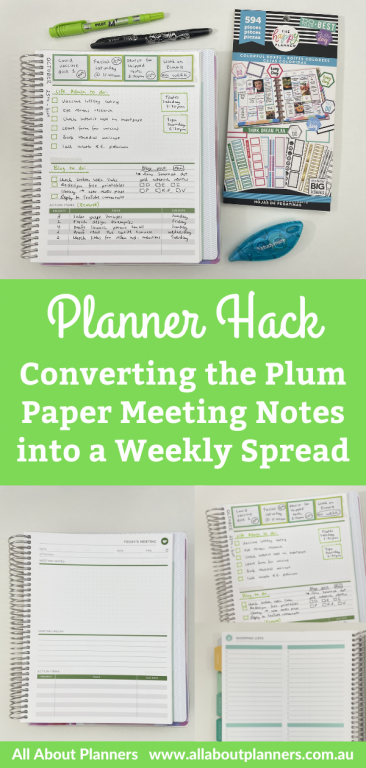
Weekly spread using the Plum Paper meeting notes add on page
Plum Paper is one of my favorite planner companies – great range of options, good layouts, smooth paper to write on and plenty of add on pages to choose from. While the add on pages are intended for a specific purpose, they can be easily modified to use for something else. So for this week, I used the Plum Paper meeting notes add on page and re-purposed it for weekly planning.
Before the Pen
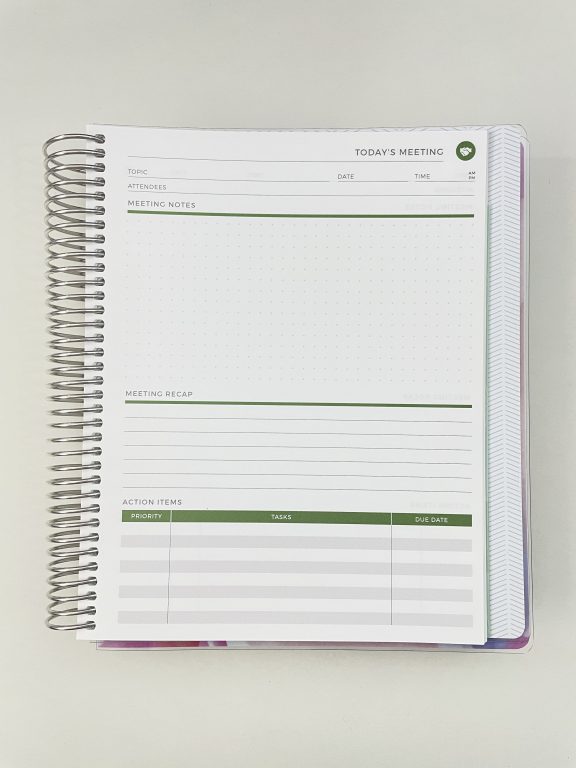
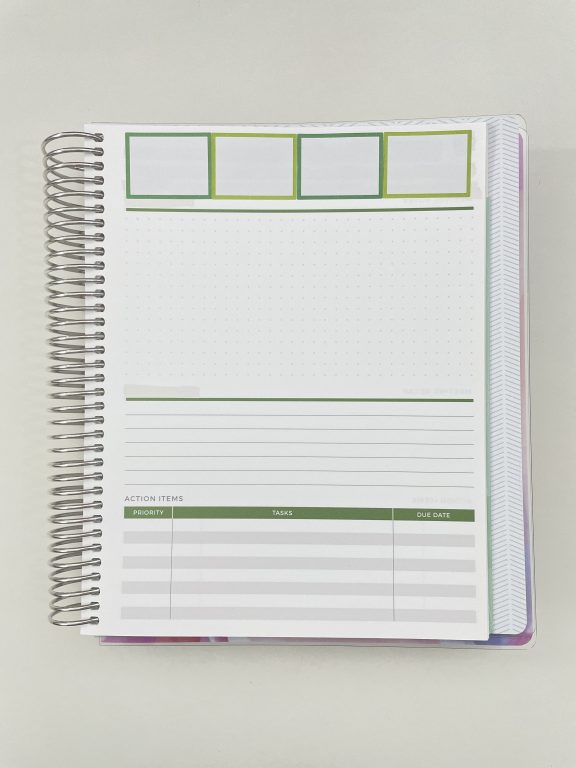
This is what the layout looks like when you purchase it as an add on with your Plum Paper planner or notebook.
I used whiteout tape to cover up the existing text at the top of the page. Admittedly quite a lot of whiteout was required (I had to do it twice so there was no lines or text showing through), good thing it’s cheap!
I raided my stash of planner stickers for something similar to the shade of green already on the page (as I like when everything’s color coordinated). This also would’ve been a good opportunity to make my own custom size sticker to fill the gap and match the colors already on the page.. But once I start making stickers I go down the rabbit hole of making heaps of different colors and styles when I really just wanted a few simple stickers. So instead, I just I settled on these from the Happy Planner colorful boxes sticker book.
Related post: How to make your own custom Erin Condren (or any planner) header title section planner stickers (step by step video tutorial)
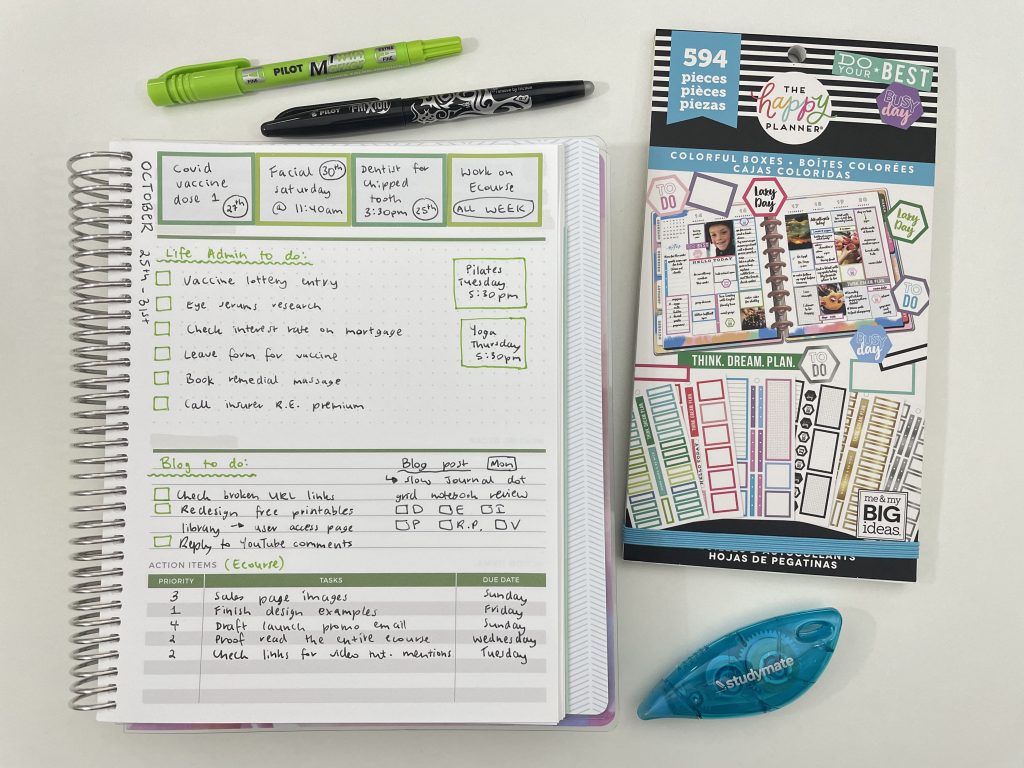
After the Pen
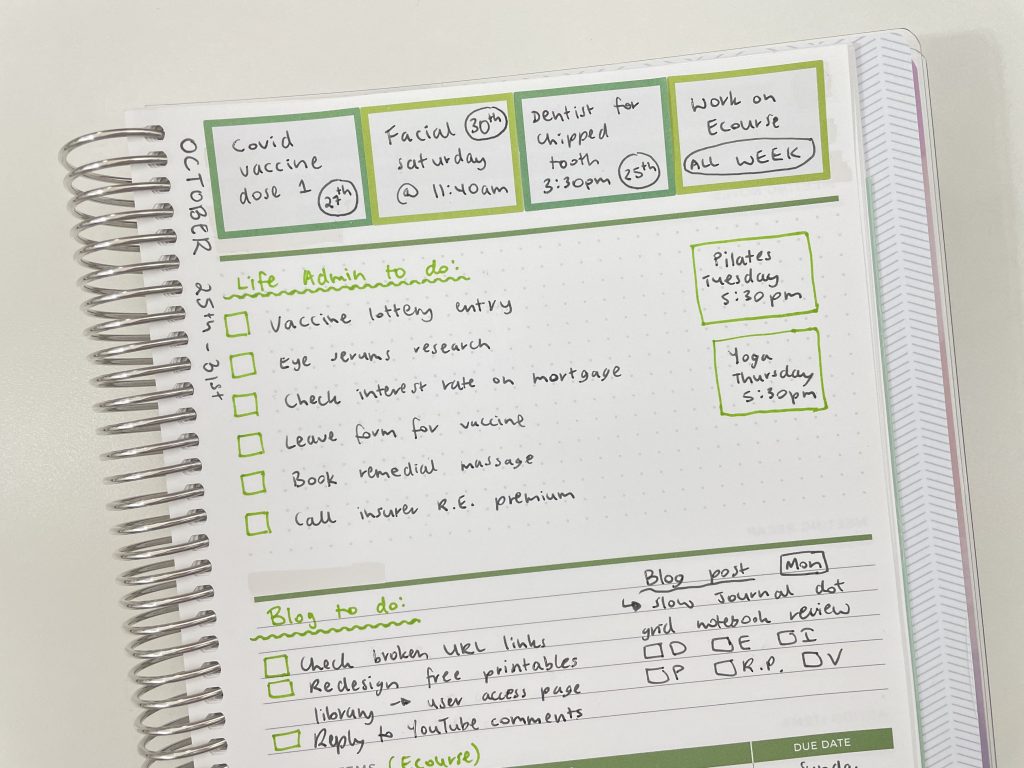
I normally do a top 3 but 4 boxes fit almost perfectly up the top so I did 4 this time instead.
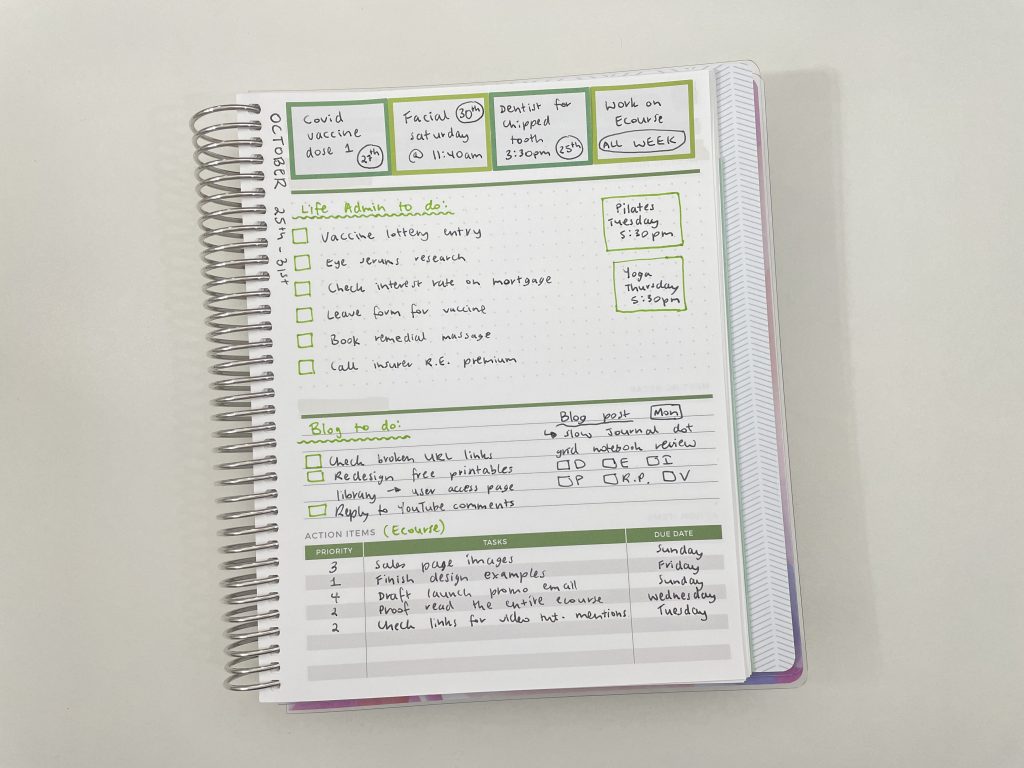
I really like the mix of dot grid, lined and to do list on this layout.
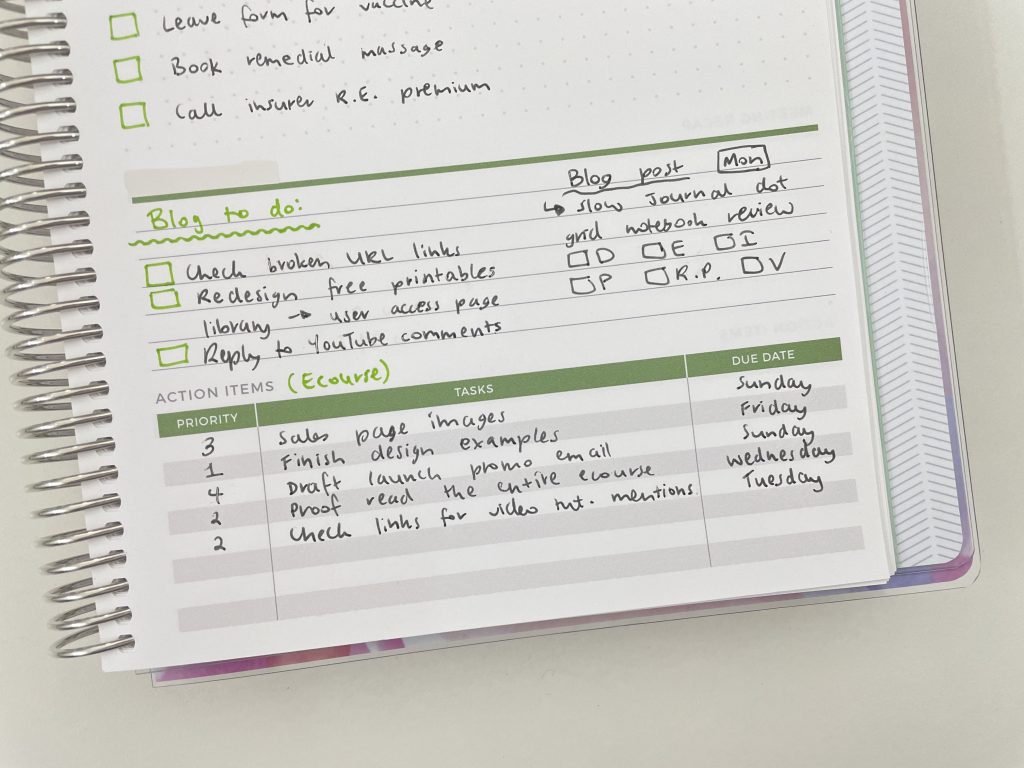
The bottom box was perfect for ecourse planning!
Supplies Used
- Plum Paper planner with meeting notes pages add on
- Colorful boxes (594 pieces) sticker book
- Black Frixion erasable pen
- Green pilot twin tone marker (warning: these are inky and have really bad ghosting)
- Studymate white out tape from Officeworks
I used to swear by the Keji whiteout tape from Officeworks but the last 2 packets I’ve bought haven’t been very good quality. The tape skips on one side of the runner or it doesn’t smoothly come off the roll. So the Studymate washi tape (which is also from Officeworks) is now my new go to.
Would I do this again?
Yes, I often hack weekly spreads and add on pages to make a weekly planner. I’ve even converted a monthly calendar into a weekly spread. I’m tracking mostly the same things each week in my planner at the moment and could probably get away with just using a checklist if I really wanted to. But it can get a bit boring using the same layout / just a checklist every week. I like taking an existing layout and thinking about how I can tweak it to make it work better for me.
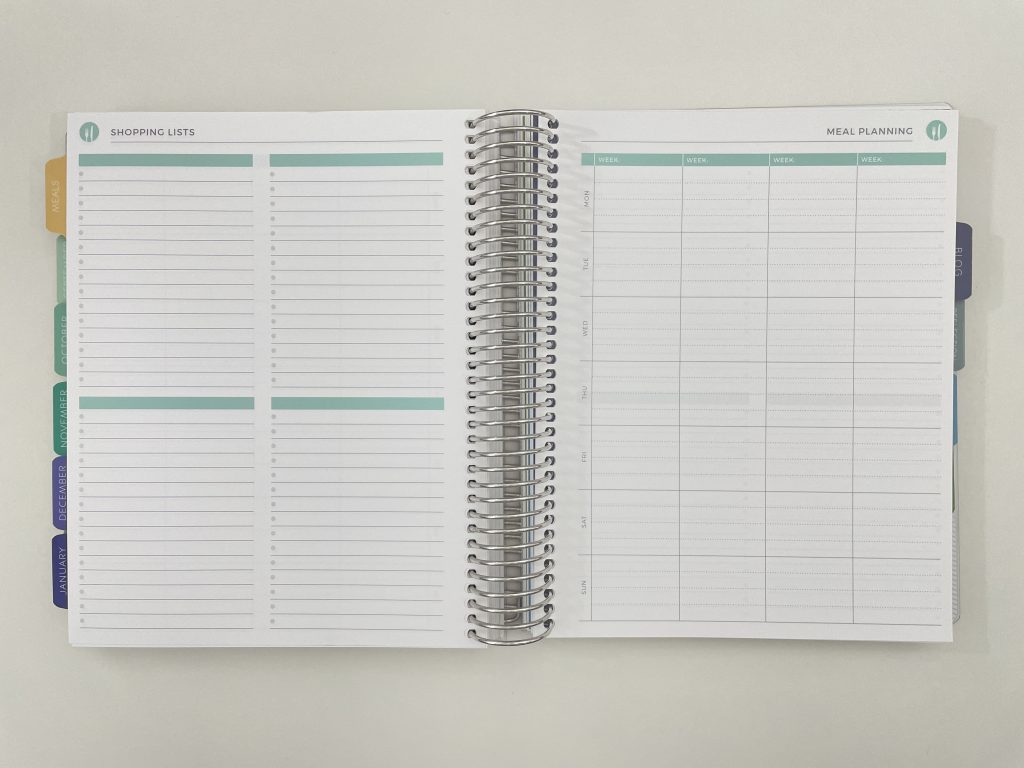
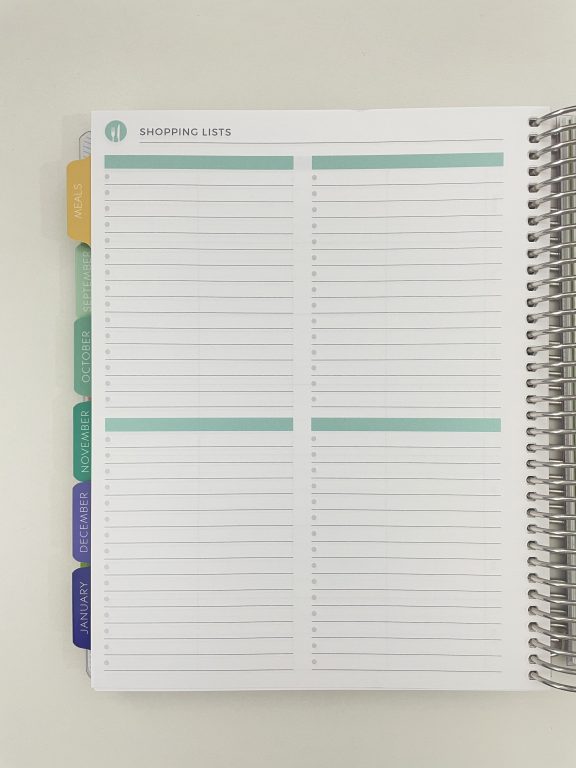
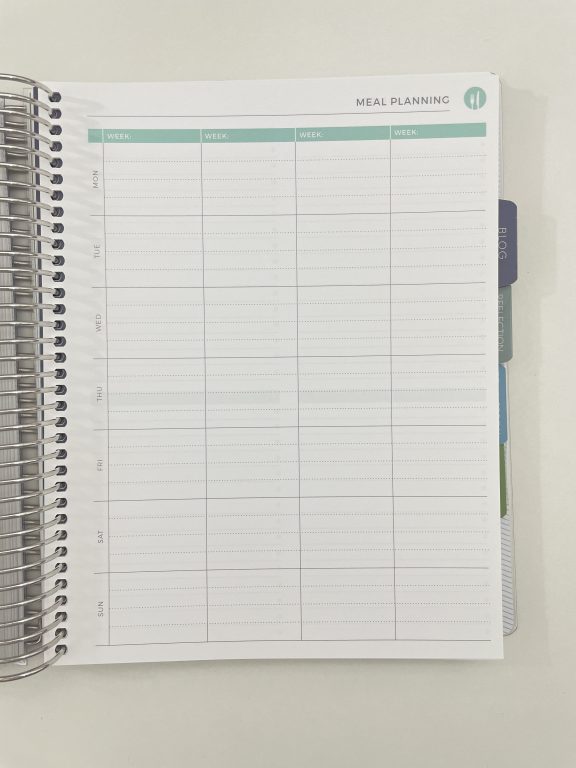
The Plum Paper meal planning page is another good one you could hack into a weekly planner:
Past weekly spreads where I’ve ‘hacked’ a planner
- Converting the Panda Planner daily version into a weekly planner
- Converting the Day Designer daily into a weekly planner
- Using a monthly calendar for weekly planning
Planning tips
- 5 Pen brands that are similar but cheaper than the Staedtler Triplus Fineliner 0.3mm
- My 7 favorite planner supplies for making lists
- Using blank pages: 50 useful lists to add to your planner
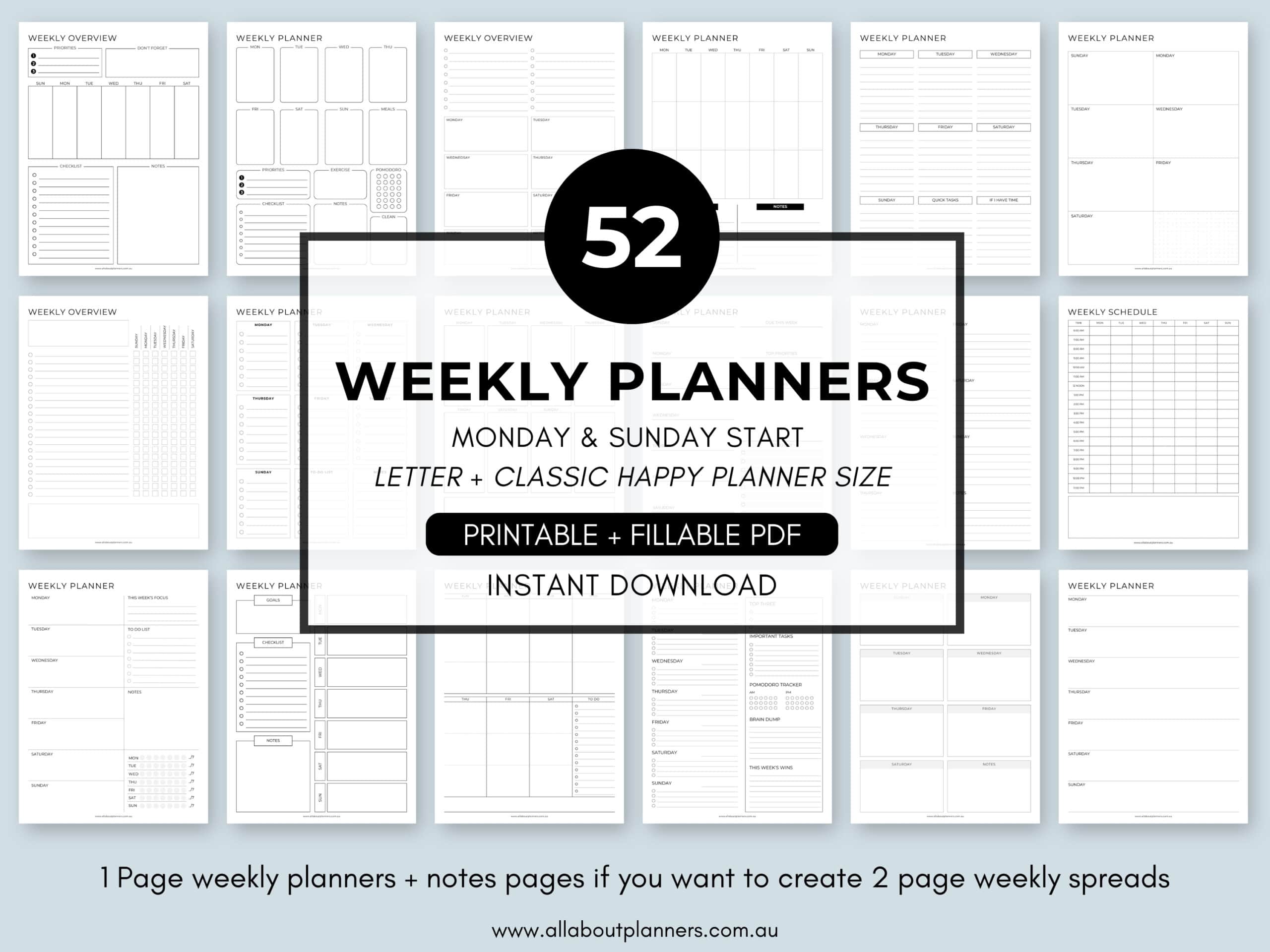
Tired of drawing up weekly spreads? This printable bundle of 52 different 1 page weekly planners (you can mix and match to create 2 page spreads if you prefer), is available in my Etsy shop and online store. It comes in US letter size and Happy Planner classic page size.
Liked this post? Pin it!