

Microsoft Word versus Microsoft Excel: Which is better for making printables?
If you want to get started making your own printables, Microsoft Word and Microsoft Excel are similar software (but with a few key differences) that are both easy to use and ideal for beginners. So how to choose which software is right for you? Keep reading!
Word & Excel Features
Word and Excel are very similar (as they’re made by the same company). Some of my favorite tools that both of these software have:
- Quickly change colors using the color themes tool
- Quickly change fonts
- Insert pictures
- Create lines and checklists
- Change the line spacing
- If you press CTRL and A (keyboard shortcut) you can highlight all of your text in the entire Word document or Excel spreadsheet and update the font style, color etc. at the same time
- Easy to use
- Takes about the same amount of time to make a monthly calendar in both software
- Can use custom fonts you’ve downloaded from the internet (see here for a list of my favorite font websites)
- Can do landscape or portrait page orientation printables
- Probably already have the software installed on your computer
- Better for printables where you need multiple columns (e.g. to do lists, grocery lists)
- Print preview menu where you can quickly scroll through the entire planner
Microsoft Word
This is the first software I ever used to make printables way back at the start of 2012 (8 years ago!)
Microsoft Word Pros
- CTRL and F is the keyboard shortcut that brings up the preview pane which is better for multi-page printables. This does not exist in Microsoft Excel
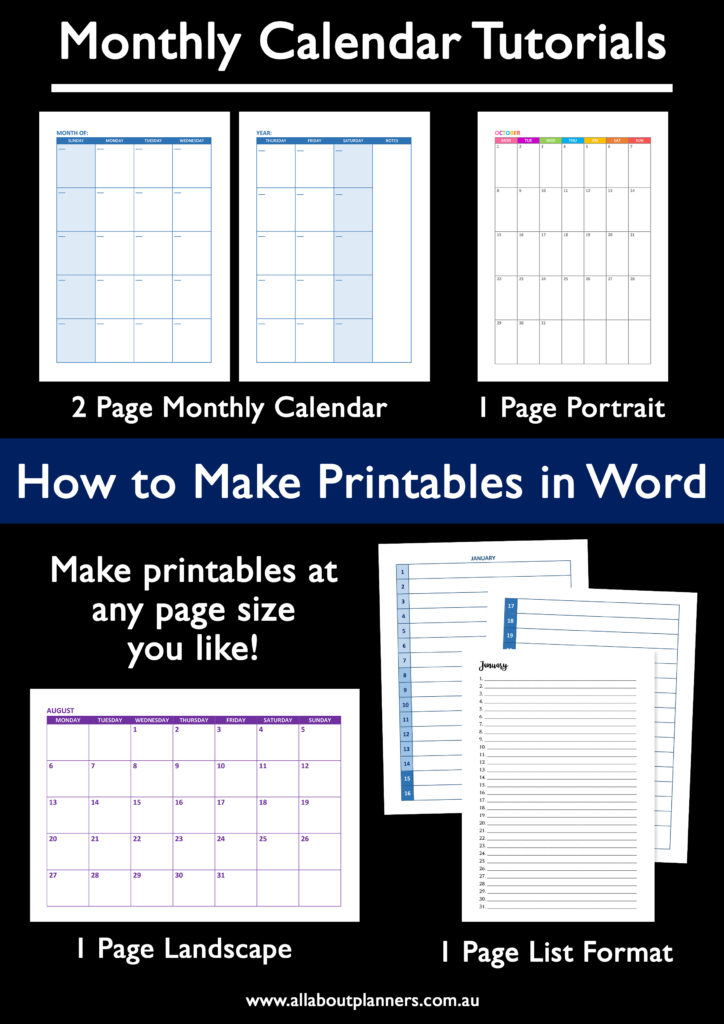
- Can easily and quickly create a multi-page document
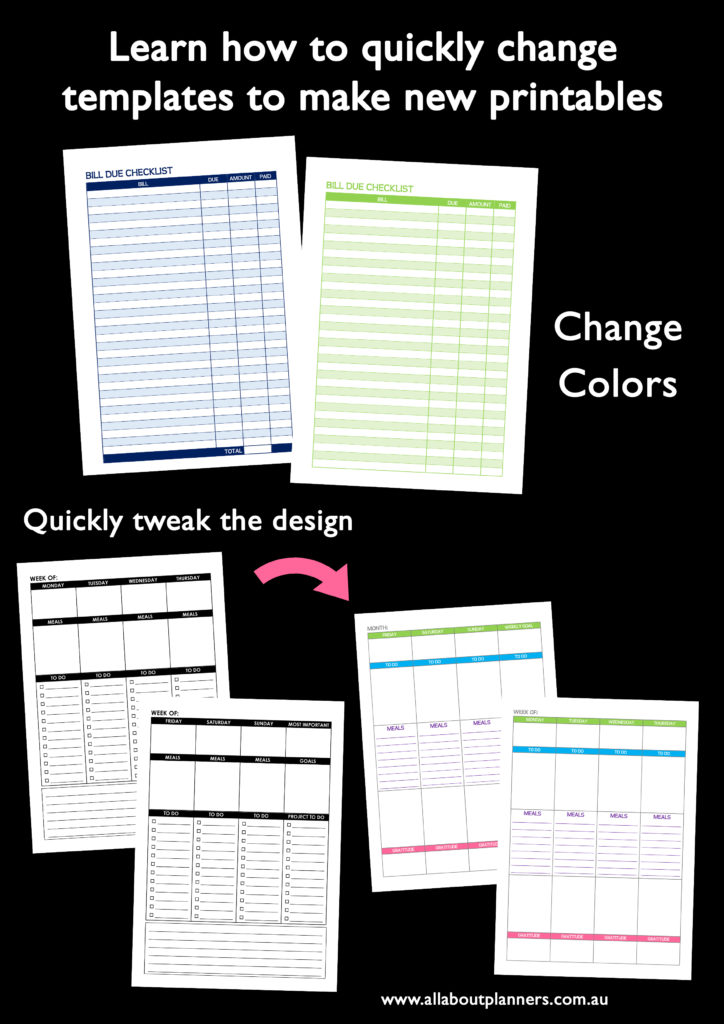
- Can quickly change colors – perfect if you want to use the same design e.g. checklist in different colors for color coding, or a different color for each monthly calendar etc.
- Pre-styled tables menu makes it easy to create printables with multiple columns and quick change the style e.g. colors & borders
Related: How to make planner printables using Microsoft Word: An Introduction
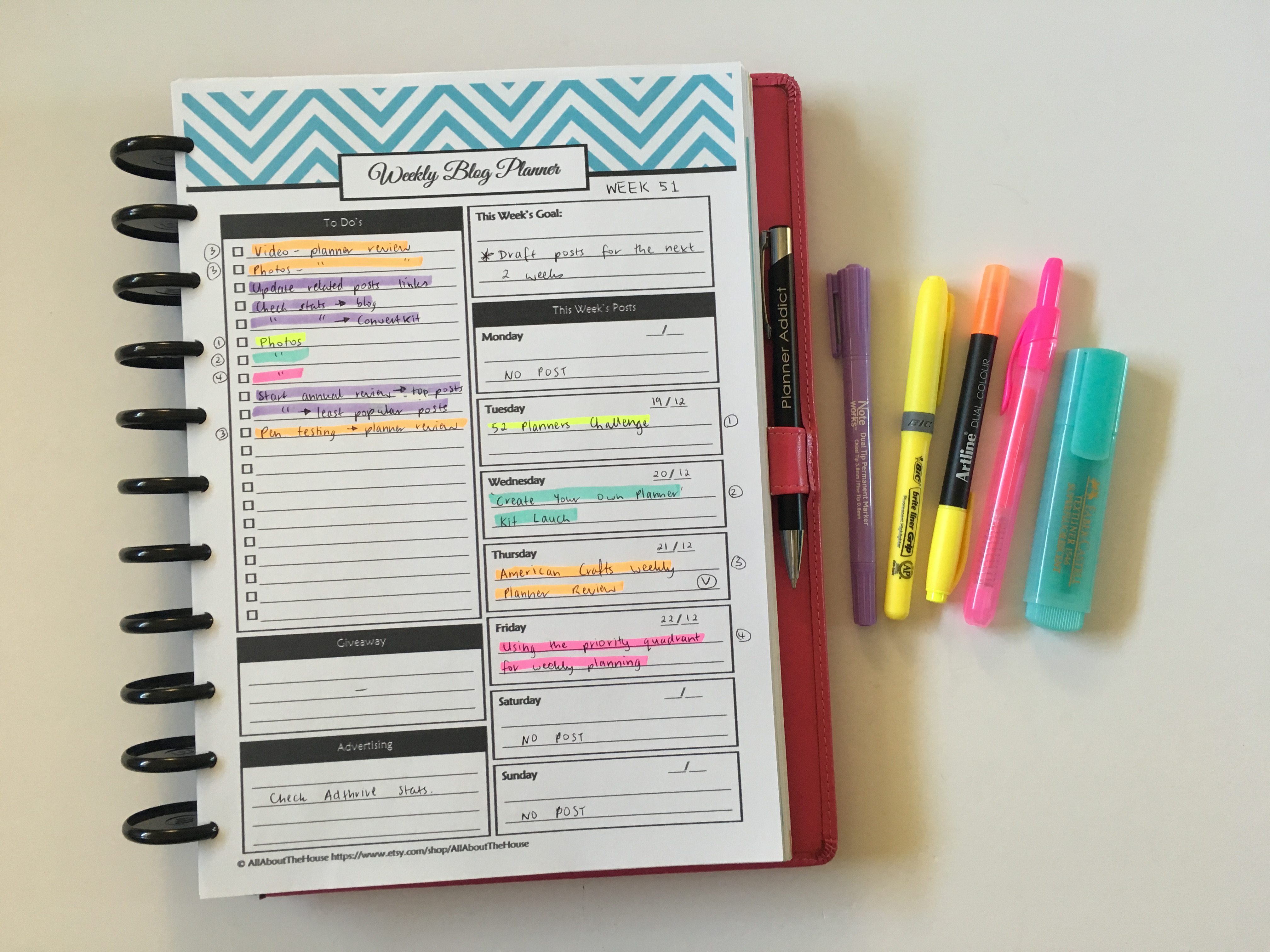
Some of the printables I’ve made using Microsoft Word
Microsoft Word Cons
- Can be frustrating to use when aligning things, things moving on the page when you don’t want them to, aligning margins etc.
- Bit limited in what it can do – I found my printables ended up looking a bit same-same
Microsoft Excel
You’re probably familiar with this software from a work perspective – spreadsheets & graphs. However it’s good for printables too. Some of the things I’ve made:
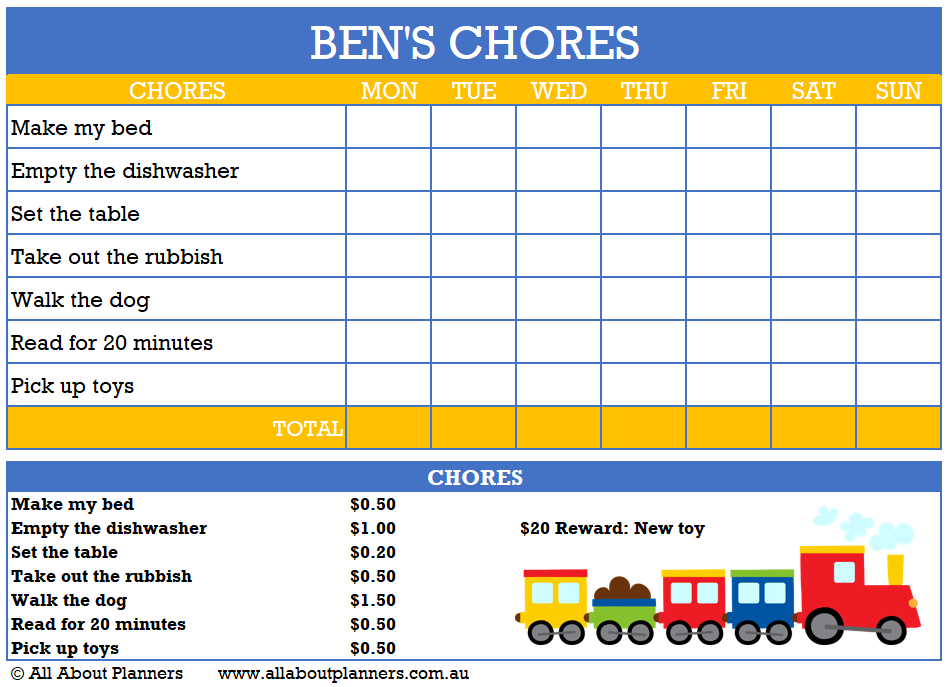
- Chore chart (tutorial on how to make your own here)
- My travel planning spreadsheets
- My budgeting spreadsheets
- My list organizer (learn more about it here and download a copy here)
Microsoft Excel Pros
- Since the purpose of the software is for making spreadsheets, it’s ideal if you want to budget digitally while still having the option to print (love using formula’s so total’s automatically calculate)
- Better if you want to combine multiple elements onto the page e.g. a habit tracker and a checklist or a daily schedule and notes box etc.
- I find it easier to align things than in Microsoft Word
- Can make charts if you prefer visual planning
- Can turn the grids (guide) on or off depending on how you prefer to design
Microsoft Excel Cons
- Can be annoying when making lists, especially if you have to merge cells
- Restrictive – you’re designing in boxes rather than free-form like in Word
- Some people find Excel intimidating – when I make printables in Excel I use around only 20% of all of it’s tools
- Not as quick and easy as Microsoft Word when it comes to adding patterns to your design
- Can be frustrating when printing – there can be stray lines, borders with uneven thickness, things showing or not showing in the print preview or showing / not showing when printed
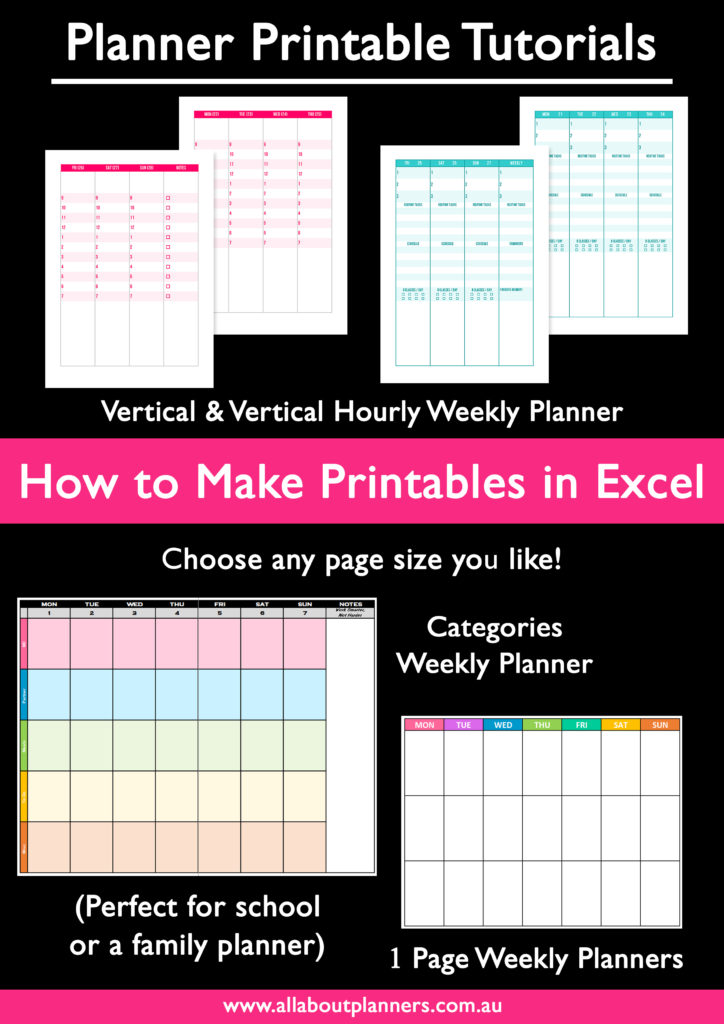
Some of the printables I’ve made using Microsoft Excel
Learn how to make your own chore chart here (you can use the same process to make your own habit tracker)
So which software is better?
Depends what you want to make.
For printables where you have multiple pages e.g. pre-dated weekly spreads, I recommend Microsoft Word as you can easily copy the daily / weekly / monthly layouts and just update the dates. The navigation pane with the page preview is also helpful for this.
For budgeting printables and weekly planning printables in a scheduling layout (e.g. timeslots for each day), definitely Microsoft Excel.
Both software are good if you’re starting to make your own printables.
Ready to start designing? I have 2 courses: one where I teach How to Make Printables in Word and another where I teach How to Make Printables in Excel.
More tips for making printables
- How to make planner printables (advice from a planner addict that’s made over 4000 printables)
- The Process Behind Making a Printable Planner
- Which is Cheaper: DIY Printable Planners or Pre-Printed & Assembled Planners?
- Buying a planner versus DIYing and making your own (pros and cons)
Found this post helpful? Pin it!


Just curious, have you ever made printables with Powerpoint since it is included with Word and Excel? I have heard of a lot of other people that use Powerpoint too so I was wondering if you are against it for some reason?
Hi Rachael,
I’ve been following your for several years. Your blog was one of my first introductions to bullet journaling and planning, which I combine into one planner.
This is the second year I’ve been designing my pages on computer. I use Microsoft Publisher. It’s got some of the benefits of both Word and Excel.
Thanks for all you share!