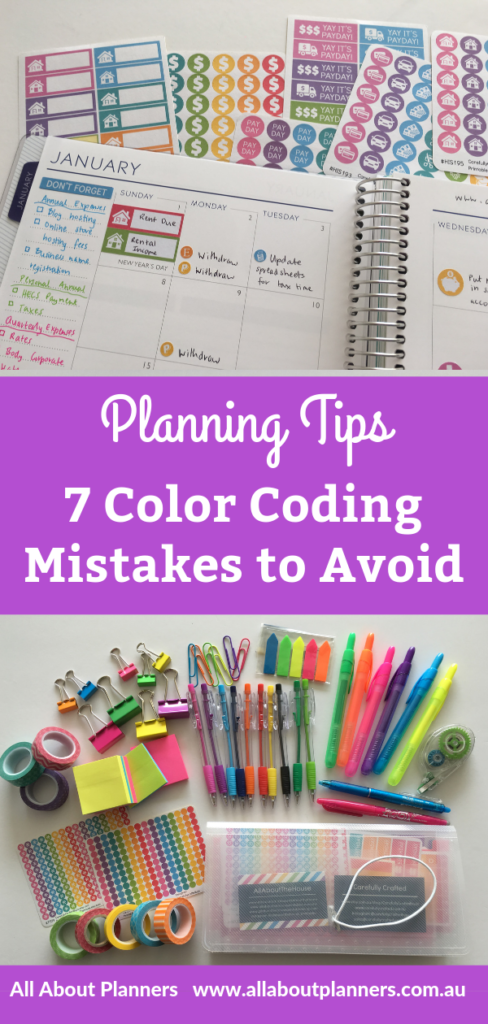
7 Color coding mistakes to avoid in your planner or bullet journal
I’ve been color coding my planner for years and in that time have made many color coding mistakes – here are a few to avoid:
1. Using too many colors
I’m guilty of buying those pen packs with 20, 30 even 50 different colored pens… but be careful not to use too many of them in the one spread! You’ll probably need no more than the 6 colors that most stationery comes in: blue, pink, purple, green, orange and yellow.
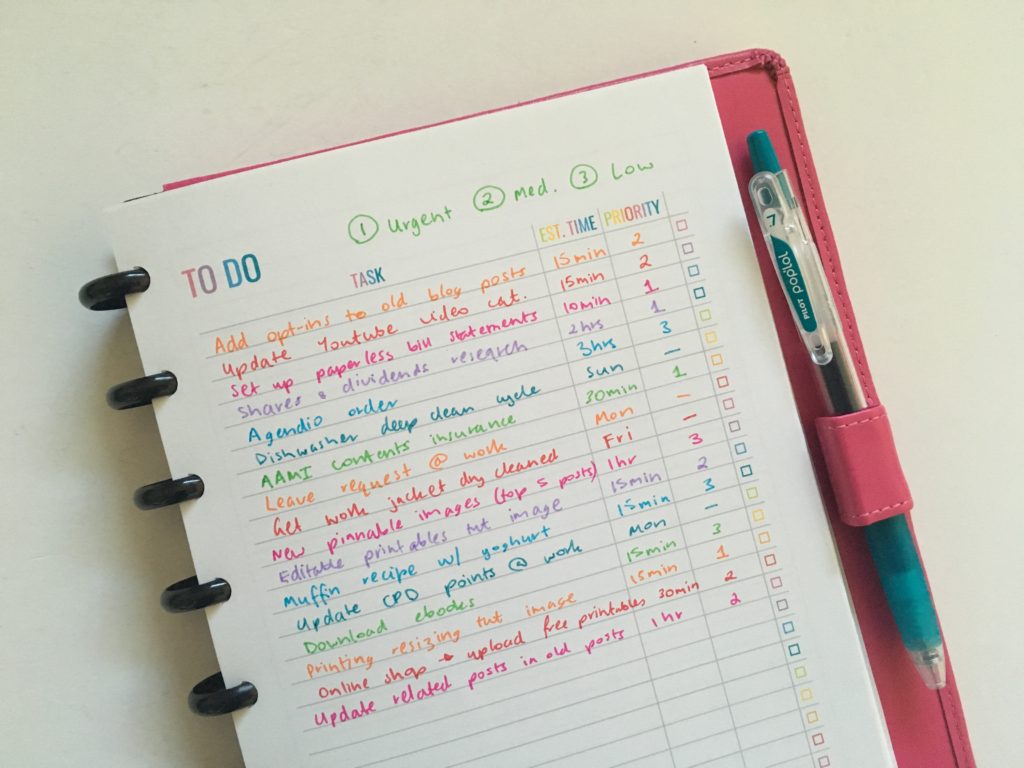
Related: Resizing printables to A5 page size for a rainbow weekly spread in my ARC
2. Using different shades of the same color
Using 5 shades of blue to create an ombre effect looks pretty… but it’s going to eliminate that visual connection where you correspond a color with a thing… so you’re not really color coding anymore. I’ve tried this a few times and it didn’t work for me at all.
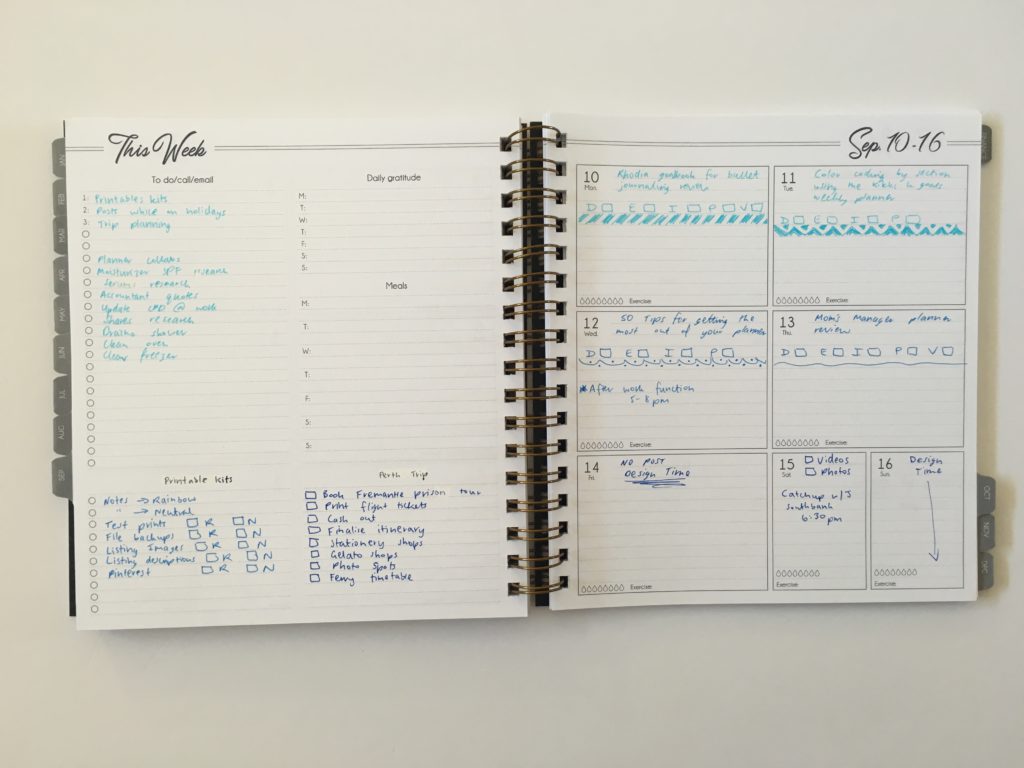
Ombre weekly spread in the Life Inspired Plans Planner
3. Trying to use too many color coding tools at once
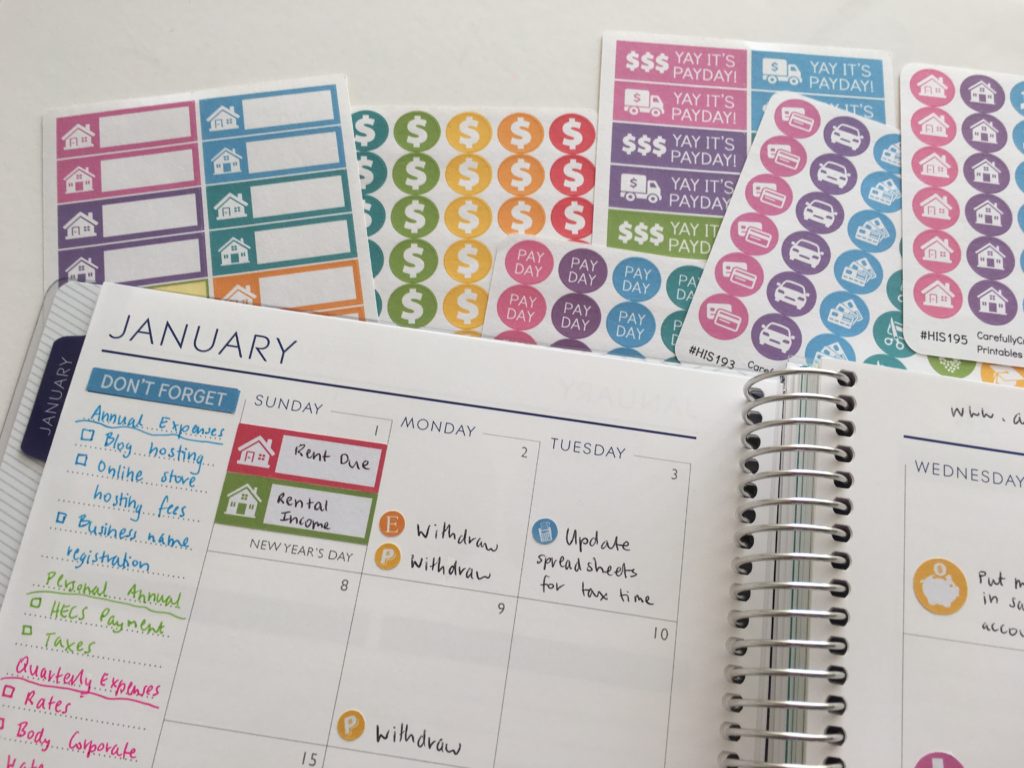
You don’t need to use pens, sticky notes, stickers and highlighters all at once. I typically use only 1 type of planner supply to color code at at time. Many years ago I used to favor using stickers to color code. But it got annoying having to print an entire sheet of stickers x the 8 colors I use e.g. an entire sheet of stickers that say ‘bill due’ another sheet for ‘rent due’ etc.
I’m enjoying using digital planner stickers in Goodnotes as I can just copy and paste (quick!) but for paper planning, nowadays I mostly stick to pens and highlighters for color coding.
Related: Favorite washi tape for planning, planner decorating & color coding
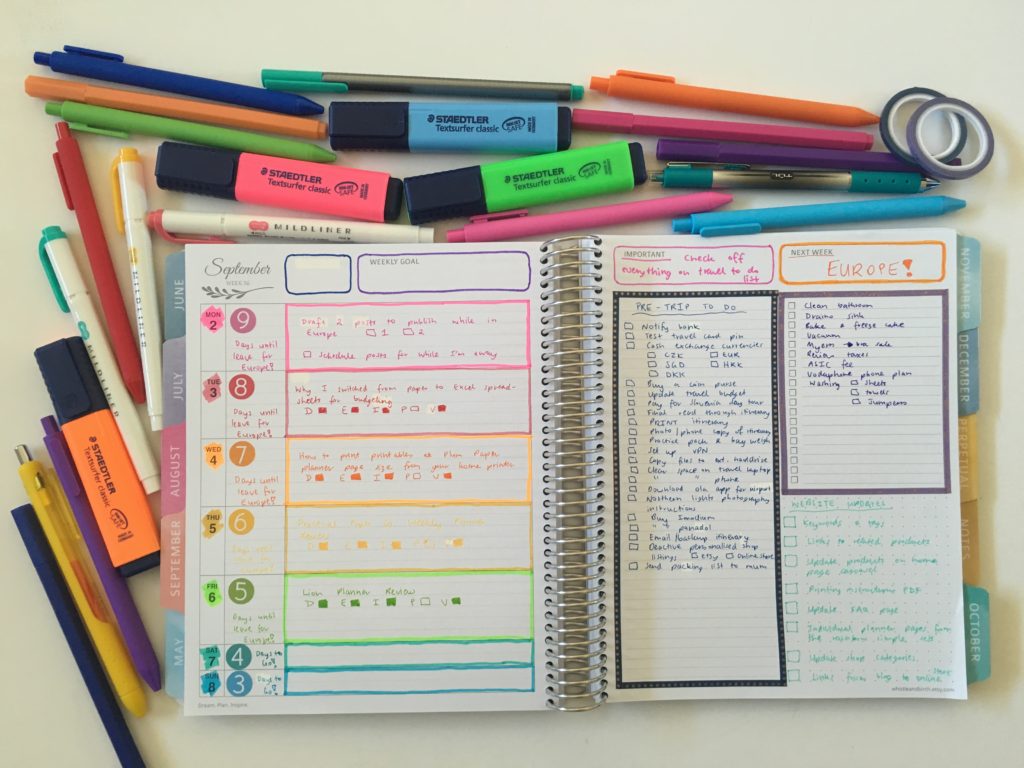
Read more: Whistle and Birch weekly planner spread using the study layout
4. Accidentally using the wrong color
It’s so easy to accidentally use the wrong color which means fineliner and needle tip pens are not ideal. If you accidentally use the wrong color and need to use whiteout, they scratch off the whiteout correction tape. Gel pens are also prone to smudging when using whiteout tape. Which leaves ballpoint pens or erasable pens.
Read more: Color coding your planner: how to choose which colors to use
5. Using less common colors
By less common colors I’m talking about yellow, grey, teal, mint, peach, brown etc. which are rarely found in most office supplies.
The best colors for color coding are:
- Blue
- Green
- Pink
- Purple
- Orange
- Yellow
As most pens, highlighters, sticky notes etc. come in these colors.
Read more: Ultimate list of the best planner pen brands and how to choose colors for color coding
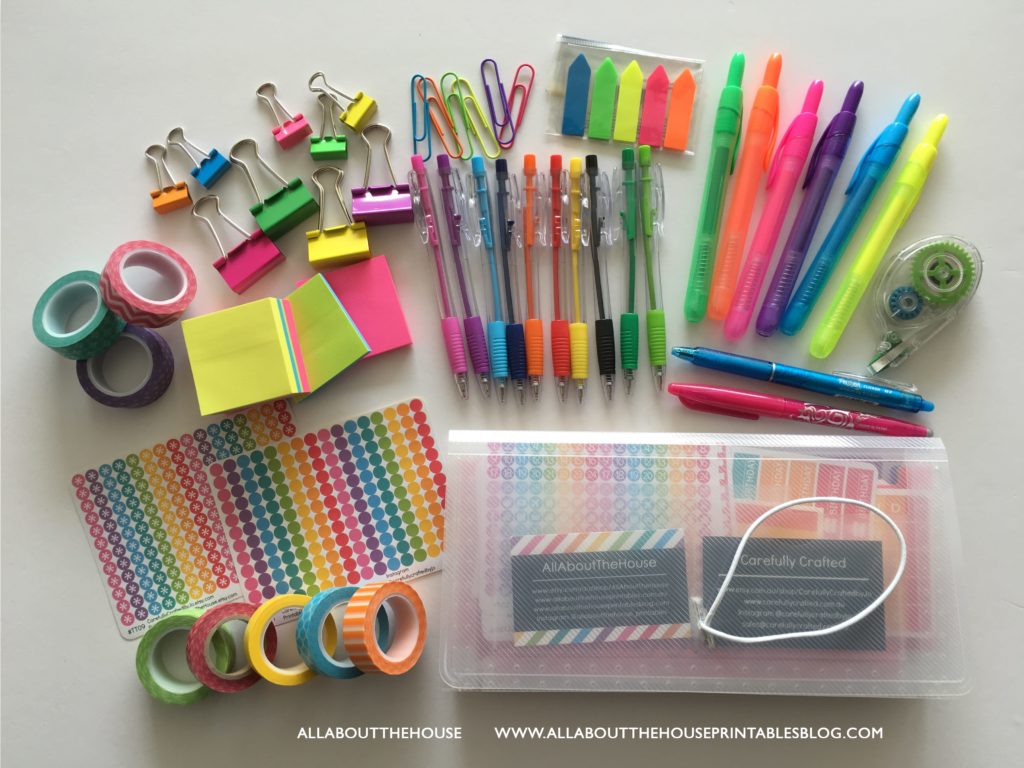
6. Using a tool that’s not right for you
There are numerous color coding tools you can use like highlighters, sticky notes, paper clips etc. I did an entire post (and video) here sharing my favorite color coding tools.
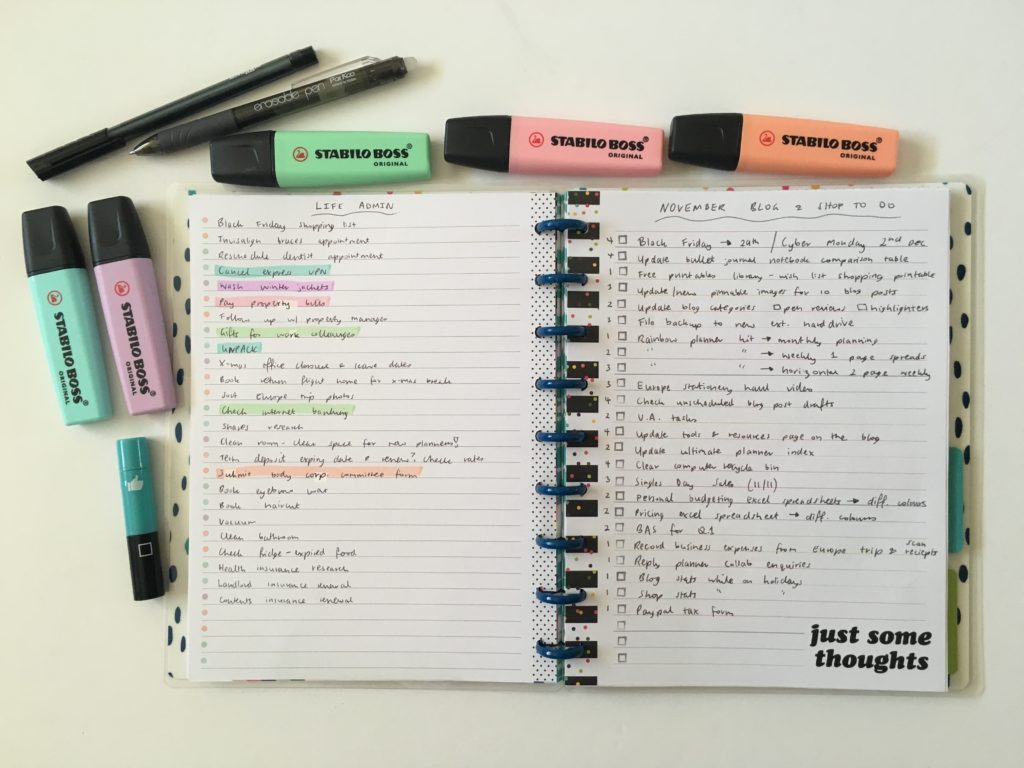
I think colored pens work best for color coding. Specifically erasable pens.
I find it easier to use erasable pens than highlighters. With highlighters they’re so much more obvious when you make an error and unless you used erasable highlighters, it’s going to waste a lot of white out and a lot of time. I really only use highlighters for headings (for color coding categories), rarely for the actual tasks on color coded lists for this reason.
Read more: Favorite color coding planner supplies for less than $5
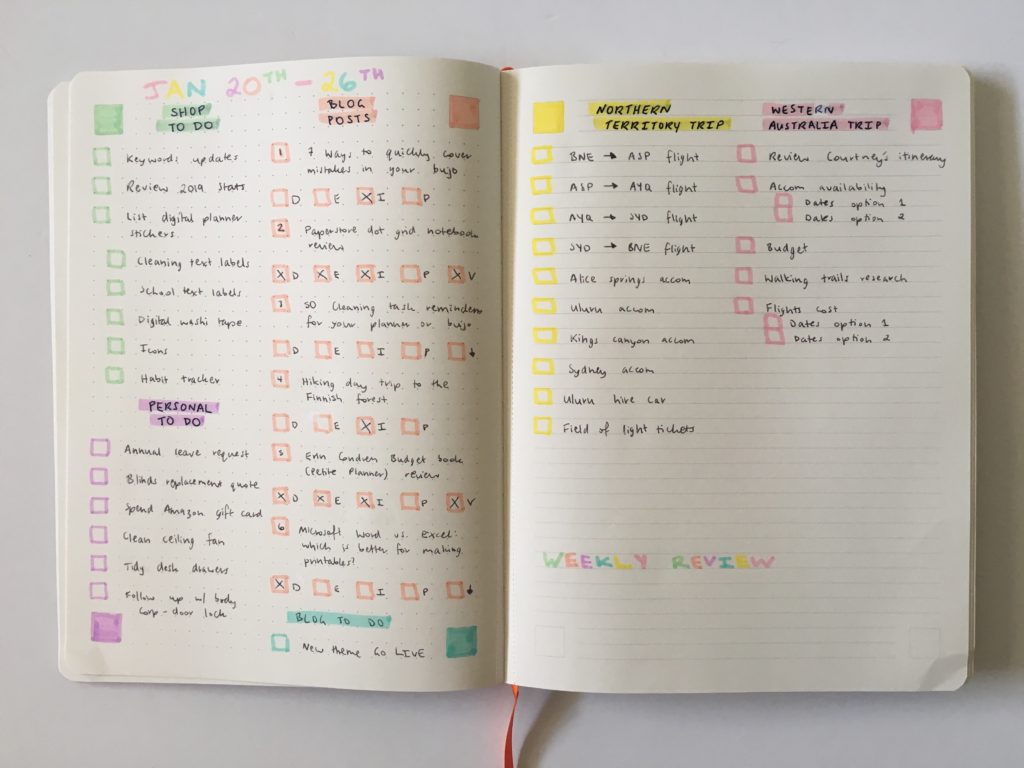
Read more: List makers spread in the PAIPUR hybrid notebook
7. Changing colors
Once you pick your colors, stick with them!
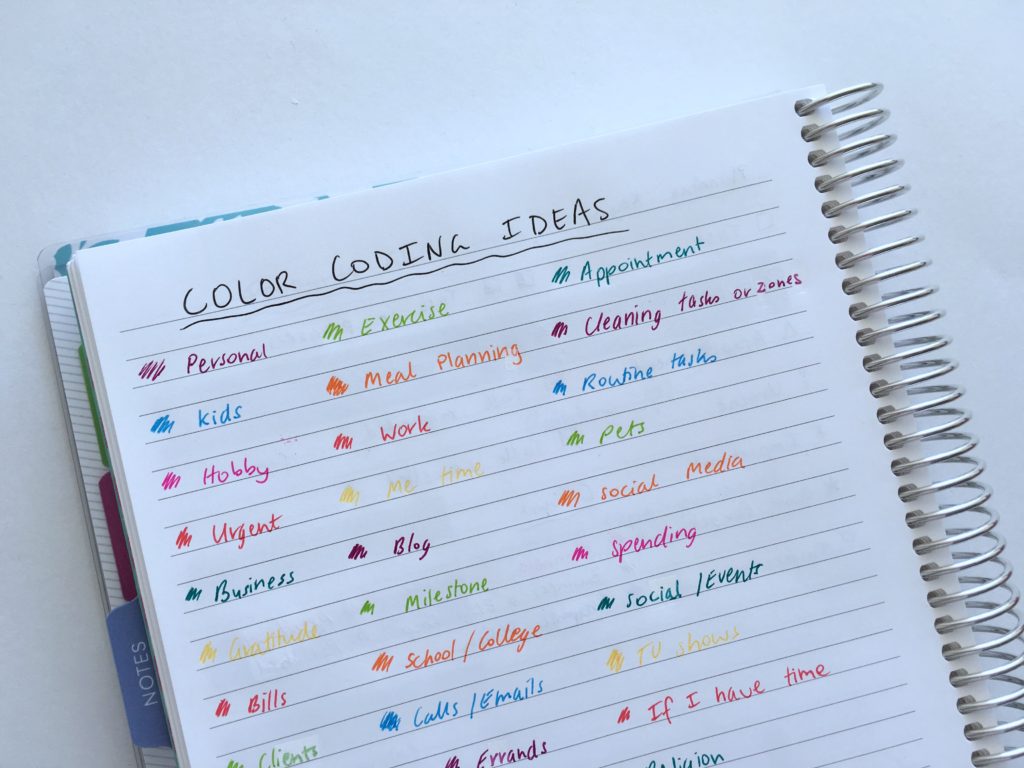
50 Category Ideas for Color Coding Your Planner
More color coding tips
- Planner Organization: How to color-code your planner (so you’ll actually use it effectively)
- How to organize and color code your notes for school, college or university
- Color coded monthly meal planning using sticky notes
Planning Tips
- Cheap versus expensive pens: is there actually a difference in quality?
- How to design planner stickers from start to finish (a sneak peak at my design process!)
- 15 habit tracker tips & ideas to try
Found this post helpful? Pin it!