

How to make a product catalog, line sheets and price list in Canva
I previously posted a tutorial way back in 2016 on how to make a product catalog and line sheets using Photoshop.
One of the big cons with Photoshop was the inability to have multiple pages in a single document. Thankfully, Affinity Designer was released a few years ago, which is compatible with Photoshop. As in, you can just import your Photoshop files and it looks exactly as they did in Photoshop with all of the layers etc. still there. But despite my love of Affinity (I completely ditched Photoshop a few years ago), I’ve gotten feedback from friends who use my templates and blog readers, that they want an online platform, not a software that needs to be downloaded to a computer.
So… enter Canva.
I’ve been adding Canva versions of some of the templates in my store including my travel itinerary template and recipe book, now it’s time for the catalog template.
In this post I’m discussing:
- Why I recommend using Canva to create a product catalog
- What sort of business might benefit from creating a product catalog
- How much time it takes to create a product catalog using Canva
- Suggested information to include in your catalog
- How to order the pages of the catalog
- What to include on the product pages / line sheets
- Catalog versus a spreadsheet – which is better for making a product line sheet?
- How to make your catalog look professional
Why use Canva to create a product catalog?
Much the same benefits that were had using Photoshop and Affinity:
- Easily change font style
- Edit existing text
- Change colors
- Add a logo
- Add any design elements such as clipart
- Add photos
I must admit, the main reason I think Canva is a better option for a product catalog than Photoshop or Affinity, is that I prefer the ability to just drag and drop photos straight onto the photo placeholders in the templates.
With Photoshop and Affinity, I had to keep hiding / unhiding layers that can get very long once you start adding plenty of design elements to a page (each circle and section of text would be a separate layer so the screenshot below could have 30+ layers to organize into subfolders which means the template becomes a bit time consuming to use).

What sort of business’ might benefit from a product catalog?
- Jewellery
- Toys
- Clothes
- Soaps
- Stationery
- Baking
- Skincare
- Pet care
- Cleaning products
- Anything handmade if you’re looking to approach wholesalers
- Practically any business or industry!
I will say, when my sister is looking at brands to stock in her planner supplies store, Carefully Crafted, it’s much nicer when we are sent a catalog with all of the information right there in one place.
Sometimes business’ don’t have a catalog and we are told we have to go and login to a separate wholesale website to see what’s available. It can take a long time to flick through dozens of web pages of products, instead of just being sent a PDF or something searchable (e.g. ISSUU) where we can just search say ‘pens’ if that is all we are interested in ordering from the company.
Save time by using my catalog template! Available in my online store and Etsy shop.
How much time does it take to create a product catalog using Canva?
Depends how many pages you want to add. If you only do small product releases (say less than 50 products), and you’re using a template such as mine, I estimate it would take approx. 2 – 3 hours to:
- Decide which line sheet templates and product catalog pages you want to include
- Upload your photos into Canva
- Drag and drop those photos into their photo spots on the catalog pages
- Replace existing text with you own
- Add ordering information, store policies etc. (which are likely already on your website so you could just copy and paste or add a clickable link to that page of your site – there are instructions for adding hyperlinks in the user guide that comes with my catalog template)
- Download as a PDF file
- Proof read
If you have a huge product range and are making a catalog for the first time it might take longer than this.

Pages you might like to include in your catalog template
Introduction
- Cover page – with a month / year (especially if you’re pricing is frequently subject to change)
- Contents page – doesn’t need to have page numbers unless you have a huge catalog, as each product should have it’s own unique SKU code that people can reference when ordering from you
General information about your business
- Who you are – How the business started, where materials are sourced from, photos of the factory or offices
- Meet the team – with short blurbs about each staff member

Store Policies & Ordering Information
- Order information
- Minimum order quantities and whether you’re going to offer a discount if they purchase multiples of the same item
- Minimum opening order value e.g. $100 and the minimum order value of any subsequent orders
- Payment method e.g. bank transfer, PayPal, credit card
- Terms of payment e.g. pay 50% deposit (to secure a pre-order) and the balance is payable when the goods are ready to ship
- When the catalogue is valid until. If prices are likely to increase often, be sure to include this!
- Shipping & returns
- Shipping costs e.g. flat rate based on order value, or they need to send you the items they want and you’ll then send an invoice for shipping
- How long it takes to ship & what shipping method (terms & conditions e.g. whether tracking and insurance is included)
- Do you accept returns and under what circumstances? How long do customers have to request a refund? Does the customer pay return shipping? Do you charge a restocking fee?
- Contact details
- Email, phone number, online store web address, physical address if your business has one etc. so customers can get in touch with you to place an order
Price Sheet
This is optional. If you have a lot of items and you’re frequently updating prices due to the cost of goods changing often, you may want to include this. You might also find it more efficient to provide customers with an Excel spreadsheet instead.
Product Pages / Line Sheets
I’ve seen people call these pages various things, I basically just think of them as the pages with pictures of the products and information about each product such as:
- SKU code (the unique identifier – it’s easier to use your supplier’s SKU codes for this. If you are selling handmade products, you’ll need to create your own SKU codes which should tie back to your inventory system)
- Sizes
- Whether items are currently in stock, are on back order, pre-order etc.
- Color variations – when I’m looking through a catalog and there’s a product that comes in multiple colors and / or patterns I personally prefer to see photos of what each variation looks like but if you have a lot of products this may not be feasible if it means you end up with a catalog that is hundreds of pages long. You could split it into mini catalogs for each product line, or choose one design to display in the catalogue, then add the variations below the image. Like this:

Page templates for your catalog
Templates allow you to quickly and easily create a catalog. Once you have some good base templates you can do minor edits and mix and match.
For example, most of the cover designs in this catalog template I had already created for my cookbook template and I also repurposed them in my travel itinerary template.

Since the bulk of your time will be spent getting all of your products into the catalog, let’s talk about how you might want to group products together:
- ‘Feature’ page – this could be a new product, a product that isn’t selling well (and you’re not sure why – maybe people can’t see it amongst all of your other products!), an outgoing product range that you want to sell as much of, before it becomes obsolete by a new product line you’re releasing soon
- Bestsellers – an entire page dedicated to your bestsellers (ideal if you have a lot of products – you might overwhelm stockists with so many options, they’ll probably order items from this page first)
- New products – ideal for ongoing stockists. Especially if you are updating and re-issuing the same catalog frequently. It could be much more convenient for your buyers if you group together e.g. May releases, onto one page
- Many products on a page – when you have a lot of similar products so people can easily compare them side by side
- Collections – if you have a variety of products in one color or pattern, grouping these together on one page can help you sell multiple products (I know I love when things are coordinated!)
- Clearance / discounted / low stock – everyone likes a bargain, people always want to see what’s on sale so make it easy for them to find
If you include multiple products on a page them you might consider organizing the pages like this:
- An entire product collection on one page
- Grouped by brand
- Products grouped by color (like how Kikki K group their products together if you go into one of their stores)
- New releases by month
- Releases by type e.g. if you sell clothing, all of your t-shirts on one page, all of your shorts on another page
- By material
- By size. If you hand-sew something e.g. cushions, you could place all the square cushions on one page, the rectangular cushions on another
- By pattern
Ordering the pages
- General information could be either at the front or the back (but not in the middle – make it easy for someone to find)
- Bestsellers or whatever you want to feature at the front of the catalogue
- If you are introducing yourself to a new brand, you might order the ‘meet the team’ and ‘about our business’ pages to the front of the catalog. You could have a different version of the catalog that is sent to existing wholesalers, where you delete these pages or move them to the back of the catalog
- Mix it up and have a feature page beside a page with multiple products so people aren’t flicking through many pages with the exact same layout where products can get lost because nothing stands out
Catalog versus a spreadsheet – which is better for making a product line sheet?
I think this depends on a few things:
- Personal preference – which format do you prefer to look at?
- Which software / program are you more comfortable with using?
- Are you the only person updating this, or will a team member be updating it for you – what format is easier when working in a team?
- How often do you update your product line with new photos?
- Are your products unique and rely on photos to explain how to use them, or more generic (e.g. if you’re selling packaging supplies which is a more ‘practical’ self-explanatory item)
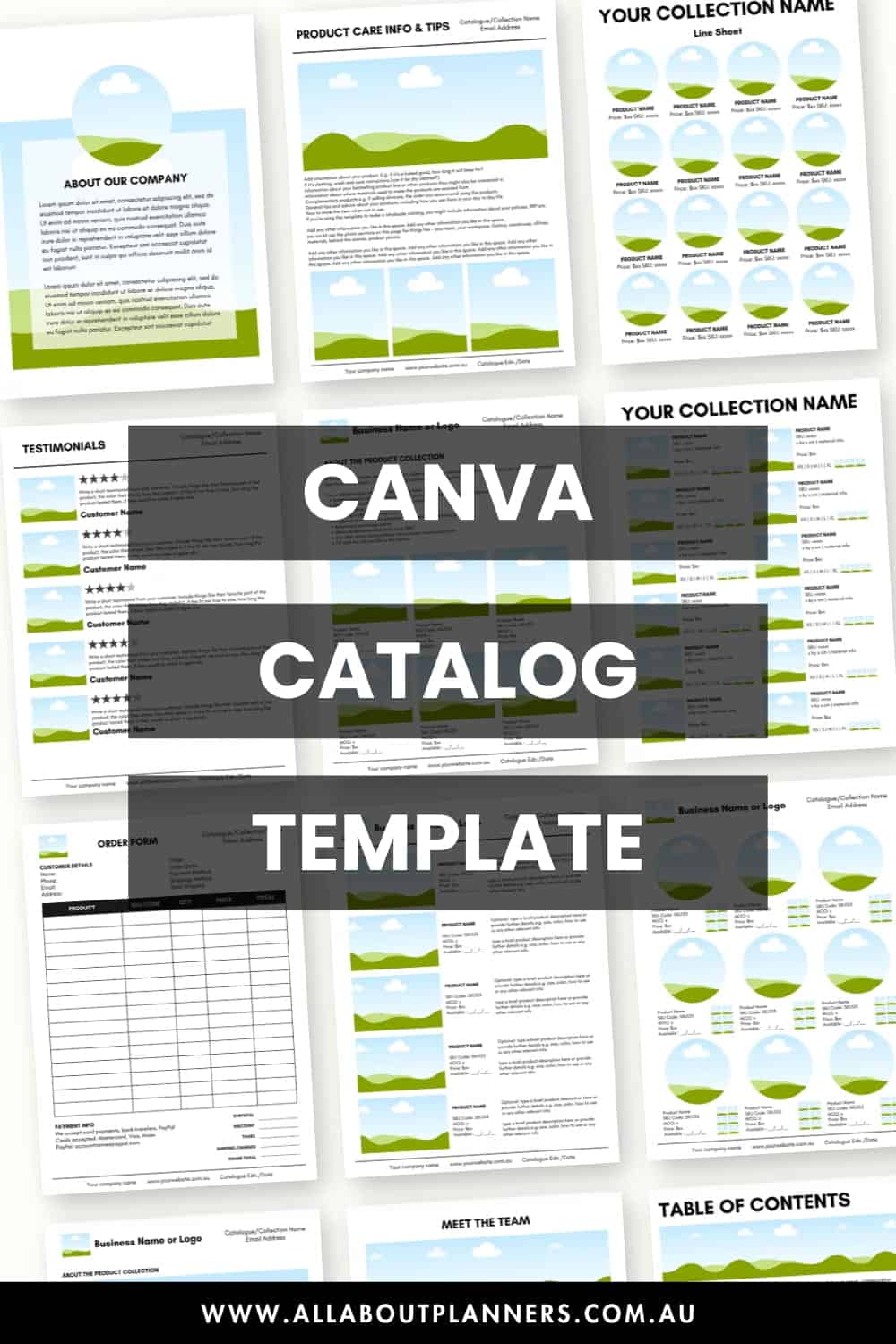
I’ve included a printable product price list and order form with my catalog template (see below). If you prefer to direct shoppers to a spreadsheet, I have this wholesale inventory spreadsheet you can use.
Excel spreadsheets can be imported into Google Sheets (which is basically a free online version of Excel). Instructions are in this post.

How to make your catalog look professional
- A white background behind the photos on your line sheets (websites like fotofuze and phone apps can help with this)
- If you are featuring a product, then a styled photo with other elements e.g. if you’re selling a notebook, then placing the notebook on a styled desk with pens, clips and other stationery – a ‘real world’ setting
- Group similar photos together (in the example pages below on the far right I used photos of clothes with the same background and autumn aesthetic. if you were selling clothes people can easily see which pieces look good together and may end up buying more from you as you are showing them how to ‘use’ the product)
- I recommend sticking to only 1 or 2 easy to read (sans-serif) fonts
- Black font is easiest to read
Related post: How to improve your product photos (Photoshop NOT required)

I hope you found this post helpful and that it gave you some ideas for creating your own catalog!
If you’d like a copy of my template, click here to purchase via my online store, or click here to purchase via my Etsy shop.

More posts to help you with your business
- How to price your products
- How to clean up and organize your digital files
- How to quickly rename and organize your digital files in seconds
- Simple spreadsheets to keep track of business income and expenses for tax time
- How to improve your product photos (Photoshop NOT required)
- Why I use Bigcommerce to host my ecommerce online store
Found this post helpful? Pin it!

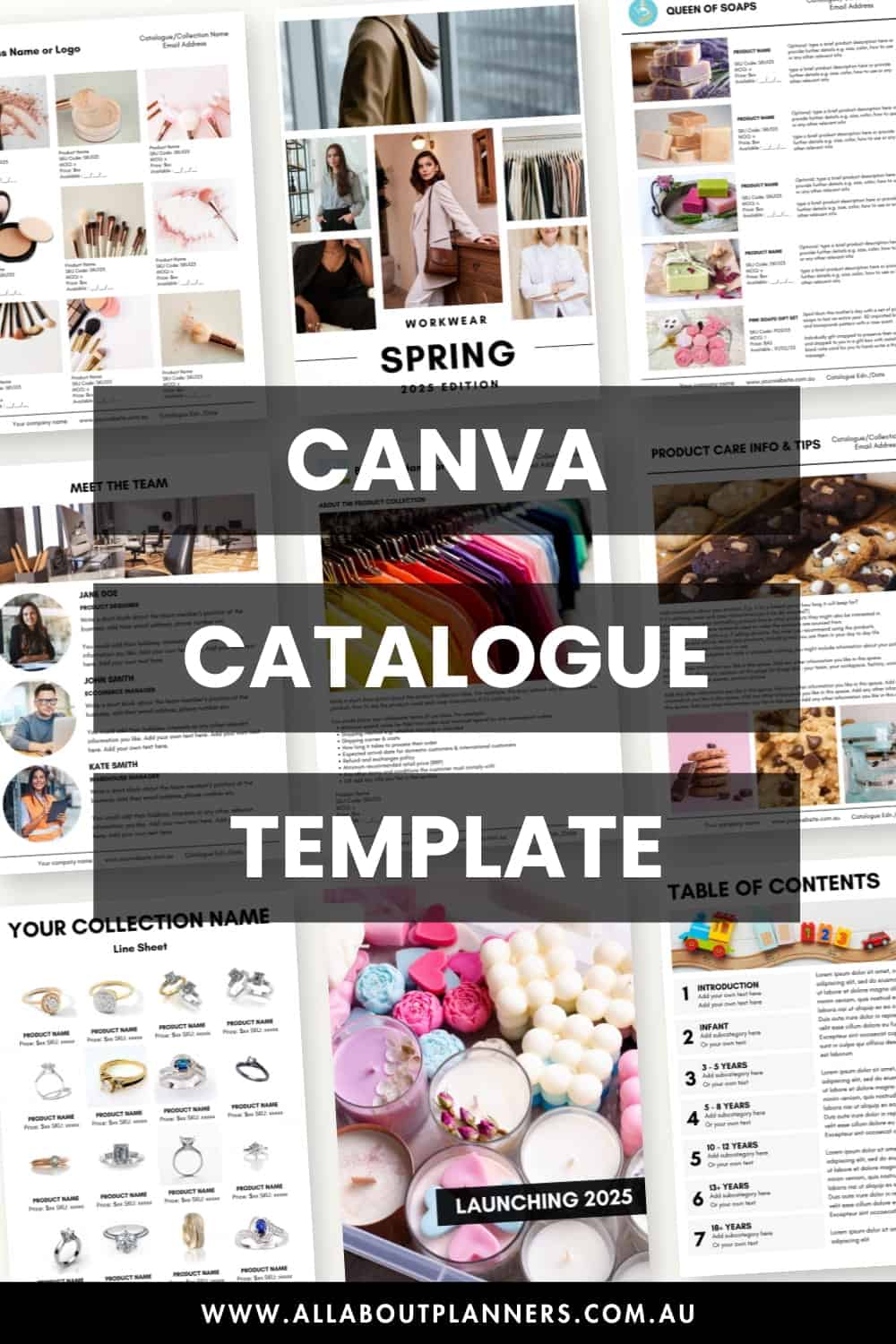
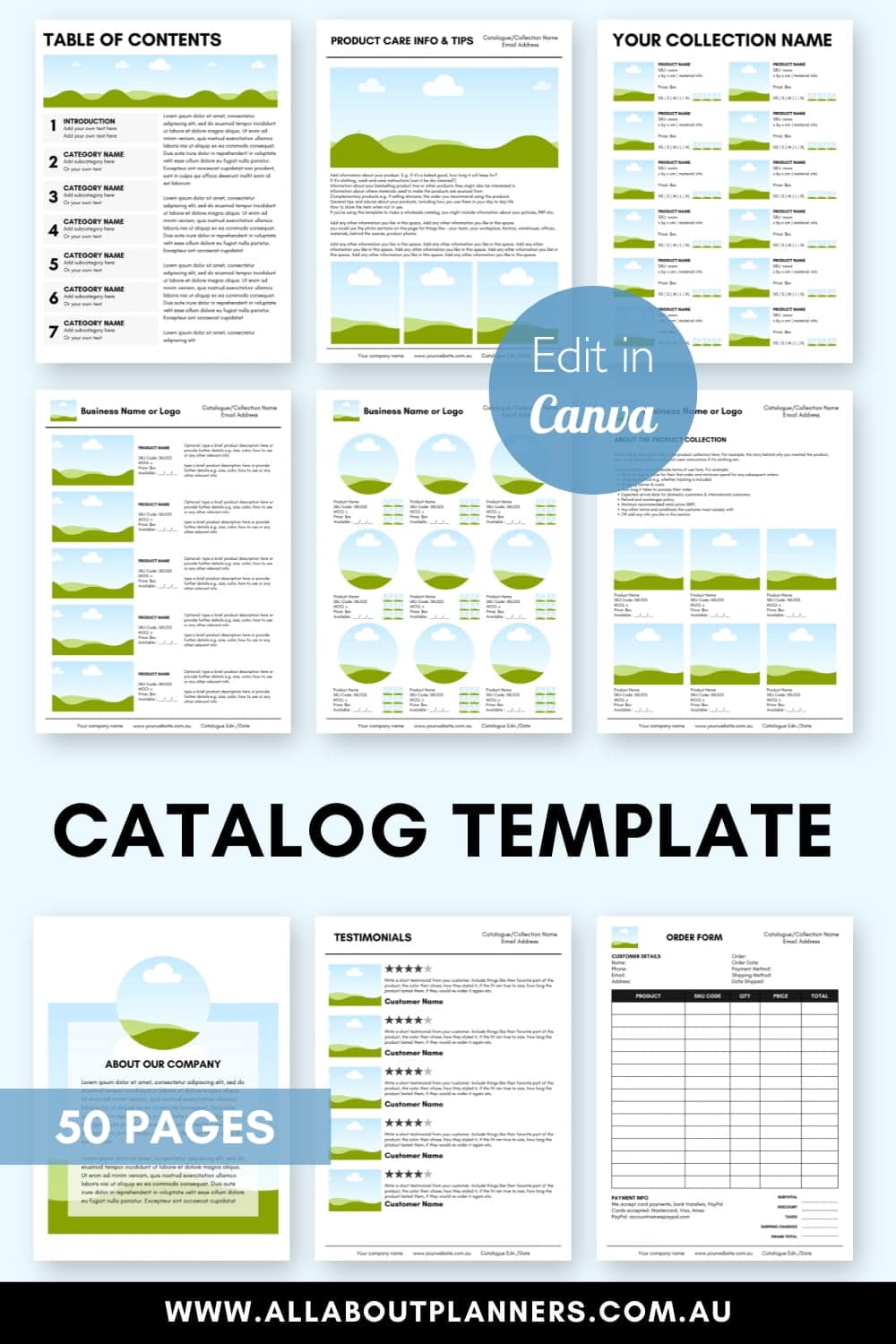
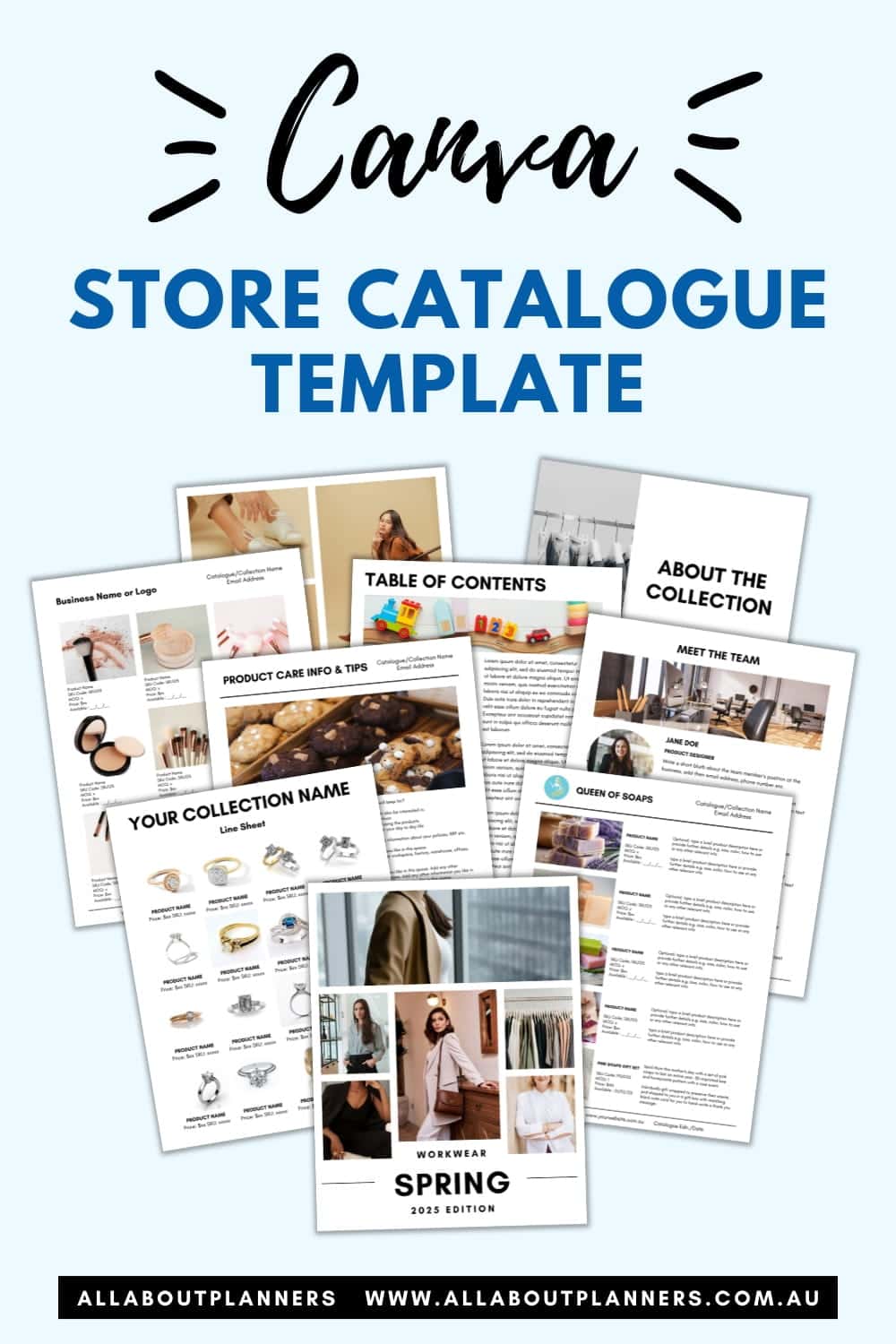
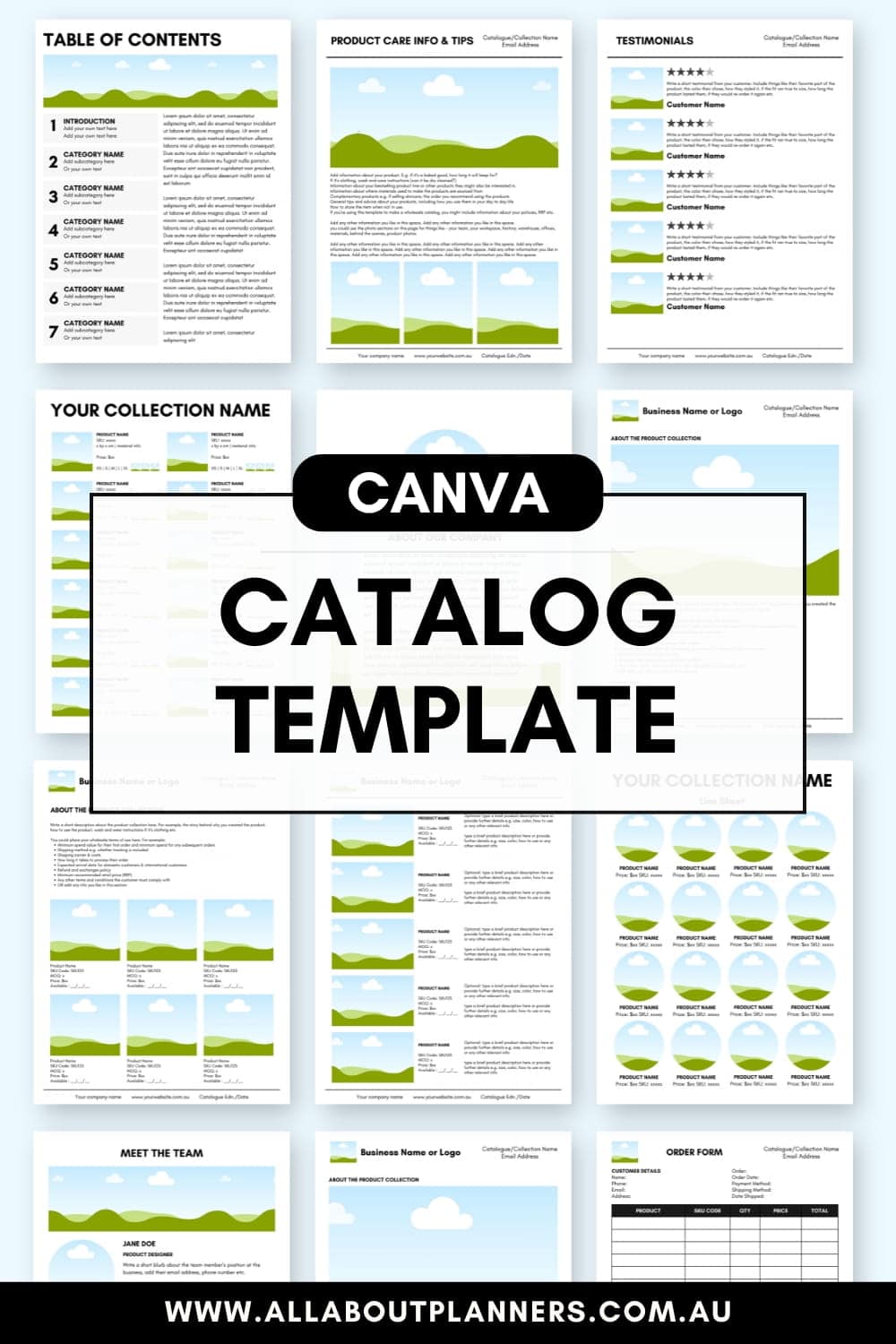


Is there an easy way to add new products without having to change each individual text box and photo as you move down?
Hi Blake,
Some things you could try:
1. Drag and drop photos into the pre-set up sections (the cloud / sky / grass image). No need to resize, the template is set up to automatically do it for you and keep the photos a uniform size.
2. Copy and paste similar information between the text fields.
3. Duplicate the page templates you are using, instead of starting a fresh page from scratch
4. Use the templates that have the boxes where you can add the colors that the product comes in, rather than creating pages of the same product with photos showing all of the color variations
Let me know if you have anymore questions.
Kind regards,
Rachael