

How to plan your week faster (7 ways)
Weekly planning can get a bit repetitive and time consuming if you’re continually writing out the same things each week so here are some tips to reduce the amount of time you spend planning so you can get on with implementing the plan!
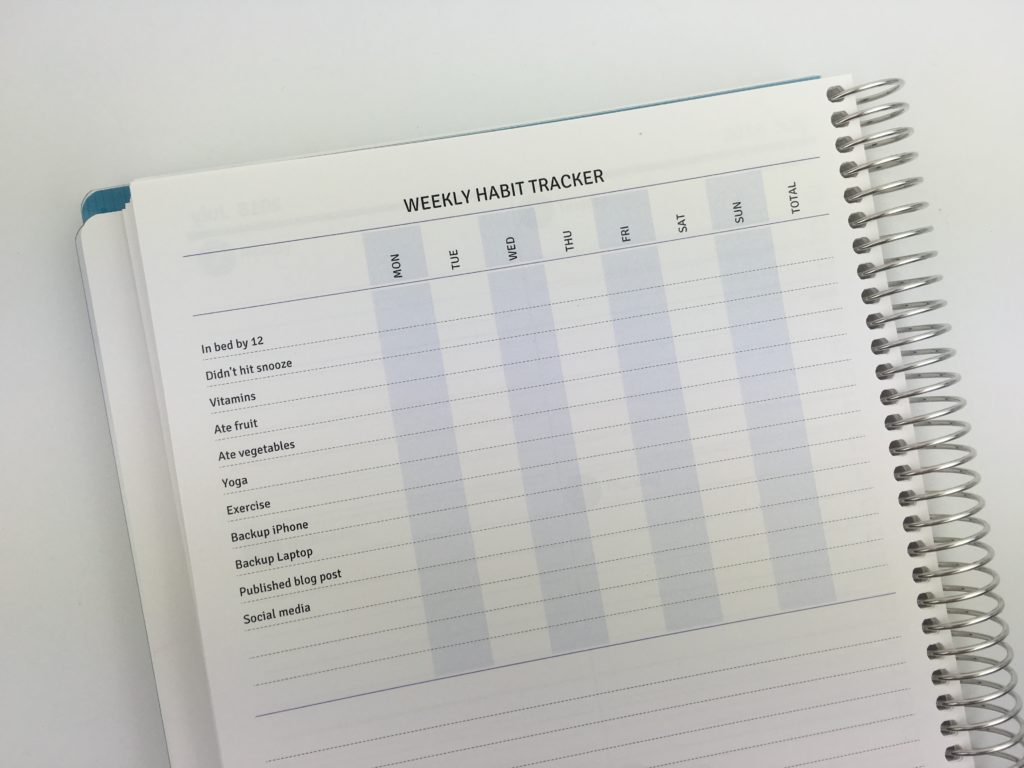
1. Use a habit tracker
Habit trackers are the biggest time saver of all. They also save a ton of space in your planner. So instead of getting a hand cramp re-writing the same stuff over and over again, try a habit tracker!
Click here to download this printable habit tracker!
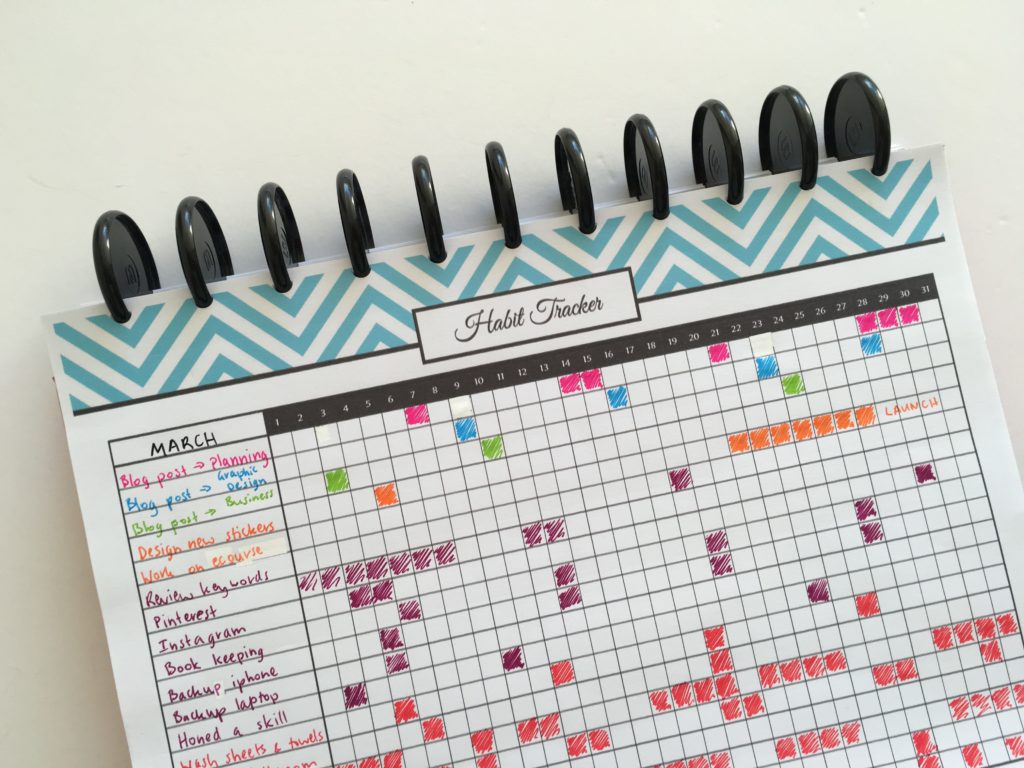
Need some ideas? See this post: 100 things to put in your habit tracker of your planner or bullet journal (plus free printable habit tracker)
Agendio lets you build a completely custom planner – they even have a habit tracker page you can add (and which you can add your own habits too!)
Related: Agendio Review (custom, personalised weekly planner)
2. Color code
I love color coding! It’s functional and makes a planner look pretty. Need I say more?
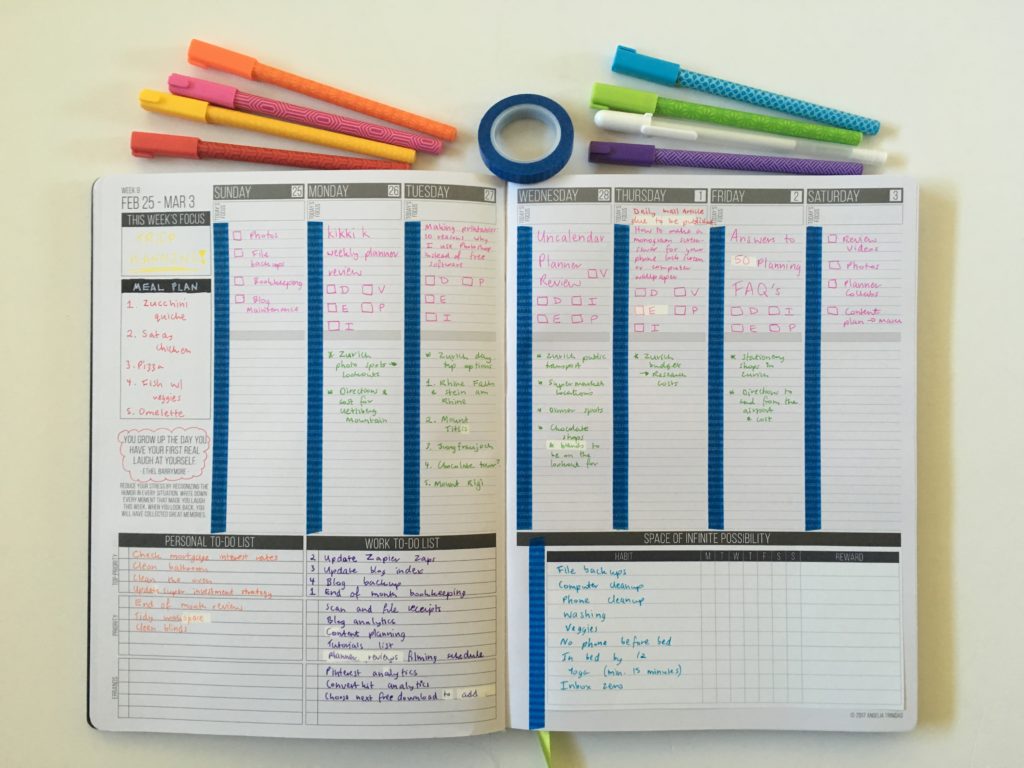
Color coding can get a bit out of hand and more of a time consuming process than a help if you use too many colors. I recommend no more than 4 colors. If you want to make it really quick, use black pen and color code using highlighters rather than colored pens.
My favorite colors for color coding are pink, blue, green and orange as these colors tend to come in a variety of stationery: pens, sticky notes, paper clips, highlighters etc.
Tips on color coding:
- Planner Organization: How to color-code your planner (so you’ll actually use it effectively)
- Favorite color coding planner supplies for less than $5
- Ultimate list of the best planner pen brands and how to choose colors for color coding
- 50 Category Ideas for Color Coding Your Planner
- How to organize and color code your notes for school, college or university
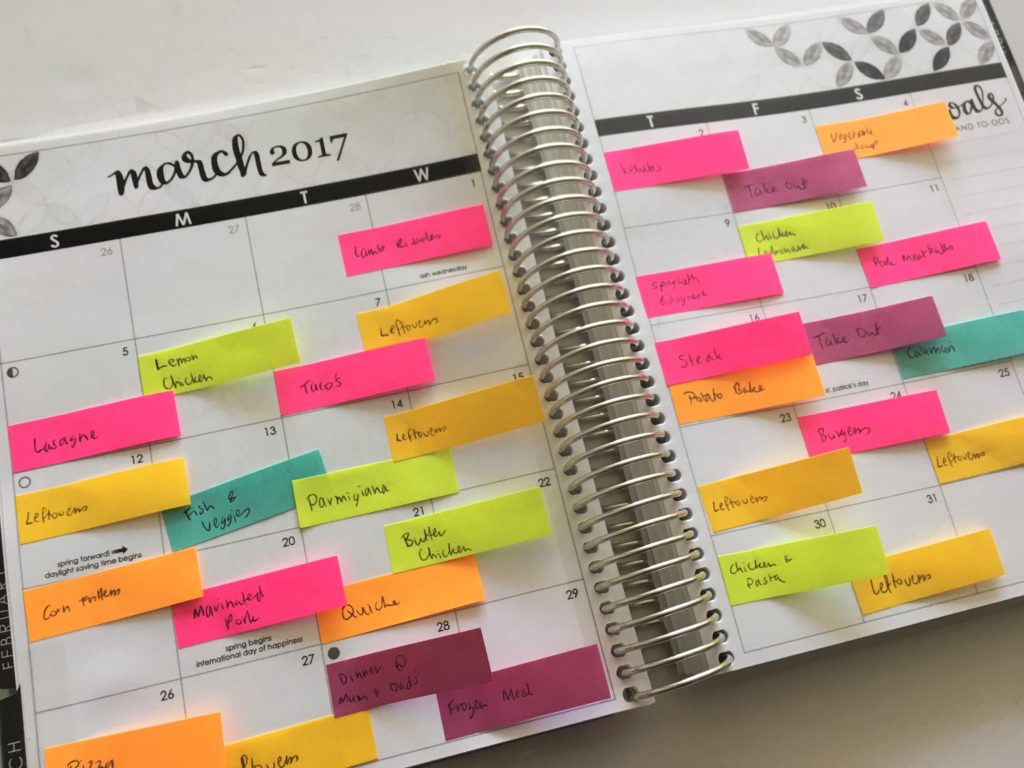
- Color coded monthly meal planning using sticky notes
- 6 Ways to color code your planner to increase productivity
- Color coding your planner: how to choose which colors to use
- How to color code your planner for school using pens
Color coded sticky note meal planning = huge timesaver (and looks good too!)
3. Use symbols
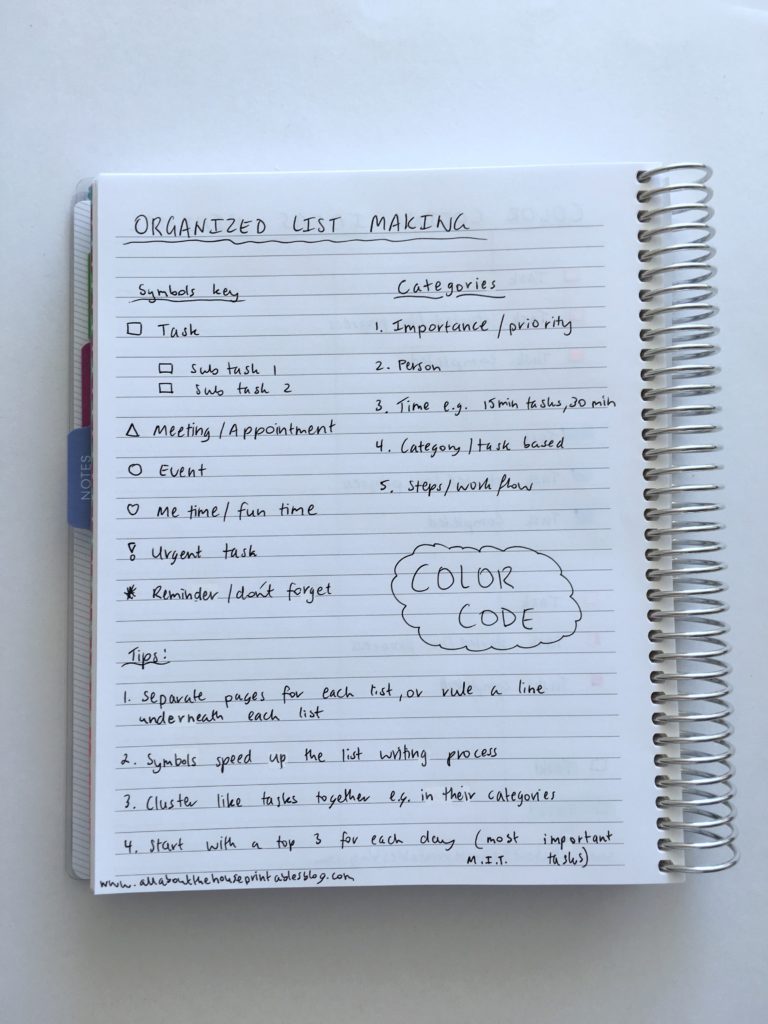
I did an entire post on planning using symbols: Using a planner key and symbols to code your planner (efficient planning methods)
Essentially the same method as color coding except instead of a color you pick a shape or graphic. Pick something quick and easy to draw such as:
- Triangle = cleaning
- Square = urgent
- Circle = work related task
- Etc.
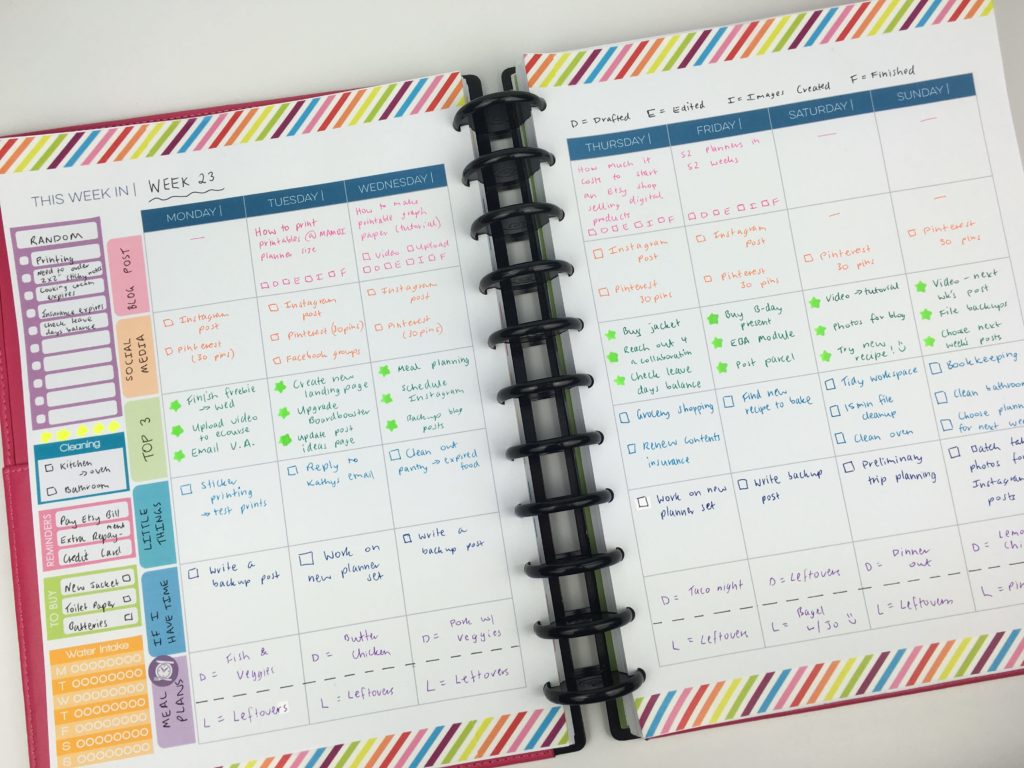
4. Use a planner with categories and sections
If you like to cluster plans together (like I do!) then using a planner that already has sections for each day is an alternative to color coding.
My recommendations:
- Plum Paper Me Planner (see how I used it in this post)
- Limelife Planners Weekly Layout C
- Student Planners or Teacher Planners (most have a blank space where you’re ‘supposed’ to record the subject but you could use your own categories instead)
- Planner Pad
5. Use your iPhone for reminders and recurring tasks
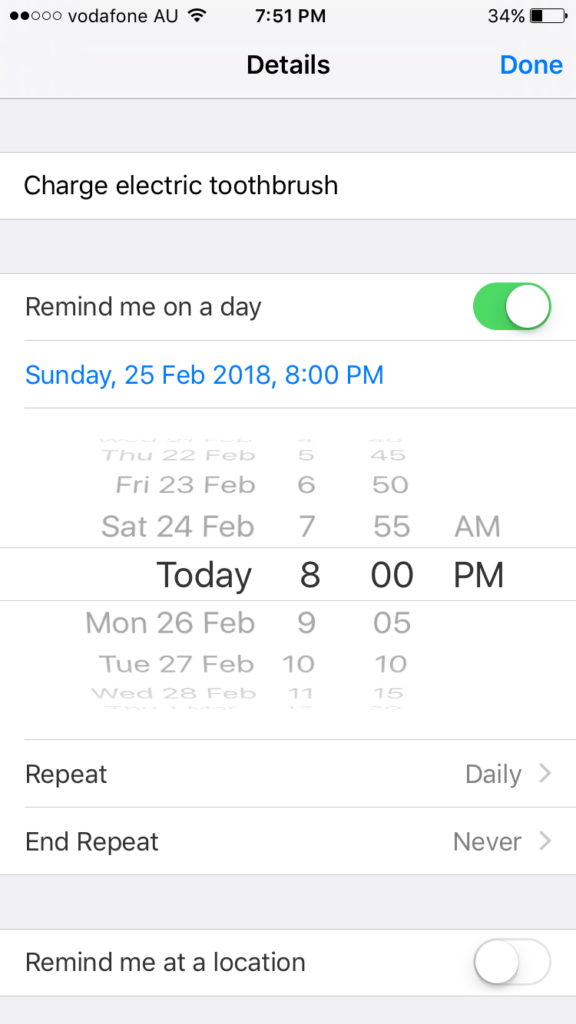
The reminders that comes free on your iPhone is a handy tool for what I call ‘life admin’ tasks (e.g. laundry, emptying the dishwasher etc.) – those annoying quick little tasks you can’t avoid. I used to write these in my planner, but now I’d rather these tasks not take up valuable space. To avoid re-writing the same stuff week after week I’ve been using the reminders app that comes with iPhones instead.
The app sends you a reminder (similar to a text message) at the time you schedule it for. You can also set it up to be a recurring task so your phone will send you reminders at the frequency you choose e.g. daily.
6. Use a weekly tasks list
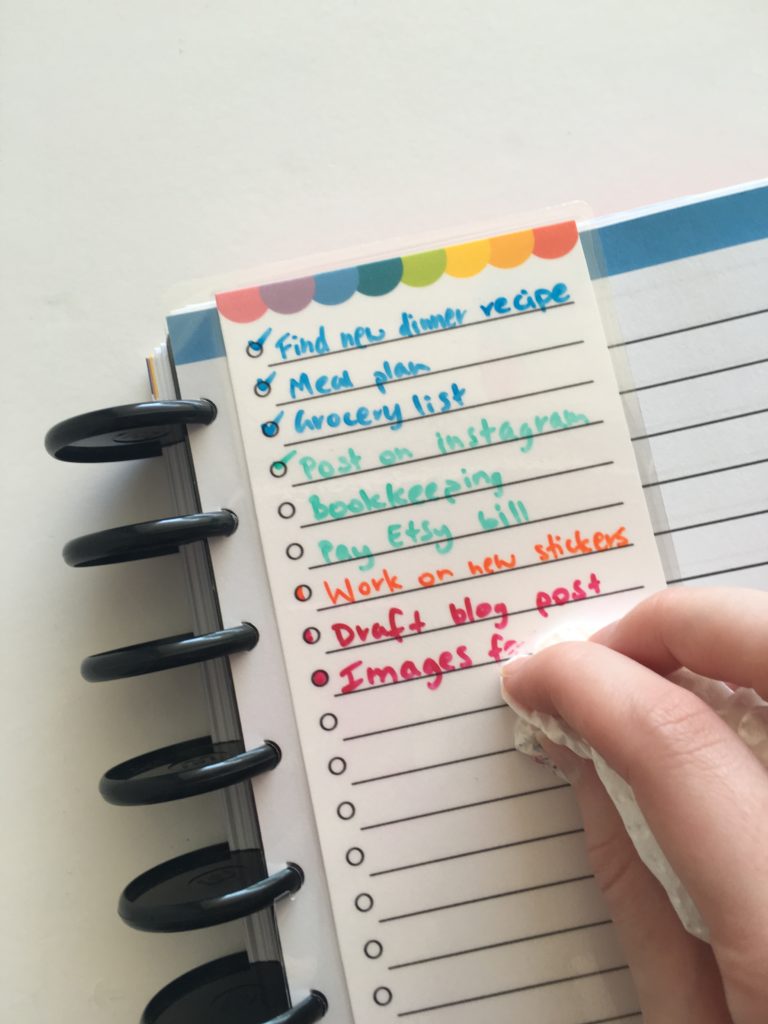
A weekly tasks list that you move from week to week is ideal for recurring tasks that happen once or twice a week but not often enough to warrant a habit tracker. I made this printable and laminated it to make it dry erase / reusable.
You could also use a clear plastic binding cover (I use the GBC ones from Officeworks) and write over the plastic using a whiteboard marker.
Download the free list insert here
Learn how to make the scallop border used on the insert in this tutorial.
7. Use sticky notes
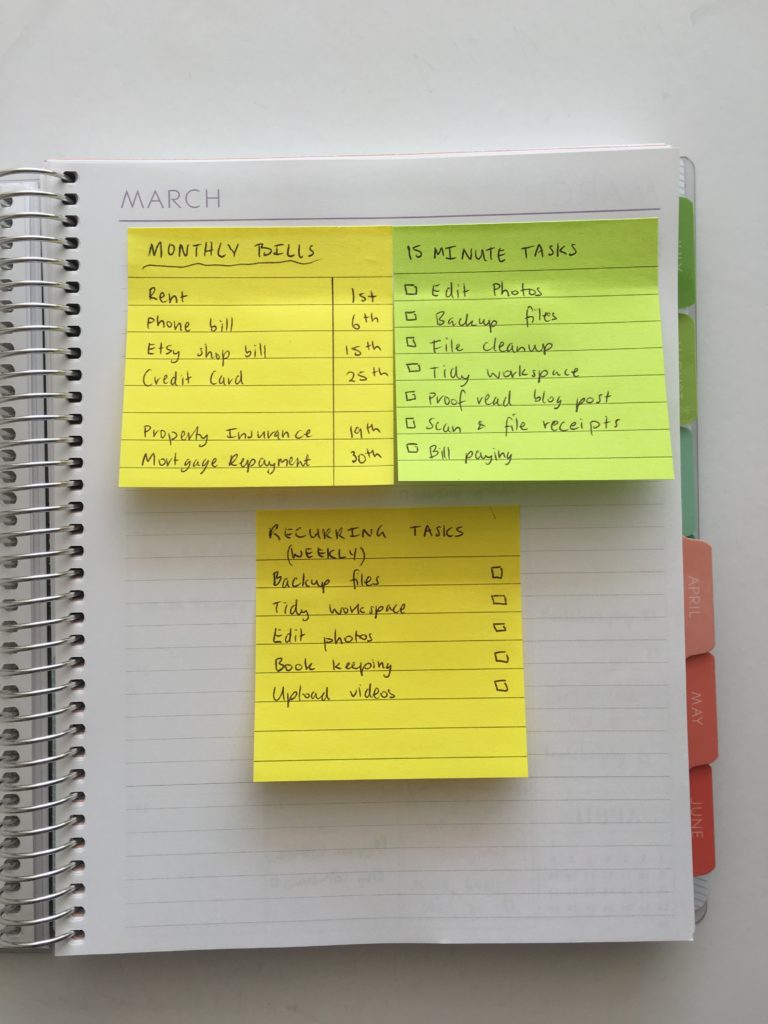
Rather than re-writing recurring tasks, use a sticky note that can be moved from week to week. The Post it Note 3M super sticky are my favorite as they can last a couple of weeks without losing their stickiness.
More posts on planning using sticky notes
- How to do color coded weekly meal planning in less than 5 minutes using sticky notes
- How to keep track of blog post ideas using sticky notes and a notebook
- Week 2: Planning using daily checklists
- Quick and easy weekly meal planning using sticky notes
- 5 Ways to use sticky notes for school or college
- 10 ways to plan using sticky notes
- My favorite sticky note brands for planning
Found this post helpful? Pin it!

Thank you this popped into my email box just at the right time, I need to get more organised so this has given me some good ideas. I will start with the habit tracker and insert into my planner/diary and also try the reminders on my iPhone xxx thank you ?
Glad you found the tips helpful! 🙂
#1 is exactly what I’ve been looking for to try to keep track of all the social media posts and different promo posts! Thank you so much! 🙂
Awesome stuff!! Thanks for all your tips!
thanks, super once again!