Productivity focused weekly spread using Happy Planner inserts and color coding
Similar to my previous post with simple checklists to use when you don’t have time for a weekly planner, in this post I’m sharing a simple approach to weekly planning using a Happy Planner insert. This is one of the ‘laziest’ ways to plan your week with almost zero setup before you get stuck into planning.
Related post: How to ‘lazy plan’ your week (in 4 simple steps)
Before the Pen
I used the ‘Playful Brights’ Happy Planner classic size insert, covered up the smiley face and ‘kindness reminder’ with white out, and then used black and white polka dot washi tape over the top. That’s it, time to start planning!


The dot grid spacing on this insert is 4mm, but just note that the Happy Planner is quite inconsistent with their dot grid spacing, it’s not always 4mm on every one of their inserts.
Related post: Where to buy dot grid refill paper (unpunched or punched for discbound planners and notebooks)
After the Pen
I used to make a big deal out of having the week at the top of the page, but I’ve been preferring just a small note at the bottom of the page these days. I wasn’t even writing the week reference in there for a while when I was using the same checklists for multiple weeks, but I do like having it as reference to look back on later.
Like when I was doing my 2024 goal review and quite frankly, didn’t hit many of my goals. I could flick through all of my spreads and be reminded about all the travel I got to do, and all of the unexpected stuff that went down in the second half of the year that got in the way of ticking off my goals. So yes my approach to use a planner / planning in general is predominantly ticking things off a list, but in a way it’s also part journal, just not ‘deary diary’ style.

If you did want to add dates / reference to the week, you could layer a box sticker over the washi tape (I like the essential boxes sticker books from Happy Planner for this). If you do use the Happy Planner sticker, be sure to check what size you’re buying, as the packaging is very similar for the different planner page sizes they offer.
Related post: The best budgeting sticker books for your planner or bullet journal

Related post: Using a planner key and symbols to code your planner (efficient planning methods)
I used a simple key and color coded with highlighters:
- Urgent
- Should do
- If I have time
Related post: 6 Ways to color code your planner to increase productivity
I used the remaining space to create a pomodoro tracker. I’m easily distracted by YouTube and other tabs on my computer, so setting a timer and the satisfaction of getting to mark something off keeps me motivated.
This is what the pomodoro tracker looked like at the end of the week:

I’ve been using tally marks to track my pomodoro’s for quite a while now so decided to switch it up and try some patterns instead. I managed to complete a run of the chevrons on Sunday so started with dots. I might try asterisks, drawing boxes and shading them with patterns etc. to mix it up in future spreads.
If you don’t need or want a pomodoro tracker, you could use the dot grid space for tracking other habits, meal planning, appointments, reminders etc.
Supplies used
- ‘Playful Brights’ Happy Planner classic size insert
- Happy Notes classic size (the notebook I used is discontinued, but you can find others in my sister’s store, Carefully Crafted)
- Black and white polka dot washi tape (15mm) from Carefully Crafted
- Get it done stickers from KHD stickers
- LED therapy sticker (custom habit tracker sticker from KHD stickers)
- Pilot Frixion erasable pen 0.7mm
- Carpe Diem haircut stickers from their calendar sticker book
- Stabilo boss highlighters from the bulk arty packs (read why I’m obsessed with these highlighters in this post)

Would I use this spread again?
Yes, it was fast and easy to set up but still had some color. The ‘no frills’ productivity spread was effective.
If you can’t get a copy of the Happy Planner insert I used in this spread, or it’s not quite right for you, see this post for more recommendations: Favorite Happy Planner Refill Inserts
Past weekly spreads
- May Designs Blue & Pink Weekly Spread
- Hacking the Dabney Lee for Blue Sky horizontal weekly planner
- Color Coding in the Limelife Planners Layout C Weekly Spread
I’ve posted over 200 past weekly spreads, browse them all here.
Planning tips
- How to get started digital planning: the tools & resources you need
- 5 Planner supplies you should never skimp on
- Minimalist Planner Decorating: Title Ideas for your Bullet Journal
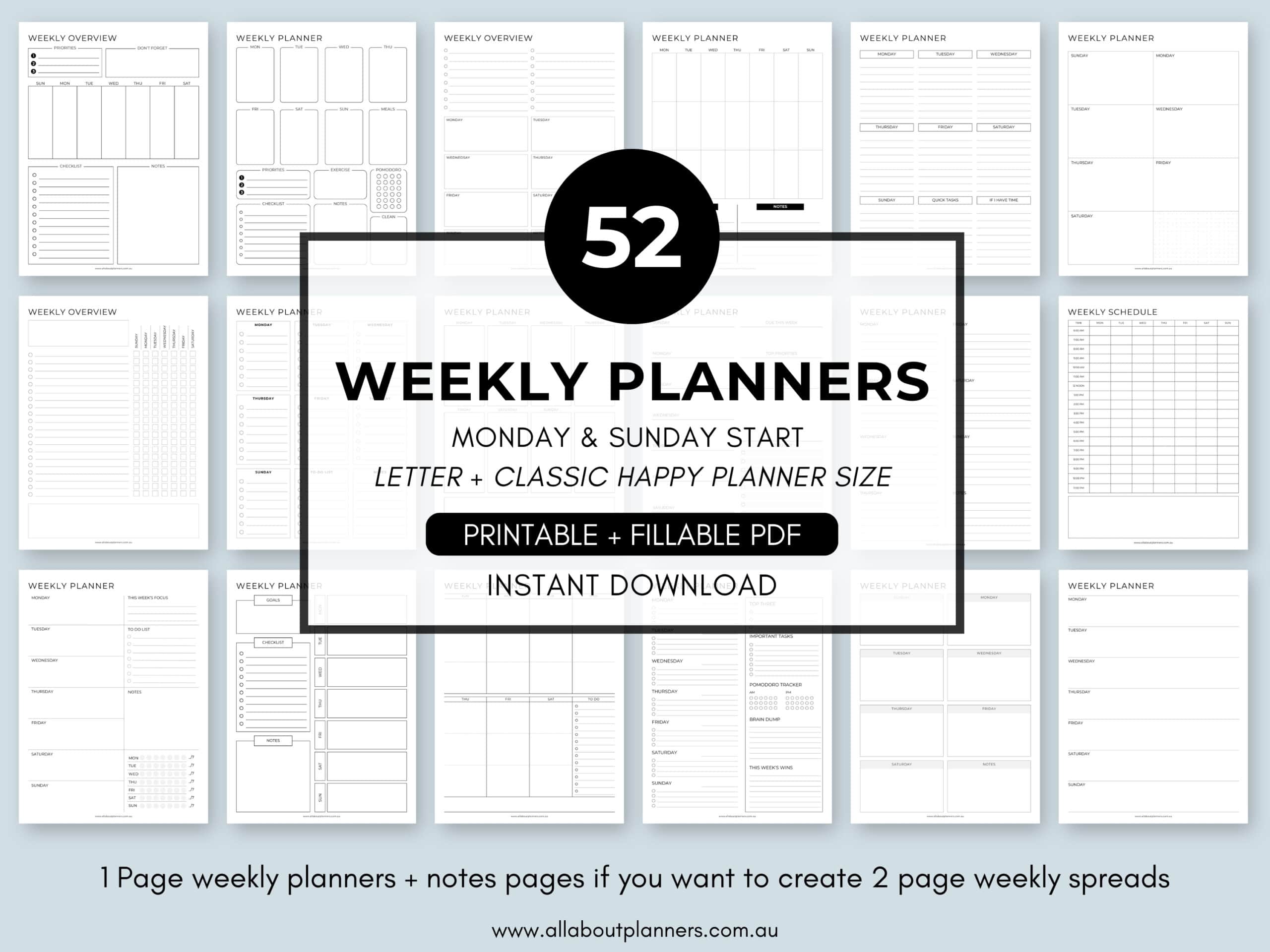
Tired of drawing up weekly spreads? This printable bundle of 52 different 1 page weekly planners (you can mix and match to create 2 page spreads if you prefer), is available in my Etsy shop and online store. It comes in US letter size and Happy Planner classic page size.
Liked this spread? Pin it!